

Thunderbolt 3 vs USB-C Cable: What’s the Difference?
Thunderbolt 3 vs USB-C Cable: What’s the Difference?
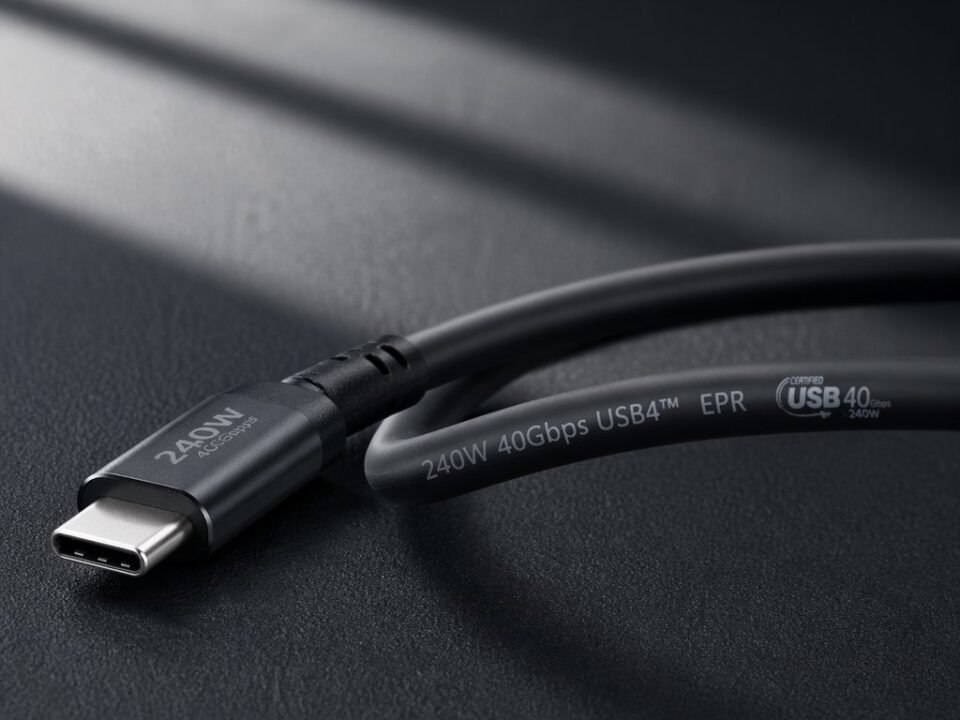
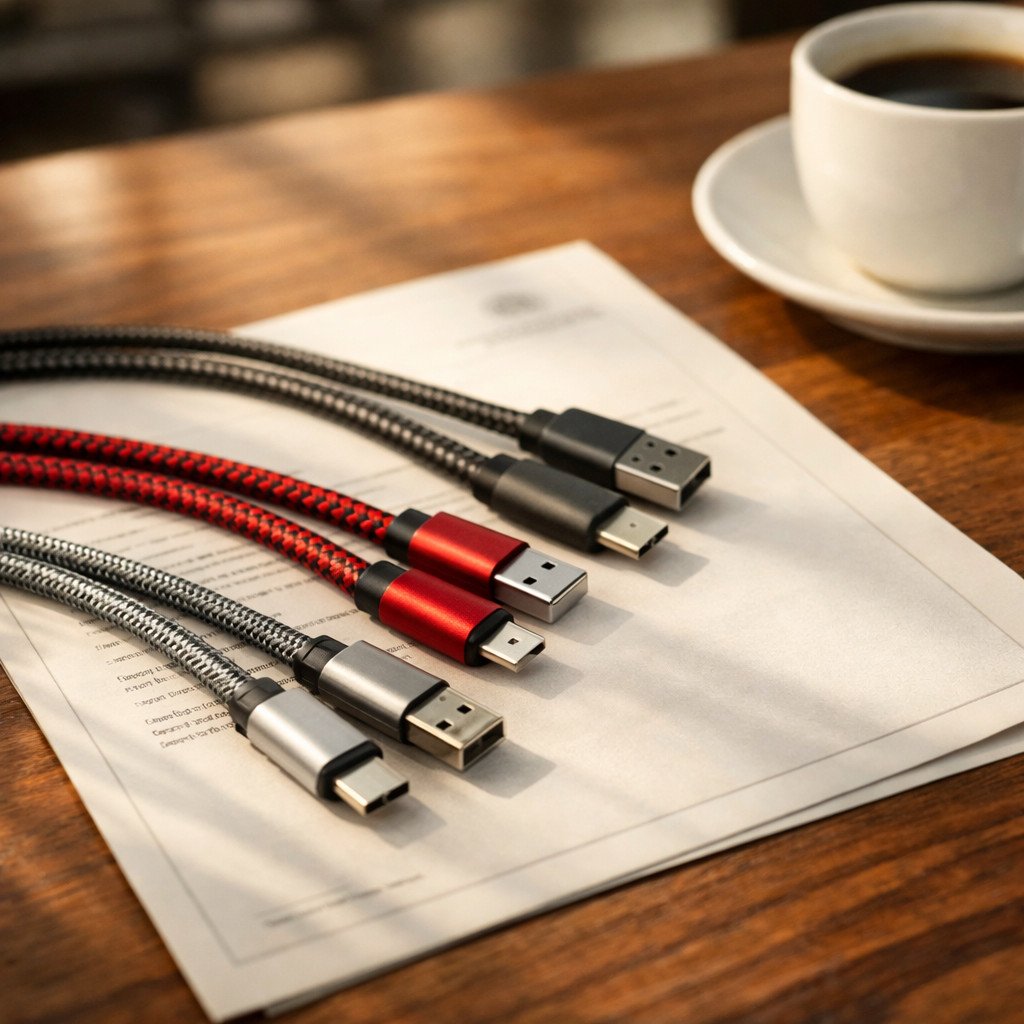
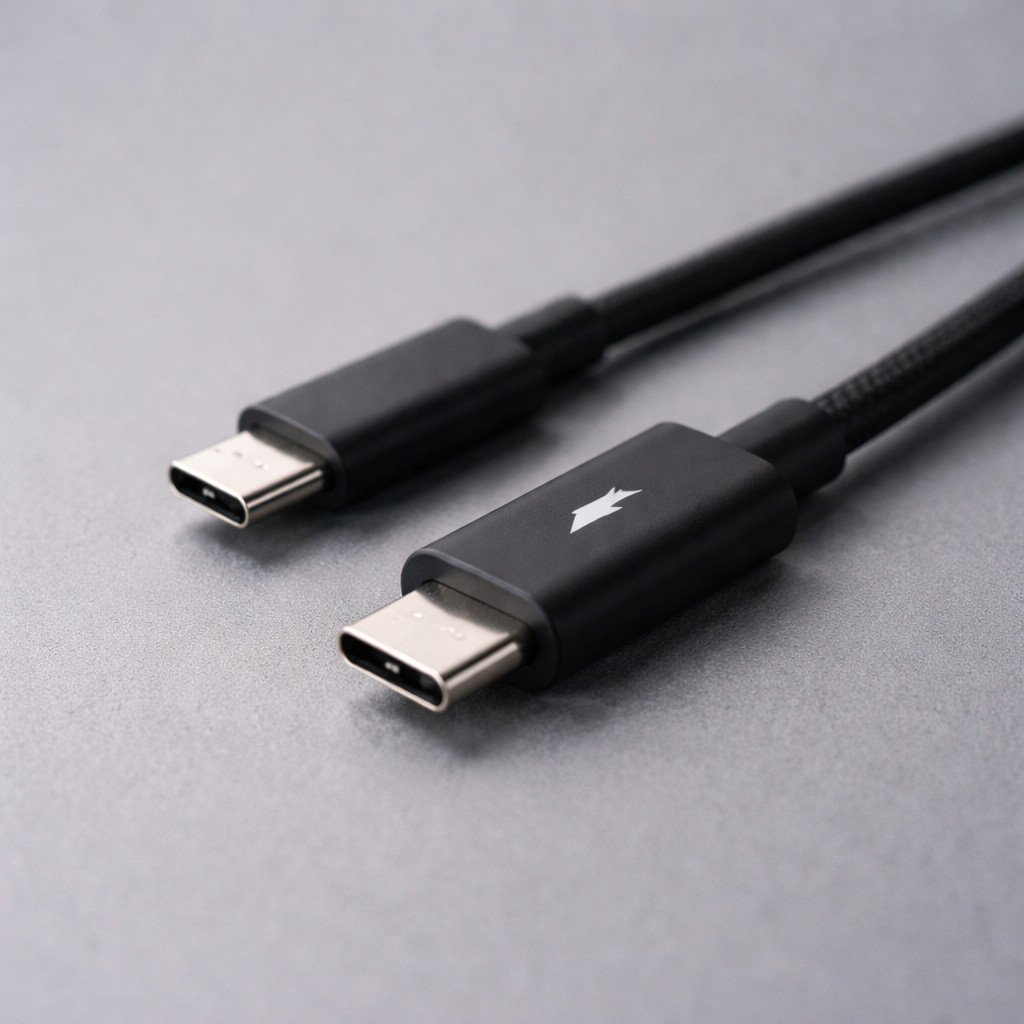
Thunderbolt 3 vs USB-C cables may look the same, but they differ significantly in terms of performance, internal structure, and usage. Understanding the differences between Thunderbolt 3 and USB-C cables is essential for buyers, engineers, and sourcing teams looking for reliable connectivity solutions.
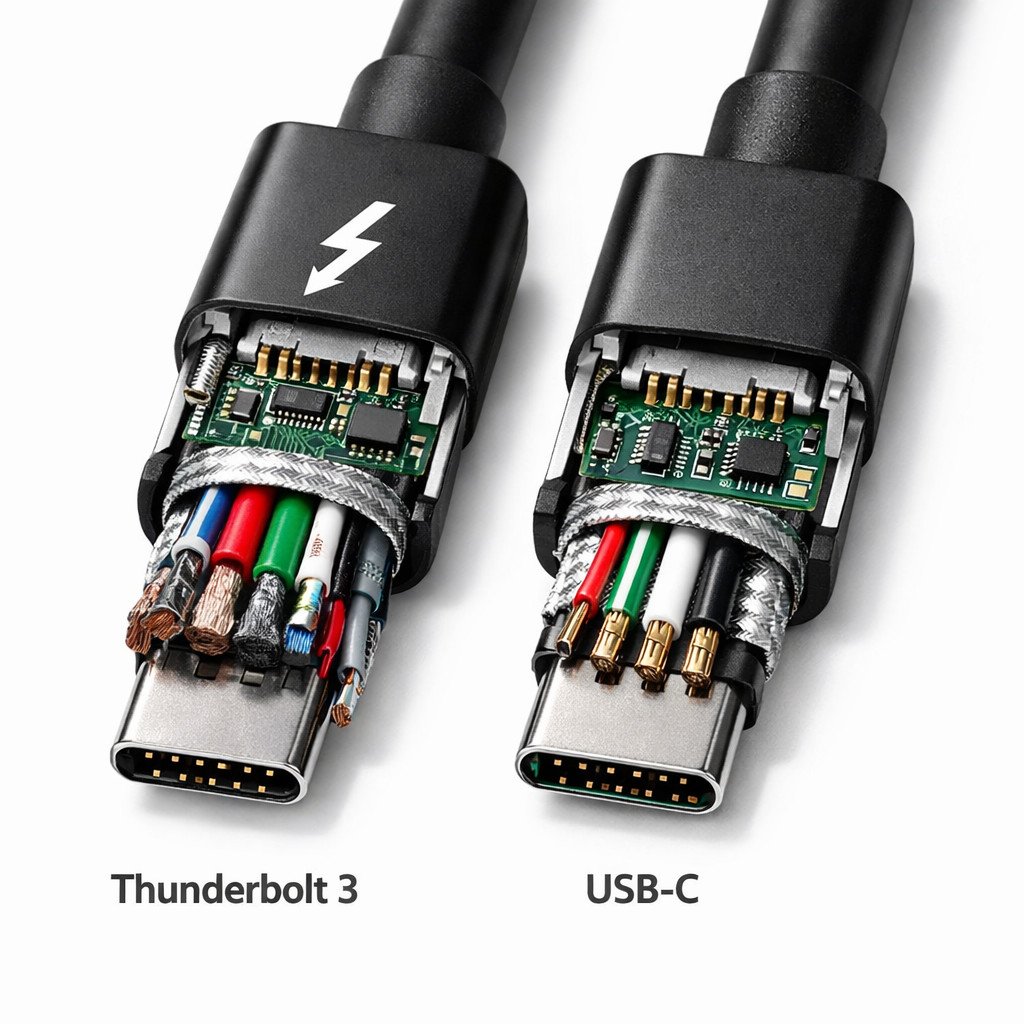
Thunderbolt 3 vs USB-C cable comparison for speed, power delivery, and internal design.
Thunderbolt 3 and USB-C cables may use the same connector shape, but they are not the same product. Understanding the difference between a Thunderbolt 3 vs USB-C cable is important for buyers, engineers, and sourcing teams who need reliable high-speed data transfer, stable charging, and dependable video output. In many projects, choosing the wrong cable can lead to performance issues, compatibility problems, or unnecessary cost.
Article Structure
- Thunderbolt 3 vs USB-C: key difference overview
- Data transfer speed comparison
- Power delivery and charging differences
- Video output capability
- Internal structure differences
- Active vs passive cable considerations
- When to choose Thunderbolt 3 vs USB-C
- What buyers should ask before sourcing
- Final buying advice
1. Thunderbolt 3 vs USB-C: Key Difference Overview
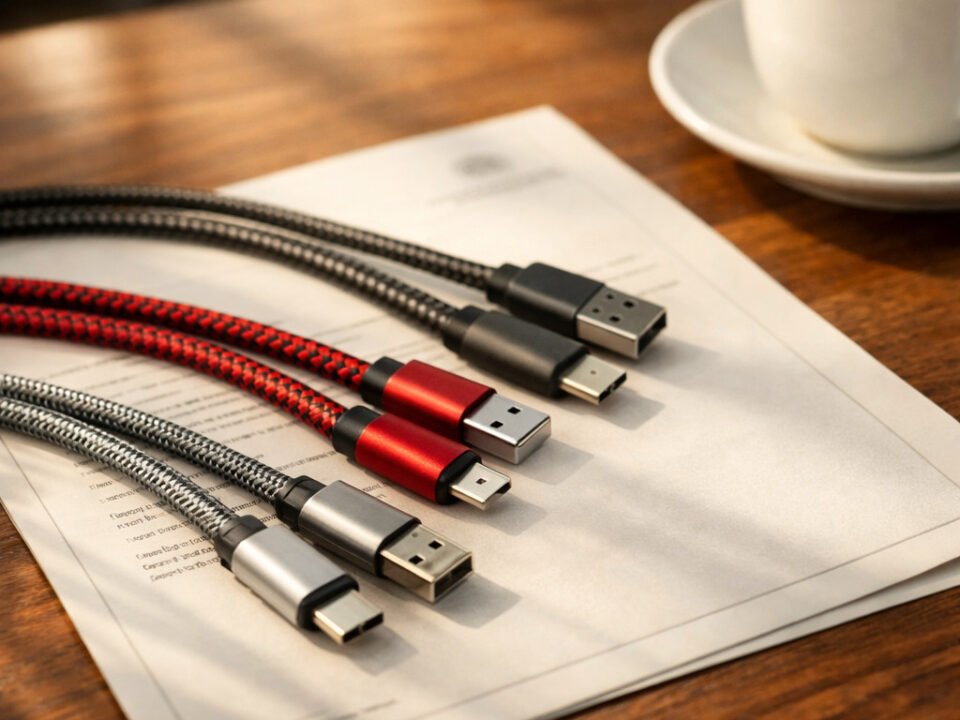
At first glance, Thunderbolt 3 and USB-C cables appear almost identical because both use the USB Type-C connector. However, the connector shape does not define the performance level. Thunderbolt 3 is a much more demanding standard that supports higher-speed data transfer, advanced display output, and more demanding device connectivity. A standard USB-C cable may support only charging, or it may support basic data transfer, depending on how it was designed and manufactured.
This is why the distinction matters in commercial projects. A buyer may assume any USB-C cable can replace a Thunderbolt 3 cable, but that is often not the case. For docking stations, external SSDs, high-resolution displays, or mixed-use office setups, the wrong cable can quickly become a weak point in the system.
According to industry standards, Thunderbolt 3 can support up to 40Gbps bandwidth and integrates PCIe and DisplayPort protocols over a single cable.
2. Data Transfer Speed Comparison
One of the biggest differences between Thunderbolt 3 and ordinary USB-C cables is transfer speed. Thunderbolt 3 is designed for very high-bandwidth transmission and is commonly associated with data rates up to 40Gbps in suitable applications. By comparison, many standard USB-C cables are built for lower-speed USB data standards or even charging-only use cases.
In practical terms, this difference becomes important when users connect external storage, docking stations, or professional peripherals. A cable that looks identical on the desk may deliver a completely different user experience depending on its internal design. For buyers, this means product selection should be based on application requirements rather than appearance alone.
| Type | Typical Capability | Best For | Main Risk if Misused |
|---|---|---|---|
| Thunderbolt 3 cable | High-bandwidth data transmission | Docks, SSDs, display-intensive setups | Higher cost if over-specified for simple needs |
| Standard USB-C cable | Charging or lower-speed data, depending on design | Basic charging and general everyday connectivity | Insufficient performance for demanding devices |
In real projects, we often see users choosing the wrong cable simply because the connectors look identical.
3. Power Delivery and Charging Differences
Another important difference between Thunderbolt 3 and USB-C cables is charging consistency. Many buyers assume that if two cables share the same connector, they should deliver the same charging results. In reality, charging performance depends on cable design, conductor quality, and supported power standards.
Some USB-C cables are designed mainly for charging and may perform well in simple power delivery applications. Thunderbolt 3 cables, however, are often selected for environments where users expect one cable to handle charging, data, and video together. That combined workload places higher demands on internal engineering, especially when reliability matters over time.
For OEM and wholesale buyers, this means charging capability should never be judged by connector style alone. It should be verified through specification, sample testing, and supplier consistency.
4. Video Output Capability
Video support is another area where Thunderbolt 3 and standard USB-C cables can differ significantly. Thunderbolt 3 is commonly selected for demanding display applications because it is designed for high-speed, multi-function connectivity. A basic USB-C cable may physically connect to the same port, but that does not guarantee it will perform equally well for high-resolution or multi-device video setups.
This difference becomes especially visible in docking stations, workstation environments, and premium notebook accessories. Users may encounter unstable display output, lower-than-expected refresh performance, or inconsistent peripheral behavior when the cable does not match the required performance level.
Buyer takeaway
If the end use involves displays, docks, storage, and charging through one cable, product selection should be based on full performance requirements, not just connector compatibility.
5. Internal Structure Differences
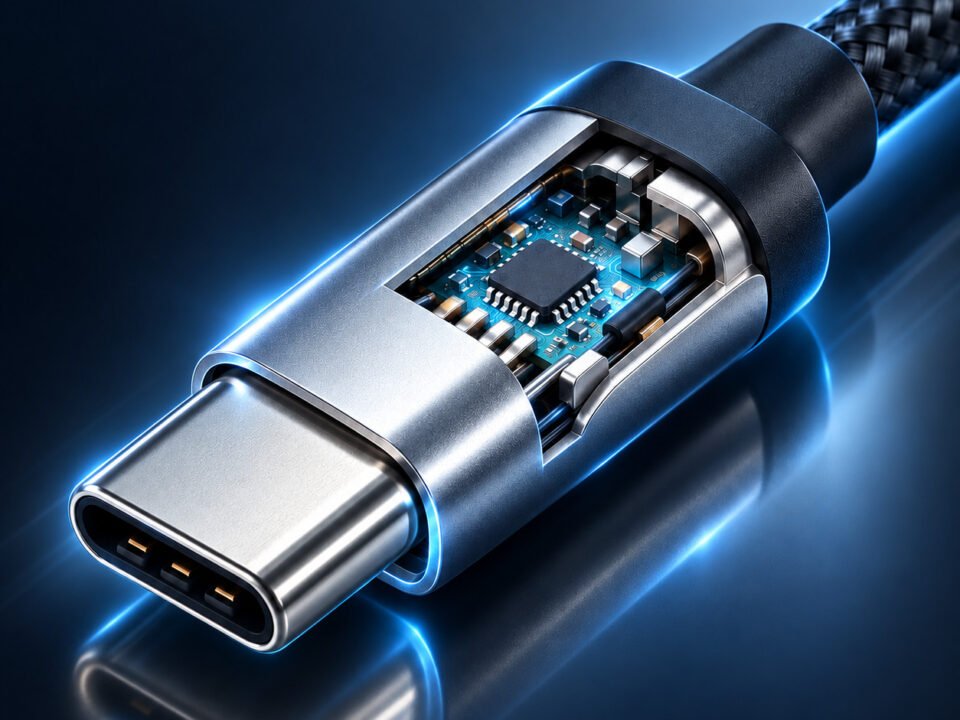
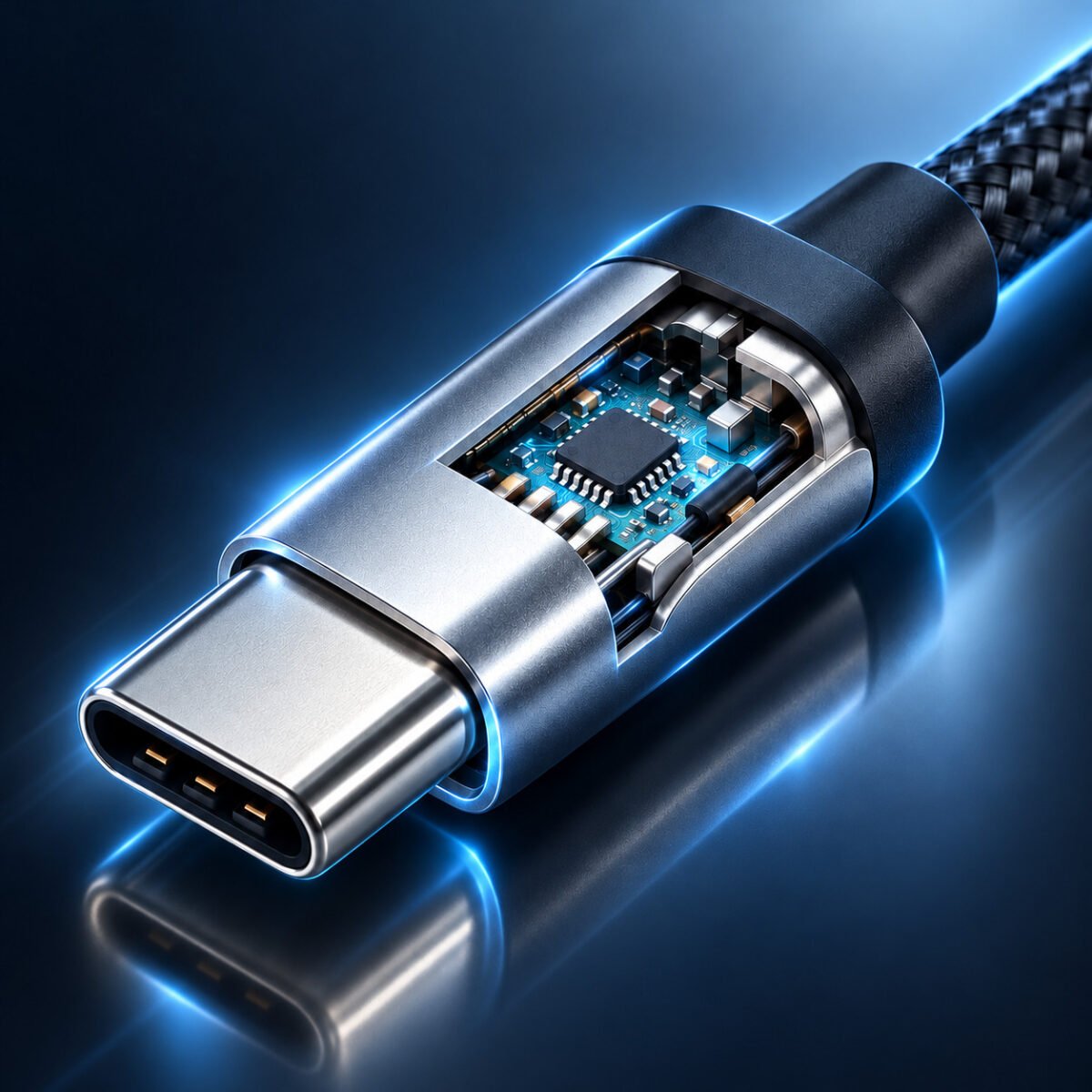
The real difference between Thunderbolt 3 and USB-C cables is inside the cable. A Thunderbolt 3 cable typically requires a more advanced internal structure to maintain signal integrity, control interference, and support demanding transmission tasks. This can include more precise conductor arrangement, improved shielding, more stable internal PCB design, and tighter assembly control.
By contrast, many standard USB-C cables use a simpler internal structure because their intended use is less demanding. That does not automatically make them low quality; it simply means they may be optimized for different cost and performance priorities.
If you want to understand this difference more clearly, you can refer to our detailed Thunderbolt 3 cable teardown, where we explain PCB layout, shielding, wire structure, and real build-quality factors in more detail.
Thunderbolt 3 Cable Internal Priorities
- Signal integrity for high-speed transfer
- Stronger shielding and grounding control
- More demanding assembly consistency
- Stable mixed-use performance
Standard USB-C Cable Priorities
- Cost-effective general connectivity
- Simple charging or lower-speed data tasks
- Broader everyday compatibility
- Less demanding internal architecture in many cases
6. Active vs Passive Cable Considerations
In some cases, buyers comparing Thunderbolt 3 vs USB-C cables also need to understand active vs passive cable design. This is especially relevant when cable length, bandwidth demand, and application stability all matter. Passive cables are generally simpler in structure, while active cables may include internal circuitry to help maintain signal quality in more demanding scenarios.
For sourcing teams, the key point is that cable choice should always match real application conditions. A cable used for short, simple connectivity has different requirements from a cable expected to support docking, display output, charging, and high-speed transfer at the same time.
7. When to Choose Thunderbolt 3 vs USB-C
Thunderbolt 3 is usually the better choice when the application involves demanding bandwidth, professional workflows, high-resolution display output, or advanced docking environments. USB-C cables are often sufficient for standard charging, simple device connections, and lower-performance use cases where extreme data speed is not the priority.
For commercial buyers, the decision should be based on end-user expectations. If the customer needs stable multi-function performance, Thunderbolt 3 is often the safer choice. If the product is intended for general charging or everyday connectivity, a well-made USB-C cable may be the more practical solution.
| Use Scenario | Better Choice | Why |
|---|---|---|
| Docking station with video + data + charging | Thunderbolt 3 cable | Better fit for mixed high-performance workloads |
| Basic charging and phone/tablet accessories | USB-C cable | More cost-effective for simple tasks |
| High-speed external storage use | Thunderbolt 3 cable | Higher transmission requirements |
| General everyday office charging | USB-C cable | Often sufficient when advanced functions are unnecessary |
8. What Buyers Should Ask Before Sourcing
Whether you are sourcing Thunderbolt 3 or USB-C cables, supplier evaluation matters just as much as specification. A good supplier should be able to explain internal structure, consistency between samples and mass production, testing capability, and support for OEM requirements such as branding, length, packaging, or custom applications.
- What performance standard is this cable designed to support?
- Is the cable intended for charging only, data only, or mixed-function use?
- What internal conductor and shielding structure do you use?
- How do you control consistency between samples and bulk production?
- Can you support OEM, custom branding, or wholesale projects?
USB-C cable manufacturer · USB-C data cable manufacturer · quality assurance and certification · contact us
9. Final Buying Advice
When comparing Thunderbolt 3 vs USB-C cables, the most important point is this: the same connector shape does not mean the same performance. Buyers should evaluate cables based on data requirements, charging needs, video use, internal construction, and application environment. Choosing the right product is not only about cost. It is about matching the cable to the actual workload.
If your business involves OEM, wholesale, or custom cable sourcing, a reliable supplier should help you identify the right cable type before production, not after product issues appear in the field.
Need Help Choosing the Right Cable for Your Project?
We support OEM and wholesale cable projects with stable production quality, custom specifications, and practical engineering support. Explore our high-speed cable manufacturing capabilities or contact our team to discuss your requirements.
For more information on Thunderbolt 3 standards, you can visit the official USB4 specification page.
Learn more about USB-C cables on USB.org.