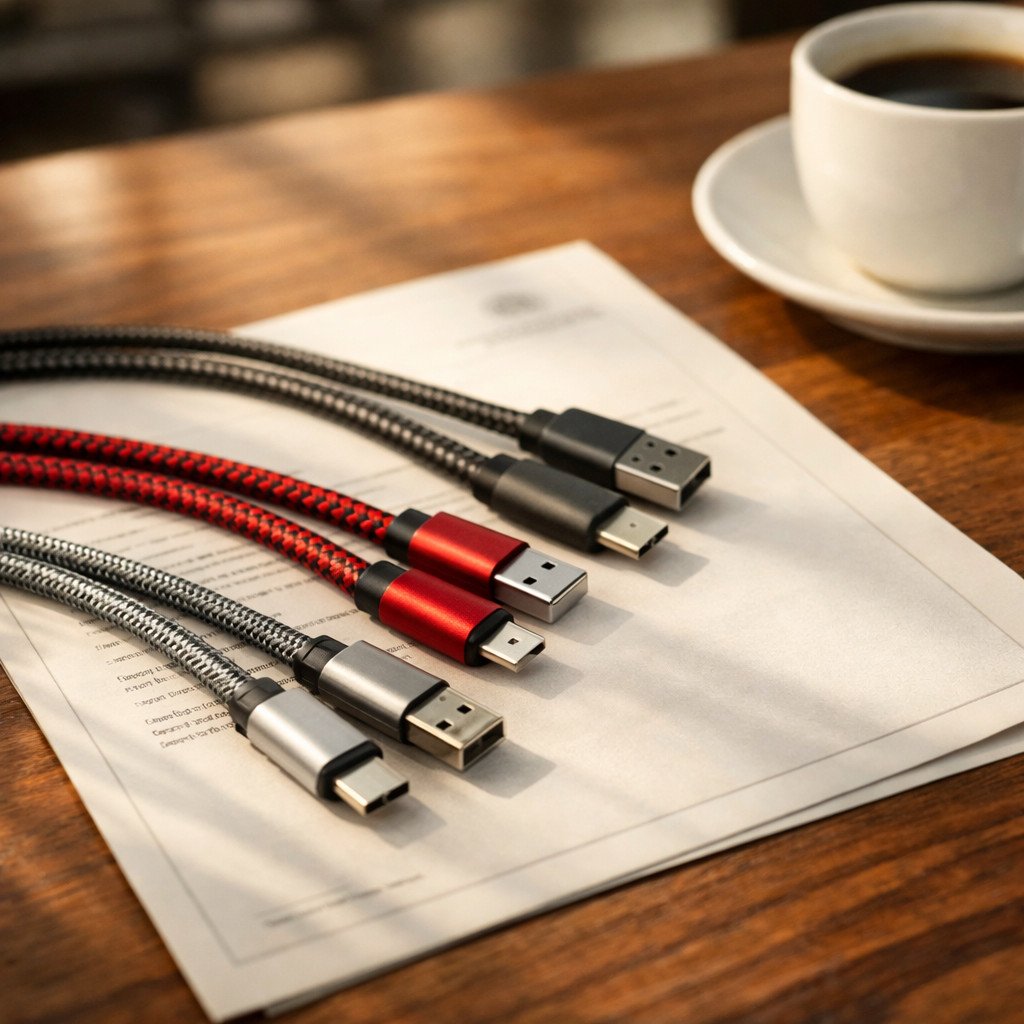


Thunderbolt 3 Cable Teardown: Internal Structure Explained
Thunderbolt 3 Cable Teardown: What’s Inside and How Build Quality Affects Performance
A true Thunderbolt 3 cable is far more than a simple USB-C charging lead. Its internal structure, PCB layout, conductor arrangement, and shielding design all influence data stability, video output, and power delivery performance in real-world applications.
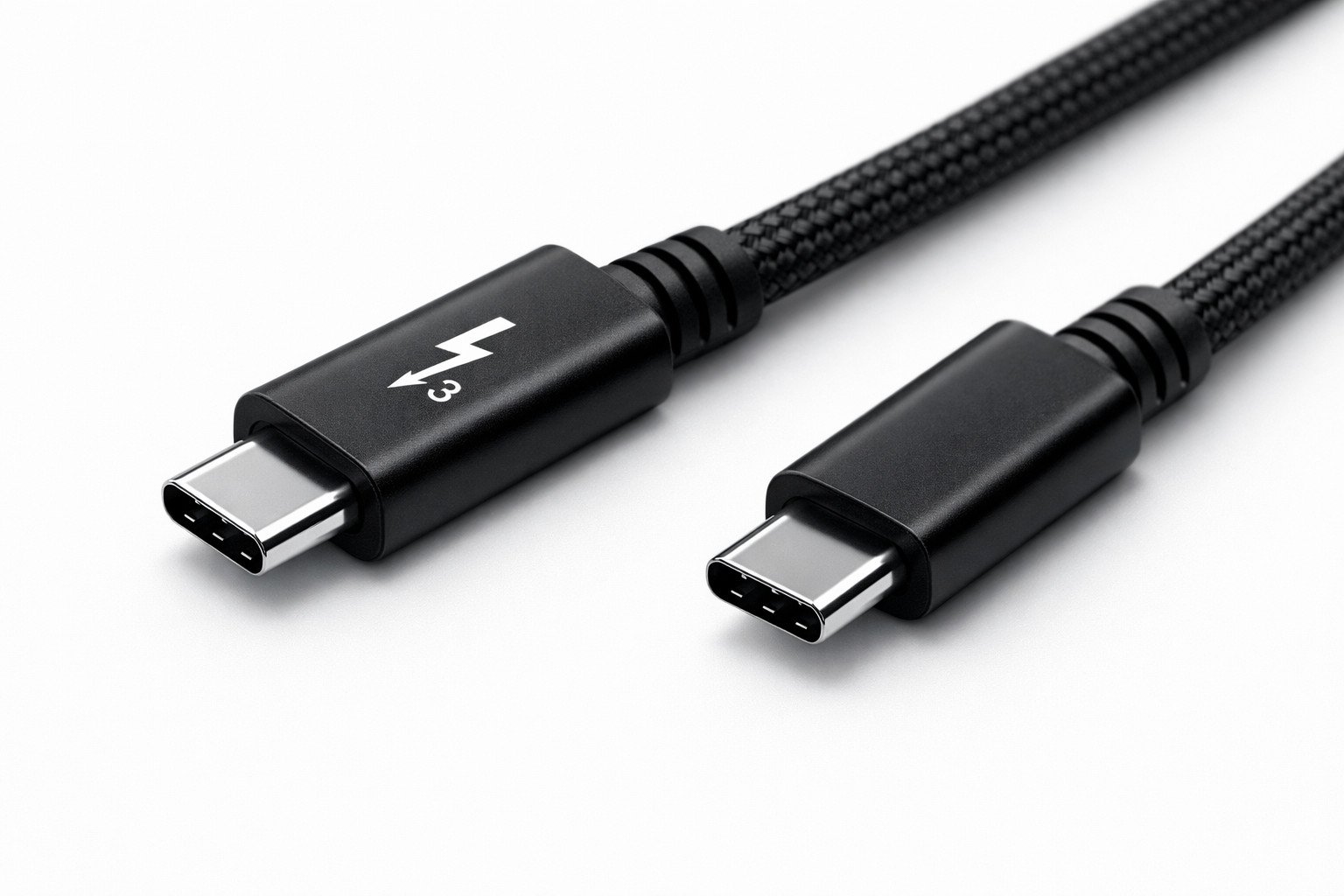
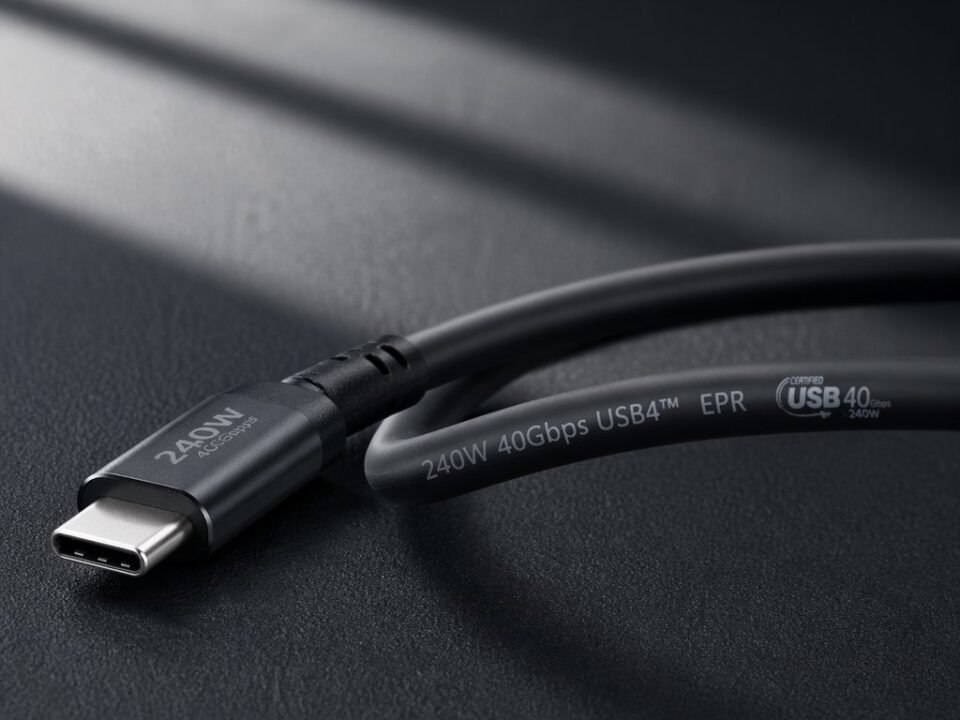
Thunderbolt 3 cable teardown showing internal structure, connector design, and overall product build quality.
A Thunderbolt 3 cable teardown is more than a visual exercise. It is one of the best ways to understand what is inside a Thunderbolt 3 cable and why some cables support stable high-speed transmission while others struggle with heat, bending, docking use, or mixed charging and display tasks. This guide is written for buyers, engineers, and sourcing teams who want a clearer view of Thunderbolt 3 cable internal structure, active vs passive differences, and the manufacturing details that affect long-term reliability.
Article Structure
- Why Thunderbolt 3 cables are different from ordinary USB-C cables
- What to inspect before opening a Thunderbolt 3 cable
- Thunderbolt 3 cable connector housing and strain-relief design
- Thunderbolt 3 cable PCB, chip, and soldering quality
- Thunderbolt 3 cable internal wire structure explained
- Thunderbolt 3 cable shielding and EMI protection
- Active vs passive Thunderbolt 3 cable differences
- How build quality affects charging, video, and data stability
- What buyers should ask a cable manufacturer
- How to identify a high-quality Thunderbolt 3 cable
- Final sourcing advice
- FAQ about Thunderbolt 3 cables
1. Why Thunderbolt 3 Cables Are Different from Ordinary USB-C Cables
Thunderbolt 3 uses the USB-C connector shape, but the internal engineering standard is far higher than that of a basic charging cable. A cable intended for high-bandwidth data transfer, video output, and power delivery must maintain tighter control over conductor arrangement, signal integrity, shielding, heat management, and connector stability. This is why two cables may look nearly identical from the outside while delivering completely different real-world performance.
For buyers and distributors, this distinction is important because appearance alone does not reveal internal quality. A low-end cable may look clean and well-finished, yet still lack the conductor consistency, shielding layers, or structural stability needed for demanding devices such as docks, external SSDs, eGPUs, or high-resolution displays.
2. What to Inspect Before Opening a Thunderbolt 3 Cable
Before the actual teardown begins, an external inspection already reveals useful clues about manufacturing quality. Buyers should examine connector finish, shell alignment, jacket consistency, cable diameter, printed markings, and strain-relief flexibility. In many cases, these details provide early warning signs of weak assembly or inconsistent process control.
For OEM or wholesale evaluation, external inspection is especially useful because it allows quick comparison between different samples before destructive testing. A more consistent outer structure often reflects better production discipline, while visible unevenness may suggest unstable assembly standards.
Visual Checkpoints Before Teardown
- Connector shell alignment and finish
- Uniform cable diameter and jacket surface
- Strain-relief flexibility and reinforcement
- Clarity of printed markings or branding
- Overall rigidity and perceived construction quality
Why Buyers Should Care
- Helps screen weak samples quickly
- Supports supplier comparison during sourcing
- Improves OEM sample evaluation
- Reduces risk before large-volume orders
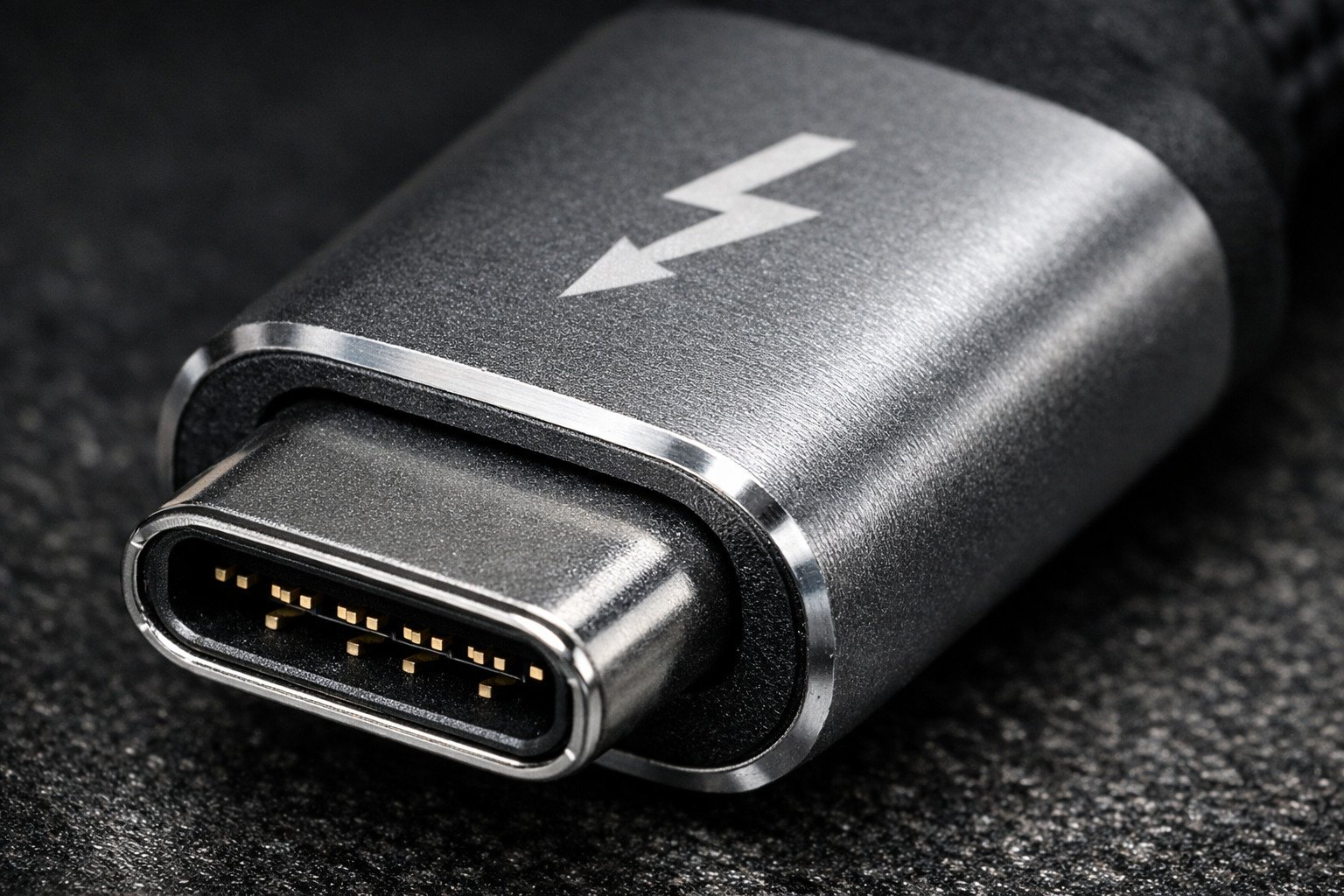
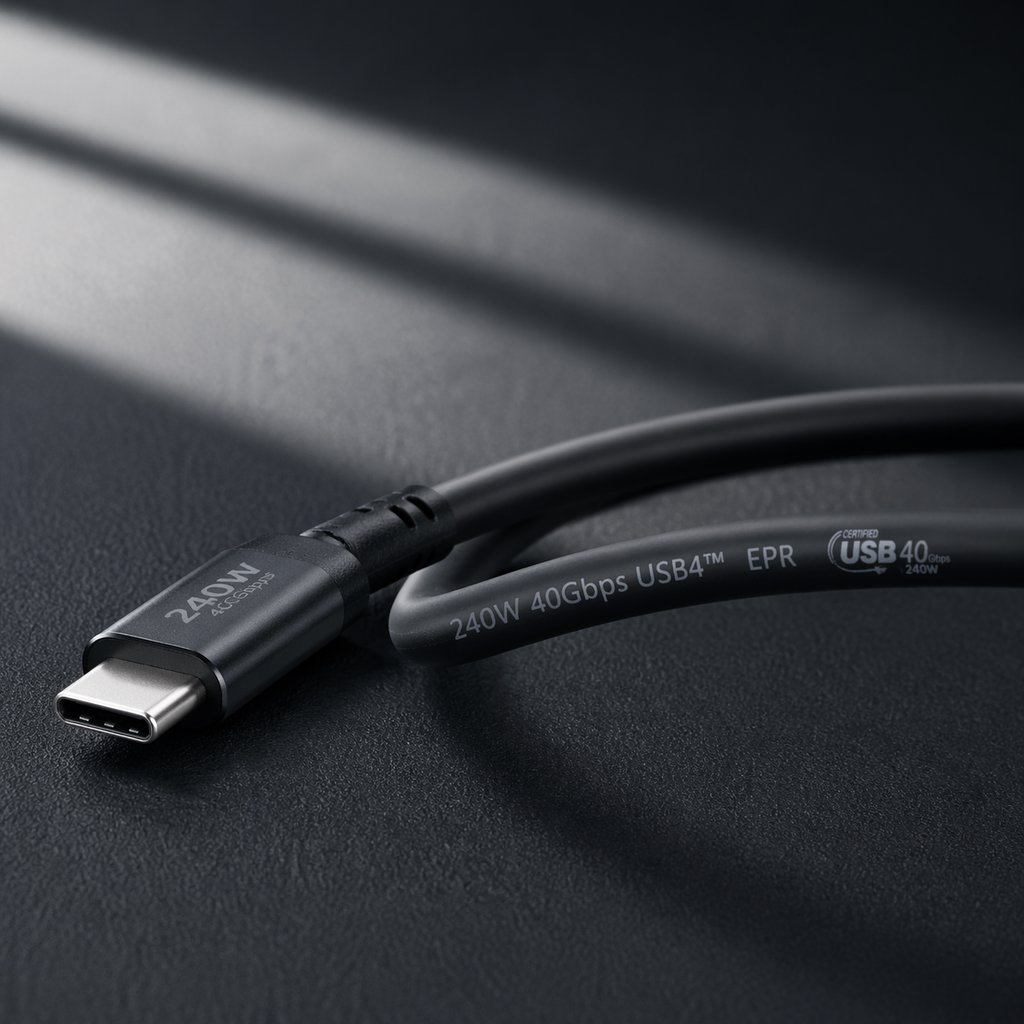
Close-up of a Thunderbolt 3 cable connector, showing shell finish, tolerance, and precision detail.
3. Thunderbolt 3 Cable Connector Housing and Strain-Relief Design
The connector housing is one of the first places where product quality differences become obvious. In a better cable, the shell is assembled with tighter tolerances, the internal board is held more securely, and the tail section includes proper reinforcement to reduce failure under repeated bending. In lower-grade cables, loose shell fit or weak tail support can increase the chance of early mechanical failure.
Strain relief is particularly important because it protects the transition area between the rigid connector and the flexible cable body. This is one of the highest-stress zones during real use. If the tail design is too stiff, too thin, or poorly molded, repeated bending may eventually damage internal conductors or weaken solder joints inside the connector.
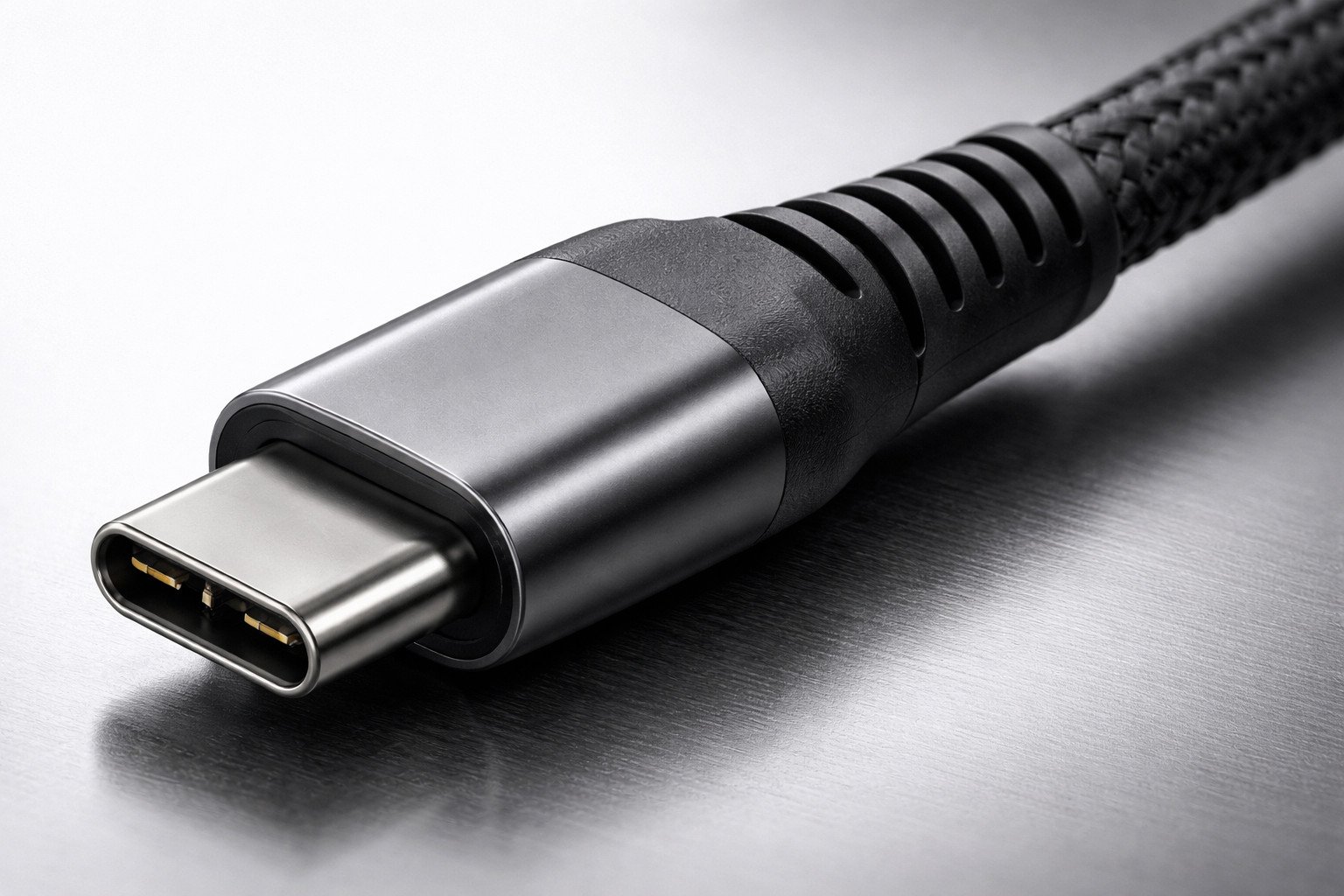
Strain-relief and connector tail design play an important role in long-term durability and repeated bending resistance.
Related internal resources
To evaluate supplier reliability, it helps to review pages such as product quality assurance and certification and contact us before requesting samples.
4. Thunderbolt 3 Cable PCB, Chip, and Soldering Quality
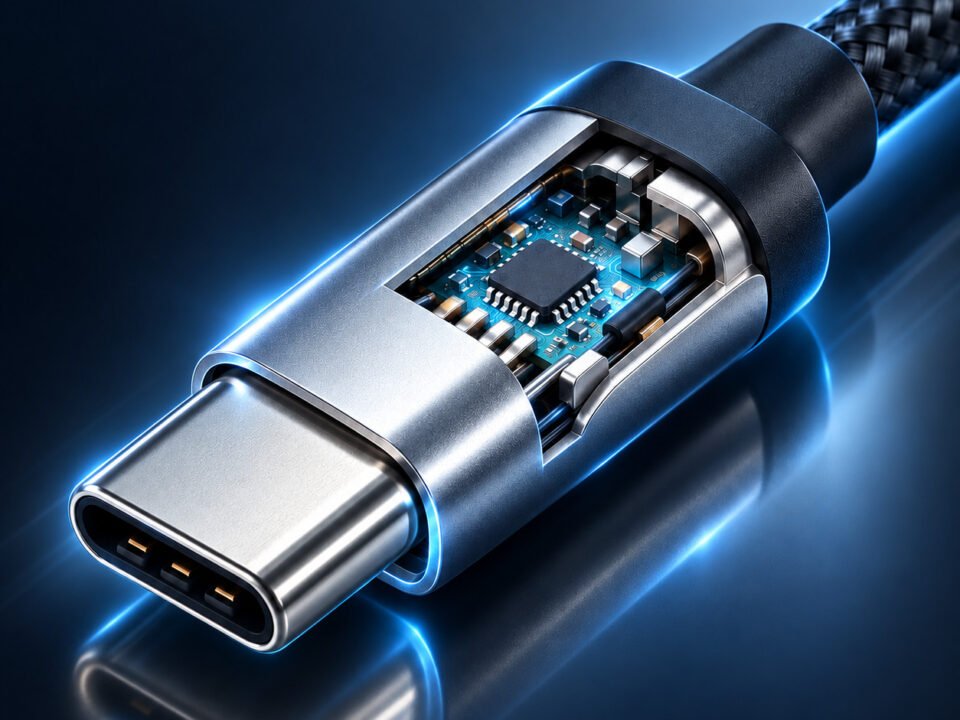
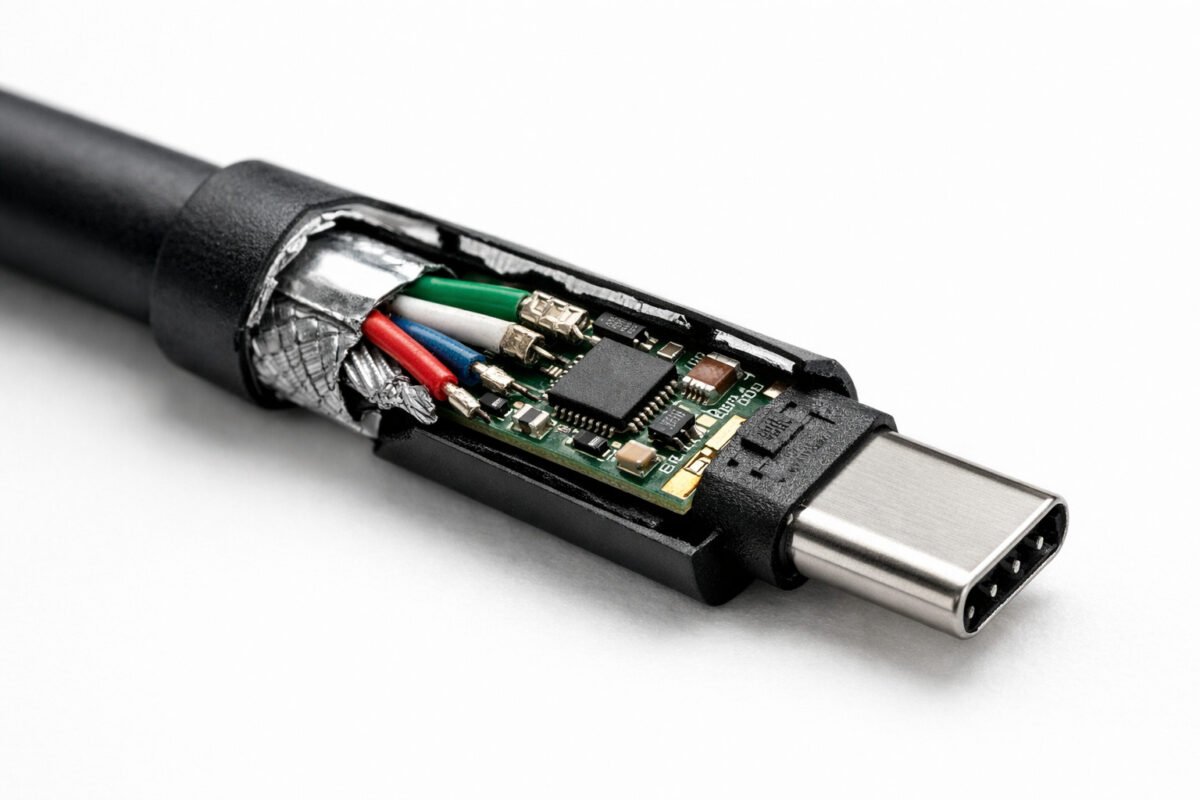
Once the shell is opened, the internal PCB becomes one of the most important parts of the analysis. A well-designed board helps maintain signal integrity, mechanical stability, and reliable electrical contact. Buyers want to see whether the board layout appears organized, whether components are placed consistently, and whether soldering quality reflects good process control rather than rushed assembly.
In high-quality Thunderbolt 3 cables, the PCB design supports stable high-speed transmission by reducing signal loss and minimizing interference. Poor PCB design or weak fixation may lead to unstable connections, reduced transfer speed, or compatibility issues when the cable is used with demanding accessories such as docking stations or high-speed storage devices.
Soldering quality is also a useful indicator of manufacturing maturity. Clean and uniform solder joints generally suggest better production consistency, while messy or excessive solder may indicate unstable long-term performance. For B2B buyers, this matters because an unstable internal assembly can become a batch-level quality problem after scaling up production.
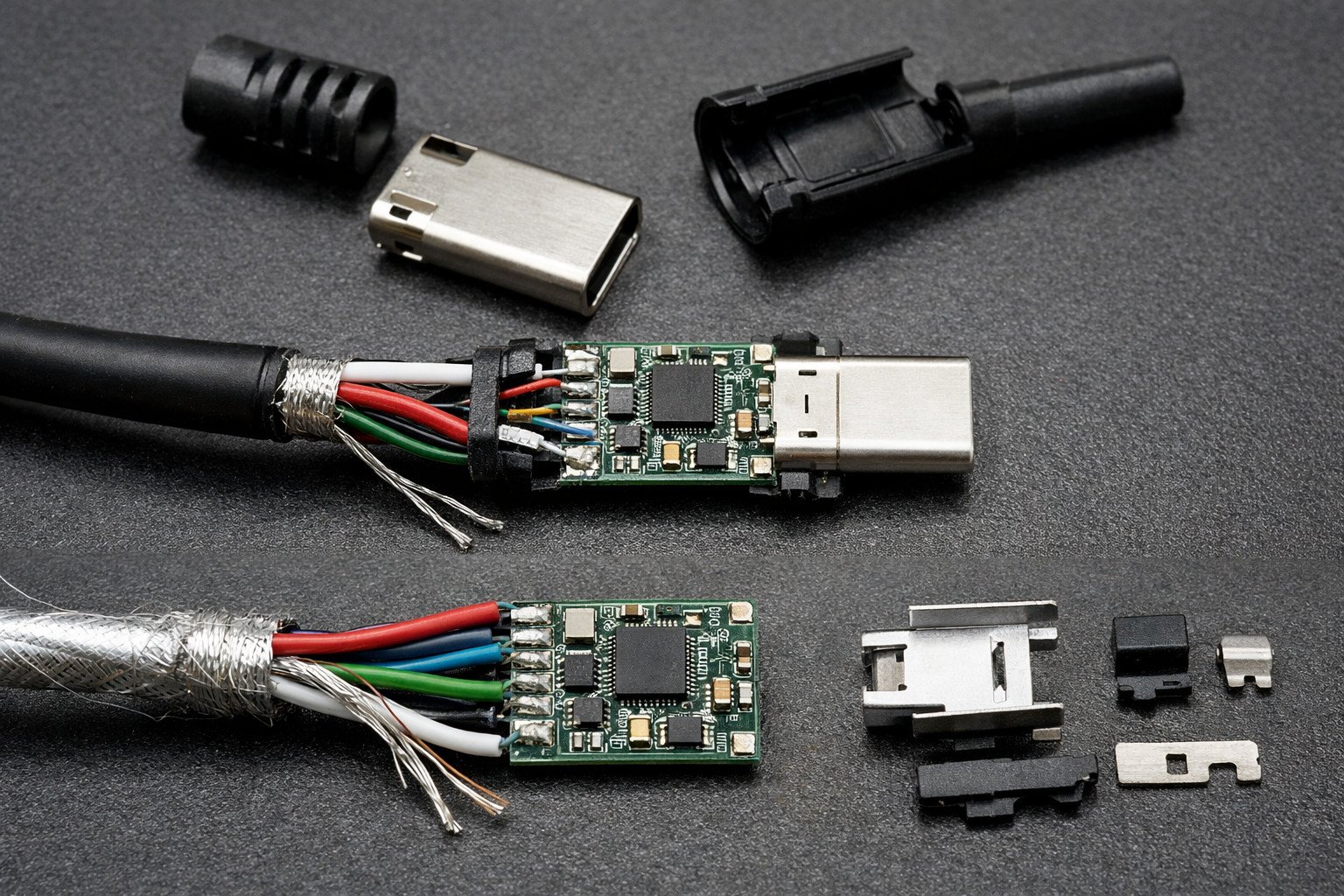
Main teardown image showing the internal PCB structure of a Thunderbolt 3 cable.
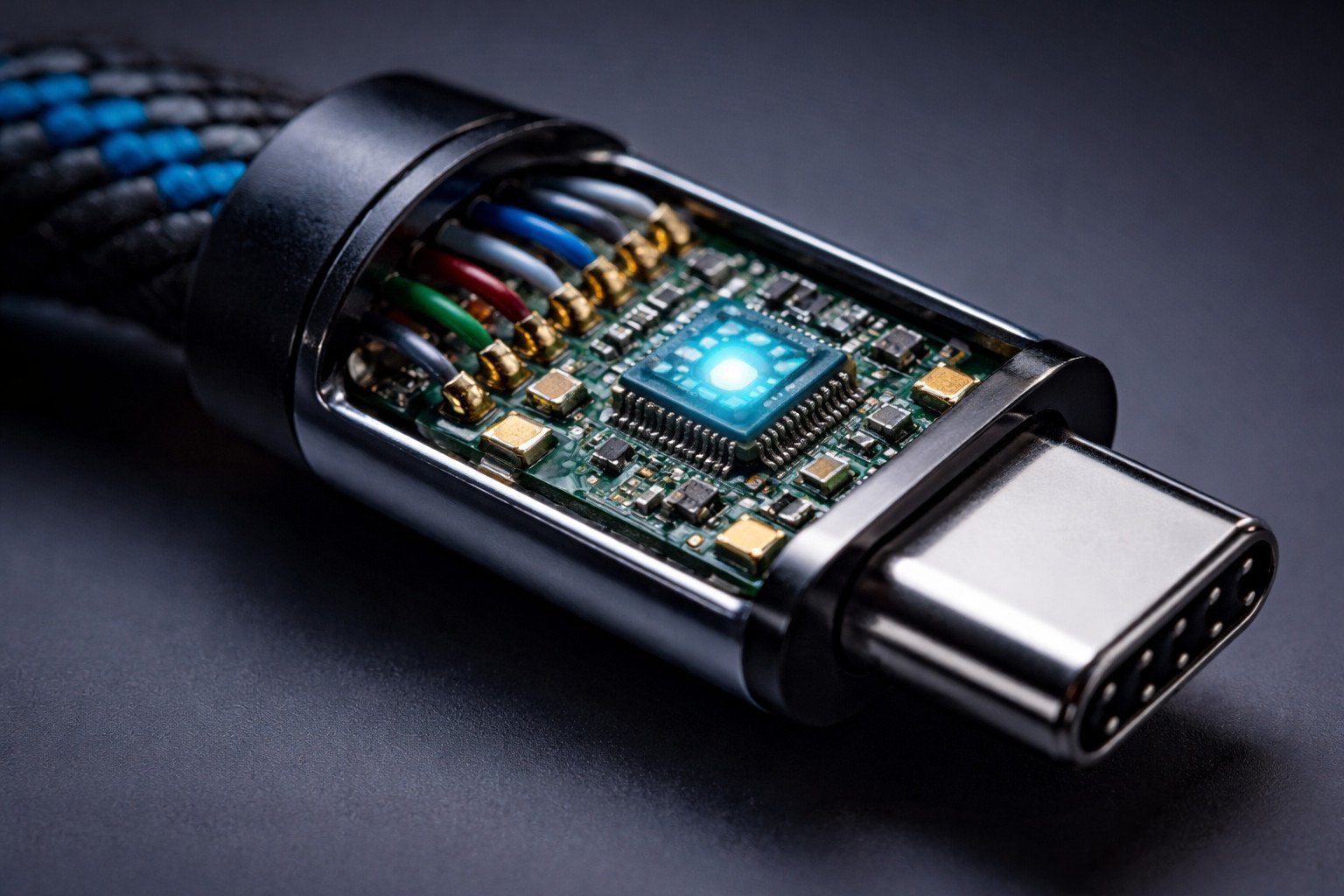
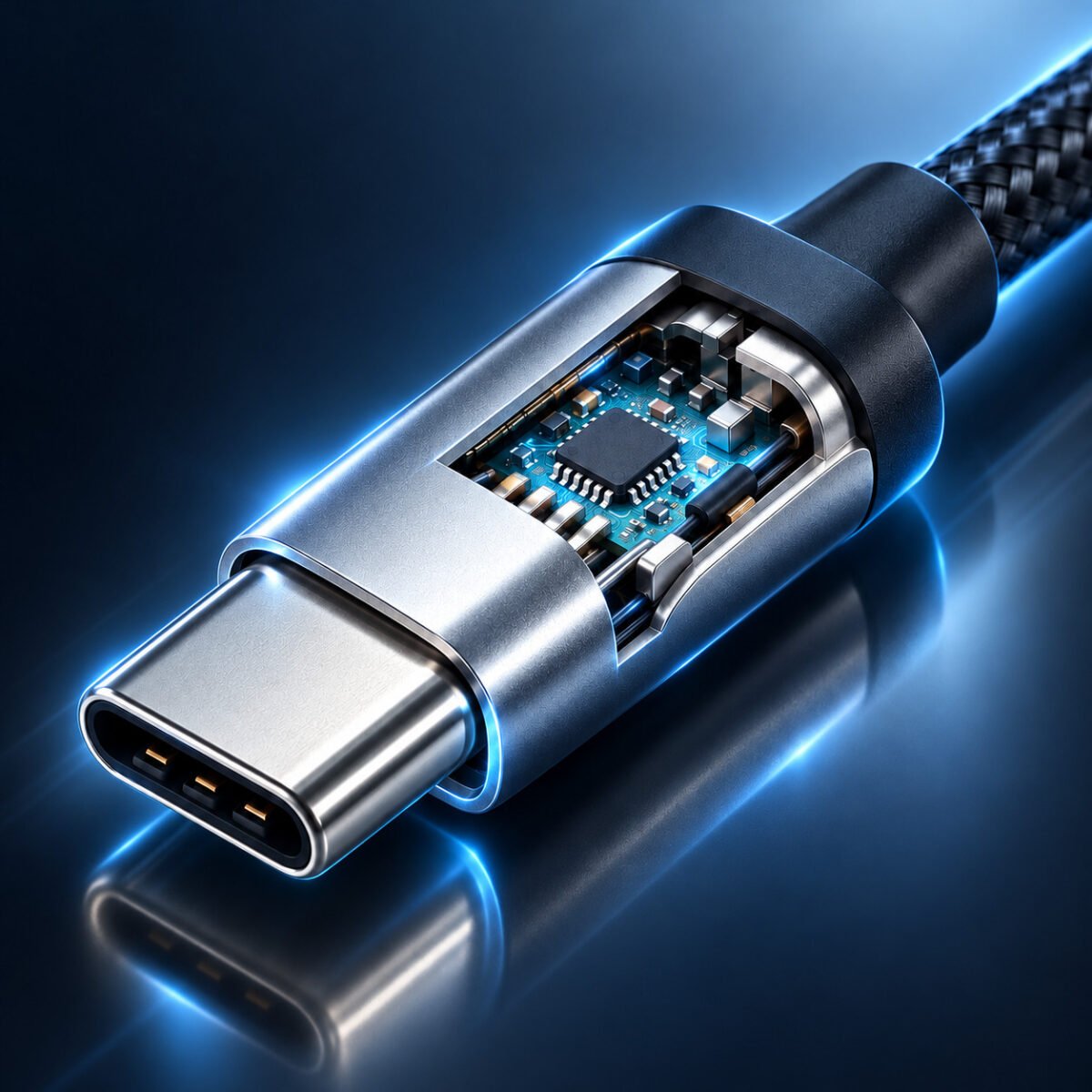
Macro view of PCB and microchip details inside a Thunderbolt 3 cable connector.
| Inspection Point | What Better Quality Usually Shows | Possible Risk in Low-Grade Assembly |
|---|---|---|
| PCB placement | Stable fixation and balanced internal structure | Movement, weak contact, or assembly stress |
| Soldering quality | Clean joints with consistent finish | Cold joints, unstable contact, early failure |
| Component arrangement | Compact, organized, and repeatable layout | Performance variation between batches |
5. Thunderbolt 3 Cable Internal Wire Structure Explained
The internal conductor layout explains why premium cables are usually thicker, more complex, and more expensive to manufacture than ordinary charging cables. A true high-speed cable must manage data pairs, power lines, ground paths, insulation layers, and spacing in a way that protects signal quality and thermal stability.
High-speed cables like Thunderbolt 3 typically rely on multiple differential pairs for data transmission, together with dedicated power conductors and ground lines. The arrangement and insulation of these conductors are critical for maintaining consistent impedance and reducing signal distortion during real-world use.
In premium cables, manufacturers carefully control conductor thickness, insulation materials, and spacing between wires. This helps maintain stable performance under high data loads and longer usage periods. Lower-quality cables may use thinner conductors, uneven insulation, or inconsistent layouts, which can lead to voltage drop, overheating, or unstable connection behavior.
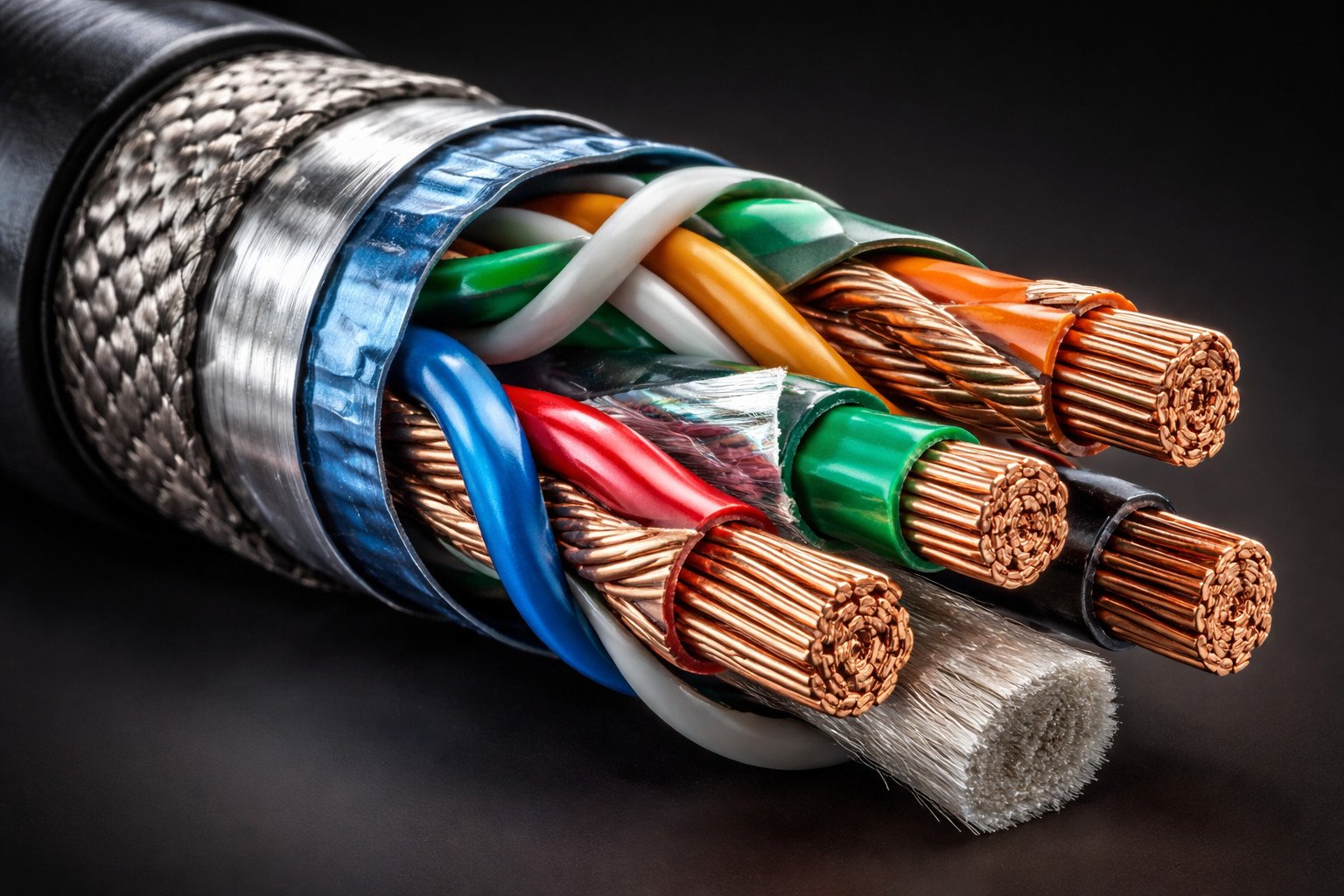
Internal wire structure of a Thunderbolt 3 cable, showing conductor arrangement, insulation, and transmission-focused design.
6. Thunderbolt 3 Cable Shielding and EMI Protection
High-speed performance is not determined by conductors alone. Thunderbolt 3 cable shielding is equally important because high-bandwidth transmission is highly sensitive to electromagnetic interference. In better cables, shielding may include multiple layers such as foil shielding, braided metal coverage, and a structured grounding path to reduce signal noise.
Effective shielding protects the internal signal from disruption caused by surrounding electronic devices, charging environments, or dense workstation setups. Without proper shielding, even a cable with decent conductors may suffer from unstable transfer rates, display issues, or unreliable docking performance.
This is particularly relevant in business and industrial use cases where one cable may be expected to handle charging, external storage, and display output at the same time. For these applications, shielding quality is not just a technical detail; it is a direct performance factor.
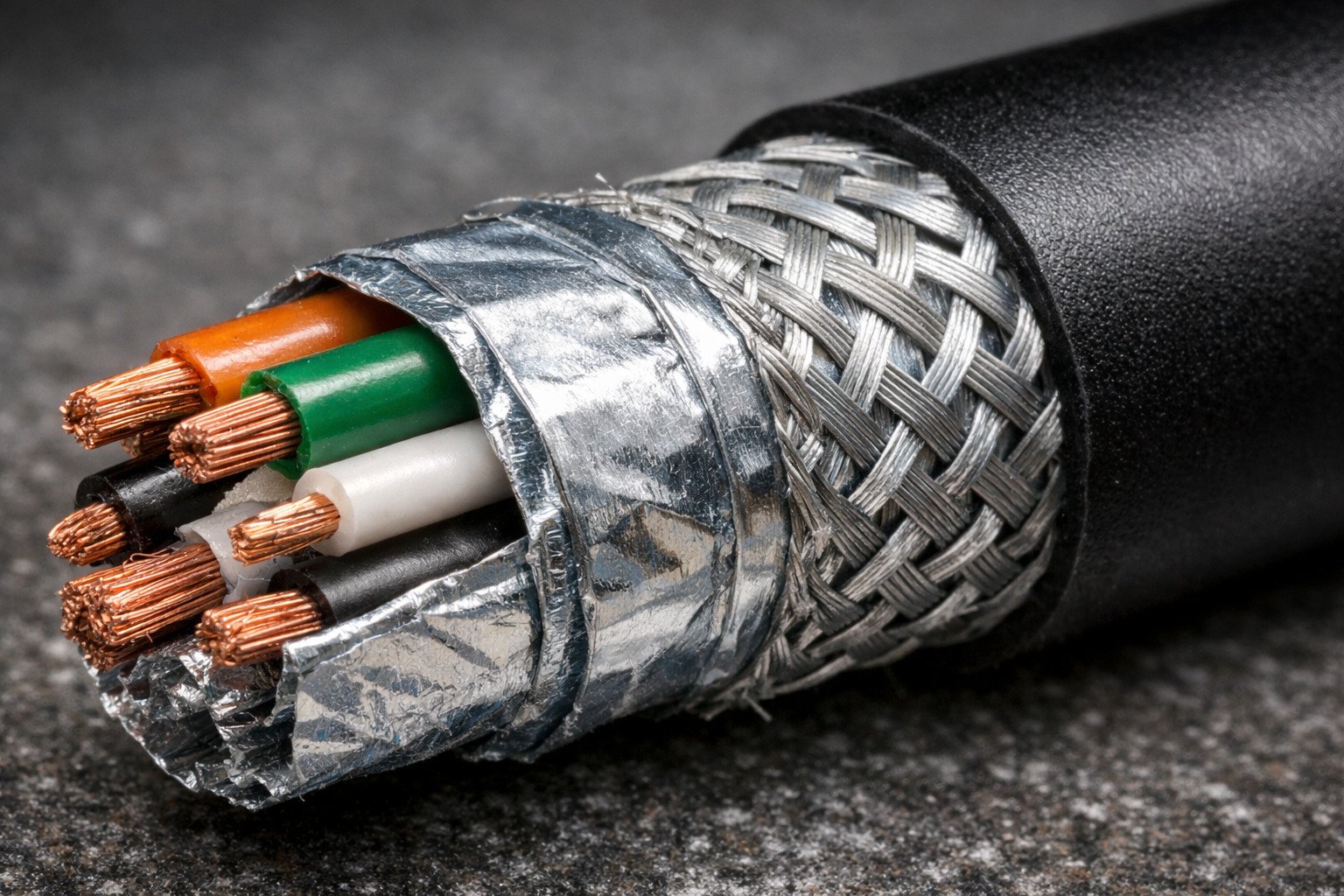
Shielding layer detail inside a Thunderbolt 3 cable, including foil and braided protection for signal stability.
7. Active vs Passive Thunderbolt 3 Cable: Key Differences
The difference between an active vs passive Thunderbolt 3 cable is one of the most important topics for both buyers and end users. Passive cables usually have a simpler structure and are often suitable for shorter distances. Active cables, by contrast, may include built-in circuitry that helps maintain signal quality in more demanding transmission scenarios.
The best choice depends on cable length, application, and performance expectations. A passive cable may be sufficient for short desktop setups, while an active cable can be more suitable where high-speed stability must be preserved across more demanding use conditions. This is especially relevant for docks, high-resolution displays, and high-speed storage workflows.
For sourcing teams, the important point is not simply whether a cable is active or passive, but whether its structure matches the real application. Choosing the wrong type may result in performance limitations, unnecessary cost, or avoidable customer complaints.
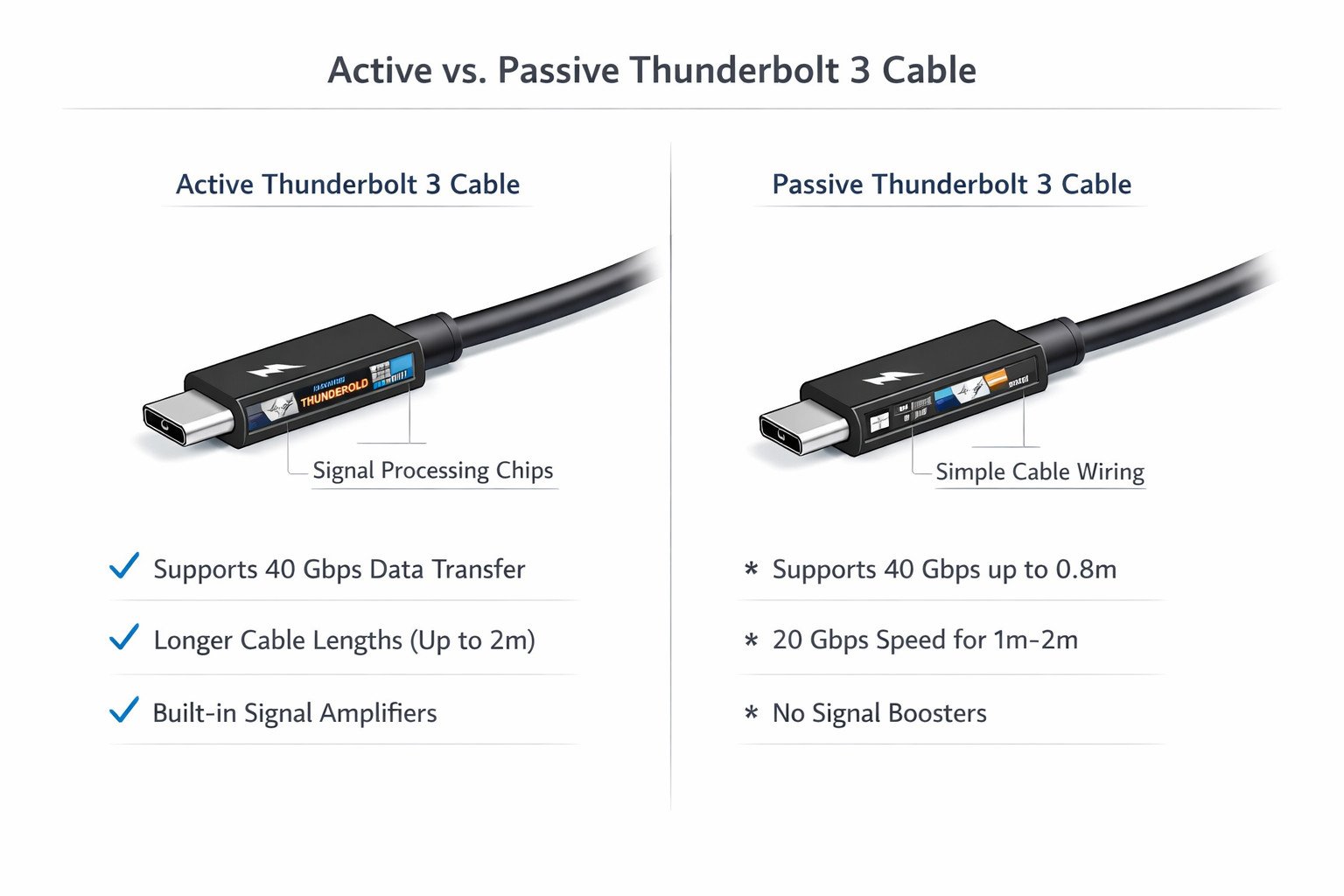
Comparison of active vs passive Thunderbolt 3 cable design and application differences.
| Type | Main Strength | Main Limitation | Typical Use |
|---|---|---|---|
| Passive cable | Simpler structure and lower cost | May be less suitable for longer demanding runs | Short desktop connections |
| Active cable | Better support for demanding high-speed applications | Higher cost and more complex construction | Longer or higher-performance use scenarios |
8. How Thunderbolt 3 Cable Build Quality Affects Charging, Video, and Data Stability
A cable may look premium on the outside and still perform poorly in actual use. That is why a good teardown must connect physical structure with practical results. If connector assembly is weak, the board is unstable, conductor control is inconsistent, or shielding is insufficient, users may experience intermittent charging, unstable monitor output, random disconnects, or inconsistent data performance.
For B2B buyers, this section matters because product complaints are usually tied to end-use performance rather than visible construction alone. Stable internal engineering reduces the risk of returns, compatibility issues, and negative feedback in channels such as retail, OEM, and online distribution.
9. What Buyers Should Ask a Thunderbolt 3 Cable Manufacturer
When comparing suppliers, buyers should ask questions that go beyond appearance, packaging, or pricing. The most useful questions focus on internal structure, production consistency, testing process, and OEM capability. These details help determine whether a supplier can support long-term, repeatable quality rather than only provide attractive samples.
- What conductor and shielding structure do you use inside the cable?
- How do you verify consistency between development samples and mass production?
- Can you support OEM cable length, jacket, branding, or packaging requests?
- What testing, compliance, or quality assurance support can you provide?
- How do you control assembly stability for connector, PCB, and soldering quality?
USB-C cable manufacturer · high-speed USB-C data cable manufacturer · cable quality assurance · request a quote
10. How to Identify a High-Quality Thunderbolt 3 Cable
A high-quality Thunderbolt 3 cable is defined by internal structure, not only by external appearance. Buyers should look for stable connector construction, organized PCB design, consistent conductor arrangement, and proper shielding. These factors directly affect durability, performance, and compatibility with modern devices.
For OEM and wholesale projects, choosing a reliable manufacturer with strong process control is essential. Even if a sample looks good, the real value lies in whether the supplier can maintain the same quality across repeated production batches.
11. Final Sourcing Advice for OEM and Wholesale Projects
A strong Thunderbolt 3 cable teardown should end with a practical conclusion: cable quality is defined by internal engineering, material selection, stable assembly, and fit for the real application. Buyers should not choose only by appearance or price. They should choose based on structure, process control, verification, and supplier communication.
For more technical background, you can also review official industry resources such as USB4 specification information and Intel Thunderbolt technology overview.
Need a reliable partner for custom USB-C or high-speed cable projects?
Explore our high-speed USB-C data cable manufacturing capabilities, review our quality assurance standards, or contact us for a quote.
12. Frequently Asked Questions About Thunderbolt 3 Cables
What is inside a Thunderbolt 3 cable?
A Thunderbolt 3 cable may contain high-speed data pairs, power lines, shielding layers, and in some cases active circuitry. The exact structure depends on the cable type, length, and intended performance level.
What is the difference between active and passive Thunderbolt 3 cables?
Passive cables are generally simpler and more suitable for short connections, while active cables may include internal circuitry to help maintain stable high-speed transmission in more demanding applications.
Are all USB-C cables Thunderbolt 3 compatible?
No. Thunderbolt 3 uses the USB-C connector shape, but not all USB-C cables are built to Thunderbolt 3 performance standards. Internal design and quality level make a major difference.
Why does cable quality affect charging and data performance?
Cable quality affects signal integrity, power delivery stability, heat control, and long-term reliability. Weak internal structure can lead to poor charging behavior, unstable transfer speeds, or device compatibility problems.