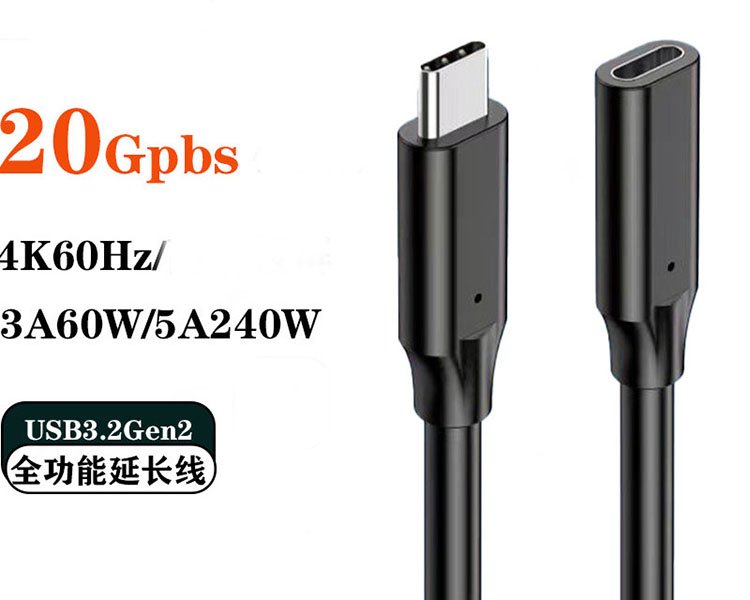
USB TYPE-C CABLES

USB Type-C Cavo Libri

Explore USB-C cables for charging, data transfer, video connectivity and device integration. Compare connector type, charging requirements, data speed, video capability and cable construction to select the right cable for your application.

USB-C USB-C USB-a a USB-C Up to 240W 480Mbps–80Gbps Addebito Il Trasferimento Dei Dati Video Options
Key USB-C Cable Parameters
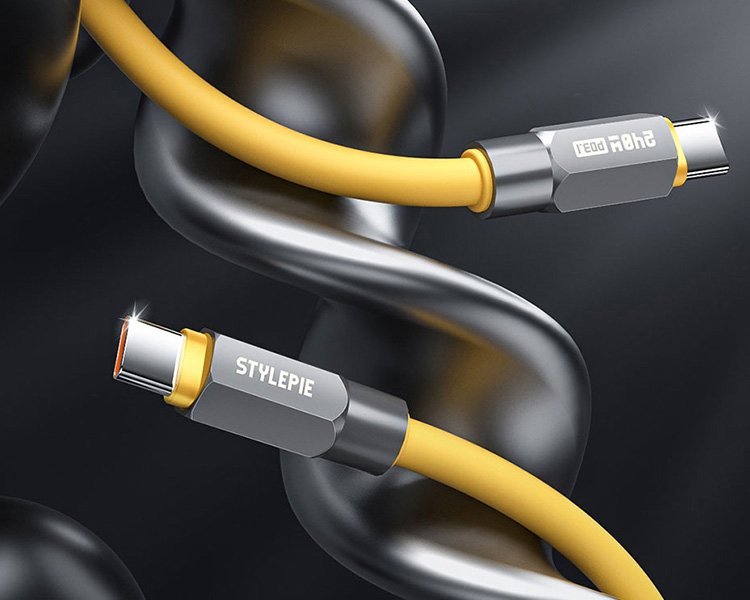
240W Maximum cable power capability
80Gbps High-speed data capability
Video Available on compatible designs
PRODUCT TYPES

Explore USB Type-C Cable Types

Start with the connector configuration and physical installation requirements. Cables using the same USB-C connector can provide very different charging, data and video capabilities.

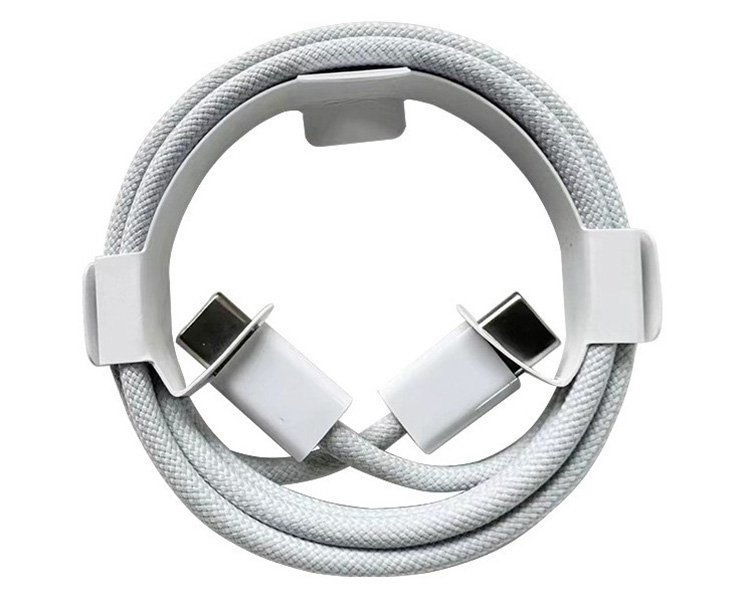
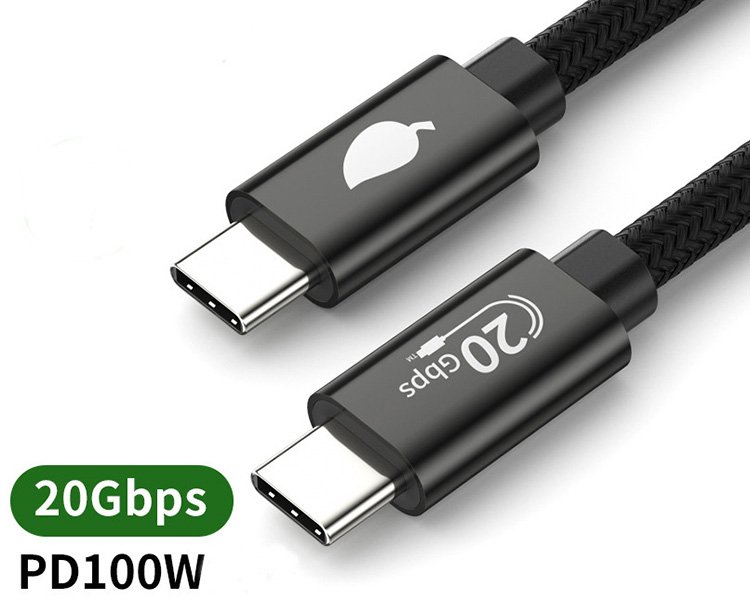
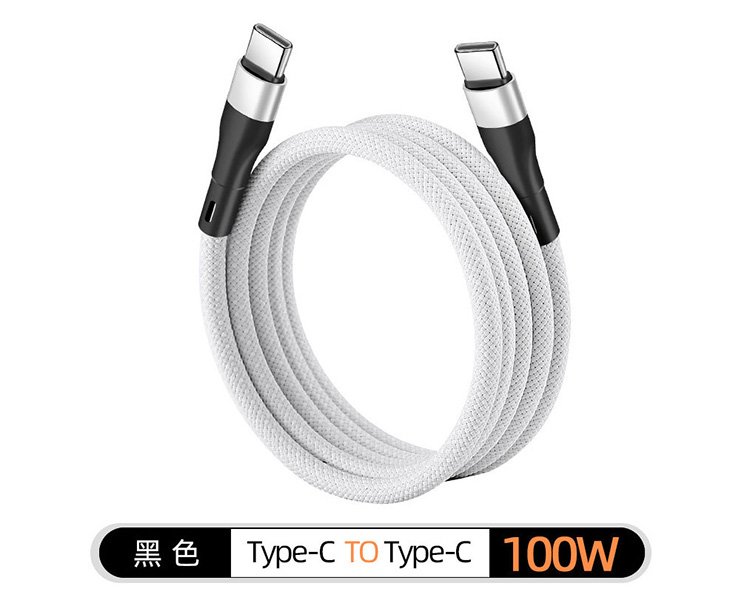
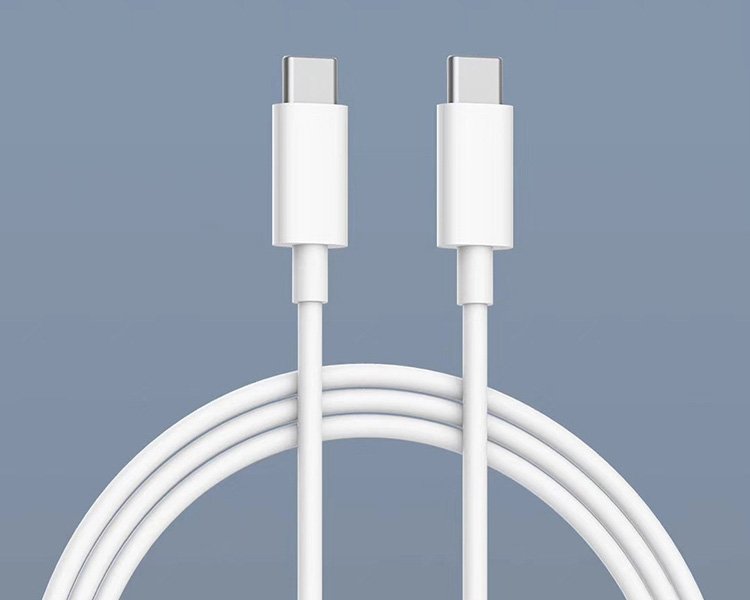
USB-C to USB-C Cable

For smartphones, tablets, laptops, USB-C chargers, power banks, docks and modern USB-C peripherals.

Addebito High-Speed Data Video Options

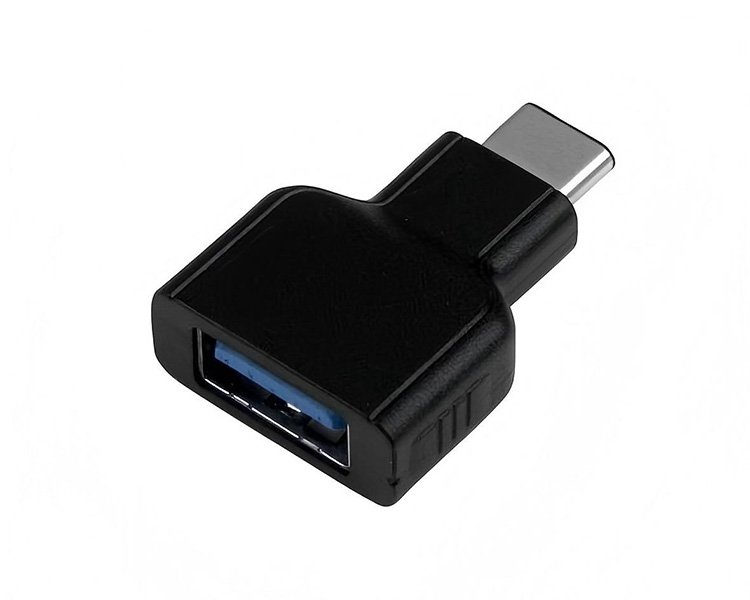
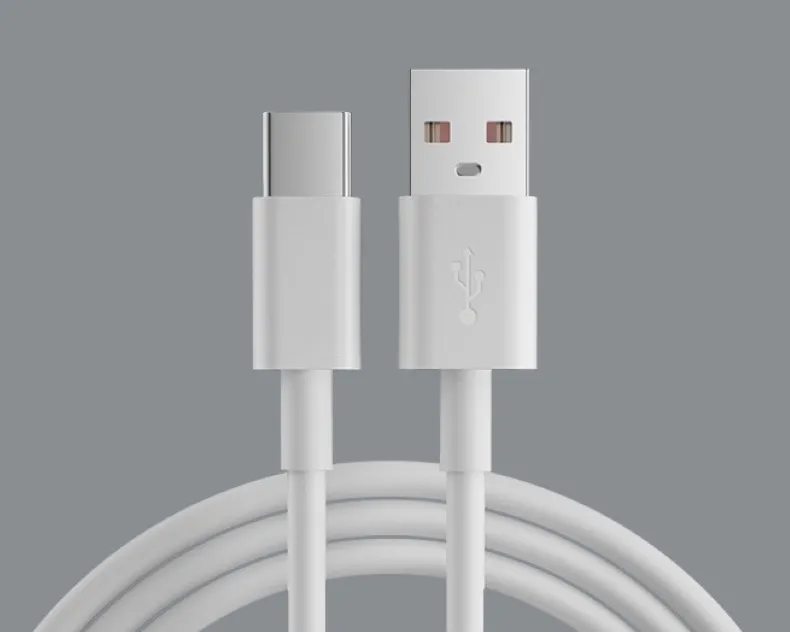
USB-A to USB-C Cable

Connect USB-C devices to traditional USB-A chargers, PCs, hubs and USB power sources.

USB-A Addebito Sincronizzazione dei dati

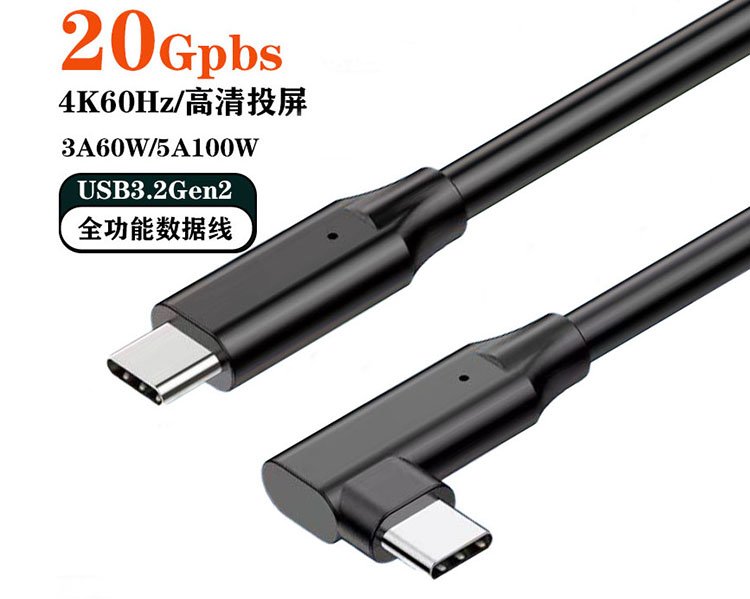
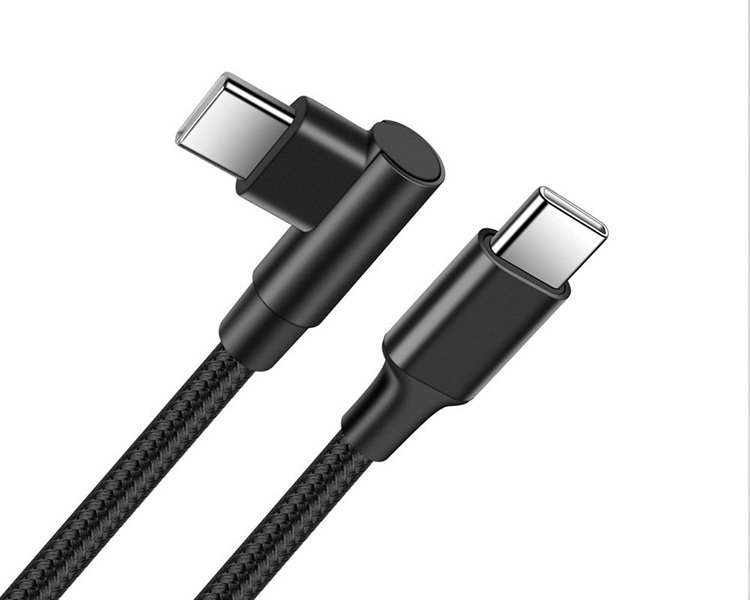
Right-Angle USB-C Cable

Space-saving connector designs for gaming, handheld equipment and compact installations.

90° Connector Compatto Flexible Routing

Industrial USB-C Cable

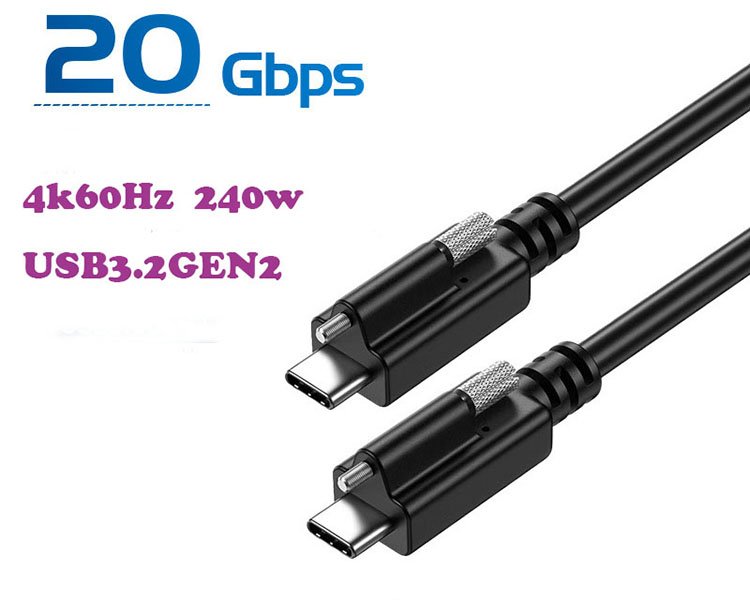
Cable assemblies for equipment integration, panel connections and specialized device installations.

Schermato Screw Lock Custom Assembly
UNDERSTANDING USB-C

Charging Power and Data Speed Are Independent

USB-C describes the connector interface. It does not by itself tell you how much charging power, data bandwidth or video capability a cable provides.

Watts

Power & Charging

Defines how much electrical power the cable can carry between compatible devices.

Device charging requirement
Cable power rating
3A / 5A current capability
E-Marker where required
Gbps

Data & Signal

Defines the cable's data bandwidth and signal-related capabilities.

Data transfer speed
High-speed storage support
Docking applications
Video capability where supported
CHARGING REQUIREMENTS

Choose a USB-C Cable by Charging Requirement

Start with the charging requirement of the target device. Smartphones, tablets and laptops may operate at very different wattages even when they all use USB-C connectors.

15W

Carica Standard

Small USB-C devices and general charging.

18W

Mobile Charging

Common fast-charging level for portable devices.

20W

Phone Fast Charging

Common smartphone charging requirement.

27W

Mobile Devices

Higher-power smartphone applications.

30W

Phone & Tablet

Phones, tablets and compact equipment.

45W

Tablet & Laptop

Tablets and compact notebook computers.

60W

Laptop Charging

Common USB-C notebook applications.

65W

Laptop Charging

Common USB-C laptop adapter output.

100W

High-Power Laptop

Higher-power notebook applications.

140W

High-Power USB PD

Compatible high-power USB PD applications.

180W

High-Power Equipment

Compatible EPR and specialized equipment.

240W

Maximum USB PD Power

High-power USB PD cable applications.

Device Charging Power

Values such as 20W, 30W, 45W, 65W, 100W or 140W describe common device or charger operating power requirements.

USB-C Cable Power Rating

The cable's maximum capability should also be checked separately. Depending on the USB-C cable specification, power capability may be identified as 60W or 240W.

DATA TRANSFER

Choose a USB-C Cable by Data Transfer Speed

Data performance should be selected independently from charging power. Basic synchronization, external storage, docking stations and high-performance peripherals can require very different data bandwidth.

480 Mbps

USB 480Mbps Cable

Suitable for basic synchronization, charging cables and low-bandwidth peripherals.

Uso tipico Phone / Tablet Sync
Archiviazione Di base
Addebito Independent
5Gbps

USB 5Gbps Cable

Entry-level high-speed data connectivity for hubs, storage and compatible peripherals.

Uso tipico Hub / Storage
Data Up to 5Gbps
Addebito Independent
10 Gbps

USB 10Gbps Cable

Faster data connectivity for external SSDs, docks and performance-focused peripherals.

Uso tipico SSD / Hub / Dock
Data Up to 10Gbps
Video By Cable Design
20 Gbps

USB 20Gbps Cable

Higher-bandwidth connectivity for fast storage, docking systems and advanced USB-C devices.

Uso tipico SSD / Dock
Data Up to 20Gbps
Video Selected Designs
40 Gbps

USB 40Gbps Cable

High-performance connectivity for docks, displays and high-speed external storage.

Uso tipico Dock / Display / SSD
Data Up to 40Gbps
Energia Independent
80Gbps

USB 80Gbps Cable

Next-generation high-bandwidth connectivity for compatible systems and demanding applications.

Uso tipico High-Bandwidth Systems
Data Fino a 80 Gbps
Compatibilità System Dependent
VIDEO CAPABILITY

Not Every USB-C Cable Supports Video

USB-C describes the connector interface, but the connector alone does not guarantee video output.

For monitors, docking stations and display applications, video capability should be confirmed separately from charging power and data transfer speed.

The host device, cable and connected display must all support the required video functionality.

BASIC

Charging Cable

Primarily designed for charging. Video output should not be assumed.

DATA

Charging + Data Cable

Supports data transfer, but video support still depends on the specific cable design.

FULL-FEATURED

Video-Capable Cable

Designed for compatible video, docking and full-featured USB-C applications.

SPECIFICATION COMPARISON

Compare USB Type-C Cable Capabilities

Power and data are shown as separate specification groups so charging requirements are not confused with data or video performance.

PRODOTTO ENERGIA DATA & SIGNAL APPLICATION
Tipo di cavo Typical Charging Cable Power Rating Current / E-Marker Velocità dei dati Video Uso tipico
Cavo di ricarica USB-C di base 15W–30W applications Check cable specification Depends on cable design 480Mbps option Normally not required Smartphone / Tablet / Power Bank
Standard USB-C Power Cable 30W / 45W / 60W Fino a 60 W Up to 3A Depends on data design Depends on cable design Tablet / Laptop / USB-C Charger
High-Power USB-C Cable 65W–240W applications Up to 240W Up to 5A / E-Marker Independent specification Independent specification Laptop / High-Power USB PD
USB 5Gbps Cable Depends on power design By cable configuration Depends on power rating Up to 5Gbps By cable design Hub / Storage / Peripheral
USB 10Gbps Cable Depends on power design By cable configuration Depends on power rating Up to 10Gbps Selected designs SSD / Hub / Dock
USB 20Gbps Cable Depends on power design By cable configuration Depends on power rating Up to 20Gbps Selected designs High-Speed SSD / Dock
USB 40Gbps Cable Depends on power design By cable configuration Depends on power rating Up to 40Gbps Compatible designs Dock / Display / High-Speed Storage
USB 80Gbps Cable Depends on power design By cable specification By cable specification Fino a 80 Gbps System and cable dependent High-Bandwidth USB Systems

Charging power, cable power capability, data performance and video functionality are separate characteristics. Actual performance depends on the cable and connected equipment.

APPLICATIONS

USB-C Cables for Different Applications

Select cable specifications according to what the connected equipment actually needs.

01

Smartphones & Tablets

Charging and data synchronization for portable USB-C devices.

Focus: charging + durability
02

Laptop Charging

USB-C cables for notebooks, chargers and high-power portable equipment.

Focus: wattage + current rating
03

External SSD & Storage

High-bandwidth cables for transferring large files between computers and storage devices.

Focus: data speed
04

Docking Stations

Full-featured connections combining data, power and compatible display functionality.

Focus: power + data + video
05

Gaming Devices

Flexible cables and right-angle connectors for handheld and gaming equipment.

Focus: angle + flexibility
06

Attrezzature Industriali

Shielded and mechanically secured USB-C assemblies for equipment integration.

Focus: shielding + mechanical reliability
SELECTION GUIDE

How to Choose a USB Type-C Cable

Define these six specifications before selecting a USB-C cable for your product or project.

1

Connettore

USB-C to USB-C, USB-A to USB-C or another required configuration.

2

Charging Power

Determine the actual wattage required by the target device.

3

Cable Power Rating

Confirm the cable current and maximum power capability.

4

Velocità dei dati

Choose 480Mbps, 5, 10, 20, 40 or 80Gbps as required.

5

Video

Confirm whether display or full-featured connectivity is required.

6

Costruzione

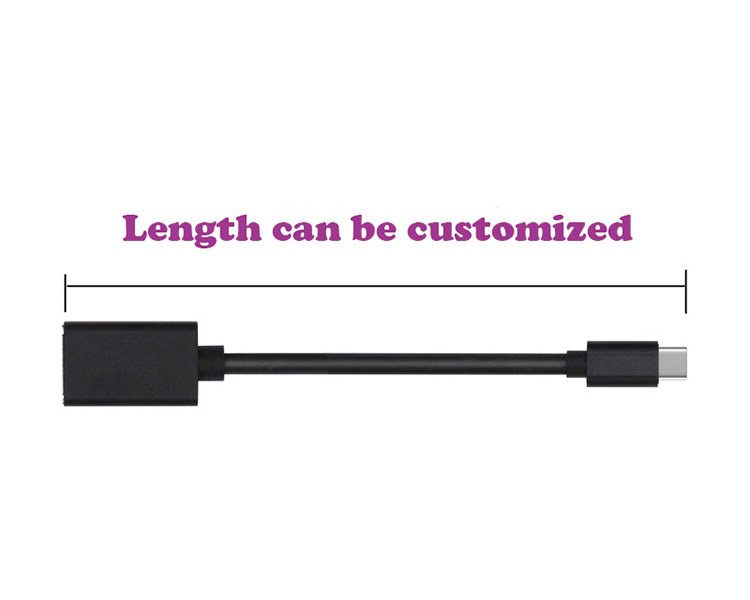
Define length, material, shielding, flexibility and connector orientation.

MATERIAL & CONSTRUCTION

USB-C Cable Construction Options

Cable materials and construction can be selected according to flexibility, durability, signal requirements and application environment.

PVC Cable

Practical jacket material for general consumer electronics and standard cable applications.

General Purpose Cost Effective

TPE Cable

Soft and flexible jacket option for portable devices and everyday use.

Flessibile Soft Touch

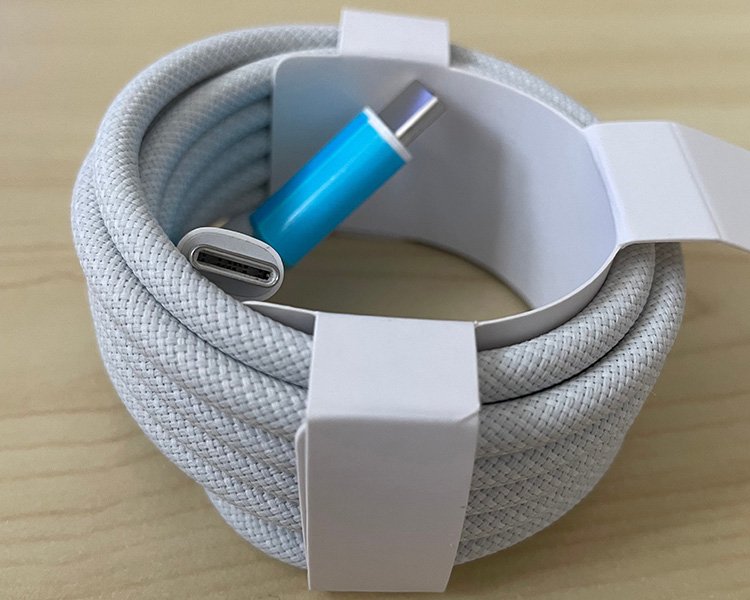
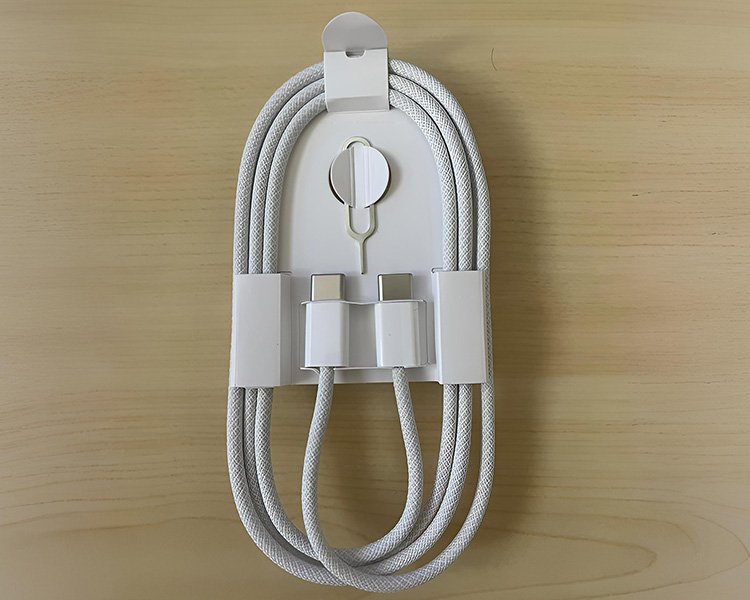
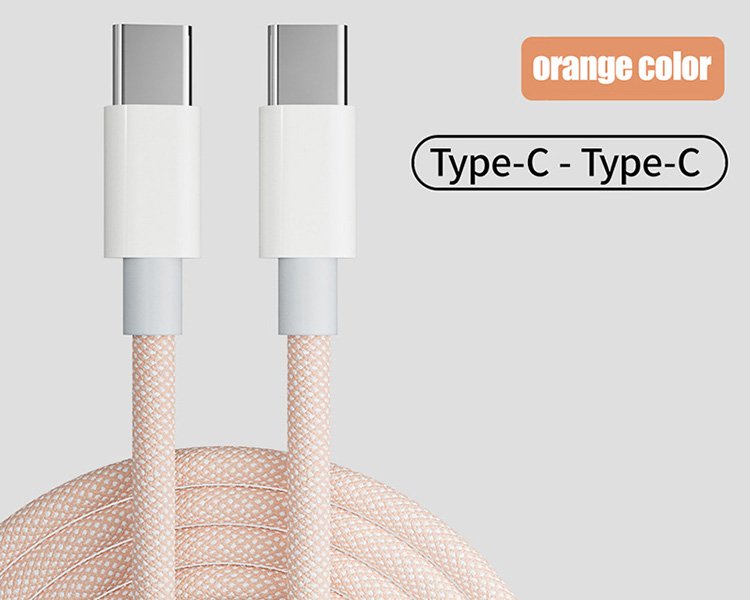
Braided Cable

Braided outer construction for improved abrasion resistance and product appearance.

Durata Retail Products

Shielded Cable

Shielding options for high-speed data and applications requiring improved signal integrity.

High-Speed Data EMI Control
FAQ

USB Type-C Cable Questions

Common questions about charging power, data speed, video and USB-C cable compatibility.

No. Charging capability and data performance are separate cable characteristics. A cable can provide high charging power while supporting basic data transfer, while another cable may provide high-speed data with a different power capability.
No. The 240W specification describes cable power capability. Data performance must be checked separately.
Device charging power and maximum cable power capability are different values. A cable capable of carrying up to 60W can also operate in a system using a lower charging power.
No. Video capability depends on the cable design and the capabilities of the host and display device.
Match the cable to the interface performance supported by both the computer and external SSD. Depending on the hardware, 5Gbps, 10Gbps, 20Gbps, 40Gbps or higher bandwidth may be appropriate.
Electronic marking is used where the cable needs to communicate defined cable capabilities to connected equipment. It is particularly important for higher-current USB-C cable designs.

Need a Specific USB-C Cable?

Tell us your connector type, charging requirement, data speed, video requirement, cable length, material and application. We can help identify a suitable USB-C cable configuration for your project.

Contact Us →