Câble USB-C vers USB-C
Pour smartphones, tablettes, ordinateurs portables, chargeurs USB-C, batteries externes, stations d'accueil et périphériques USB-C modernes.


Découvrez les câbles USB-C pour la charge, le transfert de données, la connectivité vidéo et l'intégration d'appareils. Comparez le type de connecteur, les exigences de charge, la vitesse de transfert de données, les capacités vidéo et la construction du câble pour choisir celui qui convient le mieux à votre application.
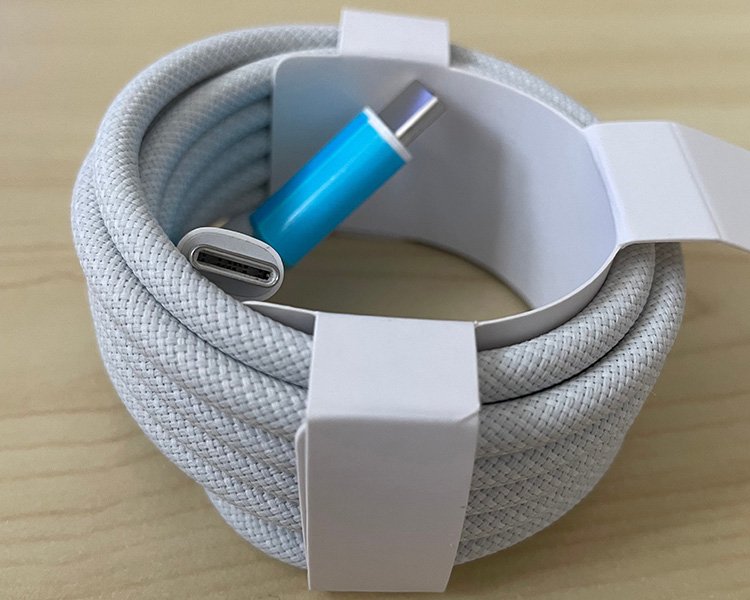
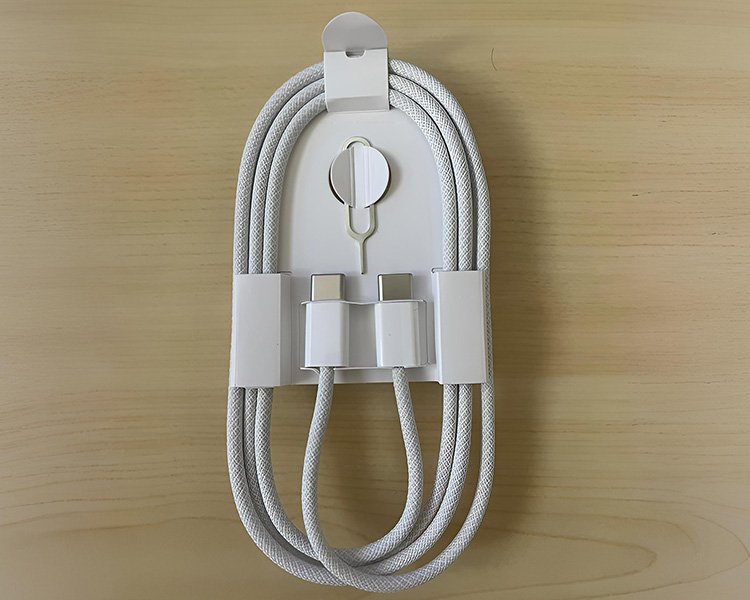

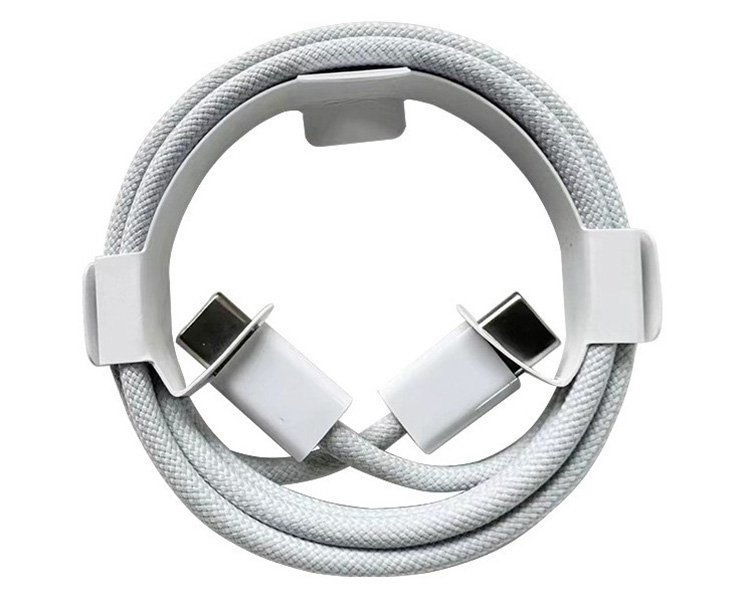
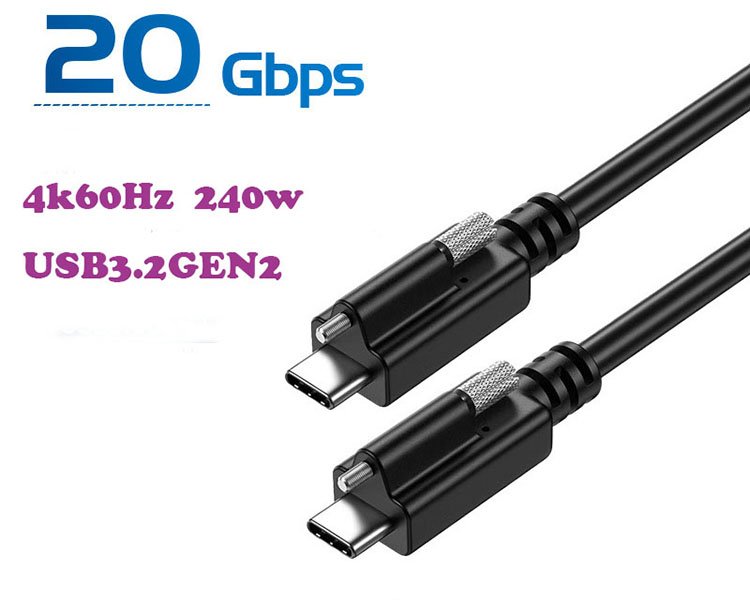

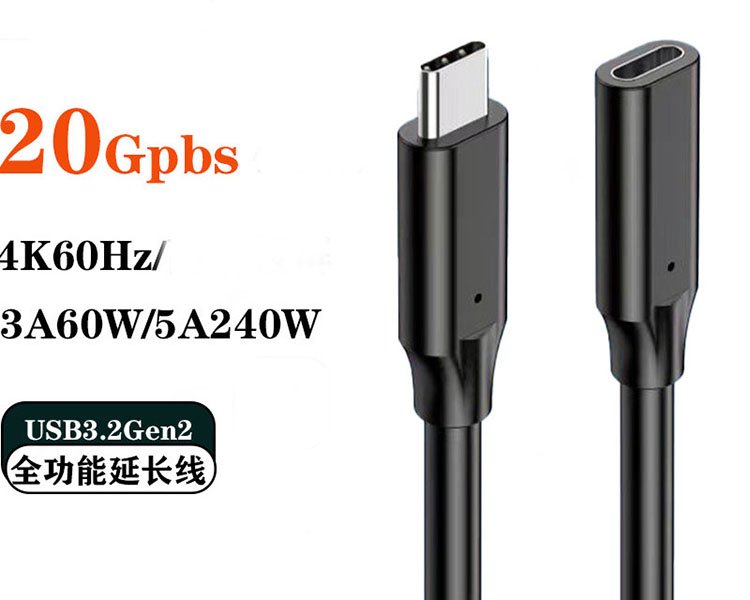
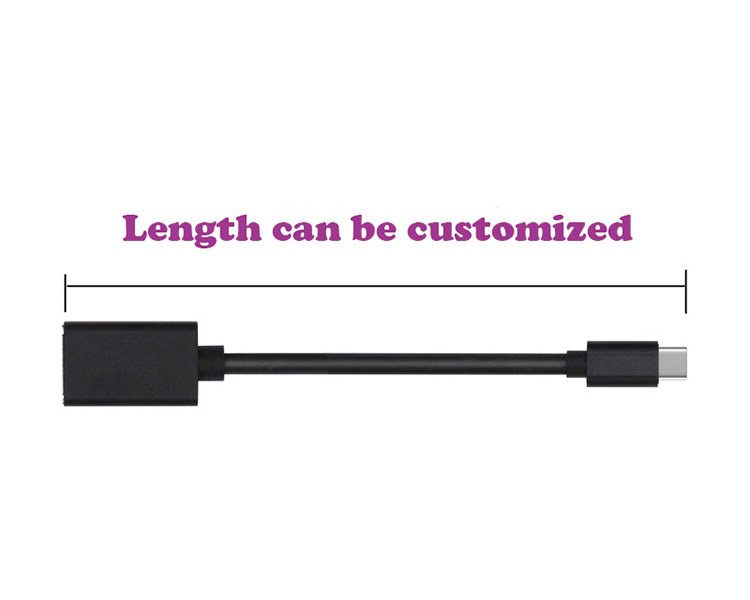
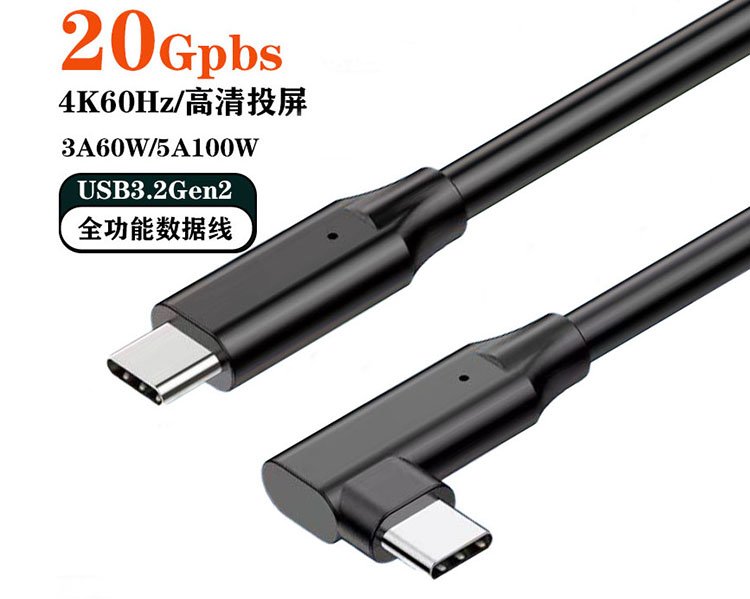

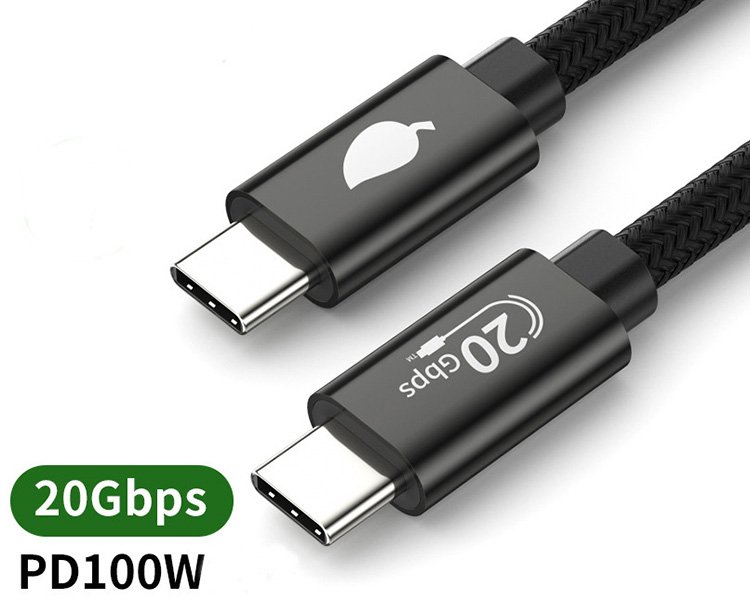
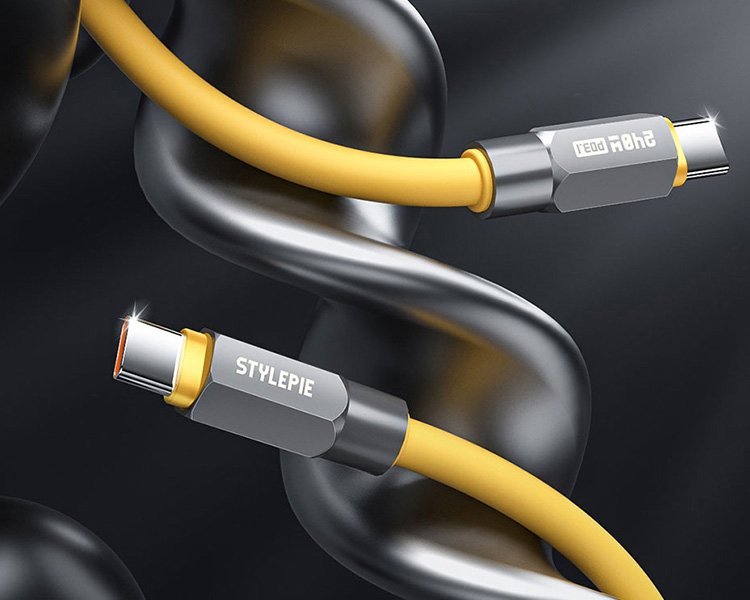
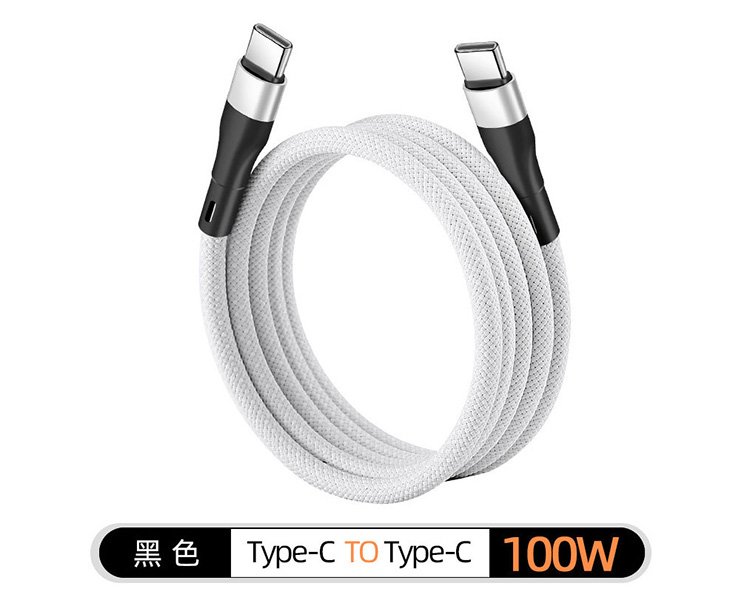
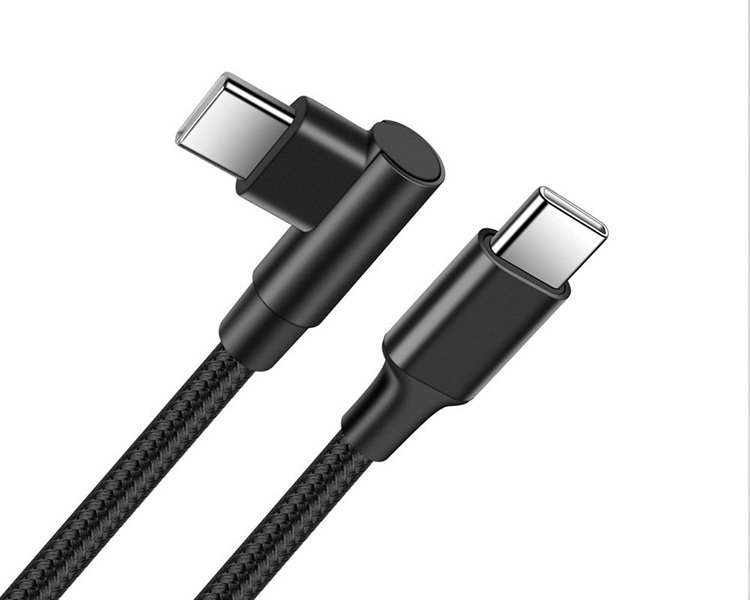
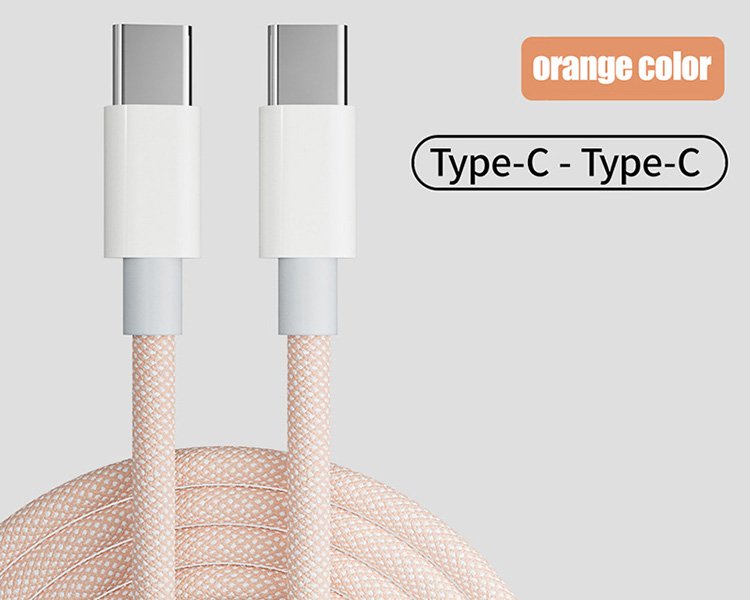
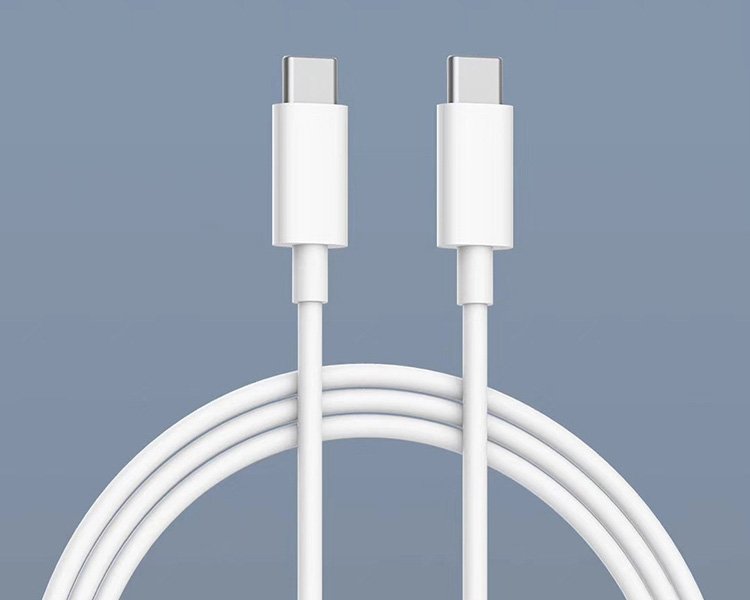
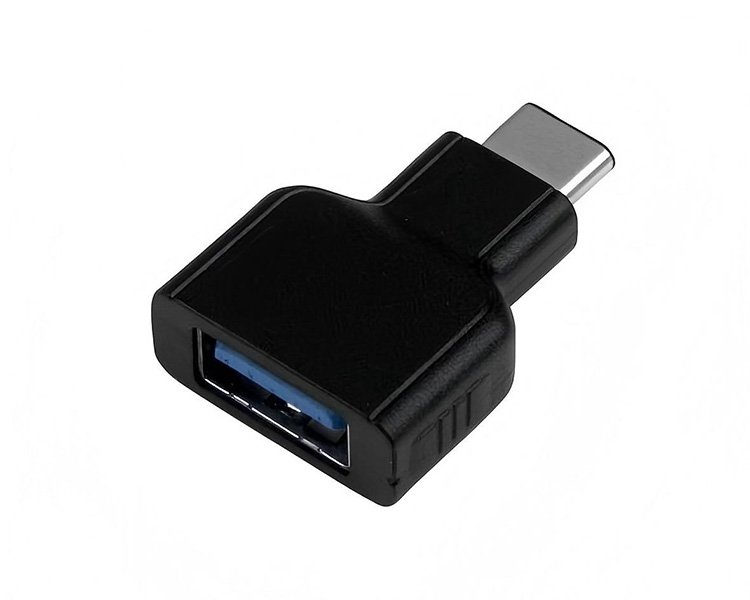


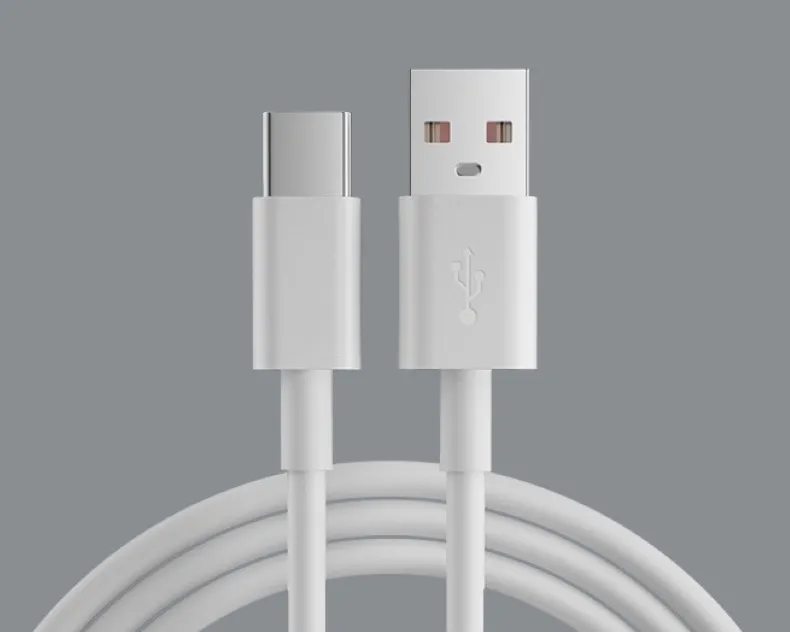
Commencez par examiner la configuration du connecteur et les exigences d'installation physique. Des câbles utilisant le même connecteur USB-C peuvent offrir des capacités de charge, de transfert de données et vidéo très différentes.
Pour smartphones, tablettes, ordinateurs portables, chargeurs USB-C, batteries externes, stations d'accueil et périphériques USB-C modernes.
Connectez les périphériques USB-C aux chargeurs USB-A traditionnels, aux PC, aux hubs et aux sources d'alimentation USB.
Conception de connecteurs peu encombrants pour les jeux, les appareils portables et les installations compactes.
Câbles pour l'intégration d'équipements, les connexions de panneaux et les installations d'appareils spécialisés.
L'appellation USB-C décrit l'interface du connecteur. Elle n'indique pas en soi la puissance de charge, la bande passante de données ou les capacités vidéo du câble.
Définit la quantité de puissance électrique que le câble peut transporter entre des appareils compatibles.
Définit la bande passante des données et les capacités liées au signal du câble.
Commencez par vérifier les besoins de charge de l'appareil cible. Les smartphones, les tablettes et les ordinateurs portables peuvent fonctionner à des puissances très différentes, même s'ils utilisent tous des connecteurs USB-C.
Petits appareils USB-C et charge générale.
Niveau de charge rapide courant pour les appareils portables.
Exigence courante de recharge des smartphones.
Applications pour smartphones plus performantes.
Téléphones, tablettes et appareils compacts.
Tablettes et ordinateurs portables compacts.
Applications courantes pour ordinateurs portables USB-C.
Sortie standard pour adaptateur USB-C pour ordinateur portable.
Applications pour ordinateurs portables plus performantes.
Applications USB PD haute puissance compatibles.
Équipements EPR compatibles et équipements spécialisés.
Applications des câbles USB PD haute puissance.
Des valeurs telles que 20W, 30W, 45W, 65W, 100W ou 140W décrivent les exigences de puissance de fonctionnement courantes des appareils ou des chargeurs.
Il convient également de vérifier séparément la puissance maximale admissible du câble. Selon les spécifications du câble USB-C, cette puissance peut être de 60 W ou de 240 W.
Les performances de transfert de données doivent être choisies indépendamment de la puissance de charge. La synchronisation de base, le stockage externe, les stations d'accueil et les périphériques hautes performances peuvent nécessiter des bandes passantes très différentes.
Convient pour la synchronisation de base, les câbles de charge et les périphériques à faible bande passante.
Connectivité de données haut débit d'entrée de gamme pour les concentrateurs, le stockage et les périphériques compatibles.
Connectivité de données plus rapide pour les SSD externes, les stations d'accueil et les périphériques axés sur la performance.
Connectivité à plus large bande passante pour un stockage rapide, des systèmes d'accueil et des périphériques USB-C avancés.
Connectivité haute performance pour stations d'accueil, écrans et stockage externe haute vitesse.
Connectivité haut débit de nouvelle génération pour les systèmes compatibles et les applications exigeantes.
L'USB-C décrit l'interface du connecteur, mais le connecteur seul ne garantit pas la sortie vidéo.
Pour les moniteurs, les stations d'accueil et les applications d'affichage, les capacités vidéo doivent être vérifiées indépendamment de la puissance de charge et de la vitesse de transfert de données.
L'appareil hôte, le câble et l'écran connecté doivent tous prendre en charge les fonctionnalités vidéo requises.
Conçu principalement pour la recharge. La sortie vidéo n'est pas garantie.
Prend en charge le transfert de données, mais la prise en charge vidéo dépend toujours de la conception spécifique du câble.
Conçu pour les applications vidéo compatibles, les stations d'accueil et les applications USB-C complètes.
La puissance et les données sont présentées comme des groupes de spécifications distincts afin que les exigences de charge ne soient pas confondues avec les performances de données ou vidéo.
| PRODUIT | POUVOIR | DONNÉES ET SIGNAL | APPLICATION | |||
|---|---|---|---|---|---|---|
| Type de câble | Charge typique | Puissance admissible du câble | Courant / Marqueur électronique | Vitesse de données | Vidéo | Utilisation typique |
| Câble de charge USB-C basique | Applications de 15 W à 30 W | Vérifiez les spécifications du câble | Cela dépend de la conception du câble | Option 480 Mbps | Normalement non requis | Smartphone / Tablette / Batterie externe |
| Câble d'alimentation USB-C standard | 30 W / 45 W / 60 W | Jusqu'à 60 W | Jusqu'à 3A | Cela dépend de la conception des données | Cela dépend de la conception du câble | Chargeur pour tablette/ordinateur portable/USB-C |
| Câble USB-C haute puissance | Applications de 65 W à 240 W | Jusqu'à 240 W | Jusqu'à 5 A / Marqueur électrique | Spécification indépendante | Spécification indépendante | Ordinateur portable / USB PD haute puissance |
| Câble USB 5 Gbit/s | Cela dépend de la conception de l'alimentation. | Par configuration de câbles | Cela dépend de la puissance nominale | Jusqu'à 5 Gbit/s | Par conception de câble | Concentrateur / Stockage / Périphérique |
| Câble USB 10 Gbit/s | Cela dépend de la conception de l'alimentation. | Par configuration de câbles | Cela dépend de la puissance nominale | Jusqu'à 10 Gbit/s | Modèles sélectionnés | SSD / Hub / Station d'accueil |
| Câble USB 20 Gbit/s | Cela dépend de la conception de l'alimentation. | Par configuration de câbles | Cela dépend de la puissance nominale | Jusqu'à 20 Gbit/s | Modèles sélectionnés | Station d'accueil SSD haute vitesse |
| Câble USB 40 Gbit/s | Cela dépend de la conception de l'alimentation. | Par configuration de câbles | Cela dépend de la puissance nominale | Jusqu'à 40 Gbit/s | Conceptions compatibles | Station d'accueil / Écran / Stockage haute vitesse |
| Câble USB 80 Gbit/s | Cela dépend de la conception de l'alimentation. | Selon les spécifications du câble | Selon les spécifications du câble | Jusqu'à 80 Gbit/s | dépendant du système et du câble | Systèmes USB à large bande passante |
La puissance de charge, la capacité d'alimentation du câble, les performances de transfert de données et les fonctionnalités vidéo sont des caractéristiques distinctes. Les performances réelles dépendent du câble et des équipements connectés.
Sélectionnez les spécifications des câbles en fonction des besoins réels de l'équipement connecté.
Chargement et synchronisation des données pour les appareils portables USB-C.
Points forts : charge et durabilitéCâbles USB-C pour ordinateurs portables, chargeurs et équipements portables haute puissance.
Caractéristiques : puissance (watt) et intensité nominaleCâbles à large bande passante pour le transfert de fichiers volumineux entre ordinateurs et périphériques de stockage.
Objectif : vitesse des donnéesConnexions complètes combinant données, alimentation et fonctionnalités d'affichage compatibles.
Focus : puissance + données + vidéoCâbles flexibles et connecteurs à angle droit pour appareils portables et de jeux.
Point fort : angle + flexibilitéEnsembles USB-C blindés et fixés mécaniquement pour l'intégration d'équipements.
Objectif : blindage et fiabilité mécaniqueDéfinissez ces six spécifications avant de choisir un câble USB-C pour votre produit ou projet.
USB-C vers USB-C, USB-A vers USB-C ou toute autre configuration requise.
Déterminez la puissance réelle requise par l'appareil cible.
Vérifiez l'intensité du câble et sa capacité de puissance maximale.
Choisissez 480 Mbps, 5, 10, 20, 40 ou 80 Gbps selon vos besoins.
Veuillez confirmer si un affichage ou une connectivité complète est requis.
Définir la longueur, le matériau, le blindage, la flexibilité et l'orientation du connecteur.
Les matériaux et la construction des câbles peuvent être choisis en fonction de leur flexibilité, de leur durabilité, des exigences en matière de signal et de l'environnement d'application.
Matériau de gaine pratique pour l'électronique grand public et les applications de câblage standard.
Veste souple et flexible, idéale pour les appareils portables et un usage quotidien.
Construction extérieure tressée pour une meilleure résistance à l'abrasion et une apparence améliorée du produit.
Options de blindage pour les données à haut débit et les applications nécessitant une intégrité du signal améliorée.
Questions pratiques concernant le choix des câbles USB-C pour le stockage externe, les appareils compacts et les installations d'équipements industriels.
Commencez par vérifier les spécifications d'interface du boîtier SSD externe et du port de l'ordinateur. Les deux doivent supporter la vitesse de connexion souhaitée.
Par exemple, un SSD USB 10 Gbit/s doit être utilisé avec un câble compatible avec la vitesse de transfert de données requise de 10 Gbit/s. Un câble 40 Gbit/s compatible peut également fonctionner, mais il ne permettra pas à un périphérique 10 Gbit/s de fonctionner à 40 Gbit/s.
Pour les SSD hautes performances, vérifiez si l'hôte, le boîtier et le câble prennent en charge le même mode de connexion USB ou USB4 requis.
Un câble USB-C coudé peut s'avérer utile lorsque le connecteur se trouve à proximité d'un mur, d'un boîtier, d'une poignée ou d'un autre composant. Son connecteur à 90 degrés facilite le passage du câble et réduit les saillies indésirables.
Les applications courantes comprennent les consoles de jeux portables, les appareils électroniques compacts et les installations d'équipements avec un espace limité pour les connecteurs.
Avant de choisir un modèle, vérifiez le sens de sortie du câble une fois branché. Une fiche coudée adaptée à un appareil peut gêner l'accès aux commandes ou aux ports adjacents d'un autre.
L'angle du connecteur à lui seul ne détermine pas la puissance de charge, la vitesse de transmission des données ou les capacités vidéo du câble.
Les connecteurs USB-C industriels peuvent utiliser un système de verrouillage par vis pour empêcher tout débranchement accidentel. L'équipement doit être compatible avec un système de montage ou de verrouillage par vis.
Avant de choisir un câble, vérifiez le schéma mécanique, la position des vis, le dégagement du connecteur et la direction de sortie du câble requise.
Veuillez également préciser les fonctions électriques nécessaires, telles que le courant de charge, le débit de données et la capacité vidéo, le cas échéant.
Le verrouillage par vis ne garantit pas automatiquement l'étanchéité d'un câble ni son adéquation à tous les environnements industriels. Le blindage, le matériau de la gaine et la protection environnementale doivent être évalués séparément.
Indiquez-nous le type de connecteur, les exigences de charge, le débit de données, les exigences vidéo, la longueur du câble, le matériau et l'application. Nous vous aiderons à identifier la configuration de câble USB-C la mieux adaptée à votre projet.