

What Is USB Power Delivery?
What Is USB Power Delivery?
Since USB first reached the market it has travelled a long way, adding protocol after protocol along the route, with the members of USB-IF working together on each version. The progress has not only been about data speed. USB's ability to supply power has changed just as much: from a port that could barely keep a peripheral alive to the main power source for a desk full of devices. Phones, tablets, wireless headphones, laptops, portable printers and docking stations now all draw power over USB, and a large part of that shift comes from USB Power Delivery. This article explains what PD actually is, what it changed, what it can and cannot do at 100W and 240W, and which part of the chain decides how much power a device really receives.
1. What USB Power Delivery is
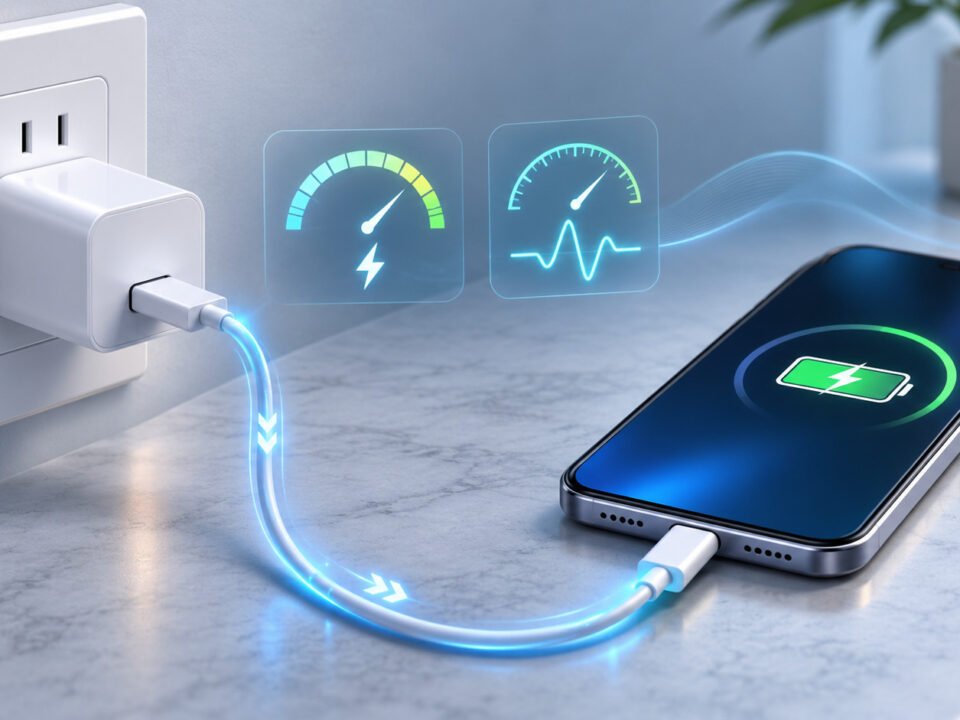
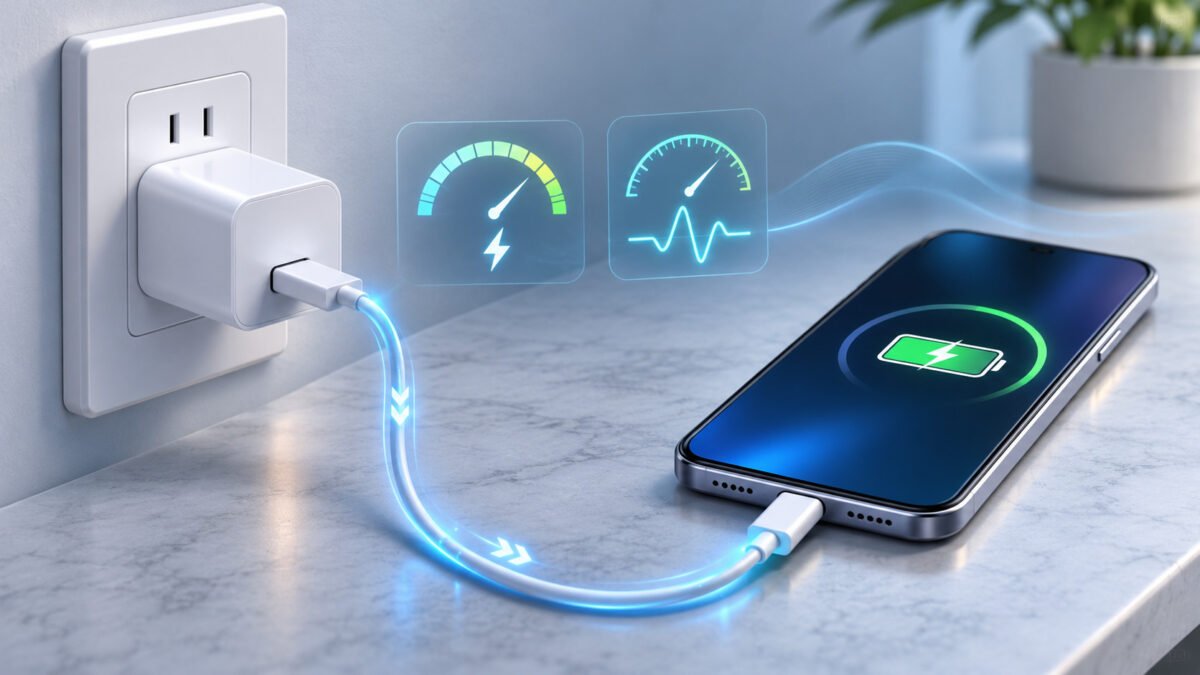
USB Power Delivery is a fast-charging protocol built on USB-C. It started with a 100W ceiling and, under USB PD 3.1, reaches 240W. The important distinction is that PD is a protocol, not a connector: USB-C is the shape of the plug, PD is the conversation that happens once the plug is seated.
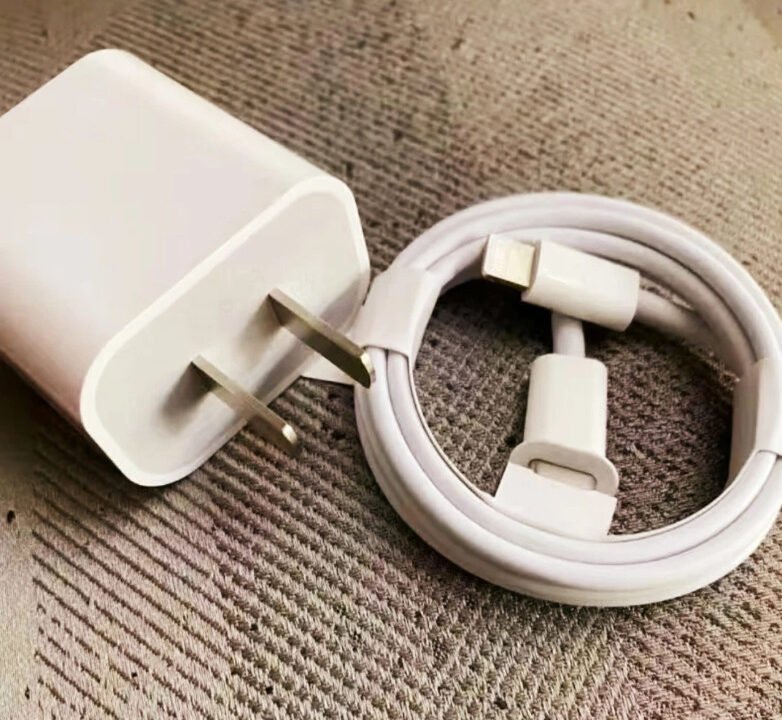
Before PD, every device tended to arrive with its own adapter and its own barrel plug. One full-featured USB-C PD cable replaced that collection: the same cable can charge a phone, run a monitor, or power a laptop, provided both ends speak the protocol.
1.1 A protocol from 2012, mainstream only after USB-C
USB PD 1.0 dates from 2012, when it ran over USB Type-A and Type-B connectors. The USB-C connector did not exist until 2014, and PD only became the default charging standard once USB-C spread across phones and laptops. The sequence matters, because it explains why early PD hardware was rare: the protocol was ready before the connector that made it practical.
The goal behind PD was not simply a bigger wattage number. It was one ecosystem — one cable, one charger, any device — which also cuts the number of adapters shipped and thrown away.
1.2 Negotiation, not fixed output
A PD charger does not push a fixed voltage at whatever device is attached. It publishes a list of power options, and the device picks the one it can use. That exchange is the handshake, and it runs over the CC line inside the cable.
Two consequences follow from that design:
- The device decides. A headset asks for a low-power option; a laptop asks for 45W or 65W. The charger delivers what was agreed, not its maximum.
- The direction is not fixed. PD is bidirectional. Either end can act as the source, and roles can swap, which is how a laptop charges a phone or a power bank charges a laptop.
A typical PD link starts at 5V/3A and can rise to 5A, but only when the cable is electronically marked to carry it.
2. What the PD versions changed
| Version | Year | Key change |
|---|---|---|
| PD 1.0 | 2012 | First specification, 100W ceiling, legacy USB-A/B connectors |
| PD 2.0 | 2013 | Expanded connector support, formalised power rules |
| PD 3.0 | 2015 (PPS added in 2017) | PPS fine-grained voltage control, fast role swap, authentication |
| PD 3.1 | 2021 | Extended Power Range, 240W ceiling at 48V/5A |
PD 3.0 shipped in November 2015, and the PPS feature arrived with the 2017 update. PD 3.0 is the version most chargers in the field implement, and PPS is its most useful addition: instead of jumping between fixed voltages, it adjusts output in 20mV steps across roughly 3V–21V, which keeps the conversion efficient and the phone cooler. PD 3.1 kept PPS and added EPR, the range above 100W.
3. Why PD replaced dedicated adapters
3.1 Higher power, in a smaller envelope
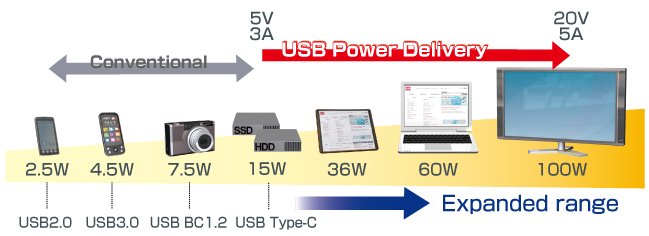
The attraction for most buyers is straightforward: 100W from a port that used to deliver 15W. Legacy USB ports sat at 2.5W by default, 7.5W with battery-charging support, and 15W for a USB-C port without PD negotiation. None of those will run a laptop for long.
At 45–100W, a PD link covers thin laptops, tablets, docks and portable monitors, and the charge time drops from hours to roughly an hour for many machines. That is the point at which a laptop stops needing its own power brick.
3.2 Power that matches the device
The handshake is what makes PD usable across such a wide range. A charger that always delivered 100W would cook a headset. Because the device requests a specific option and the cable declares its own rating, small peripherals get small power and large devices get large power from the same port.
This is also the mechanism behind those confusing field reports: a 100W charger that delivers 65W is usually answering a 65W request from the laptop, or reading a cable that cannot carry more.
3.3 Power in both directions
Bidirectional delivery removed a whole category of accessories. A laptop can power a hard drive or a printer over the same cable that carries the data, a power bank can charge a laptop, and a monitor can supply power to the machine driving it.
PD 3.0 added fast role swap on top: when input power disappears, a device can switch from sink to source without dropping the link, which is what keeps a dock alive when its adapter is unplugged.
4. The power levels PD actually offers
| Voltage / current | Pouvoir | Typical device |
|---|---|---|
| 5V / 3A | 15W | Phones, accessories, basic charging |
| 9V / 3A | 27W | Phones with fast charging |
| 15V / 3A | 45W | Tablets, thin laptops |
| 20V / 3A | 60W | Laptops, portable monitors |
| 20V / 5A | 100 W | Laptops, docks |
| 28V / 5A | 140 W | High-power laptops (EPR) |
| 36V / 5A | 180 W | Workstation laptops (EPR) |
| 48V / 5A | 240 W | Gaming laptops, displays (EPR) |
Everything above 100W sits in the Extended Power Range, and each step has conditions attached: a 5A cable, an EPR-rated e-marker, and an EPR-capable charger and device. Miss one and the link falls back to the highest option all three can agree on — usually 60W or 100W.
5. Is USB Power Delivery safe?
PD is safe when the whole chain complies, and that qualifier is doing real work.
The negotiation itself is the protection. The charger advertises only what it can sustain, the device requests only what it can accept, and the cable's e-marker caps the current at what the copper can carry. Nothing is driven beyond the agreed envelope.
Where it goes wrong is outside that envelope:
- Cables without a valid e-marker get treated as 3A cables, so 5A charging never happens — or, in non-compliant designs, current flows through conductors that were never rated for it and the connector heats up.
- Counterfeit or mislabelled e-markers claim 5A on 3A hardware, which is the failure mode behind melted connectors and scorched plugs.
- Damaged or worn connectors raise contact resistance, and the heat shows up at the plug rather than in the electronics.
Practical rules that prevent almost all of it: match the cable rating to the charger wattage, buy from suppliers who can show USB-IF or equivalent test evidence, never exceed the cable's marked rating, and check the connector temperature the first time a new combination runs at full load.
6. Where PD is heading
PD 3.1 is the current state of the standard, and its 240W ceiling changes what a single cable can replace. Gaming laptops, workstation machines, large displays and even power tools can now run from the same USB-C port that charges a phone.
The adoption curve is slower than the specification. Most laptops in the market still cap at 100W, and most chargers still stop at 65W or 100W. The 140W and 180W steps exist mainly to serve machines that need more than 100W but do not need the full 240W, and they require the same EPR chain end to end.
Convergence with USB4 and Thunderbolt is the other direction of travel: one port that carries 40 Gbps, video and 240W at the same time is the point the industry has been working towards since the first PD specification.