

USB 2.0 vs USB 3.0: What Are the Differences?
USB 2.0 vs USB 3.0: What Are the Differences?
USB 2.0 and USB 3.0 are widely used USB interface standards, but they differ significantly in data-transfer performance, cable construction, and suitability for different applications. Choosing the right option depends on the connected devices, required data rate, cable design, and intended use. For product developers, purchasing teams, and businesses sourcing USB cables, understanding these differences helps ensure that the selected cable meets the product's technical requirements without unnecessary cost or complexity.

- 1. USB 2.0 vs USB 3.0: Key Differences at a Glance
- 2. USB 2.0 vs USB 3.0 Speed
- 3. What Is the Difference Between USB 2.0 and USB 3.0 Cables?
- 4. USB 2.0 vs USB 3.0 Compatibility
- 5. When Should You Choose USB 2.0 or USB 3.0?
- 6. How to Choose the Right USB Cable for Your Product
- 7. Frequently Asked Questions
- 8. Conclusion
1. USB 2.0 vs USB 3.0: Key Differences at a Glance
The most important difference between USB 2.0 and USB 3.0 is their maximum data-transfer rate. USB 3.0 introduced SuperSpeed data transfer, offering a substantially higher theoretical rate than USB 2.0.
| Fonctionnalité | USB 2.0 | USB 3.0 |
|---|---|---|
| Common speed designation | USB haute vitesse | SuperSpeed USB |
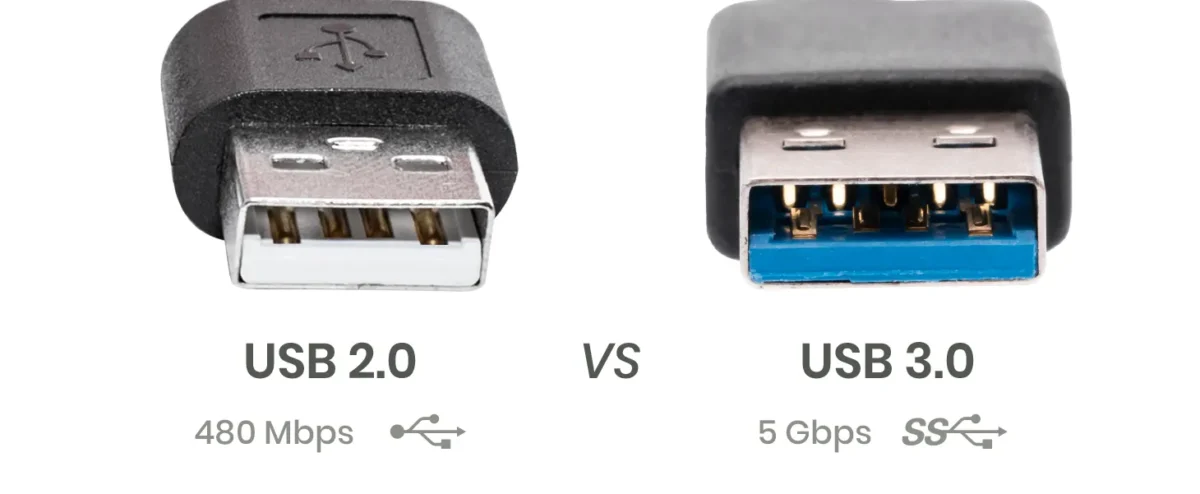
| Maximum theoretical data rate | 480 Mbps | 5 Gbit/s |
| Data-transfer performance | Suitable for basic data tasks | Better suited to higher-bandwidth applications |
| Cable construction | Typically uses four conductors for the USB 2.0 interface | SuperSpeed implementations use additional high-speed signal paths |
| Common applications | Keyboards, mice, basic peripherals, and many embedded devices | External storage, high-bandwidth peripherals, and faster data transfer |
| Backward compatibility | Depends on the connected port, device, and cable | Can support USB 2.0 operation when the relevant connection components support it |
| Capacité de charge | Depends on the applicable power specification and implementation | Also depends on the applicable power specification and implementation |
The figures above describe maximum theoretical signaling rates, not guaranteed file-transfer speeds. Actual performance depends on the host, device, cable, protocol overhead, storage performance, and other system limitations.
USB 3.0 is therefore not automatically the better choice for every application. If a device only needs basic connectivity and does not require higher data throughput, USB 2.0 may be sufficient.

2. USB 2.0 vs USB 3.0 Speed
USB 2.0 supports a maximum High-Speed data rate of 480 Mbps, while USB 3.0 supports SuperSpeed data transfer at up to 5 Gbit/s.
Since 1 Gbps equals 1,000 Mbps, the theoretical signaling rate of USB 3.0 is more than ten times that of USB 2.0.
However, theoretical signaling rates should not be confused with real-world file-transfer speeds. Protocol overhead, device capabilities, storage performance, and the type of data being transferred all affect actual results.
2.1 Why USB 3.0 can transfer files faster
USB 3.0 introduced additional high-speed data paths and a different transfer architecture that supports higher throughput than USB 2.0.
This can make a meaningful difference when transferring large files, backing up data, or connecting devices that need higher bandwidth.
For example, an external storage device may benefit from a SuperSpeed connection if the storage device itself can deliver data at a rate above what USB 2.0 can support.
By contrast, a keyboard or mouse generally does not need the additional bandwidth. In these applications, using USB 3.0 may provide little practical benefit in terms of data-transfer performance.
2.2 What affects actual transfer speed?
Even when a system supports USB 3.0, the connection may not reach its maximum theoretical rate. Important factors include:
- The USB capabilities of the host port.
- The supported interface and performance of the connected device.
- Whether the cable supports the required data rate.
- Cable quality and signal integrity.
- Storage speed, protocol overhead, and system performance.
For reliable performance, the host, device, and cable must all support the intended USB operating mode.
3. What Is the Difference Between USB 2.0 and USB 3.0 Cables?
USB 2.0 and USB 3.0 cables differ in the electrical paths and construction needed to support their respective data-transfer capabilities. A cable designed only for USB 2.0 data operation does not automatically provide SuperSpeed connectivity, even when its connectors physically fit the ports on a USB 3.0 device.
3.1 Internal wiring and signal paths
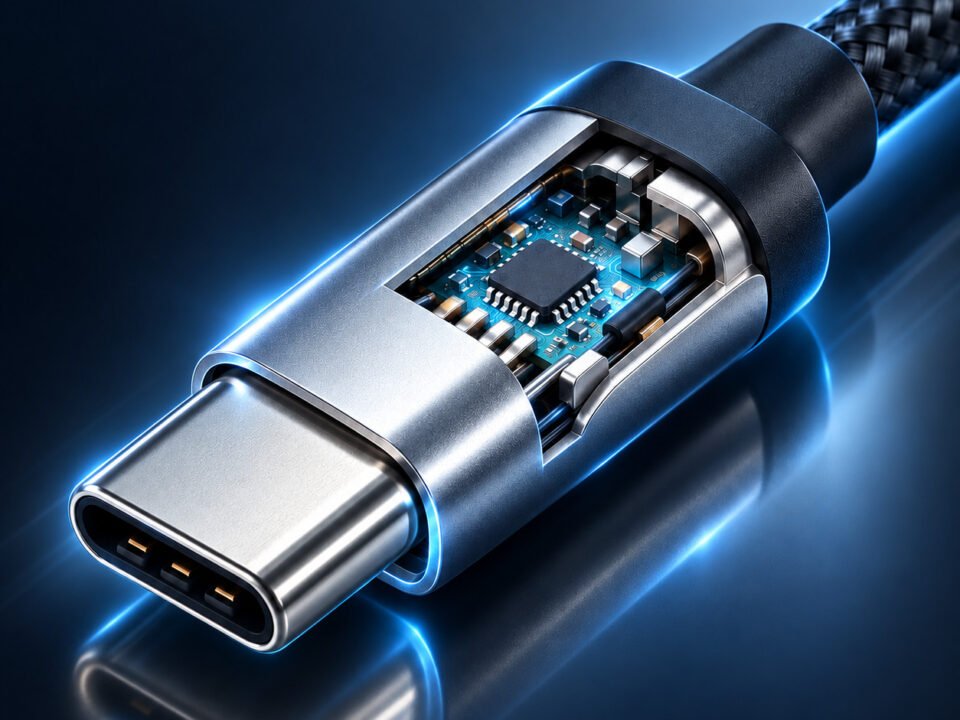
A conventional USB 2.0 data connection uses a differential pair for data transmission, alongside power and ground conductors. SuperSpeed USB 3.0 adds dedicated high-speed transmit and receive signal paths.
These additional paths enable SuperSpeed data communication. They also mean that a cable designed for SuperSpeed operation must meet the relevant electrical and signal-integrity requirements.
The exact conductor arrangement depends on the connector type and cable configuration. Not every USB cable has the same number of conductors, so construction should be evaluated against the actual interface specification.
3.2 Connector appearance and identification
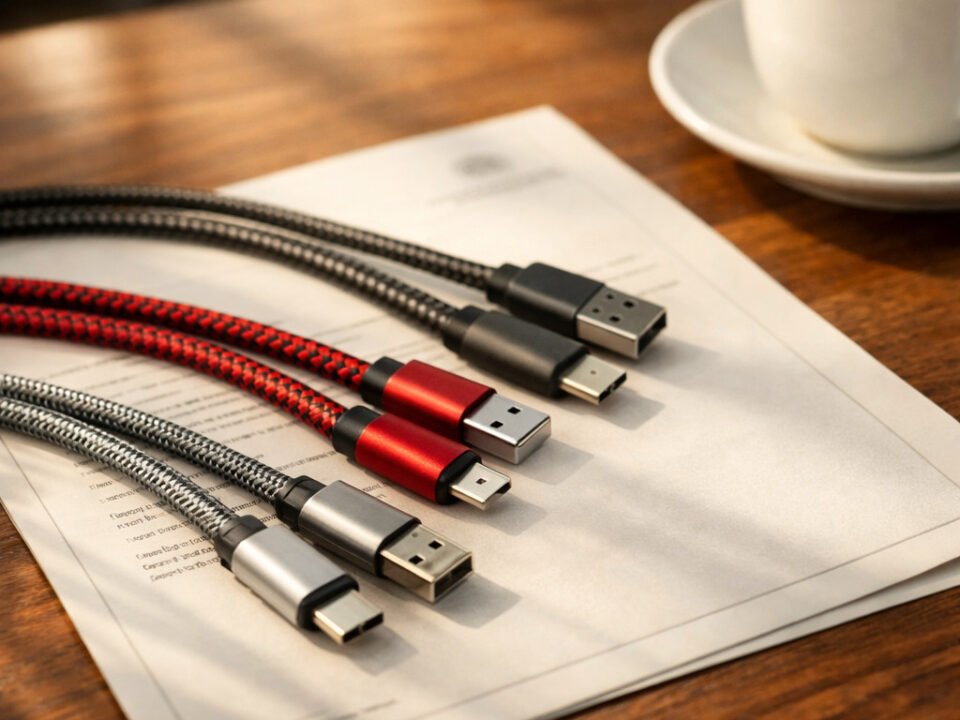
Some USB Type-A connectors use a blue insert to indicate SuperSpeed capability. However, connector color is not a universal or definitive identification method.
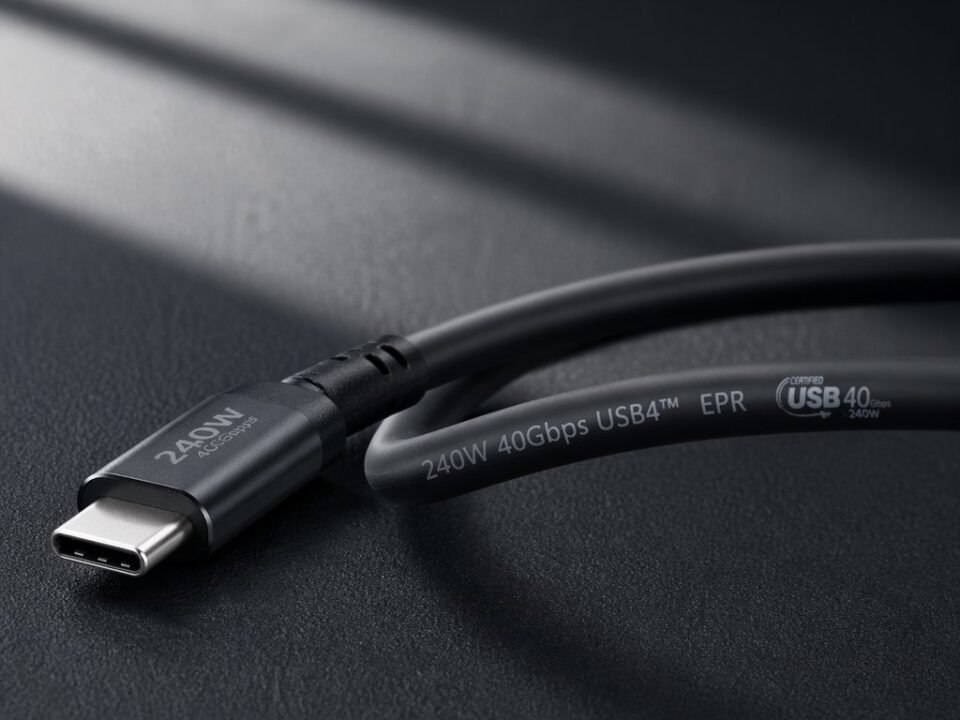
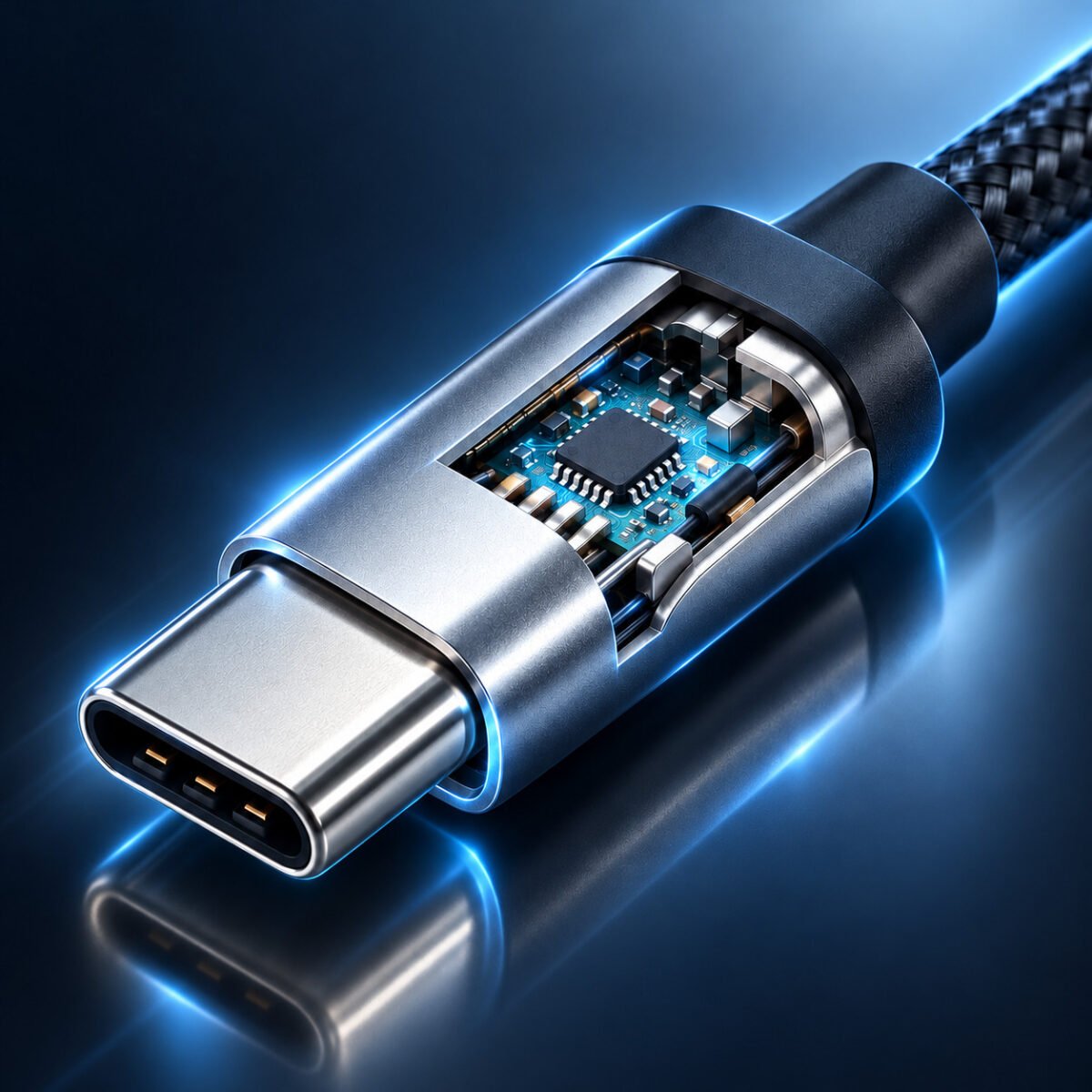
USB-C connectors are another important example. A USB-C connector identifies the connector system, not necessarily the data-transfer standard supported by the cable.
A USB-C cable may support USB 2.0 data, higher-speed USB data, USB Power Delivery, or a combination of capabilities, depending on its design and implementation.
For product selection, check the manufacturer's stated data rate and supported functions instead of relying on connector appearance alone.
3.3 Can a USB 2.0 cable support USB 3.0 speeds?
A cable designed only for USB 2.0 operation cannot be assumed to support USB 3.0 SuperSpeed data transfer.
To achieve SuperSpeed performance, the host, device, and cable must all support the required SuperSpeed connection. If one component limits the connection to USB 2.0, the connection cannot deliver the full USB 3.0 signaling rate.
4. USB 2.0 vs USB 3.0 Compatibility
USB 3.0 was designed to maintain compatibility with USB 2.0 devices and connections under supported configurations. However, compatibility does not mean that every combination will operate at the higher data rate.
When a USB 2.0 device connects to a USB 3.0-capable port, the connection generally operates using the supported USB 2.0 mode. Likewise, a SuperSpeed device connected through a USB 2.0-limited connection cannot achieve USB 3.0 data-transfer performance.
The practical result depends on the complete connection, including the host port, device, cable, and any adapters or hubs.
For example:
- A USB 2.0 peripheral connected to a compatible USB 3.0 host port can generally continue to operate at USB 2.0 speeds.
- A USB 3.0 storage device connected through a USB 2.0 cable or port may operate at USB 2.0 speeds if the connection supports that mode.
- A USB-C cable does not automatically support USB 3.0 or newer high-speed data standards.
If your main concern is whether USB 3.0 works with USB 2.0 devices and ports, read our detailed compatibility guide below.
5. When Should You Choose USB 2.0 or USB 3.0?
The right choice depends on the device's data requirements, the supported interface, and the total cost of the connection.
5.1 When USB 2.0 is sufficient
USB 2.0 may be suitable for applications that do not need high data throughput, including:
- Keyboards and mice.
- Basic control interfaces.
- Many embedded electronics and industrial peripherals.
- Devices that only require modest data-transfer rates.
For these applications, a properly specified USB 2.0 cable can meet the requirements without introducing unnecessary high-speed design requirements.

5.2 When USB 3.0 is preferable
USB 3.0 is worth considering when an application requires higher data throughput, such as:
- External hard drives and compatible storage devices.
- Devices that transfer large files frequently.
- High-bandwidth peripherals that explicitly support SuperSpeed USB.
- Product designs where USB 2.0 would limit the required data-transfer performance.
The benefit depends on the capabilities of the connected equipment. A USB 3.0 cable alone cannot make a USB 2.0 device operate at USB 3.0 speeds.

5.3 Does USB 3.0 provide faster charging?
Not necessarily. USB data-transfer standards and USB charging capabilities are related but distinct considerations.
Charging performance depends on the applicable USB power specifications, supported charging protocols, cable construction, and the capabilities of the power source and receiving device.
A USB 3.0 data connection does not automatically mean faster charging than a USB 2.0 connection. When charging is a priority, specify the required voltage, current, power level, and charging protocol separately from the data-transfer requirement.
6. How to Choose the Right USB Cable for Your Product
For B2B sourcing, choosing a USB cable involves more than comparing USB 2.0 and USB 3.0 labels. The cable must match the product's electrical, mechanical, and installation requirements.
Before selecting a cable, review the following factors.
6.1 Data-transfer requirements
Identify the required USB interface and data rate. If the application involves high-volume data transfer, confirm that the host, device, and cable support the intended performance.
6.2 Connector type and configuration
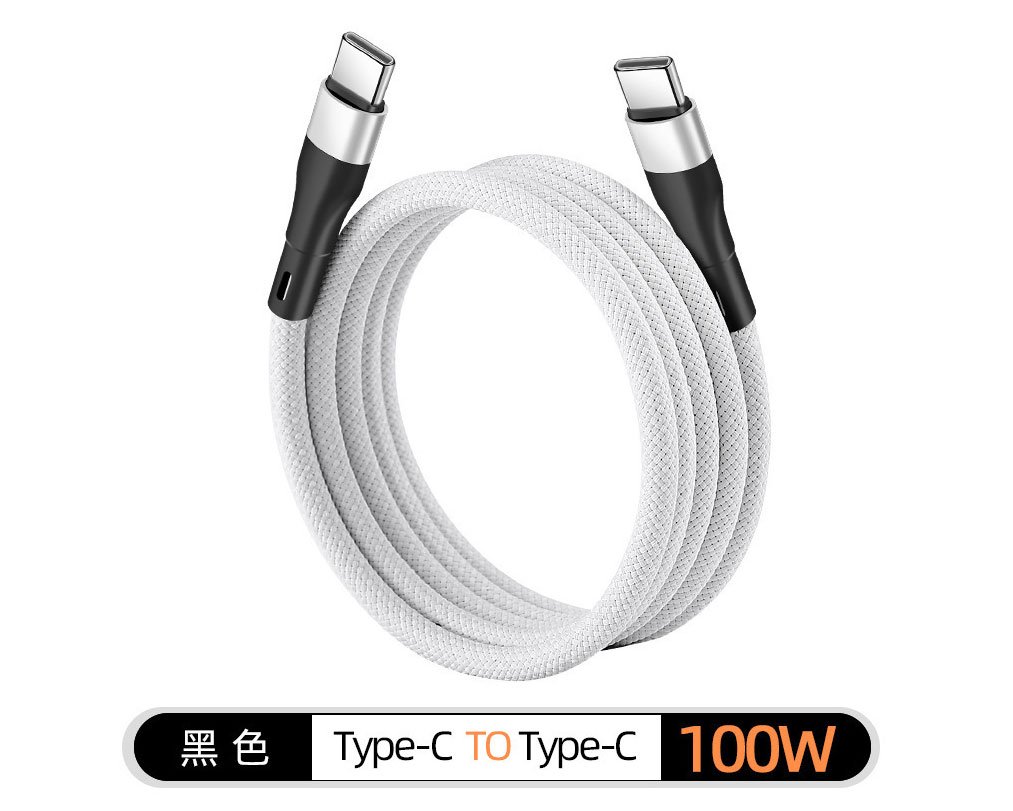
Confirm the connector types required at both ends, including USB-A, USB-C, Micro USB, or other application-specific connectors.
Connector shape alone does not establish data-transfer capability. Verify the actual supported USB specification.
6.3 Cable length and installation
Determine the required length, routing path, connector orientation, and available installation space. Electrical performance and signal integrity should be evaluated for the intended cable design and length.
6.4 Charging and power requirements
If the cable also supplies power, specify the required voltage, current, charging behavior, and applicable power-delivery requirements. Data performance and charging performance should be assessed separately.
6.5 Quality and production requirements
For OEM and ODM projects, also consider cable construction, durability, labeling, packaging, sample validation, and production requirements. The final specification should clearly define the functions the finished cable must support.
WJW provides USB cable solutions for different product and sourcing requirements. Explore the available product categories below.
For projects requiring a customized cable configuration, connector arrangement, or other product-specific requirements, you can also learn more about WJW's OEM/ODM services below.
7. Frequently Asked Questions
Can I use a USB 2.0 cable in a USB 3.0 port?
In supported configurations, a USB 2.0 cable can connect compatible USB 2.0 devices through a USB 3.0-capable port. However, the connection will not provide USB 3.0 SuperSpeed performance if the cable or another component limits it to USB 2.0.
Is USB-C the same as USB 3.0?
No. USB-C describes a connector system, while USB 3.0 describes a USB data-transfer standard. A USB-C cable may support USB 2.0 data, higher-speed data, power delivery, or a combination of capabilities depending on its design.
Which USB cable should I choose for an OEM project?
Start with the target device, connector configuration, required data rate, charging requirements, cable length, and operating environment. Then confirm the proposed design and its performance requirements with the manufacturer before approving samples or production.
8. Conclusion
USB 2.0 and USB 3.0 serve different performance requirements. USB 2.0 remains suitable for many basic peripherals, while USB 3.0 provides higher theoretical data-transfer rates for compatible devices and applications that need additional bandwidth.
For the right result, evaluate the host, device, cable, and required functions together. Data-transfer capability, connector type, charging performance, and mechanical construction should all be specified separately.
WJW supports OEM/ODM projects for USB cables, USB chargers, and power adapters. If you are sourcing USB cables for a product or developing a custom configuration, share your available specifications, drawings, or application requirements with our team. Explore the related pages below to learn more or discuss your project.