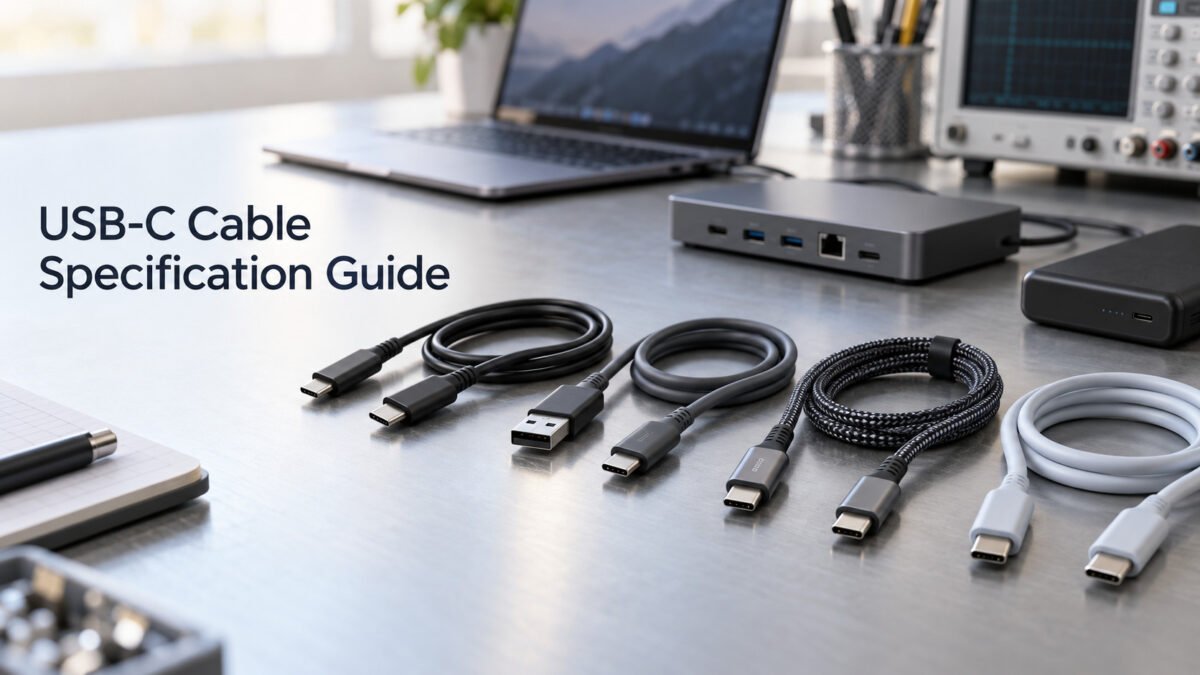

USB Cable Specification Guide
2026-09-10
USB-C Cable Specification Guide
2026-09-10
How to Select the Right USB Cable
How to Select the Right USB Cable
USB cables serve as the physical and electrical interface between devices for charging, data transfer and signal connectivity. Available in multiple connector types, power ratings, data speeds and construction designs, the selection of a USB cable depends on the target device, the required charging and data performance, and the operating environment.
Part 1: Selecting USB Cables by Connector Type
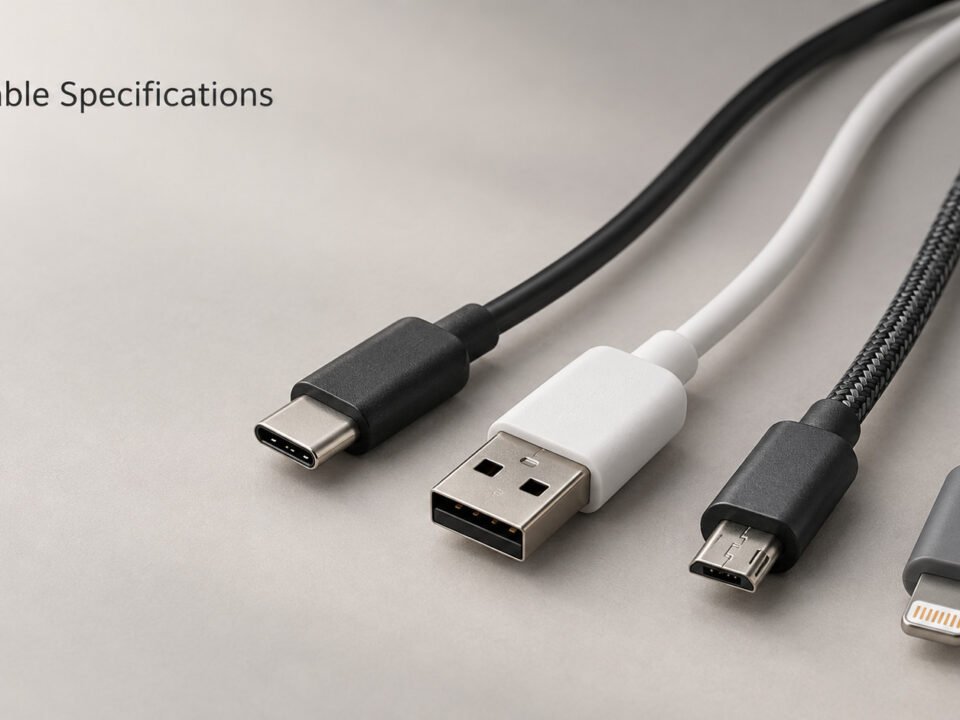
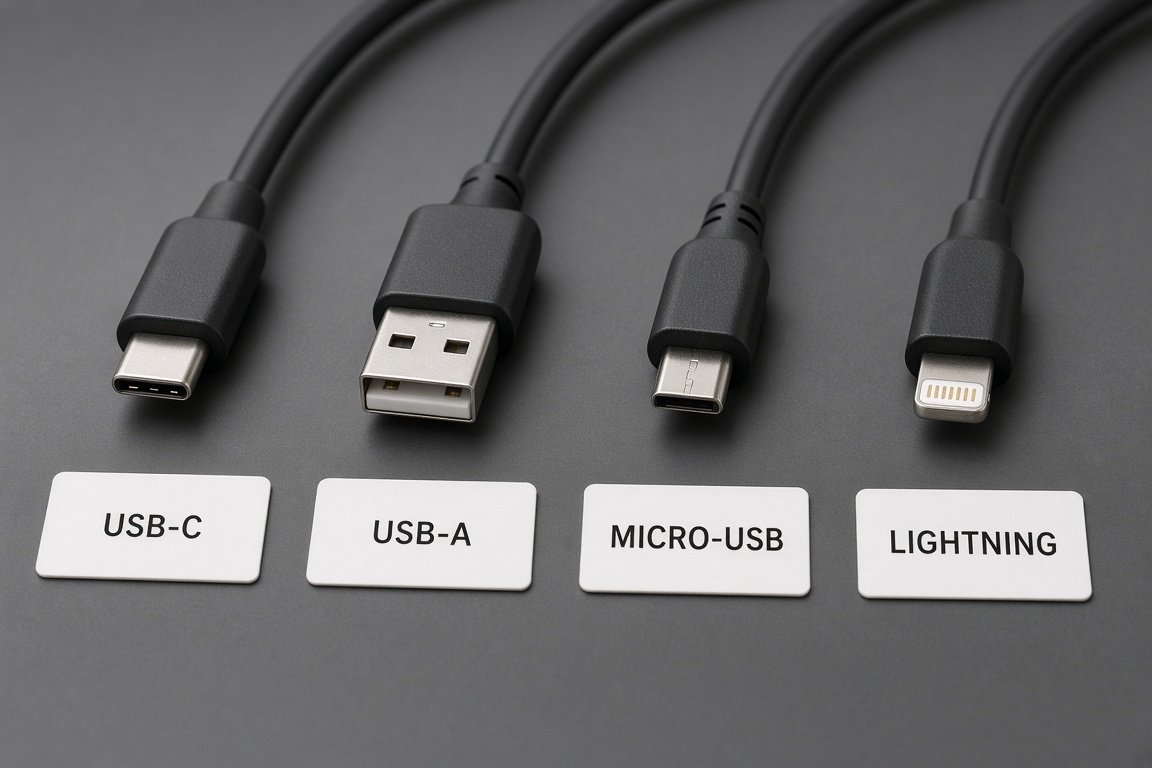
Selecting the right USB cable begins with identifying the connector interfaces required at both ends. Connector type determines physical compatibility, while charging power, data capability, video support, length and construction must be specified separately. The following sections introduce common connector combinations and their typical applications.
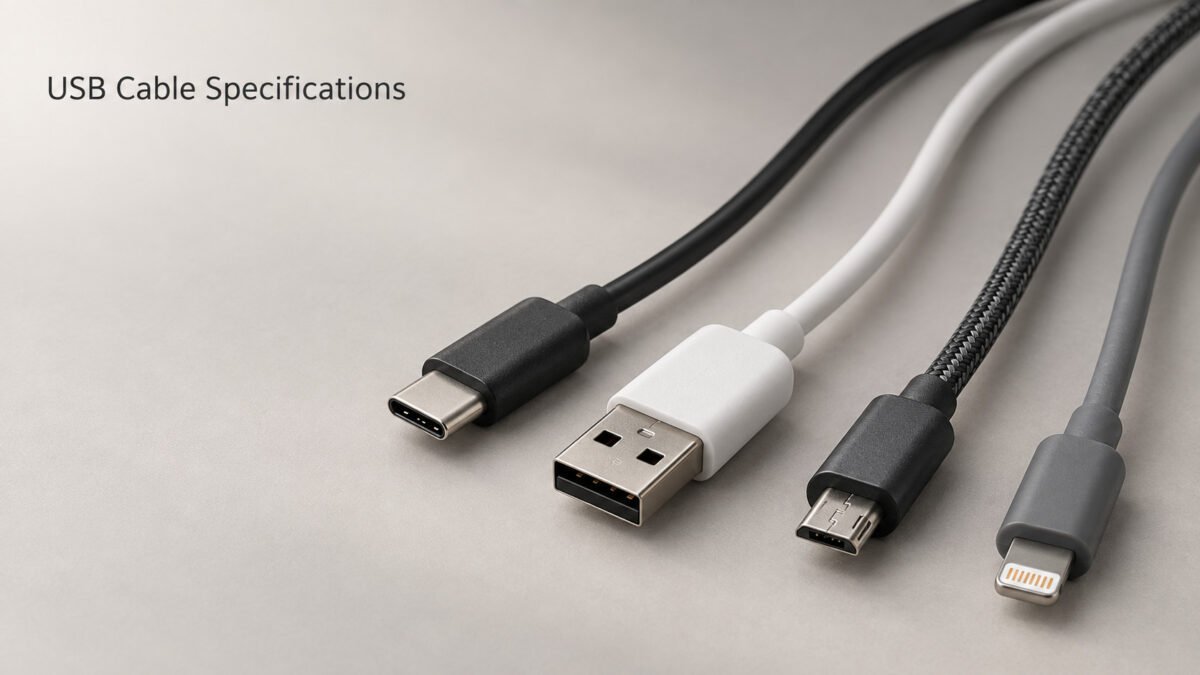
Cable USB-C
USB-C features a reversible connector interface that can be configured for charging, data transfer and selected alternate modes. The USB-C connector is defined by the USB Type-C Cable and Connector Specification and is adopted across a wide range of modern consumer electronics, computing and mobile devices.
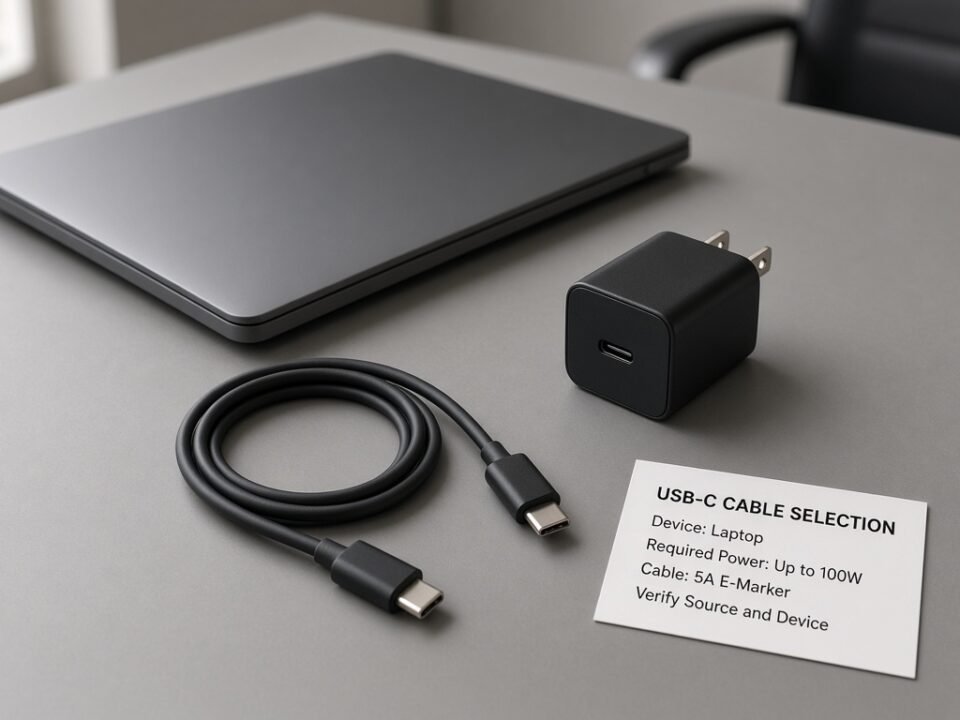
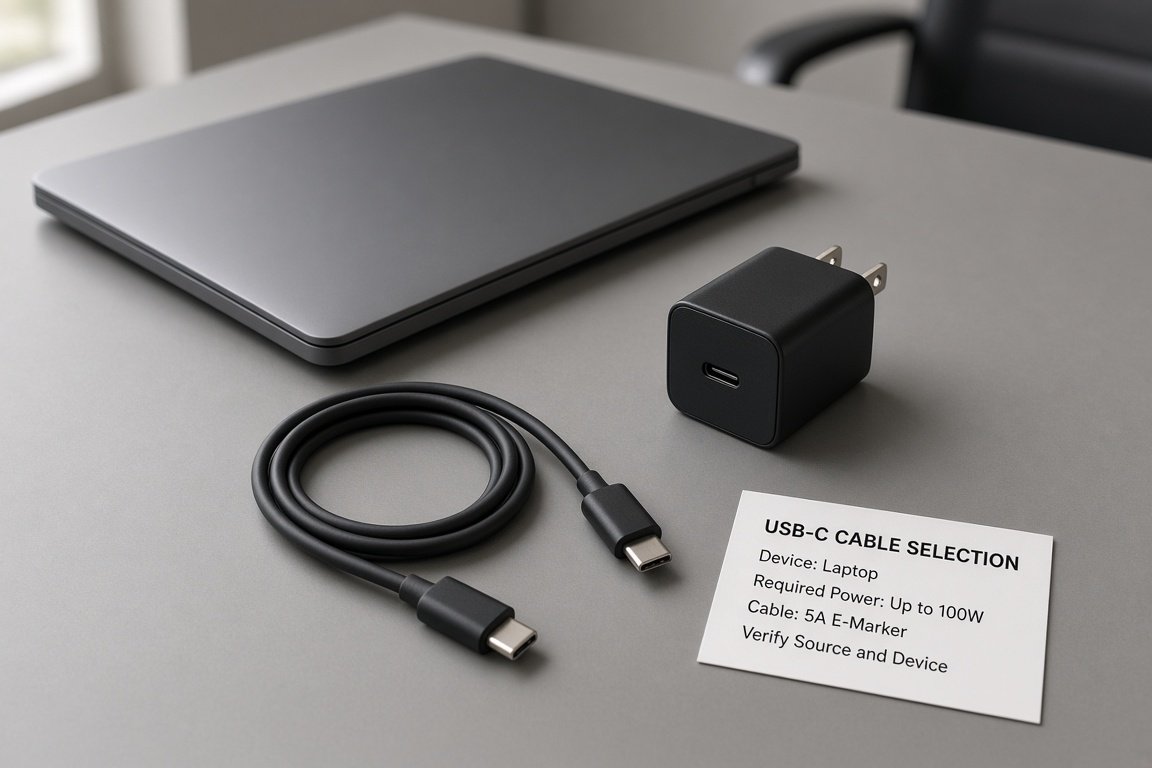
USB-C cables vary in their internal wiring and electronic components. A USB-C cable may support USB 2.0 data only, or it may support higher data rates including USB 5Gbps, USB 10Gbps, USB 20Gbps, USB 40Gbps and USB 80Gbps designs, subject to model availability and validation. For power delivery, USB-C cables may carry up to 3A without a 5A cable rating. Operation above 3A requires an electronically marked 5A cable. USB PD Standard Power Range supports system power levels up to 100W, while Extended Power Range supports system power levels up to 240W with a compatible source, sink and EPR-rated electronically marked 5A cable.
Actual USB PD, data-rate and video capabilities depend on the cable wiring, electronic components and connected devices and must be confirmed for each model. USB-C connector appearance alone does not confirm specific data, power or video support.
- New consumer electronics
- portátiles
- Compatible laptops, docks, monitors and other devices requiring higher USB PD power levels
USB-A Cable
USB-A is a rectangular connector interface commonly found on hosts, chargers and computer peripherals. USB-A cables are widely used for connecting existing devices and accessories that have not transitioned to USB-C. The USB-A interface is defined by the applicable USB specification version.
USB-A cables support data rates according to the selected USB version. USB 2.0 cables support data transfer up to 480 Mbps. USB 5Gbps and USB 10Gbps Type-A cable assemblies use the standardized SuperSpeed USB Type-A interface with additional contacts. Actual data performance depends on the cable, host and connected device.
USB-A cables remain available for markets and product lines where device replacement cycles are longer and the USB-A interface continues to serve as the standard host connector.
- Existing devices
- Computer accessories
Cable Micro USB
Micro-USB is a compact legacy connector defined in the USB 2.0 specification. Micro-USB cables were the standard charging and data interface for mobile and portable devices prior to the adoption of USB-C and remain in use across selected accessories, industrial equipment and embedded products.
Standard Micro-USB 2.0 cable assemblies support data rates up to 480 Mbps. The wider SuperSpeed Micro-B connector used on selected legacy storage devices is a different design and may support USB 5Gbps. The connector on the target device should therefore be confirmed before selecting a replacement cable. Charging current through the Micro-USB interface is typically lower than the levels available through USB-C and USB PD. For devices that require higher charging power or faster data transfer, USB-C cables with USB PD support may be appropriate where the target device permits.
Micro-USB cables remain available for products that have not transitioned to USB-C and for markets where device replacement cycles are longer. For legacy products that continue to use the Micro-USB interface, cable availability and material options can be confirmed for the required application.
- Legacy products
Cable Lightning
Lightning cable assemblies connect selected Apple devices and accessories that retain the Lightning receptacle to USB-A or USB-C power sources and hosts. Common configurations include USB-A to Lightning and USB-C to Lightning.
Charging and data capabilities depend on the cable design, power source and connected Apple device. Projects using Lightning technology should confirm the applicable Apple MFi Program, documentation and component requirements. Lightning connector appearance alone does not confirm MFi authorization, charging performance or data capability.
- Selected Apple devices and accessories
- Replacement and accessory programs using Lightning
- MFi projects, subject to applicable program requirements
Part 2: Factors to Consider When Selecting USB Cables
Beyond connector type, four key factors define whether a USB cable is suitable for the intended application. Evaluating power, data, environment and cable structure together helps ensure the selected cable meets the target device and operating conditions.
1. Power Requirement
Power requirement determines the cable’s current-carrying capacity and the USB PD support needed. The cable must be able to carry the charging current required by the target device at the specified voltage level without excessive voltage drop or thermal rise.
USB Power Delivery defines power levels through negotiated voltage and current profiles called Power Data Objects (PDOs). USB PD Standard Power Range supports fixed supply voltages of 5V, 9V, 15V and 20V, with system power levels up to 100W. Extended Power Range adds 28V, 36V and 48V, supporting system power levels up to 240W with a compatible source, sink and EPR-rated electronically marked 5A cable. The voltage and current combinations offered depend on the charger’s advertised PDOs and rated output.
Compliant USB-C cables may support up to 3A without a 5A cable rating. Operation above 3A requires an electronically marked 5A cable, while EPR operation requires an appropriate EPR-rated cable. The available power levels depend on the selected cable and charger platform.
Conductor gauge selection affects voltage drop, particularly for longer cables. Thicker conductors reduce resistance and voltage drop but increase cable outer diameter and cost. The selected conductor gauge should be confirmed against the charging current and cable length to ensure the voltage at the device end remains within the acceptable range.
Consider:
- Charging power
- Device requirement
2. Data Requirement
Data requirement defines the cable’s data-transfer capability. USB cables range from charging-only designs without data conductors to high-speed data cables supporting the latest USB data rates. Selecting the appropriate data capability avoids both underperformance and unnecessary cost.
Charging-only or power-only cable designs are available for applications that do not require data transfer. For USB-C products, the wiring, identification and current rating must follow the applicable USB Type-C specification and be validated with the intended power source and device.
Data transfer cables include signal conductors and support USB 2.0 data rates up to 480 Mbps. These cables are suitable for connecting peripherals, syncing files or transferring data at standard USB 2.0 speeds. The data rate is limited by the lowest-performing element in the connection chain, including the cable, host and device.
High speed data cables support USB 5Gbps, USB 10Gbps, USB 20Gbps, USB 40Gbps and USB 80Gbps designs, subject to model availability and validation. Higher data rates require specific cable construction, including twisted signal pairs, shielding and in some cases active electronic components for signal conditioning. Passive high-speed cable length is limited by the target data rate and construction; longer reach may require an active design and compatible equipment.
Video or alternate-mode support, where applicable, should be specified separately. USB-C cables may support DisplayPort Alt Mode or other supported video solutions, depending on the cable wiring and connected devices. USB-C-to-HDMI connectivity may require an active adapter or converter. USB-C connector appearance alone does not confirm video or alternate-mode support.
Consider:
- La carga sólo
- Data transfer
- High speed data
3. Environment
The operating environment affects material selection, shielding, sealing and mechanical durability. Cables designed for indoor consumer use may not perform reliably in outdoor, industrial or vehicular applications without appropriate material and construction specifications.
Indoor applications typically use standard PVC or TPE jacket materials. These materials provide adequate flexibility and abrasion resistance for consumer and office environments at normal room temperatures. Indoor cables may not require special UV resistance, oil resistance or wide operating temperature ranges.
Outdoor applications may require UV-resistant jacket materials to prevent degradation from sunlight exposure. Moisture resistance may be needed for cables exposed to rain, humidity or condensation. Wider operating temperature ranges may be required for cables installed in environments with seasonal temperature variation. A waterproof or IP claim must refer to the tested complete assembly and the specified mated or unmated condition.
Industrial applications may require oil and chemical resistance for exposure to lubricants, solvents or process chemicals. Reinforced shielding may be needed to maintain signal integrity in environments with electromagnetic interference. High flexing durability may be required for cables in cable chains, robotic arms or moving equipment. Specified flame-performance requirements may apply in industrial facilities. Compliance should be based on the applicable material system, completed cable construction and required test method rather than the jacket material name alone.
Consider:
- Indoor
- Outdoor
- Industrial
4. Cable Structure
Cable structure encompasses material, length and flexibility. These three elements together define the physical construction of the cable and its suitability for the target application.
Material
Jacket materials may include PVC, TPE and silicone, with nylon or polyester braid added as an optional outer layer. Depending on the selected compound and hardness grade, TPE can provide a softer feel or greater flexibility than selected PVC compounds. Silicone compounds may provide high flexibility and a wider operating temperature range for specialized applications. Material performance must be confirmed from the selected compound and completed cable assembly.
Conductor material is commonly bare copper or tinned copper. Tinned copper can improve resistance to oxidation and corrosion in selected environments. DC resistance depends on conductor material, effective cross-sectional area, stranding, cable length and operating temperature and should be verified against the specified cable design.
Longitud
Cable length should be selected according to voltage-drop and signal-integrity requirements. For charging cables, longer length increases resistance and voltage drop, which may reduce charging speed or cause the device to draw less current than the charger can supply. For data cables, passive high-speed cable length is limited by the target data rate and construction. USB 2.0 cables can achieve longer lengths than USB 10Gbps or USB 20Gbps cables using the same construction approach.
Longer reach for high-speed data may require an active cable design with built-in signal conditioning electronics. Active cables contain signal-conditioning electronics that require power through the supported cable and connector design, such as USB-C VCONN where applicable, or through a specified external power arrangement. Compatibility with the source, host, connected device and intended protocol must be confirmed for each active cable design.
Flexibilidad
Flexibility requirements vary by application. Consumer cables for general use require a balance of flexibility and durability for daily handling and storage. Cables for portable devices may benefit from tangle-resistant construction and a compact form factor. Industrial cables in cable chains or robotic applications may require high flex life ratings specified by the number of bending cycles at a defined bend radius.
Cable flexibility is influenced by conductor cross-sectional area, strand size, stranding construction, jacket material and overall cable design. Fine-stranded conductors and softer jacket compounds can improve flexibility, but the completed construction must still meet the required electrical resistance, current capacity, mechanical strength and flex-life targets.
Consider:
- Material
- Longitud
- Flexibilidad
Part 3: Related Resources
For detailed specification parameters, product solutions and custom manufacturing options, refer to the following resources:
- USB Cable Specification Guide
- USB Cable Solutions
- Custom USB Cable Manufacturing
Request a Cable Selection Review
Provide the target device type, connector combination, required charging power and data capability, cable length, material preference, operating environment, destination market and estimated order quantity.