

USB 3.2 vs USB-C: What’s the Difference?
USB 3.2 vs USB-C: What's the Difference?
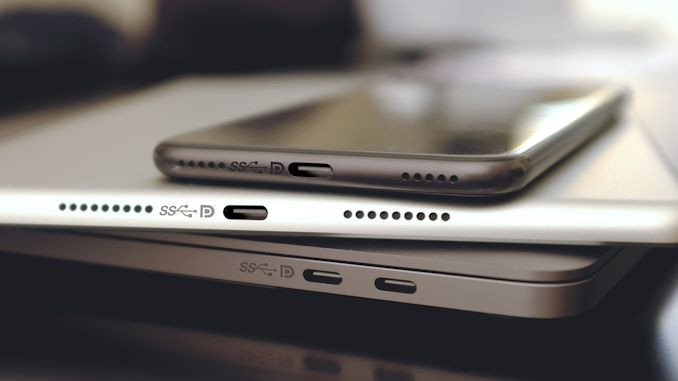
The two terms appear side by side on spec sheets so often that they read as one thing. They are not even the same kind of thing: USB 3.2 is a data-transfer standard, and USB-C is a plug shape.
That distinction explains a frustration most buyers meet once: a device with a USB-C port that copies files at 30 MB/s instead of 1 GB/s. The connector was right. The standard underneath it was USB 2.0.
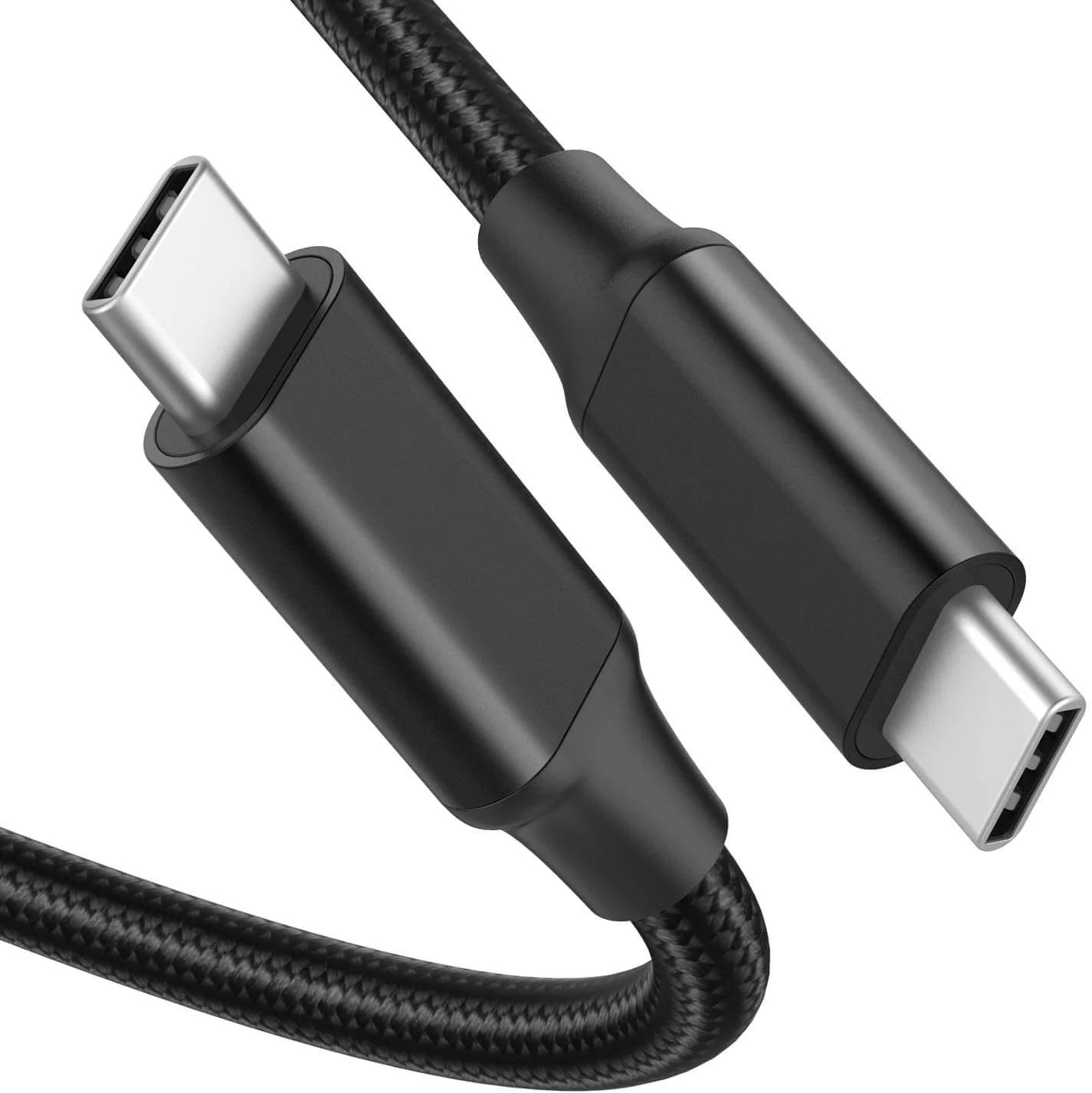
1. Are USB 3.2 and USB-C the same?
No. USB 3.2 defines how data moves — signaling, encoding, protocol, speed grades. USB-C defines what the plug and socket look like and which wires run through them. One is a rulebook, the other is a physical interface that can carry several different rulebooks.
The confusion runs on two levels. One is category: "USB 3.2" and "USB-C" sit on the same spec line, so they read as one product. The other is version numbering — the USB-IF renamed the same 5 Gbps and 10 Gbps modes twice, which is why the table below carries four names for two speeds:
| Name you will see | Older name | Data rate | Connectors used |
|---|---|---|---|
| USB 3.2 Gen 1 | USB 3.0, then USB 3.1 Gen 1 | 5 Gbps | A, B, C |
| USB 3.2 Gen 2 | USB 3.1 Gen 2 | 10 Gbps | A, B, C |
| USB 3.2 Gen 2x2 | — | 20 Gbps | C only |
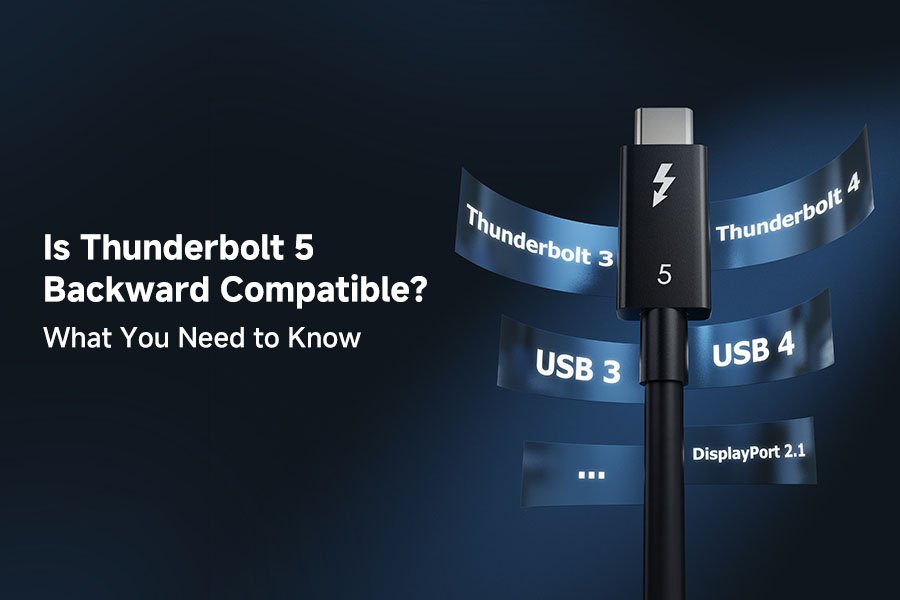
| USB4 | — | 20 or 40 Gbps | C only |
| USB4 v2 | — | 80 or 120 Gbps | C only |
Two things follow. First, a spec sheet that names "USB 3.1" or "USB 3.2" without a Gen number tells you nothing about speed. Second, the higher grades exist only on Type-C, because 20 Gbps and above need the extra high-speed pairs that only the C connector carries.
USB 3.2 was published in 2017; the 5 Gbps and 10 Gbps modes it contains date back to USB 3.0 (2008) and USB 3.1 (2013). The rebranding changed the labels, not the hardware.
2. What is USB-C?
USB-C is a 24-pin connector, published in 2014, with a symmetric design that plugs in either way up. It replaced a family of one-way plugs: Type-A on the host side, Type-B and its Mini and Micro variants on the device side.
The important point for buyers is that the connector is standard-agnostic. The same socket shape can be wired for:
- USB 2.0 only — 480 Mbps, using a single twisted pair. Common on mice, keyboards, cheap hubs and many charging-first devices.
- USB 3.2 Gen 1 or Gen 2 — 5 or 10 Gbps, using additional SuperSpeed pairs.
- DisplayPort over the connector — an alternate mode that repurposes the high-speed lanes for video. A separate HDMI Alt Mode was defined but almost no products shipped with it, so in practice video over USB-C means DisplayPort.
- USB Power Delivery — up to 240W with PD 3.1 EPR at 48V/5A, on a cable that declares it.
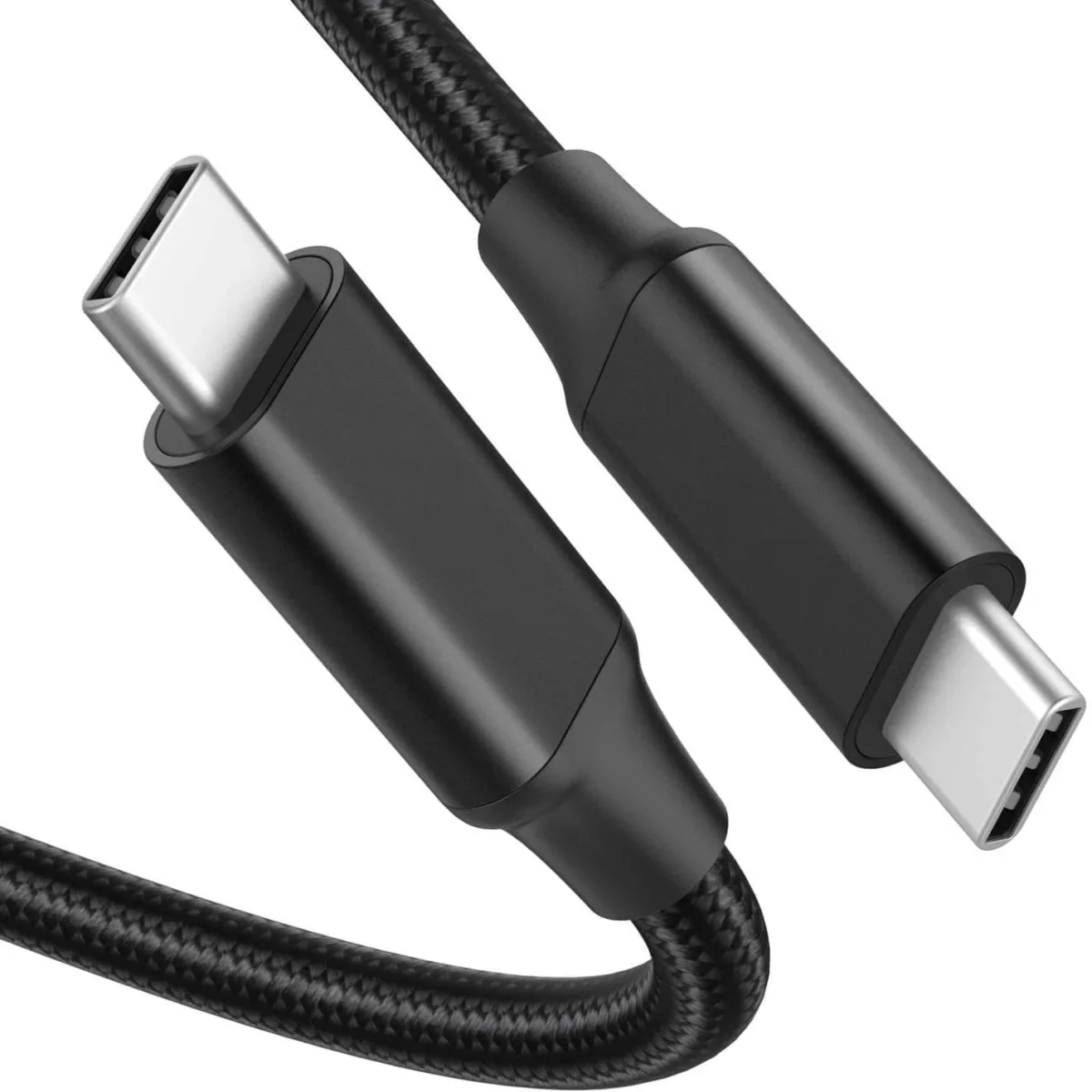
Two USB-C cables can look identical and differ in every one of those dimensions. A charge-only cable may carry power and nothing else; a USB 2.0 cable may carry data at 480 Mbps; a full-featured cable carries 10 or 20 Gbps plus video plus power. The outer jacket hides all of it.
3. Key differences between USB 3.2 and USB-C
- USB 3.2 is a data-transfer standard; USB-C is a connector type that can carry USB 2.0, USB 3.2, USB4 and non-USB signals.
- A USB-C port does not imply USB 3.2 speed. USB 2.0 over Type-C is common and completely compliant with the specification.
- Speed grades above 10 Gbps exist only on Type-C, but the connector alone does not guarantee them either — the port, the cable and both devices all have to support the same grade.
- Power delivery is a separate layer. A cable can be rated for 240W and still be limited to 480 Mbps, or rated for 40 Gbps and capped at 60W.
Why the video claim needs a caveat
It is often said that USB 3.2 Gen 2 "supports 4K and 8K video". That is not a property of the data rate. Video over USB-C comes from DisplayPort Alt Mode, which reassigns the high-speed lanes to a DisplayPort link. A USB 3.2 Gen 1 port can carry DP Alt Mode as well as a Gen 2 port can, and a Gen 2 port with no Alt Mode support will send no video at all. Whether 4K or 8K is achievable depends on the DisplayPort version, the lane count and the monitor — not on the USB speed label.
There is also a trade-off worth knowing: when all four high-speed lanes go to video, USB data over the same cable falls back to USB 2.0. A dock driving two 4K displays is using all four lanes to do it, so files move at 480 Mbps over that connector, not 10 Gbps.
4. How to choose the right USB 3.2 cable
Start from the job, not the plug.
For files, backups and external SSDs. Match the cable to the slowest link in the chain. A 10 Gbps drive on a 5 Gbps port runs at 5 Gbps; the cable is irrelevant until it becomes the limit. A USB 2.0 C-to-C cable in that chain drops the whole path to 480 Mbps, which is the usual cause of "my SSD is slow".
For video. You need a cable explicitly rated for the display standard you want — Alt Mode support, and enough lanes for the resolution and refresh rate. A cable without Alt Mode support will not do it, whatever its speed rating.
For power. Above 3A the cable must carry an E-Marker chip declaring its rating; a 5A cable is what a 100W or 240W contract needs. A 3A cable caps the contract at 60W regardless of the charger.
For length. Passive copper is practical up to about 1 m at 10 Gbps and up to 3 m at 5 Gbps. Beyond that you need an active cable, which costs more and is directional, so the two ends cannot be swapped.
For durability in the field. Look at the connector shell, the strain relief and the insertion rating. A cable rated for 10,000 mating cycles with a metal shell survives daily use in a way that a molded plastic plug does not.
A 10 Gbps Type-C cable is the safe default for a mixed kit: it covers SSDs, docks and phones, and it is the cheapest grade that will not become the bottleneck. Buy the 20 Gbps or 40 Gbps grade only when a specific device needs it.
For OEM and ODM projects, the connector, the standard and the power rating are three separate lines on the specification sheet — and none of the three can be read from the outside of the cable.