

Thunderbolt 5 vs Thunderbolt 4: What Actually Changed
Thunderbolt 5 vs Thunderbolt 4: What Actually Changed
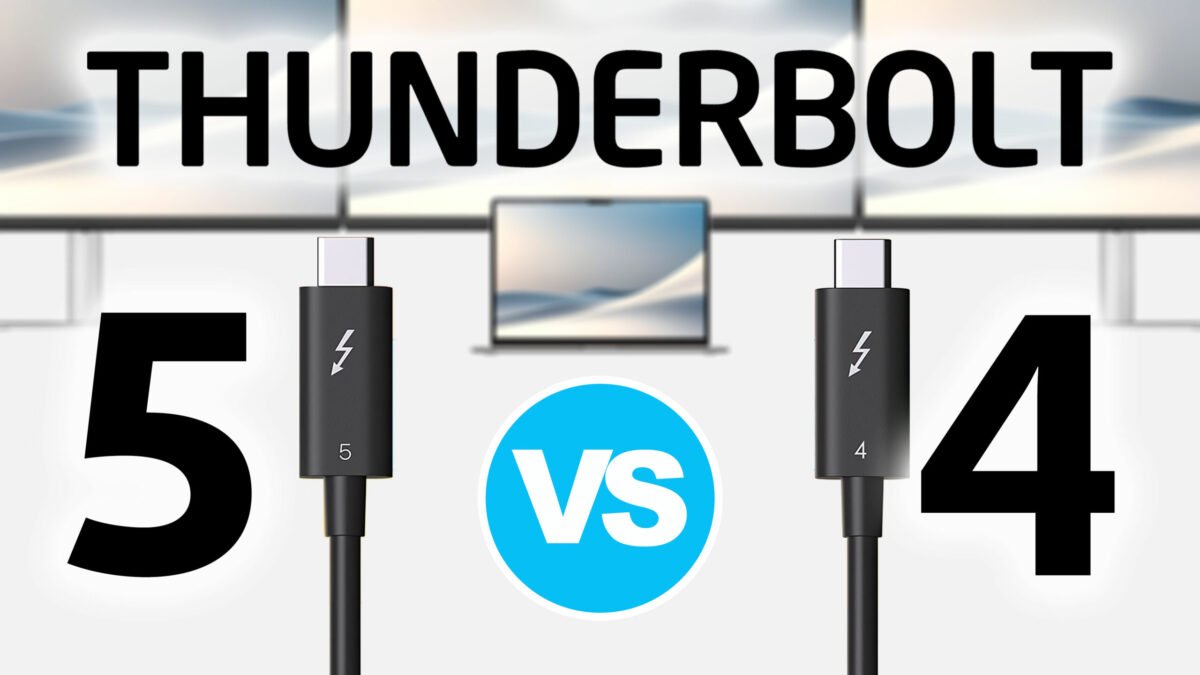
The Thunderbolt 5 vs Thunderbolt 4 comparison comes down to a large jump in bandwidth and everything that follows from it. Thunderbolt 5 doubles the 40 Gbps bidirectional link of Thunderbolt 4 to 80 Gbps, and it can boost one direction to 120 Gbps for video work. That produces faster transfers, stronger display support, and faster direct connections between machines.
For buyers comparing a current machine against a next-generation one, that difference decides how many displays a dock can drive, how fast an external array runs, and how much power a single cable can carry. This comparison breaks the two standards down by bandwidth, video and display capability, power delivery, backward compatibility, and real-world use at work and in gaming.

1. What is Thunderbolt 4?
Thunderbolt 4 has become a reference point for high-speed external connectivity, setting expectations for speed, efficiency, versatility, and security. It is a substantial evolution from Thunderbolt 3, and it keeps the same 40 Gbps peak while raising what a device must do before it can carry the name.
Certification is the part that changed most. Thunderbolt 4 mandates PCIe at a minimum of 32 Gbps, which makes file access faster and data transfer more consistent across machines. For anyone managing large datasets or multimedia files, that floor is what keeps a dock from becoming the weak point in the chain.
Display support is specified rather than optional: two 4K displays or a single 8K display. Power delivery runs up to 100W, which is enough to charge a laptop through the same cable that carries the display signal and keeps a desk free of extra adapters. Passive cables handle the short runs at full rate; longer cables need active components to hold the bandwidth.
Compatibility is broad in both directions. Thunderbolt 4 is backward compatible with every earlier version of Thunderbolt, and it extends support to a wider range of USB standards, which is what allows one port to serve as the mainstay of a desk as hardware changes around it.
Security is part of the specification as well. Thunderbolt 4 includes direct memory access protection based on Intel VT-d, which limits what an attached device can reach in system memory.
Taken together, those requirements set a benchmark for high-speed data transfer and display output, and they made the port predictable: two Thunderbolt 4 ports should behave the same way. Thunderbolt 4 uses USB-C ports, which appear on most devices, but not every USB-C port supports Thunderbolt.
2. What is Thunderbolt 5?
Thunderbolt 5 is a larger step than a revision. Officially unveiled on September 12, 2023, it redefines the boundaries of speed, efficiency, and versatility in wired connections rather than extending the previous generation.
At its core, Thunderbolt 5 is built for creators, gamers, and professionals for whom every second of transfer time counts. It delivers 80 Gbps in both directions, double Thunderbolt 4, and reaches 120 Gbps in one direction through Bandwidth Boost for video-heavy work. The "three times" figure that appears in coverage refers to that boosted mode against a 40 Gbps baseline, not to the default bidirectional rate. The gain matters whether the workload is large video files, high-end gaming, or intricate datasets.
The silicon behind it is a controller family codenamed Barlow Ridge, which is what carries the standard into laptops, docks, and accessories rather than leaving it a specification.
Thunderbolt 5 builds on USB4 version 2 and DisplayPort 2.1, which is what allows the higher bandwidth to turn into more pixels and faster storage. It keeps backward compatibility with existing setups while moving the ceiling upward.
What that means in practice is a port that can serve a workstation dock without the trade-offs earlier generations required: no choosing between refresh rate and resolution on a multi-monitor desk, and no separate power brick for the majority of laptops.
3. What's New in Thunderbolt 5
Thunderbolt 5 offers 80 Gbps of bidirectional bandwidth and reaches up to 120 Gbps for video-heavy tasks, against a flat 40 Gbps on Thunderbolt 4. Beyond the headline number, it raises performance for demanding workflows while building on the compatibility and display support of the previous generation.
That wider link means more data moves at once, which reduces the queuing that appears when a dock carries displays, storage, and network traffic together. Large video files, complex 3D models, and datasets that have been waiting on a drive all move faster, and the link stops being the first limit they hit.
4. Thunderbolt 5 vs Thunderbolt 4: Key Differences
The differences between the two generations are specific, and most of them trace back to one change: a link that is twice as wide, plus a mode that widens it further for video. The rest of this section works through bandwidth, speed, PCIe throughput, networking, signaling, and the silicon that implements them.
Bandwidth is the clearest difference. Thunderbolt 4 offers 40 Gbps; Thunderbolt 5 doubles that to 80 Gbps bidirectional, and Bandwidth Boost adds 120 Gbps for video tasks. That combination raises the ceiling for high-performance peripherals and multi-monitor setups while shortening large transfers.
Speed is the second change. A workload that already fills a 40 Gbps link finishes in roughly half the time once the link doubles, which is what high-end gaming and advanced creative work need to stay responsive rather than waiting on storage.
PCIe throughput doubles as well. Thunderbolt 4 carries PCIe Gen 3 x 4; Thunderbolt 5 moves to Gen 4 x 4. That improves the efficiency of external graphics and external storage, because devices stop being limited by the tunnel before they reach their own limits.
Networking gets the same treatment. Doubling the total bandwidth raises what a direct peer-to-peer connection between two computers can carry, which shortens large file transfers between workstations without routing them through a switch.
Underneath, Thunderbolt 5 uses PAM-3, pulse amplitude modulation with three levels, which encodes more data per symbol than the two-level signaling it replaces. That raises throughput without raising the clock as far, and it keeps the USB-C connector unchanged. The cable is a different matter: 80 Gbps needs a Thunderbolt 5 rated cable at full length, and 120 Gbps needs an active one.
The controller behind the standard is Barlow Ridge, and it is what appears in shipping laptops, docks, and drives. Thunderbolt 4, in contrast, has been in devices since 2020 and remains the foundation most accessories are built against.
Taken together, the changes are less a list of features than a shift in what one port can carry at once: more pixels, more storage throughput, and more power, without a new connector.
Bandwidth and Data Throughput
Thunderbolt 5 offers 80 Gbps bidirectional, double Thunderbolt 4. The added PCIe bandwidth is what lets external SSDs reach roughly 5,000–6,000 MB/s in demanding storage workflows, a range that PCIe Gen 3 could not sustain through a cable. Support for PCIe Gen 4 is what produces the faster storage and external graphics.
The wider PCIe tunnel means the latest SSDs can run closer to their own limits. That benefits anyone working with large datasets or needing rapid access to stored files, and it keeps external graphics enclosures from being throttled by the connection before the GPU is.
Video and Display Capabilities
Thunderbolt 5 drives up to three 4K displays at 144Hz simultaneously, or a single display at 8K 60Hz, and supports refresh rates up to 540Hz on setups that can use them. DisplayPort 2.1 is what makes the multi-display arrangement possible, since it carries more video per lane than the earlier version.
For a video editor, a graphic designer, or a data analyst, the practical effect is more screen area at full resolution and refresh rate without compression artifacts or a dropped refresh. More detail on screen and less shuffling between windows is a direct gain in working efficiency, and DisplayPort 2.1 keeps the setup compatible with newer display technology rather than locking it to the current generation.
5. Thunderbolt 5 vs Thunderbolt 4: For Work
In professional environments, the move from Thunderbolt 4 to Thunderbolt 5 is not an incremental update. It changes how a workstation is laid out and how much waiting sits between tasks.
Thunderbolt 4 already set a high bar with a reliable 40 Gbps, which covered smooth transfers and solid peripheral connectivity. Thunderbolt 5 doubles that to 80 Gbps and reaches 120 Gbps with Bandwidth Boost, so professionals working with large datasets, high-resolution video editing, or complex simulations spend less of the day waiting. For heavy files and multiple high-resolution displays, transfers run as fast as moving 150GB in about 25 seconds.
Docking is where the change becomes visible on a desk. Thunderbolt 4 improved multi-display setups considerably; Thunderbolt 5 refines that further, so a laptop reaches monitors, storage, networking, and charging through one connection. It also supports bridging multiple computers over a peer-to-peer link without giving up speed, which suits collaborative settings where work moves between machines. For creative professionals and video editors, that covers 8K editing with shorter render times and live streaming to several 4K monitors at once.
Because it is built on USB4 version 2, DisplayPort 2.1, and PCIe Gen 4, Thunderbolt 5 stays compatible with a wide range of existing and new devices. Backward compatibility means an organization can invest without obsoleting its Thunderbolt 3 and Thunderbolt 4 hardware, so the upgrade can be staged.
For professionals and businesses watching the technology curve, the value is straightforward: higher throughput, one cable per desk, and a path that does not require replacing everything at once.

6. Thunderbolt 5 vs Thunderbolt 4: For Gaming
Thunderbolt 5 changes two things for gaming: how fast a game library loads from an external drive, and how much display a machine can drive while doing it.
Thunderbolt 4 laid the groundwork with support for multiple 4K monitors and fast data transfers, which covered most setups. Its limits appeared at the edges, when a fast external SSD, a high-refresh panel, and a dock carrying both competed for the same 40 Gbps.
Thunderbolt 5 doubles the link and adds PAM-3, which moves more data per symbol without raising the clock as far. A 100GB title moves in under 20 seconds rather than over half a minute, asset streaming stops competing with display traffic, and the wider link supports refresh rates up to 540Hz for competitive shooters where frame delivery matters more than resolution. Multi-monitor layouts also hold their refresh rate while a drive is busy.
Backward compatibility with USB4 and Thunderbolt 3 keeps existing peripherals in use, so a current dock or drive does not need replacing on day one.
With game installs growing and expectations for high-resolution graphics rising, the wider link is less a luxury than a way to keep storage and display from limiting the machine. The clearest case is an external GPU enclosure on a thin laptop: Thunderbolt 4 gives it a 32 Gbps PCIe tunnel, and Thunderbolt 5 doubles that to 64 Gbps, which narrows the gap against a card in a full-length slot without closing it.
What that produces is faster loading, steadier frame delivery on high-refresh panels, and fewer moments where the connection, rather than the hardware, sets the limit.

7. Conclusion
Thunderbolt 4 marked a real milestone: 40 Gbps of bandwidth, efficient multi-display setups, and quick transfers that served professional and gaming use alike.
Thunderbolt 5 doubles the bandwidth to 80 Gbps, adds PAM-3 signaling and 120 Gbps Bandwidth Boost, moves to PCIe Gen 4 and DisplayPort 2.1, and raises charging to 240W. Data-intensive tasks and multi-display gaming reach a higher ceiling as a result.
The move is a considered transition rather than an abrupt break. Backward compatibility means a Thunderbolt 5 device runs on an older host at that host's rate, and older devices keep working on a Thunderbolt 5 port, so the upgrade can happen one component at a time.
For creative professionals, gamers, and anyone building a desk around a single cable, that combination is what makes the next upgrade worth planning rather than forcing.
Looking further out, the higher ceiling is likely to matter most in the devices that have not been designed yet: storage, displays, and docks that assume 80 Gbps rather than 40.
8. FAQs on Thunderbolt 5 vs. Thunderbolt 4
What are the key differences between Thunderbolt 5 and Thunderbolt 4?
Bandwidth is the primary one: Thunderbolt 5 doubles 40 Gbps to 80 Gbps and adds Bandwidth Boost to 120 Gbps for video tasks. It also introduces PAM-3 signaling, doubles the PCIe tunnel, moves to DisplayPort 2.1, and raises power delivery to 240W.
Is Thunderbolt 5 backward compatible?
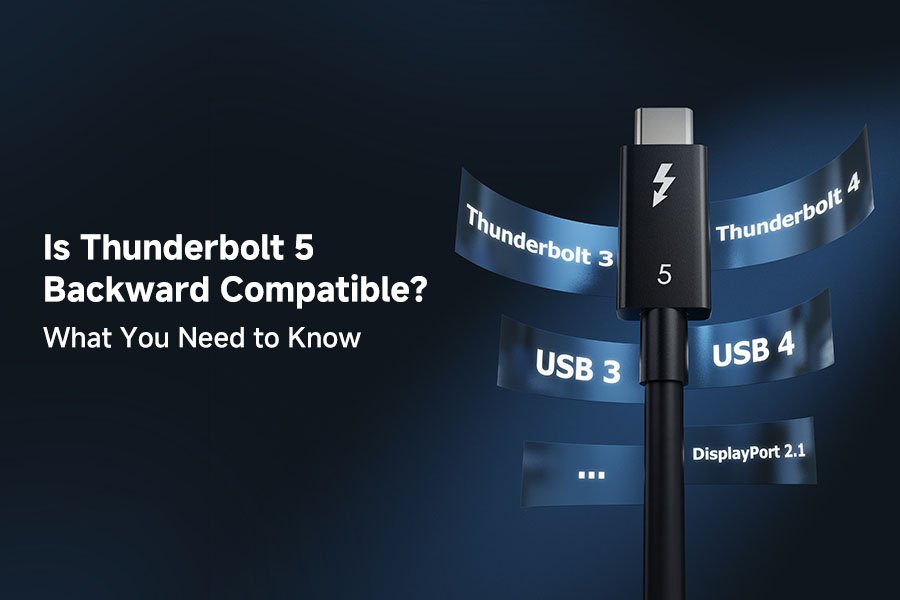
Yes. Thunderbolt 5 works with Thunderbolt 4, Thunderbolt 3, and USB devices, each running at its own maximum rate, which keeps the upgrade path smooth.
Can Thunderbolt 5 devices be used with Thunderbolt 4 ports?
Yes. A Thunderbolt 5 dock works on a Thunderbolt 4 laptop, but the link runs at 40 Gbps and the device performs at Thunderbolt 4 capacity rather than its own.
Will I need new cables for Thunderbolt 5?
For the full 80 Gbps, yes in most cases: passive Thunderbolt 5 cables hold that rate only at short lengths, and 120 Gbps needs an active cable. An existing Thunderbolt 4 cable still works but limits the link to 40 Gbps.
How will gaming be improved with Thunderbolt 5 compared to Thunderbolt 4?
The doubled bandwidth shortens loading and transfer times, supports larger game installs on external drives, and drives high-refresh and multi-monitor setups without dropping performance while storage is active.
Are there any power delivery differences between Thunderbolt 5 and Thunderbolt 4?
Yes. Thunderbolt 4 delivers up to 100W over USB Power Delivery. Thunderbolt 5 raises that to 240W, with at least 140W required on a compliant host, and reaches the higher figure only with an EPR-rated cable and charger.
Specifying a cable for either standard means matching the rated data rate to the tunnel the host will negotiate, and matching the conductor gauge to the current the device will draw.
Passive assemblies cover the short runs where 80 Gbps stays reliable, while active designs carry the bandwidth over the longer runs a desk or a studio rack needs.