USB-A to Lightning Cable
Traditional USB-A to Lightning cable for charging and USB 2.0 synchronization with compatible iPhone, iPad and AirPods models.


Explore Lightning cables and accessories for charging, USB 2.0 data synchronization, CarPlay and Lightning-equipped Apple devices. Compare connector type, charging setup, cable construction and certification needs to select the right configuration.
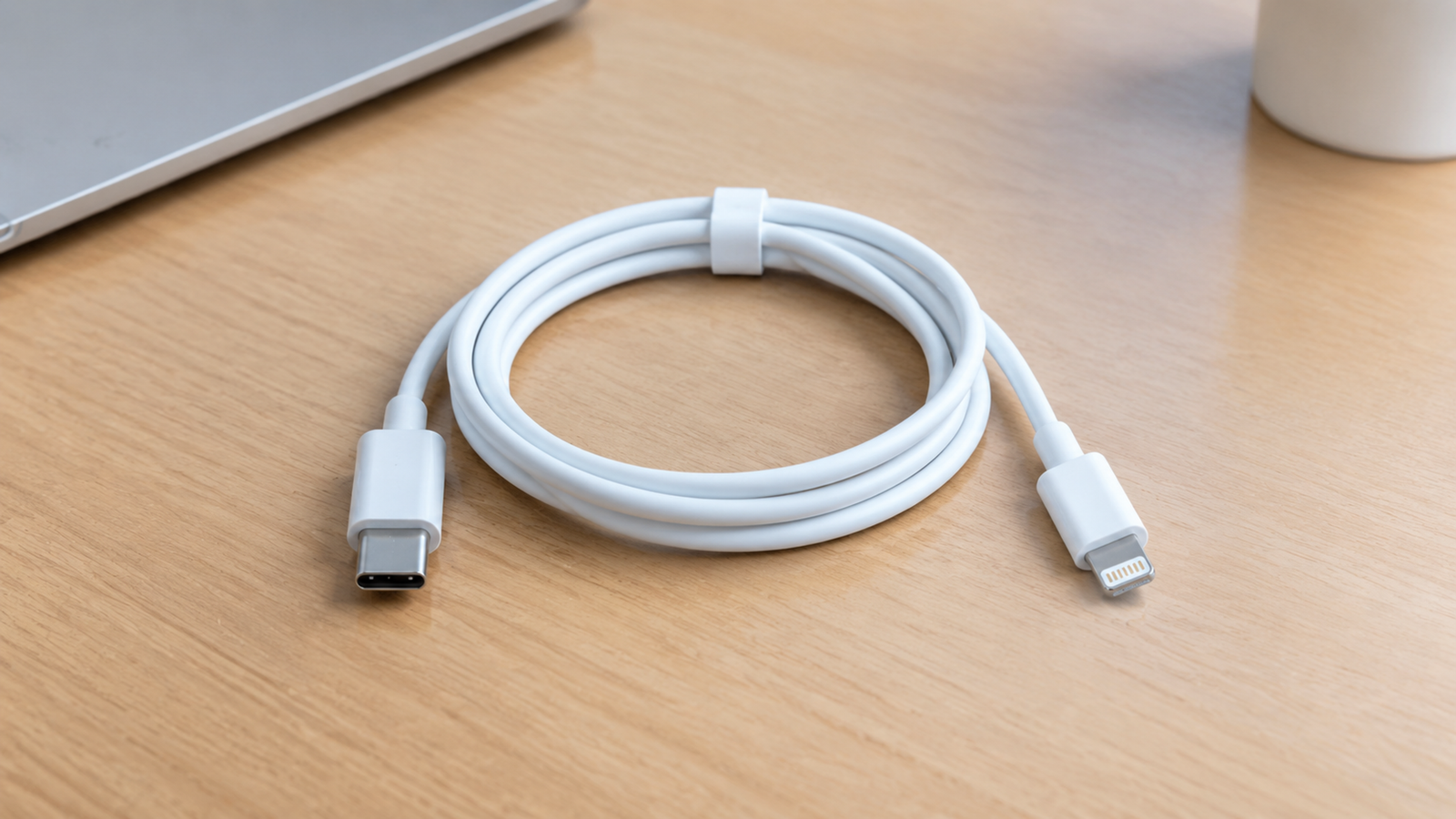
The Lightning range includes USB-A and USB-C charging cables, durable braided styles, right-angle cables, camera adapters and audio adapters for Lightning-equipped Apple devices.
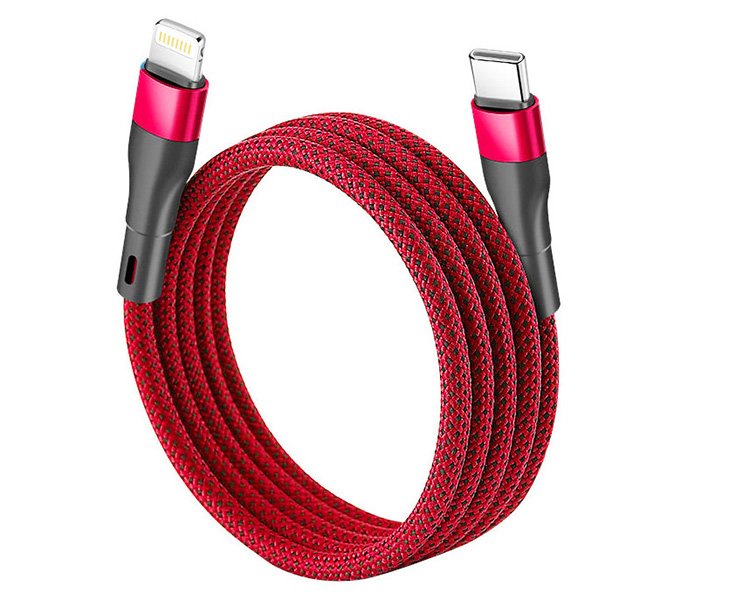
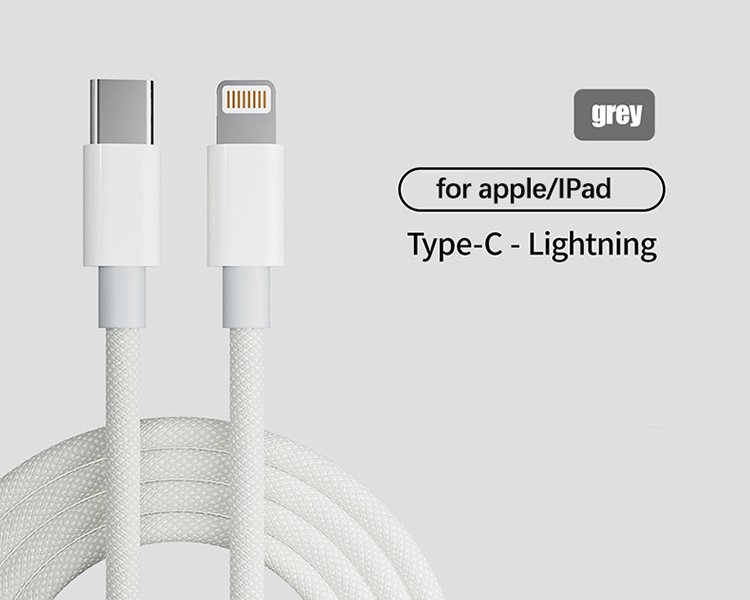
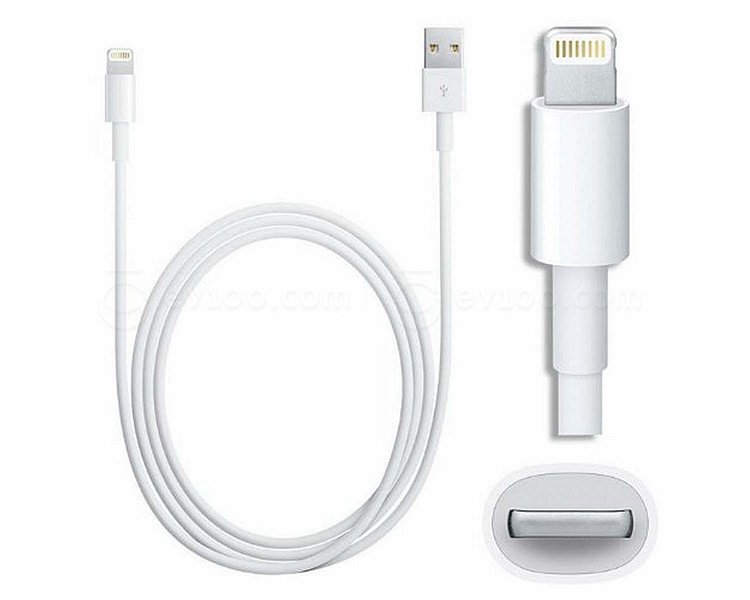
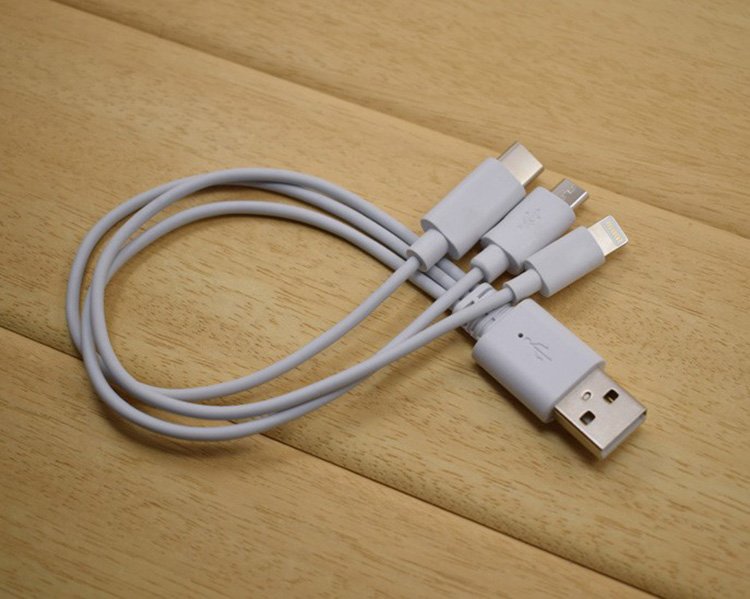
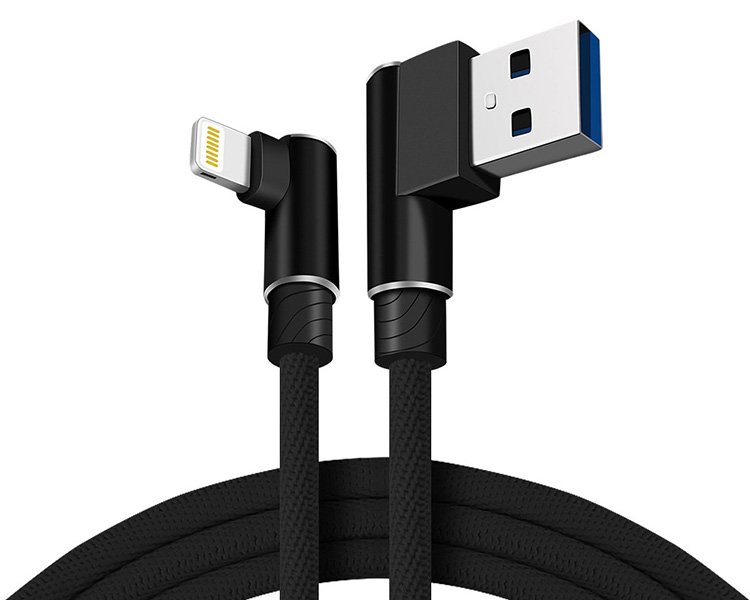
Traditional USB-A to Lightning cable for charging and USB 2.0 synchronization with compatible iPhone, iPad and AirPods models.
USB-C cable for modern chargers, notebooks and power banks. Pair with an appropriate USB-C Power Delivery adapter for fast charging on compatible devices.
Nylon-braided cable construction for a more durable exterior, improved abrasion resistance and everyday carry use.
90-degree Lightning connector options for vehicle mounts, gaming, bedside charging and other installations with limited clearance.
Adapter configurations for connecting USB accessories, cameras or card readers to supported Lightning-equipped iPad and iPhone models.
Lightning to 3.5 mm audio adapter options for compatible wired headphones and audio accessories without a headphone jack.
Lightning cables may look similar, but charging capability, USB 2.0 data wiring and Apple-device compatibility should be assessed independently.
Charging performance depends on the USB-A or USB-C power source, cable construction and the supported charging profile of the connected device.
Data-capable Lightning cables support synchronization, backups, CarPlay and accessory communication with compatible Lightning-equipped devices.
Lightning accessories can add camera import, digital audio, vehicle connection and peripheral capabilities where the target device supports them.
Choose a Lightning cable according to the connected device, available power adapter, USB connector and the charging speed you need.
Suitable for common USB-A chargers, vehicle ports and many portable charging applications.
USB-C to Lightning setup for compatible devices when paired with a suitable USB-C Power Delivery adapter.
Use an appropriate 20W or higher USB-C power adapter for fast charging on compatible Lightning devices.
Fast charging needs both a USB-C to Lightning cable and a compatible USB-C Power Delivery power source.
Longer cables can introduce more resistance. Choose reliable construction and an appropriate length for the installation.
The connected iPhone, iPad or accessory ultimately determines the charging rate it can accept.
Data-capable Lightning cables support USB 2.0 communication for device synchronization, backup, CarPlay and supported accessory connections.
For frequent syncing and vehicle use, cable construction, certification and connector condition have a direct effect on connection stability.
Standard high-speed data capability for compatible Lightning cables and devices.
Look for MFi-certified accessories when a product requires Apple-authorized Lightning compatibility.
Use a dependable charge-and-data cable for wired CarPlay connections in compatible vehicles.
Choose the shortest practical cable length to keep charging and data installations tidy and dependable.
Use these parameters when comparing USB-A, USB-C, braided, right-angle and accessory-oriented Lightning cable configurations.
Reversible connector for compatible Lightning-equipped Apple devices.
Select the host connector to match your charger, computer or vehicle port.
USB 2.0 signaling for supported charge-and-sync applications.
Fast-charge setup depends on compatible device and USB-C PD adapter.
Apple-authorized accessory options for products that require them.
Common portable, desk, bedside and vehicle installation lengths.
Choose flexibility, exterior durability and finish for the intended use.
Confirm the target device uses Lightning; newer Apple models may use USB-C.
Compare power source, data capability and mechanical design independently to identify the correct Lightning cable or adapter for the intended connection.
| PRODUCT | POWER | DATA & FUNCTION | CONNECTOR / DESIGN | APPLICATION | |||
|---|---|---|---|---|---|---|---|
| Product Type | Charging | Power Source | USB Data | Function | Connector | Mechanical Design | Typical Use |
| USB-A to Lightning Cable | Everyday charging | USB-A adapter / port | USB 2.0 | Charge + sync | USB-A to Lightning | Straight | Legacy charger / vehicle port |
| USB-C to Lightning Cable | Fast-charge setup | USB-C PD adapter | USB 2.0 | Charge + sync | USB-C to Lightning | Straight | Modern charger / notebook |
| Braided Lightning Cable | By configuration | USB-A or USB-C | By cable design | Durable exterior | Lightning cable | Nylon braided | Daily carry / desk |
| Right-Angle Lightning Cable | By configuration | USB-A or USB-C | By cable design | Space saving | Lightning | 90-degree | Gaming / vehicle mount |
| Lightning Camera Adapter | May need external power | Adapter dependent | Accessory dependent | Camera / USB import | Lightning to USB | Adapter | Photo and peripheral workflow |
| Lightning Audio Adapter | Accessory dependent | Device powered | Digital audio | 3.5 mm output | Lightning to 3.5 mm | Compact adapter | Wired headphones |
Charging speed, USB data capability and accessory function depend on the selected cable, the connected Lightning device and its power or host source. Confirm compatibility before purchase or deployment.
Lightning remains relevant for many installed iPhone, iPad and AirPods models, plus vehicle, audio and camera workflows built around the Lightning connector.
USB-A and USB-C to Lightning cables for compatible iPhone models at home, at work and on the move.
Focus: cable length + charging sourceCharge-and-sync connections for compatible Lightning-equipped iPad models and their everyday accessories.
Focus: USB-C host + accessory supportReliable charging cables for compatible AirPods and AirPods Pro cases that use a Lightning charging port.
Focus: compact cable + daily useData-capable Lightning cables for a wired connection to compatible in-car CarPlay systems.
Focus: stable data + durabilityLightning adapters for compatible camera, card-reader and USB accessory workflows.
Focus: supported adapter + power needLightning audio adapters for compatible headphones, car audio inputs and 3.5 mm accessories.
Focus: digital audio + connector fitConfirm these six parameters before selecting a Lightning cable or accessory for your device, charger and working environment.
Confirm the target iPhone, iPad, AirPods case or accessory has a Lightning port rather than USB-C.
Choose USB-A for older ports or USB-C for current adapters, notebooks and fast-charge setups.
Match the cable and power adapter to standard charging or fast charging on compatible devices.
Choose a charge-and-sync cable when you need CarPlay, computer sync or supported accessory data.
Select the shortest practical length plus straight, right-angle or braided construction for the space.
Where required, choose an MFi-certified Lightning accessory for Apple-authorized compatibility.
Choose jacket material, reinforcement and connector design according to flexibility, exterior durability and the way the cable will be used.
Practical construction for standard charging and USB 2.0 synchronization applications.
Softer, more flexible jacket construction for portable devices and compact cable management.
Braided exterior construction for improved abrasion resistance and a more robust everyday finish.
Strain-relief and reinforced connector options for frequent bending, travel and vehicle use.
Practical answers about Lightning connectors, Apple MFi certification, USB-C fast charging, device compatibility and cable length selection.
Lightning is Apple's reversible 8-pin connector used on many earlier iPhone, iPad and accessory models. USB-C is a different, reversible connector used by many modern electronic devices, including newer Apple products.
The two connectors are physically different and cannot be plugged directly into the same device port. A device with a Lightning port requires a compatible Lightning connection, while a device with a USB-C port requires an appropriate USB-C connection.
The connector type also does not independently determine charging power or data speed. These capabilities depend on the cable design and connected equipment.
MFi refers to Apple's licensing program for accessories using certain Apple technologies, including Lightning connector components.
For eligible Lightning accessories, MFi certification indicates that the particular accessory has completed the applicable program requirements.
When purchasing an MFi-certified Lightning cable, buyers should verify the status of the specific product model rather than relying only on the manufacturer's general authorization.
We can support eligible Lightning accessory projects through our Apple MFi-authorized manufacturing arrangements. Product-specific certification information can be reviewed during the sourcing process.
Yes, on compatible Lightning-equipped iPhone models. A USB-C to Lightning cable can be used for fast charging when connected to an appropriate USB-C Power Delivery charger.
The iPhone must support the relevant fast-charging function, and the charger must provide a suitable USB PD output.
For example, a compatible 20W or higher USB-C PD charger can support fast charging on many Lightning-equipped iPhone models. However, the device determines the actual power it accepts.
Charging performance may also depend on battery level, temperature and device power-management conditions.
No. Lightning cables are designed for compatible devices equipped with Lightning ports. They cannot connect directly to devices that use USB-C or another connector.
Lightning is used on many earlier iPhone models, including the iPhone 14 family, as well as selected iPads, AirPods charging cases and other Apple accessories.
Newer devices, including the iPhone 15 series and later iPhone generations, use USB-C ports. Apple accessory connector types can also vary between product generations.
In addition to the physical port, confirm any specific charging, data or accessory-function requirements.
Choose the shortest practical cable length that comfortably reaches the device without creating excessive tension at the connectors.
Common selection considerations include:
Our Lightning cable specifications include different length and construction options. The available length should be confirmed for the selected model.
Cable length is only one selection factor. Connector style, supported charging function and intended use should also be considered.