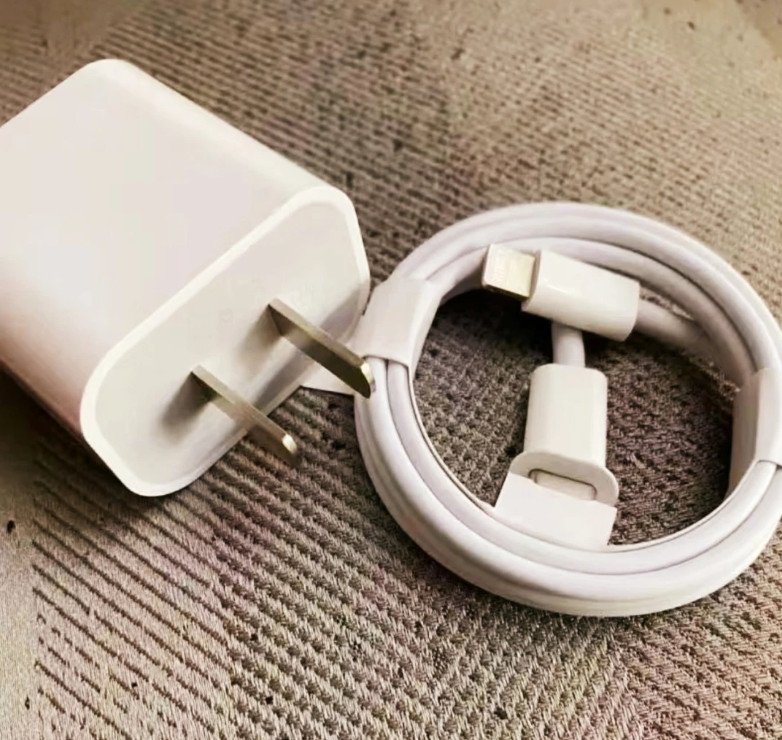


Does Low Power Mode Slow Down Phone Charging?
Does Low Power Mode Slow Down Phone Charging?
Mobile phones have become an essential part of everyday life. We use them for communication, entertainment, work, and many other activities. However, battery life remains a common concern for smartphone users.
To make their batteries last longer, many people enable Low Power Mode when their phone battery gets low.
But does Low Power Mode actually make a phone charge more slowly? Does turning it on affect charging speed?
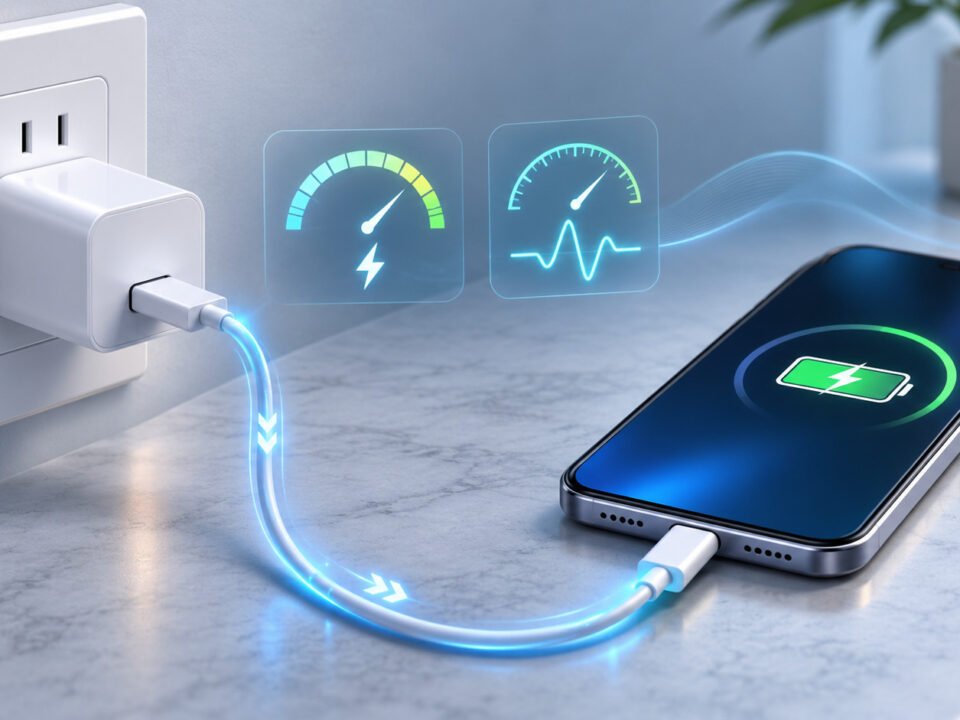
The answer is no. Low Power Mode is designed to reduce power consumption rather than directly limit the charger's power output. Let's look at how phone charging works and what factors really affect charging speed.
1. The Science Behind Charging

Before answering whether Low Power Mode affects charging speed, it helps to understand how a smartphone battery charges.
Most modern smartphones use rechargeable lithium-ion batteries. These batteries store and release electrical energy through chemical reactions.
When a phone is connected to a charger, electrical energy flows into the battery, reversing the electrochemical process that occurs during discharge.
However, charging is not simply a matter of supplying as much electricity as possible.
The phone's internal charging management system controls the charging process according to several factors, including:
- Battery voltage and current.
- Current battery charge level.
- Battery temperature.
- Charger output capability.
- Supported charging protocols.
For example, many smartphones charge relatively quickly when the battery level is low, but reduce charging speed as the battery approaches full capacity.
This helps manage heat and protect long-term battery health.
Understanding these factors makes it easier to see why charging speed depends on more than just the phone's power-saving settings.
2. Why Does Low Power Mode Slow Charging?
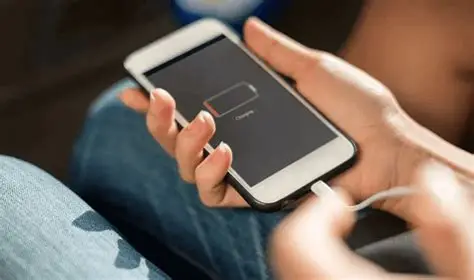
It is a common misconception that Low Power Mode directly slows down phone charging.
In reality, Low Power Mode primarily reduces the phone's energy consumption. It does not normally change the charger's negotiated output power or directly limit the battery's charging current.
When Low Power Mode is activated, smartphones may reduce or limit several power-consuming functions, such as:
- Screen brightness.
- Background app refresh.
- Automatic downloads and synchronization.
- Background network activity.
- Certain system animations and performance-intensive operations.
These changes help reduce the amount of energy consumed by the phone.
When the phone is charging, using less power for background activities means less energy is being consumed by the device itself.
As a result, more of the incoming energy may be available for battery charging rather than powering other activities.
However, the actual charging speed still depends on the phone's charging management system, battery condition, temperature, and available power.
Therefore, enabling Low Power Mode does not normally make a phone charge more slowly. In some situations, reducing background activity may help the battery gain charge more efficiently.
3. Does Charging Speed Depend on Other Factors?
Several factors can affect how quickly a smartphone battery charges. If your phone seems to charge slowly, these are worth checking.
3.1 Charger Power Output
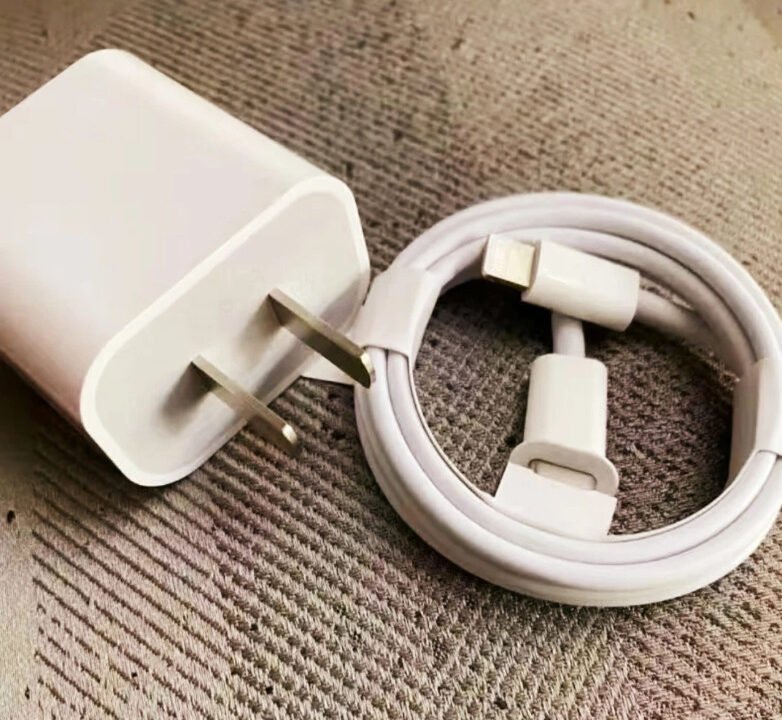
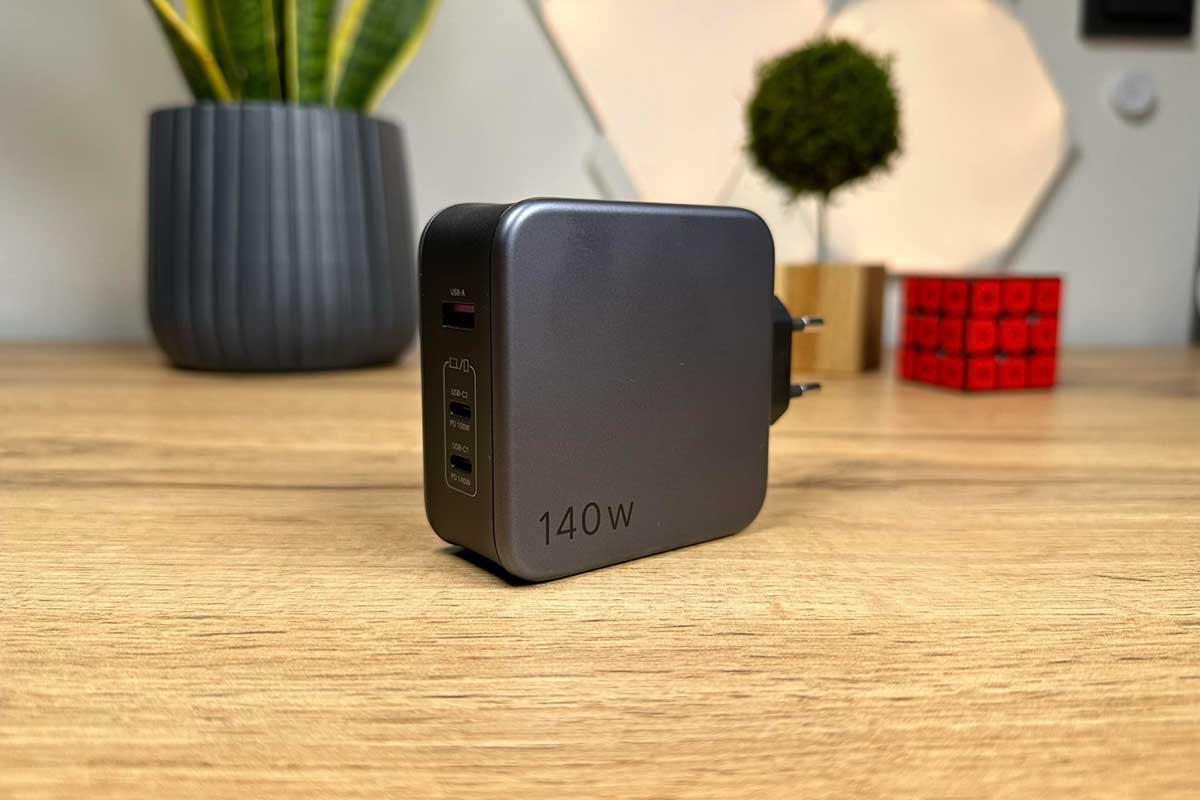
The charger's power output is one of the main factors affecting charging speed.
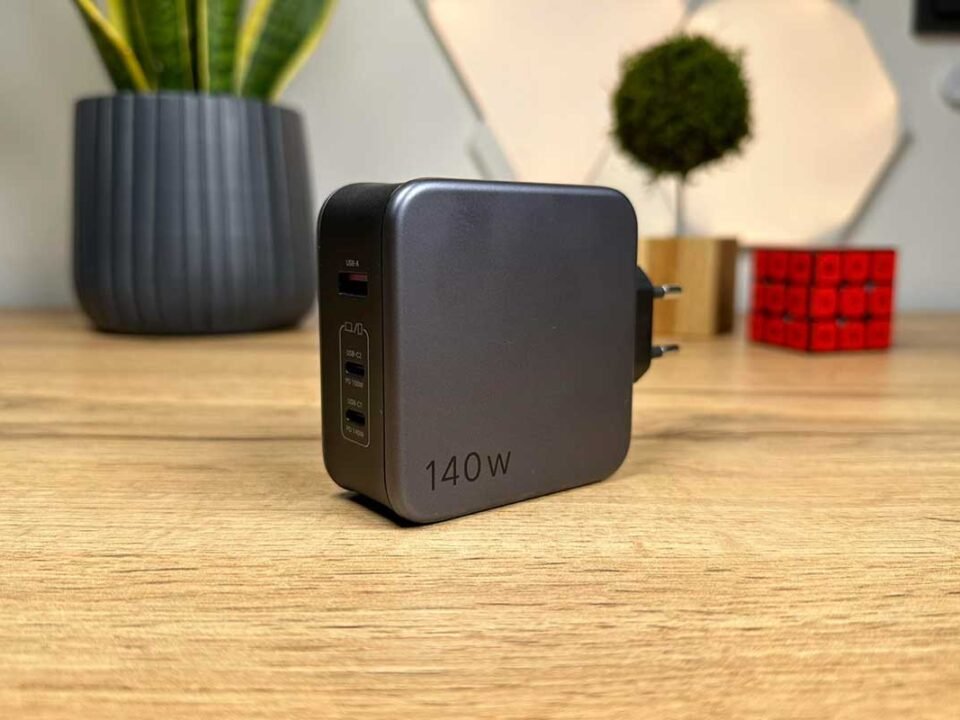
A charger with a higher rated wattage can potentially deliver more power, but the phone must also support that charging level.
For example, a 65W USB-C charger does not automatically charge every smartphone at 65W. The actual charging power depends on the phone's supported charging specifications and the charging protocol shared between the device and charger.
Using a compatible charger with sufficient output power helps the phone achieve its supported charging speed.
3.2 Charging Cable Quality
The charging cable also plays an important role in power delivery.
A damaged, poorly constructed, or unsuitable cable may cause increased electrical resistance or fail to support the required current.
When choosing a charging cable, consider:
- Supported current and power rating.
- Connector compatibility.
- Conductor quality.
- Cable construction.
- Overall product quality.
A suitable cable helps ensure reliable power delivery between the charger and smartphone.
3.3 Phone Temperature
Temperature is another important factor affecting charging speed.
If a smartphone becomes too hot during charging, its internal battery management system may reduce charging power or temporarily pause charging to protect the battery.
High temperatures can occur when:
- Charging in direct sunlight.
- Using demanding apps or games while charging.
- Charging in a hot environment.
- Using an unsuitable charger or cable.
- Placing the phone on surfaces that restrict heat dissipation.
For more consistent charging performance, keep your phone in a cool, well-ventilated environment.
3.4 Phone Usage During Charging
Using a smartphone while charging can also affect how quickly its battery level increases.
Activities such as gaming, video streaming, navigation, and camera use can consume significant amounts of power.
When the phone is performing these activities, part of the incoming electrical energy is used to operate the device instead of charging the battery.
Reducing intensive phone usage while charging can help the battery gain charge more quickly.
4. Conclusion
Low Power Mode does not normally slow down a smartphone's charging speed. Its primary purpose is to reduce energy consumption by limiting background activities and certain power-intensive functions.
If your phone seems to charge slowly, the cause is more likely related to charger output, cable quality, battery charge level, temperature, or phone usage during charging.
To maintain reliable charging performance, use a compatible charger, choose an appropriate charging cable, and avoid exposing your phone to excessive heat.
Low Power Mode can remain enabled while charging if you want to reduce unnecessary energy consumption. You generally do not need to turn it off just to charge your phone faster.