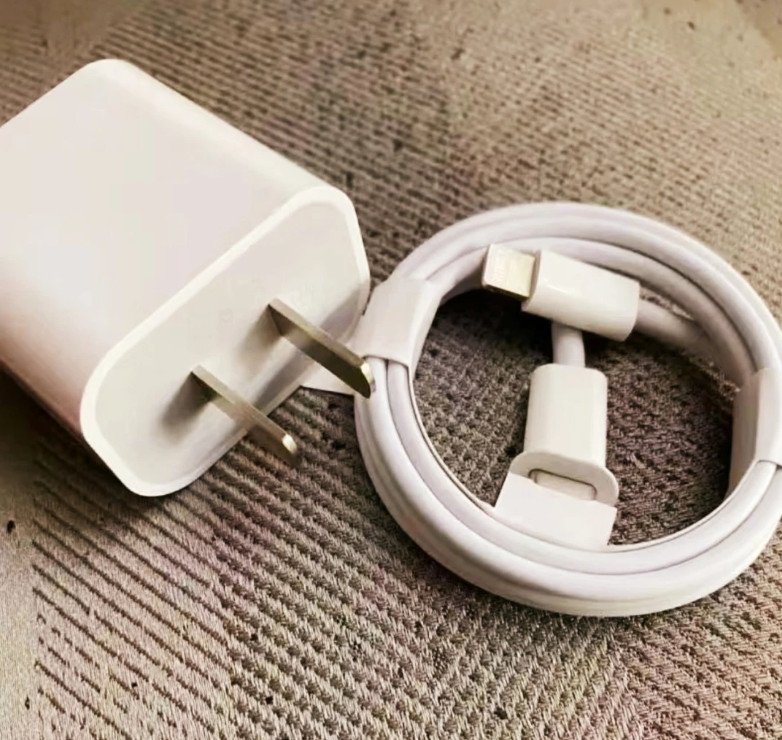


How Can You Use a 65W USB-C Charger for a Laptop?
How Can You Use a 65W USB-C Charger for a Laptop?
USB-C changed laptop charging from a proprietary brick per brand into one cable standard. A 65W unit is the size most buyers land on: enough for a thin laptop, small enough to carry, and cheap enough to buy as a spare. The practical questions are narrower than the marketing suggests — whether the laptop accepts USB-C power at all, what happens when the charger is smaller than the laptop's rating, and how to tell a slow result from a failed one.
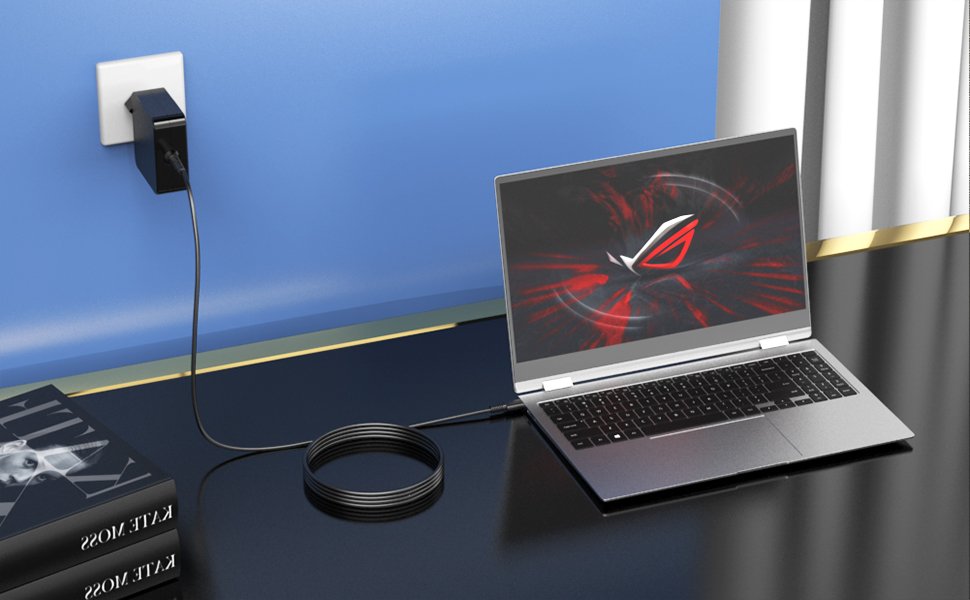
1. The basics of 65W USB-C chargers
Definition and function
A 65W USB-C charger delivers up to 65W through USB Power Delivery. PD is a negotiated protocol, not a fixed output: the charger publishes a list of voltage and current combinations (its PDOs), the laptop picks the closest one to what its circuitry wants, and the two settle on a contract before power flows.
For a 65W unit the working point is usually 20V at 3.25A. Smaller steps — 5V, 9V, 15V — exist so the same charger can serve phones, tablets and accessories without a second brick.
Compatibility with laptops
Compatibility is broad but not universal. A laptop can use a 65W USB-C charger if it has a USB-C port marked for power input and its PD request fits inside 65W.
That covers most ultrabooks, 2-in-1s, Chromebooks and thin business laptops. Gaming laptops and mobile workstations are a different problem: most draw 130–330W through their own connectors, and even the models that accept USB-C power usually take 100W or more, so a 65W unit covers light use without charging the battery under load.
2. Advantages of using a 65W USB-C charger
Faster charging times
Against a 5V/3A USB-C charger (15W), 65W is roughly four times the power, so the same battery reaches a usable level in a fraction of the time. Against the laptop's original brick the gain is smaller, because the laptop decides how much it takes; a 65W unit simply stops being the bottleneck for thin machines that were rated at 45–65W.
Versatilidad
One charger covers a phone, a tablet, earbuds, a power bank and the laptop, as long as each device speaks PD or can fall back to a lower fixed voltage. Multi-port versions split the 65W budget rather than add to it: a 65W dual-port unit often gives 45W plus 20W when both ports are used.
Portabilidad
A 65W GaN unit typically weighs less than an equivalent non-GaN adapter of the same wattage and takes a standard USB-C cable, so the same unit works across regions with a plug adapter. That is the reason it became the default travel charger for laptop users.
3. Technical specifications
Power Delivery (PD) protocol
The protocol runs over the CC line. The charger advertises capabilities, the device counters with its request, and only after agreement does the charger raise the output from the safe 5V default. If negotiation fails, the charger holds at 5V — a level most laptops cannot charge from, so the symptom is a "plugged in" indicator with no battery gain rather than an obvious failure.
Voltage and amperage explained
Power is voltage times current. 65W at 20V means 3.25A — already above the 3A cable class, which is why a 65W contract needs an E-Marked 5A cable to complete. At 12V the same wattage would need 5.4A, past the 5A ceiling entirely, so 65W builds always include a 20V PDO. Current, not voltage, is what the cable has to carry.
4. Compatibility check
Identifying compatible laptops
Three checks settle it before you plug anything in:
- Port marking. Look for a battery icon, a "PD" label, or a vendor power-input marking next to the port. Do not rely on the lightning-bolt symbol — that is the Thunderbolt logo, which marks data and display capability, not power input.
- Charger spec. The manual or product page is the most reliable source: look for an input line such as "USB-C PD 65W" or a port labelled Power In. If the spec sheet lists only a proprietary barrel connector, treat USB-C charging as unconfirmed rather than unsupported — some machines still take a slow USB-C charge while idled or powered off, and many manuals simply omit it.
- Measured draw. With the laptop idle, a PD-aware USB meter should show a contract at or near 20V. If the meter stays at 5V, PD was refused — usually the port, the cable, or the laptop's requirement.
A 65W unit is right when the laptop's rating is 45–65W. Above that, the charger still works but becomes a top-up supply rather than a full charger.
Avoiding common mistakes
- Treating every USB-C port as an input. On many models only one or two ports are wired for power; others are data or display only.
- Assuming a USB-A charger with an A-to-C cable will charge the laptop. It will not: A-to-C cables terminate the CC pin with a fixed resistor instead of a PD channel, so the link never negotiates past 5V.
- Buying 65W for a gaming laptop. It runs, but the battery drains during play, and some machines warn or refuse the adapter outright.
- Ignoring multi-port splitting. A "65W" charger with two ports may deliver 45W to the laptop once a phone is attached.
5. Safety precautions
Overcharging risks
Overcharging is not a real risk through PD. The laptop's charging circuit terminates the charge when the battery is full, and PD negotiation caps the voltage the charger is allowed to send. The genuine risks are counterfeit chargers without proper isolation, cables with faked E-Markers, and worn connectors that arc.
Heat management
A 65W charger running at full load gets warm by design; the question is how warm. Keep it out of bedding and bags, avoid daisy-chaining extension cords, and treat a unit that is too hot to hold as faulty rather than as normal. Derating matters more in summer or in a closed laptop bag than the wattage printed on the label.
6. Using a 65W charger for your laptop
Step-by-step guide
- Confirm the port accepts power (see the three checks above).
- Use a USB-C to USB-C cable that can carry the current. A 3A cable caps the contract at 20V/3A (60W), so a 65W charger only reaches its rating with an E-Marked 5A cable — many 65W units ship with one for that reason.
- Plug the charger first, then the laptop, and watch for the charging indicator.
- In the OS, confirm the adapter is recognised — Windows shows "Plugged in, charging" and macOS shows the battery with a bolt.
- Load the machine for ten minutes (video export, build, game) and check that the battery percentage holds or rises. That is the real test of whether 65W is enough.
Troubleshooting common issues
- Charges only when idle. The laptop's load exceeds 65W, so the charger covers the system and leaves nothing for the battery. Normal, not a fault.
- "Plugged in, not charging". Often a battery health or charge-limit setting, not a hardware fault. Check the vendor's battery management tool first.
- Stays at 5V. PD negotiation never completed: data-only port, charge-only cable without the right wiring, or a dirty connector.
- Vendor warning about adapter size. Some brands (Dell and Lenovo among them) check the adapter's rating and warn below a threshold. The machine usually still charges slowly.
7. Alternative uses
Charging other devices
The same unit charges phones at 18–27W, tablets at 20–30W, power banks, earbuds cases and most USB-C accessories. Because PD negotiates downward — and non-PD devices fall back to the 5V default — none of these need a separate charger.
Travel considerations
Check two things before packing it: the input range (100–240V covers most of the world, though Japan's 100V sits right at the lower bound) and the plug type, since a 65W unit usually ships with one regional plug and needs an adapter elsewhere. Airline cabin rules apply to the battery, not to the charger.
8. Conclusion
A 65W USB-C charger is a practical default for laptops rated 45–65W, and a usable top-up supply for slightly larger machines. Confirm the port accepts power, use an E-Marked cable if you want the full 65W, and test under load rather than at idle — that is where the real answer shows up.
For OEM and ODM work, a 65W charger is quoted from four inputs: port count, PDO list, plug type and the certification the destination market requires. Once those are fixed, what remains is commercial — MOQ, lead time and packaging.
Start with the product range if the port count is still open, or the project page if the specification has to be written from scratch. If the laptop model is already fixed, send it with the connector type and the 65W requirement can be checked against its actual PD contract.
Explore WJW 65W USB-C Chargers
Contact WJW About Your Project
9. FAQs
Is a 65W charger enough for a laptop?
For a laptop rated 45–65W, yes. For 90–100W machines it charges slowly or only maintains the battery under light load, and gaming laptops need far more.
Can a 65W charger damage a laptop that only needs 45W?
No, with compliant hardware. PD negotiates the voltage and current the laptop asks for, so the charger never pushes its maximum into a device. The exceptions are counterfeit units without proper isolation and cables with faked E-Markers.
Why does my laptop say "plugged in, not charging" with a 65W charger?
Usually a battery setting, a charge limit, or a load that exceeds 65W. Verify with the vendor's battery tool, then test under load.
Does the USB-C port on my laptop always accept charging?
No. Some ports are data or display only. Look for a battery icon or a "PD" label next to the port; the Thunderbolt bolt symbol marks data, not power.
Do I need a special cable for a 65W charger?
A standard USB-C to USB-C cable rated for 3A caps the contract at 20V/3A, or 60W. To draw the full 65W you need a 5A cable with an E-Marker; the same cable also covers 100W charging.