

Is Thunderbolt 5 Backward Compatible? What Still Works
Is Thunderbolt 5 Backward Compatible? What Still Works
Thunderbolt 5 is here, and the practical question is whether it works with the gear already on the desk. The standard brings higher speed, more power, and wider display support, and it does so without orphaning existing devices.
1. What's Thunderbolt 5?
Thunderbolt 5 is the newest step in high-speed connectivity, built for current workloads and the next few years of them. It doubles PCIe bandwidth, which lifts external storage and networking, and it aligns with USB4 version 2.0 and DisplayPort 2.1 for data and display tunneling. What it brings:
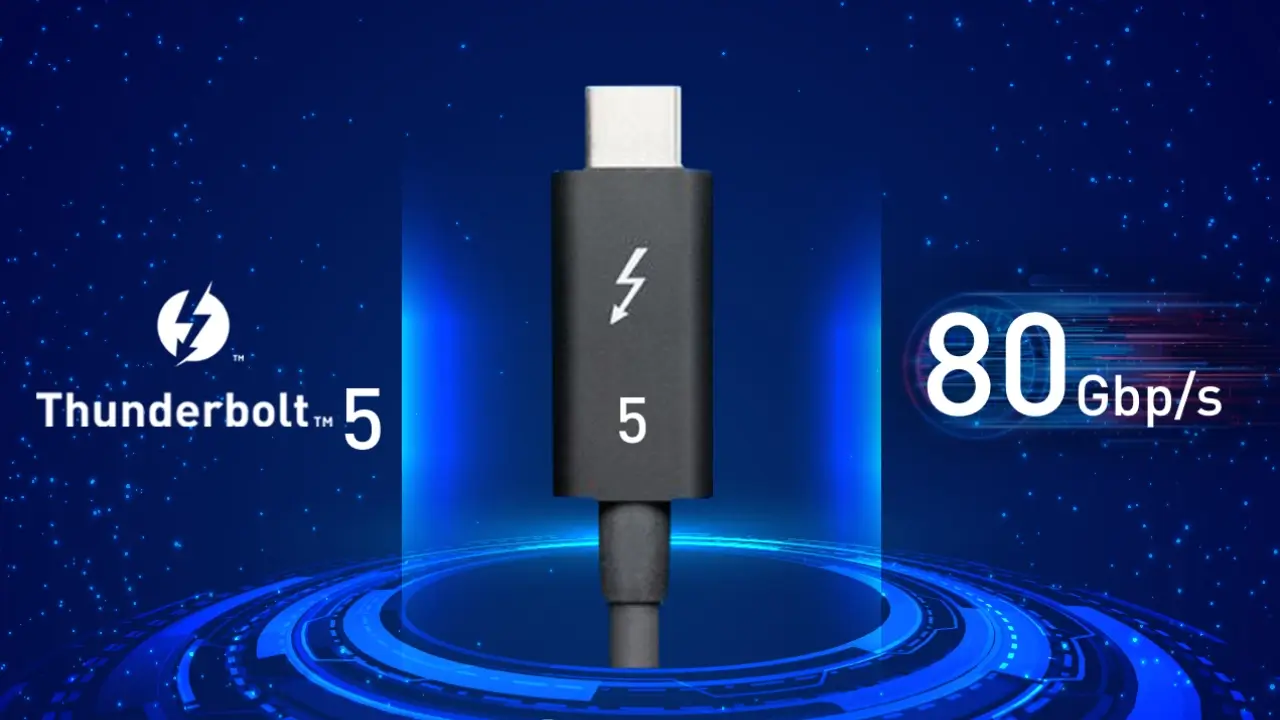
- Speed: 80 Gbps in both directions, double the 40 Gbps of the previous generation. Bandwidth Boost raises that to 120 Gbps in one direction in specific configurations.
- Power: up to 240W of power delivery, enough to charge a laptop or a workstation over the same cable.
- Displays: up to three 4K monitors at 144Hz, two 8K displays at 60Hz, or a single 10K screen through DisplayPort 2.1.
- Tech inside: PCIe Gen 4 for wider data lanes, USB4 version 2 for compatibility, and PAM-3 modulation, which carries more bits per symbol at the same signaling rate.
- Security: direct memory access protection through the IOMMU, which limits what a connected device can reach in system memory.
Think of the standard as a wider road for data, power, and video at the same time. The point is not the raw numbers but what they remove from a workflow: waiting on a file copy, dropping a monitor to keep a drive running, or carrying a second power brick.
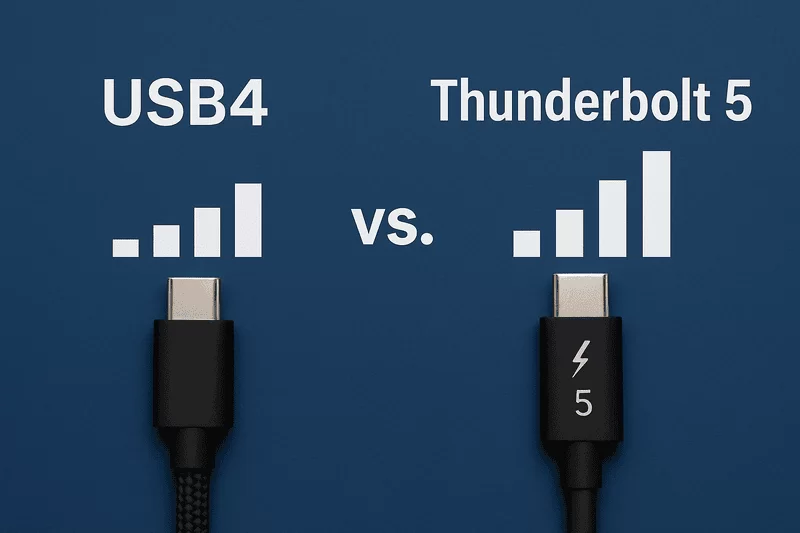
Against Thunderbolt 4, the changes are doubled bandwidth, more power delivery, and more display options. The upgrade does not just keep pace with existing devices; it leaves room above them.
2. How Thunderbolt 5 Works with Your Existing Gear
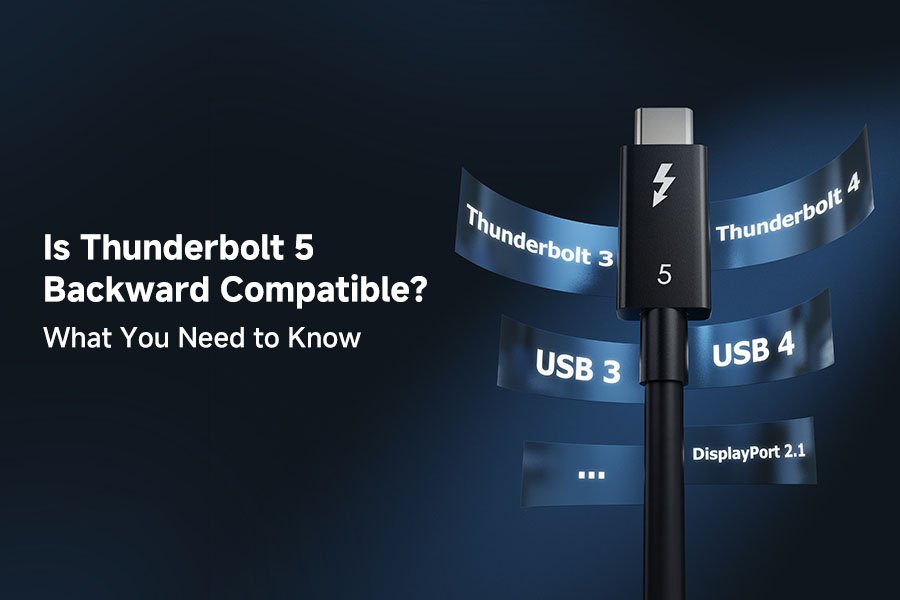
The useful part is that older devices do not have to be replaced. Backward compatibility is complete, so a Thunderbolt 3 dock, a Thunderbolt 4 hub, a USB4 drive, and a plain USB-C accessory all connect. What changes is the speed each one runs at, and that depends on the device rather than the port.
Here is how each category behaves:
Thunderbolt 4 Devices
A Thunderbolt 4 hub, cable, or SSD plugged into a Thunderbolt 5 port runs at Thunderbolt 4's full 40 Gbps with its usual power delivery. A 4K monitor or an external drive behaves exactly as it did before, and the extra headroom on the host can help when several devices compete for the link at once. Thunderbolt 4 itself is backward compatible with earlier Thunderbolt versions, so a chain of older equipment keeps working.
Thunderbolt 3 Devices
Thunderbolt 3 gear connects the same way. An external GPU enclosure, an SSD, or a dock bought several years ago attaches without an adapter and runs at Thunderbolt 3's 40 Gbps ceiling along with whatever power delivery it supports. It will not reach 80 Gbps, because that limit sits in the device rather than the port.
What improves is scheduling. A Thunderbolt 3 drive sharing a Thunderbolt 5 host with a high-resolution display sees less contention than it would on a Thunderbolt 3-only system, which matters for large datasets and video work.
No adapters are involved at any point. The connector is the same USB-C shape across Thunderbolt 3, 4, and 5.
USB-C Ports and Devices
Because the standard uses USB-C connectors, it connects to any USB-C device. A laptop with plain USB-C but no Thunderbolt can still attach Thunderbolt 5 accessories, limited to the port's own speed: usually 10 Gbps for USB 3.2 Gen 2 or 20 Gbps for USB 3.2 Gen 2x2. Some USB-C ports carry no video output at all, so the port's specification matters more than the connector shape.
Storage attached over USB-C benefits as well, with faster reads and writes when the drive and the port both support the higher rate. Phones and monitors connect too, and they use the display and power features only where the device supports them.
Compatibility with USB4
Thunderbolt 5 integrates with USB4 version 2.0 and DisplayPort 2.1, and USB4 links run at up to 80 Gbps. That alignment means USB4 and DisplayPort devices keep working while the Thunderbolt host adds its own guarantees on top. For a mixed desk with several high-resolution displays and a large file moving in the background, the combination is what keeps both tasks running at once.
What About Performance Limits?
Support is not the same as speed. Older devices stay at their original specifications and cannot use the extra headroom: a Thunderbolt 3 SSD will not reach 80 Gbps, because 40 Gbps is its own limit. PCIe Gen 4 support raises what a newer enclosure or drive can draw from the link, but it does not upgrade the device on the other end.
What the newer host does provide is better bandwidth management. Running a Thunderbolt 3 drive and an 8K display at the same time produces less stalling than the same pair on an older controller, because the allocation is handled more efficiently rather than because either device got faster.
Cable Tip
For Thunderbolt 4 or Thunderbolt 3 devices, existing passive cables work. Past roughly 2 meters, an active cable with a built-in signal booster is needed to hold the top rate. The 80 Gbps of Thunderbolt 5 is stricter still, which the next section covers.
In short, an existing setup keeps working, and the upgrade path opens as devices are replaced.

3. Cables You'll Need for Thunderbolt 5
The full potential of the standard depends on the cable in the middle.
Here is what to use and why each type behaves differently:
- Thunderbolt 5 cables: reaching 80 Gbps, or 120 Gbps with Bandwidth Boost, requires a cable certified for Thunderbolt 5. These are built for the higher rate and for power delivery up to 240W. Look for the Thunderbolt mark with a 5 on the packaging.
- Thunderbolt 4 cables: existing Thunderbolt 4 cables work with Thunderbolt 5 devices but cap the link at 40 Gbps. That is fine for older peripherals and short of what the port can do.
- Passive vs active: passive cables hold 80 Gbps over roughly a meter. Longer runs, and the boosted video mode, need an active design with circuitry inside the connector to keep the signal intact.
- USB4 cables: USB4 cables connect to Thunderbolt 5 devices because both use USB-C, but the rating varies. Certified USB4 cables run at 40 Gbps, or 80 Gbps under USB4 version 2.0, and some are rated for only 20 Gbps.
- USB-C cables: a generic USB-C cable may connect, but most top out at 10 Gbps or less, and many carry only USB 2.0 data. They suit charging and basic peripherals rather than high-speed work.
What to do: if the setup stays on Thunderbolt 3 or Thunderbolt 4 gear, the current cables are likely fine. Moving to Thunderbolt 5 speeds means a certified Thunderbolt 5 cable, active if the run needs length. That one purchase is what unlocks 80 Gbps and the full power range.
4. Why Upgrade to Thunderbolt 5? Real Benefits
The numbers matter for what they remove from a working day, even while older gear stays in use.
- Faster workflows: a 100GB video file moves in seconds rather than minutes at 80 Gbps. Editors scrub 8K footage without waiting on the drive, and the boosted mode cuts the pause further.
- More displays: three 4K screens at 144Hz for an editing or gaming desk, two 8K HDR monitors at 60Hz, or a single 10K panel through DisplayPort 2.1.
- One cable: charging up to 240W while driving displays and storage over a single connection, which removes the second brick from the bag.
- Gaming headroom: an external GPU enclosure and a high-refresh monitor on the same port, with the bandwidth to keep both fed.
A content creator plugging a Thunderbolt 5 SSD into a Thunderbolt 5 laptop gets faster transfers and a dual-8K editing setup from one cable. A gamer keeping an older dock and adding a 4K 144Hz screen gets the extra display without a second connection. The standard raises what is already on the desk and leaves room for what comes next.
5. Summary
Thunderbolt 5 keeps Thunderbolt 3 and Thunderbolt 4 devices running at their own best while adding 80 Gbps, 240W, and more display capacity. Whether the work is editing, gaming, or clearing cables off a desk, it holds the older gear in place and raises the ceiling above it.
6. Frequently Asked Questions
Will my Thunderbolt 3 dock work with Thunderbolt 5?
Yes. It connects without an adapter and runs at Thunderbolt 3's full 40 Gbps.
Do I need new cables for Thunderbolt 5's top speed?
Yes, for 80 Gbps. Thunderbolt 4 cables work but stop at 40 Gbps, and USB4 version 2 cables reach 80 Gbps without the boosted mode.
Will Thunderbolt 5 work with standard USB-C ports?
It connects to any USB-C port, but the speed follows the port: 10 Gbps or 20 Gbps on most non-Thunderbolt USB-C connections.
What is Thunderbolt 5's power limit?
Up to 240W, provided the device and the cable both support that level.
How does Thunderbolt 5 help older devices?
It does not raise their rated speed. It reduces contention when several devices share a link, which shows up as less stalling during transfers and display output.
Choosing a cable for this standard means matching three ratings to the job: data rate, power, and length.
A passive assembly holds 80 Gbps over a short run, while an active design carries the same rate across a desk or into a rack.