

Thunderbolt 5 vs USB4: Speed, Power and Display Support
Thunderbolt 5 vs USB4: Speed, Power and Display Support
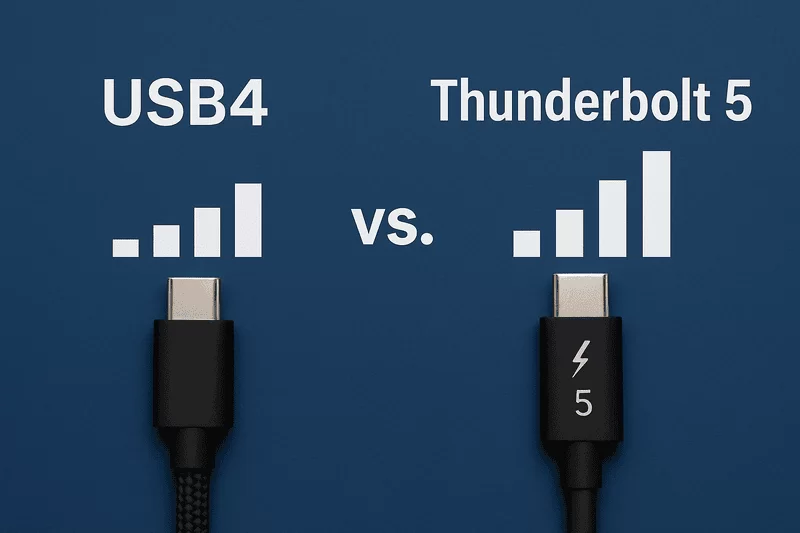
The Thunderbolt 5 vs USB4 comparison turns on three things: speed, compatibility, and what each standard can drive. USB4 typically runs at 40 Gbps and reaches 80 Gbps only in specific configurations, and 40 Gbps remains the most common rate across shipped USB4 devices. Thunderbolt 5 runs at 80 Gbps as a baseline and reaches 120 Gbps through Bandwidth Boost. Both can reach 240W with Extended Power Range, and both maintain backward compatibility, but the higher floor, the wider feature set, and the stricter certification make Thunderbolt 5 the option for professional and high-performance work.
- 1. What is Thunderbolt 5?
- 2. What is USB4?
- 3. Thunderbolt 5 vs USB4: Key Differences
- 4. Data Transfer Speed and Bandwidth
- 5. Power Delivery Capabilities
- 6. External Display and Video Output Support
- 7. Real-World Applications
- 8. Choosing the Right Technology for Your Needs
- 9. New Cables and Accessories
1. What is Thunderbolt 5?
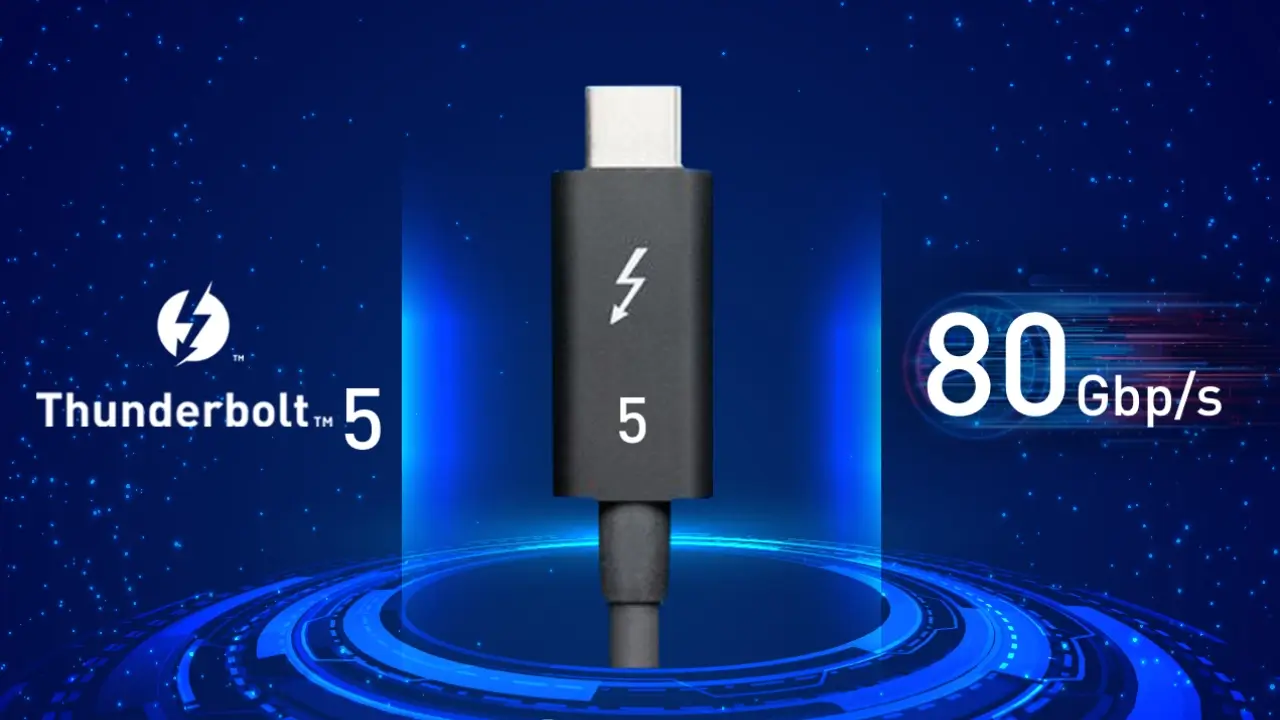
Thunderbolt 5 is the latest iteration of the Thunderbolt standard, built to raise the limits of a single port again. It delivers 80 Gbps in both directions and reaches 120 Gbps with Bandwidth Boost, which is aimed at large datasets and high-resolution video editing.
Display support follows from that bandwidth. A single port drives up to three 4K monitors at 144Hz, or two 8K displays at 60Hz, which is what makes the standard relevant to content creators, gamers, and professionals who need both resolution and refresh rate from one connection.
Power delivery reaches 240W, enough to charge a laptop and run high-powered peripherals from the same cable that carries the display signal. Thunderbolt 5 is also backward compatible with Thunderbolt 3, Thunderbolt 4, and USB4 devices, so existing peripherals stay in use.
2. What is USB4?
USB4 is a substantial step in the USB ecosystem, and it incorporates features from the Thunderbolt 4 standard to raise speed and efficiency. USB4 version 1 supports up to 40 Gbps; USB4 version 2 doubles that to 80 Gbps, which makes the specification flexible across product tiers.
It uses the reversible USB-C connector, so a cable goes in either way, and it can carry up to 240W where Extended Power Range is implemented. A single cable drives dual 4K displays or one 8K display, which covers modern high-resolution setups without requiring Thunderbolt certification.
Backward compatibility runs across earlier USB versions, including USB 3.2 and USB 2.0, as well as Thunderbolt 3 devices. Existing hardware keeps working, which is what makes USB4 a practical upgrade path rather than a break.
3. Thunderbolt 5 vs USB4: Key Differences
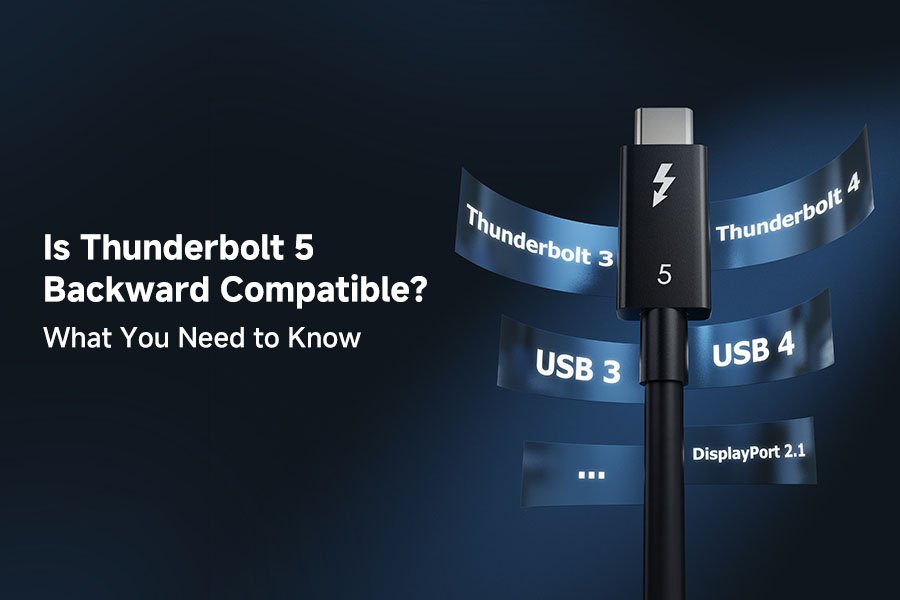
The speed difference is immediate. Thunderbolt 5 runs at 80 Gbps; USB4 devices most commonly ship at 40 Gbps. USB4 version 2 does specify 80 Gbps, but most hardware on the market still follows the earlier 40 Gbps tier because products take time to certify. Reaching the full 80 Gbps over USB4 also depends on explicitly labeled 80 Gbps cables, and USB4 hardware spans 20, 40, and 80 Gbps. Every Thunderbolt 5 cable, port, and device supports 80 Gbps.
Power delivery looks similar on paper and differs in the details. Both standards reach 240W, but the Thunderbolt 5 specification mandates a 140W minimum, while USB4 sets no power floor of its own even though most USB4 cables carry at least 100W of Power Delivery. The alignment of USB4 version 2 with Thunderbolt 5 is what keeps the two ecosystems converging rather than splitting.
Performance and intended use separate them further. USB4 covers everyday work at a lower cost, while Thunderbolt 5 targets applications that need the higher bandwidth and the guaranteed power floor. Knowing which side a workload falls on is the whole decision.
4. Data Transfer Speed and Bandwidth
Thunderbolt 5 reaches 80 Gbps and up to 120 Gbps with Bandwidth Boost, which makes simultaneous bidirectional traffic practical for tasks such as streaming 8K video or moving large datasets.
USB4 version 2 has been documented by the USB-IF, which introduced USB 80 Gbps certification logos for compliant cables and devices. USB4 was originally announced in 2019 with a 40 Gbps ceiling and compatibility with Thunderbolt 3 and Thunderbolt 4; version 2 doubles that to 80 Gbps and allows 120 Gbps in one direction for high-resolution monitors. It supports DisplayPort 2.1, which carries 4K at 240Hz or 10K at 60Hz without compression.
The choice comes down to workload. High-speed transfers and future headroom point to Thunderbolt 5; general use is served well by USB4 at a lower cost.

5. Power Delivery Capabilities
Both standards handle power delivery well. Thunderbolt 5 supports up to 240W through the latest USB Power Delivery protocol and Extended Power Range, which is enough to charge a wide range of devices from one connection.
USB4 takes a different approach: the specification does not set an explicit output level and instead relies on the USB Type-C specification that underpins the connector. A USB4 downstream facing port must supply at least 7.5W, which is a floor for basic operation rather than a charging target. Thunderbolt 5 requires a 140W minimum, against 100W for Thunderbolt 4, which is what makes it suitable for large laptops and for setups expected to stay in service as device power rises.
6. External Display and Video Output Support
Thunderbolt 5 leads on display output. A single port drives up to three 4K displays at 144Hz, or two 8K displays at 60Hz, with Display Stream Compression available where a configuration needs it. That is what makes one port workable for a professional running several high-resolution monitors.
DisplayPort 2.1 support extends that to refresh rates up to 540Hz at 1080p, which gamers notice in motion handling and input response. Content creators get multiple 4K or 8K monitors for live streaming and editing without splitting the signal across separate outputs.
USB4 handles dual 4K displays or a single 8K display over one cable without compression, which covers most desk setups that do not need the top of the range.
Compatibility is where the two overlap most. Thunderbolt 5 maintains full compatibility with Thunderbolt 4, Thunderbolt 3, USB4, and USB-C devices, so existing peripherals keep working and the transition is gradual. It also supports Thunderbolt Share between licensed devices, which allows one machine to control another over the same connection.
USB4 is backward compatible with Thunderbolt 3 and earlier USB versions as well. Thunderbolt 5 covers the wider set of devices and adds features USB4 leaves optional, which is what makes the difference in a mixed fleet.
7. Real-World Applications
In professional work, Thunderbolt 5 shortens the parts of a job that wait on storage. It suits game development, 3D animation, visual effects rendering, scientific visualization, and broadcast video editing, where large datasets move constantly between a workstation and external devices.
Gamers get faster transfer rates and support for high-refresh displays. A laptop with a Thunderbolt 5 port can drive several external monitors, attach an external GPU enclosure, and run fast external storage from one connection, which keeps a light machine usable as a desktop when it is docked.
USB4 remains a genuine upgrade over earlier USB generations. Accessories for both standards cover high-resolution video output and fast storage, so the practical difference often comes down to the cable and the port rather than the protocol on the box.
8. Choosing the Right Technology for Your Needs
Thunderbolt 5 is the choice for high-speed transfers, external graphics, and setups that need the highest bandwidth and power delivery available. The 120 Gbps boosted mode and the 140W minimum are what make it fit demanding professional work rather than occasional large files.
USB4 fits modest requirements at a lower cost. Its Thunderbolt 4 inheritance and backward compatibility with earlier USB versions make it practical for everyday use, and for many desks it is more than enough.
9. New Cables and Accessories
Fully using Thunderbolt 5 requires cables built for it. A certified Thunderbolt 5 cable carries the full 80 Gbps, and the passive version holds that rate over short runs; longer runs and the 120 Gbps boosted mode need an active design.
USB4 cables start at 20 Gbps and scale up, so the rating on the cable decides what a port can actually deliver. Matching the cable to the port and to the device is what unlocks the performance either standard promises.
Passive assemblies cover short runs at full rate, while active designs carry the bandwidth over the longer runs a desk or a studio rack needs.
Summary
Thunderbolt 5 and USB4 are both substantial advances, with different centers of gravity. Thunderbolt 5 offers a higher baseline, more power headroom, and stronger display support, which suits demanding applications. USB4 inherits Thunderbolt 4 features and backward compatibility, which makes it a versatile and cost-effective option for everyday use.
The choice depends on the workload and on how long the setup needs to stay current. Either standard improves on what came before; the question is how much bandwidth the work actually consumes.
Frequently Asked Questions
What is the maximum data transfer speed of Thunderbolt 5?
80 Gbps in both directions, rising to 120 Gbps in one direction with Bandwidth Boost.
Can USB4 support high-resolution displays?
Yes. USB4 drives dual 4K displays or a single 8K display over one cable, without compression.
Are Thunderbolt 5 and USB4 backward compatible with older devices?
Both work with earlier hardware. Thunderbolt 5 covers Thunderbolt 3, Thunderbolt 4, USB4, and USB-C devices; USB4 covers Thunderbolt 3 and earlier USB versions.
What are the power delivery capabilities of Thunderbolt 5?
Up to 240W through USB Power Delivery with Extended Power Range, with a 140W minimum required on a compliant host.
Do I need new cables to use Thunderbolt 5?
For the full 80 Gbps rate, yes in most cases. A Thunderbolt 4 or USB4 cable may still connect, but it will hold the link to its own rated speed.
Matching a cable to the standard means checking the rated data rate against what the port will negotiate, and checking the power rating against what the device draws.