

USB-C vs USB-A to USB-C: Speed Showdown
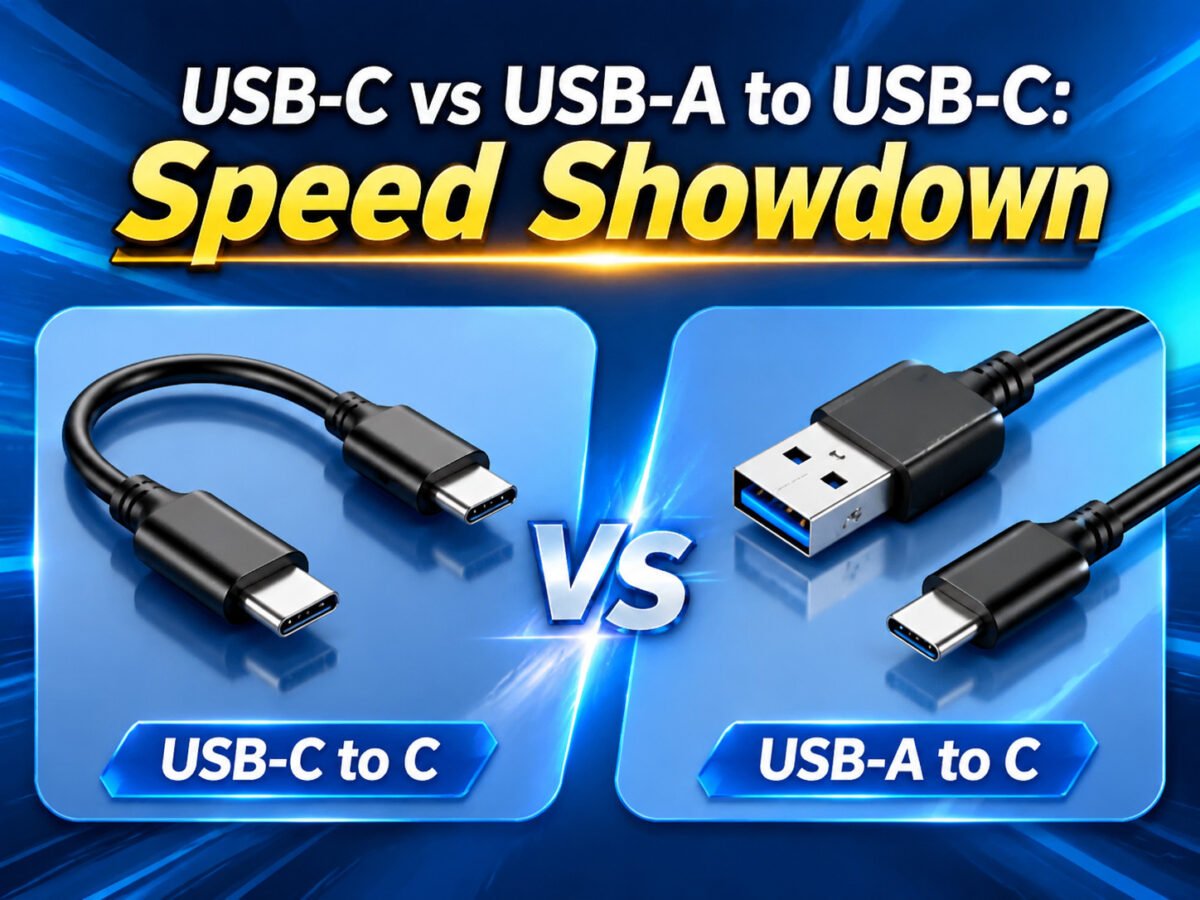
USB-C vs USB-A to USB-C: Speed Showdown
A USB-A to USB-C cable has a reputation for being slow, and the reputation is only half earned. The plug at the far end is not what sets the rate. The port it plugs into is, along with the cable's own rating. An A-to-C assembly built to 10 Gbps on a 10 Gbps A port moves data as fast as a C-to-C cable in the same generation; the same assembly on a USB 2.0 port crawls.
What A-to-C genuinely cannot do is carry USB Power Delivery, run 20 Gbps links, or drive a display. Those are architectural limits of the A connector, not marketing choices.
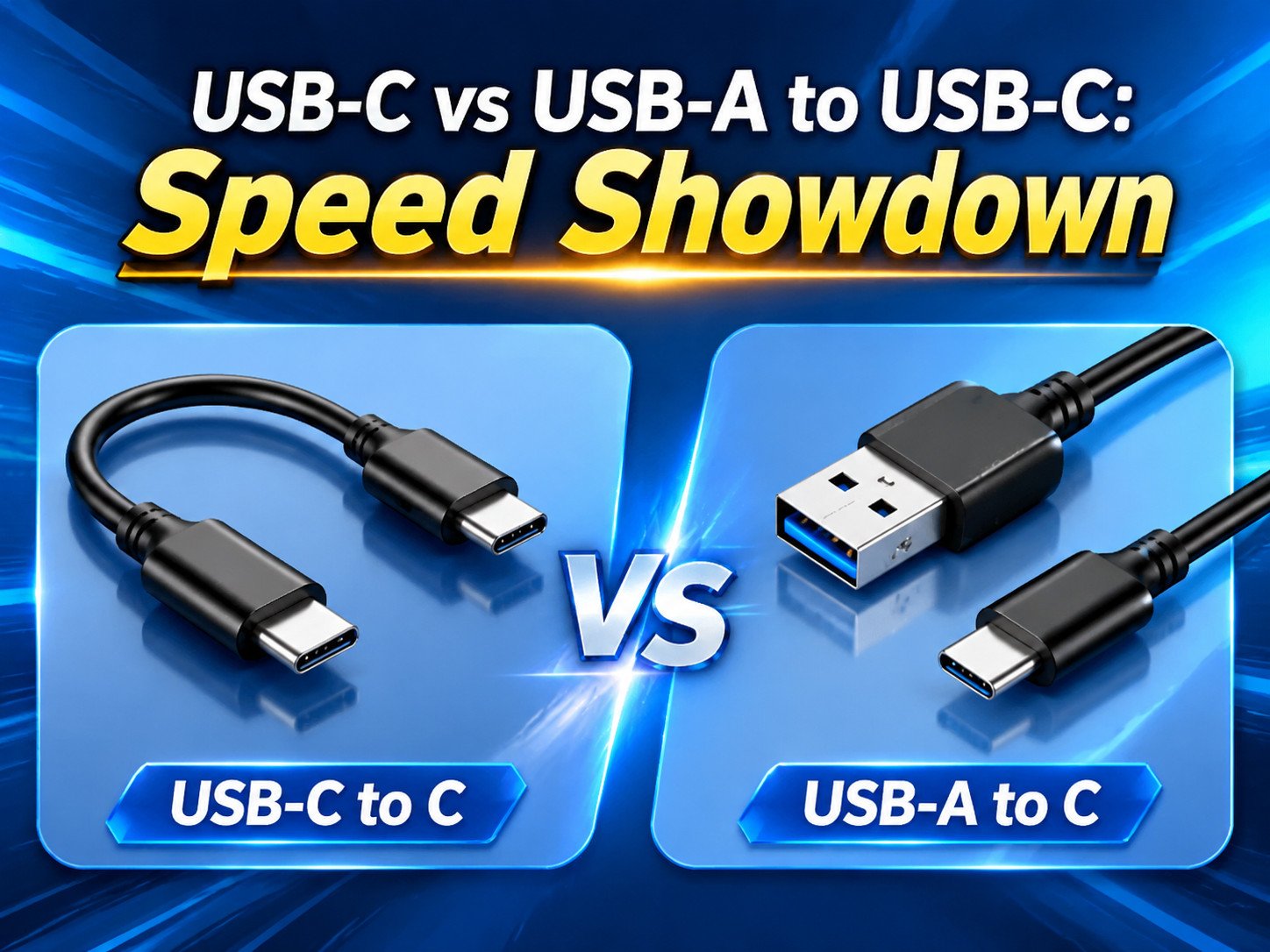
1. Technical Design and Protocol Differences
1.1 Interface Architecture
USB-C is a reversible 24-pin connector with a configuration channel (CC) that runs the PD conversation. With C at both ends, the charger and the device negotiate voltage and current, up to 240W under PD 3.1 EPR and 100W under PD 3.0.
An A-to-C cable replaces one end with a legacy rectangular plug. Because a Type-A port has no CC pin, the cable's C end terminates CC with a fixed resistor and presents itself to the device as a default 5V source. That is why a phone on an A-to-C link settles at 5V and a few hundred milliamps unless something else is going on: no PD contract can form.
What is going on in practice is vendor charging protocols. Quick Charge negotiates over the D+/D− pair, which the A connector still has, so a QC 3.0 charger and a QC-capable phone can reach 18W or more over A-to-C. Samsung's AFC and the Chinese proprietary schemes work the same way. None of them is PD, and none of them helps a laptop that expects 20V over a PD contract.
1.2 Transmission Protocols
A C-to-C assembly can carry anything from USB 2.0 to USB4 Version 2.0, depending on the cable and both endpoints. An A-to-C assembly is limited by what the A port can present:
- USB 2.0, 480 Mbps. The most common rating, and the default for cheap A-to-C cables sold with accessories.
- 5 Gbps. Common on SuperSpeed A ports and the blue or "SS"-marked cables that go with them.
- 10 Gbps. Possible: USB 3.1 Gen 2 was specified over Type-A as well as Type-C, and 10 Gbps A-to-C assemblies exist. They are less common because the market moved to C before the rate became mainstream.
- 20 Gbps and above. Not possible. Gen 2x2 needs both SuperSpeed pairs in each direction, which a Type-A plug cannot provide; USB4 requires C at both ends.
The A-to-C link also has no DisplayPort alternate mode. A C-to-C cable can carry video because the C connector dedicates lanes to it; the A end cannot, so "USB-A to USB-C to HDMI" needs a DisplayLink-style adapter that compresses video into USB data, with the latency and CPU cost that implies.
2. Speed Test Data
A fair comparison changes one variable at a time. The first two columns hold the host port constant at 5 Gbps and swap only the cable; the third and fourth show what a slower port and a faster port do to the same test.
| Test | 5 Gbps port, C-to-C | 5 Gbps port, A-to-C | USB 2.0 A port, A-to-C | 10 Gbps port, C-to-C |
|---|---|---|---|---|
| 10 GB file | About 25–30 seconds | About 25–30 seconds | About 4–5 minutes | About 10–12 seconds |
| 4K 60 Hz display | Supported over DP Alt Mode | Not supported | Not supported | Supported over DP Alt Mode |
| 65W laptop charging | Supported over PD | Not supported | Not supported | Supported over PD |
| Phone fast charging | 18–27W over PD | 18W and up over QC, if both ends support it | 5V at 1.5–2.4A, or QC if the port supports it | 18–27W over PD |
The first two columns are the control, and they match on the data row: at the same 5 Gbps, the connector makes no difference. The third column is the source of the complaints — a USB 2.0 port, which is roughly ten times slower than 5 Gbps. The fourth differs because the port is a generation faster, not because the cable is C-to-C.
3. Where USB-A to USB-C Actually Falls Short
Four limits are structural:
- Power. No PD means no 20V rail, so most laptops cannot be charged at all. A 65W charger on an A-to-C cable may not charge, and will not fast-charge.
- Video. No DisplayPort alt mode. Docks that need a monitor feed must be C-to-C.
- Rate ceiling. 20 Gbps and USB4 are out of reach, which rules out NVMe enclosures running above 10 Gbps.
- Cable variance. Most A-to-C cables in circulation are USB 2.0 assemblies built for charging. Their 480 Mbps rating, not the connector, is what disappoints buyers.
4. Application Recommendations
High-speed work. Native USB-C end to end: a Gen 2 cable for 10 Gbps devices, a USB4 or Thunderbolt cable for 20 Gbps and above.
Legacy devices. A-to-C is the right tool. Keyboards, printers, audio interfaces and older phones do not need more than 480 Mbps, and the A end keeps them compatible with the installed base.
Mixed environments. A dock with both A and C ports on the host side, and C on the device side, keeps old peripherals working without forcing the fast link down a generation.
5. Frequently Asked Questions
Can a USB-A to USB-C cable reach USB4 speeds?
No. USB4 requires a USB-C connector at both ends, so the A end rules it out. Note that USB4 certification comes from the USB-IF and does not require Intel's Thunderbolt program — Thunderbolt 4 and 5 are stricter, separately certified implementations.
Does cable quality affect speed?
Yes. Above 3A — a level only a C-to-C link can reach — a cable must carry an E-Marker declaring its rating; without one the charger holds the contract at 3A, which caps a 20V link at 60W. On the data side, an uncertified assembly may pass continuity testing and still fail to sustain 5 or 10 Gbps, which usually shows up as intermittent dropouts rather than a clean slowdown.
Why does my phone charge slowly on an A-to-C cable?
Because the link has no PD contract. The phone sees a default 5V source and draws a few hundred milliamps unless the charger and phone share a vendor protocol such as Quick Charge. A 65W PD charger plugged in through A-to-C behaves like a 5V charger, not a 65W one.
6. Conclusion
USB-C native links are faster in the configurations that matter — 20 Gbps, 40 Gbps, video and 240W — because the connector was designed for them. An A-to-C assembly is not inherently slow; it is capped by the A port's missing CC pin and missing second pair. On a 5 or 10 Gbps A port it keeps up; on a USB 2.0 port it does not.
For OEM and ODM projects, the practical rule is to specify the rate and the protocol separately. An A-to-C assembly can be quoted at 480 Mbps, 5 Gbps or 10 Gbps, and the price follows the pair count and shielding, not the plug shape.
Where the device end must charge at 20V, or drive a display, or exceed 10 Gbps, the C-to-C path is the only one that qualifies. Where the host only has A ports and the load is a peripheral, A-to-C remains the cheapest correct answer.