

USB-C vs. Lightning: How the Two Connectors Differ
USB-C vs. Lightning: How the Two Connectors Differ
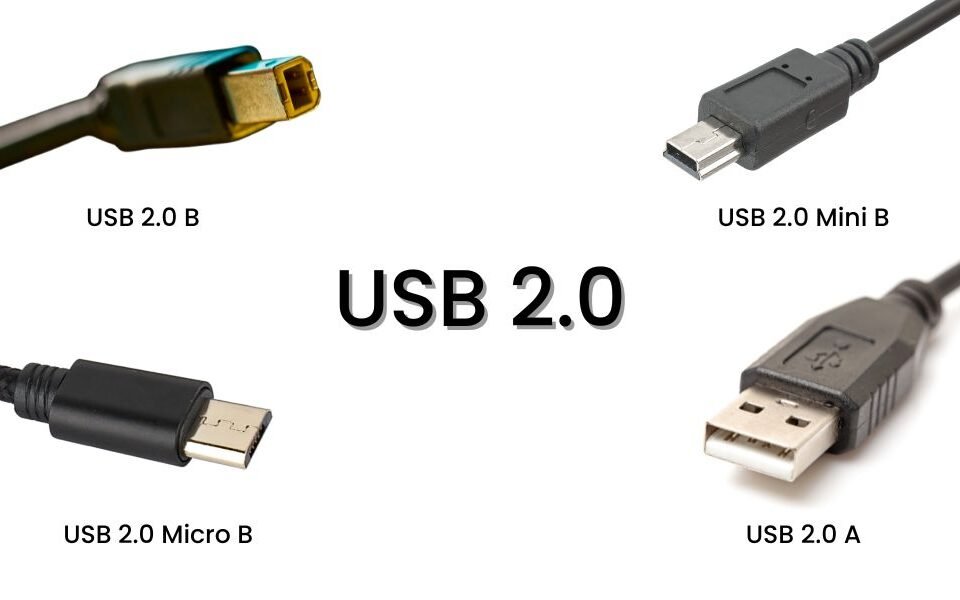
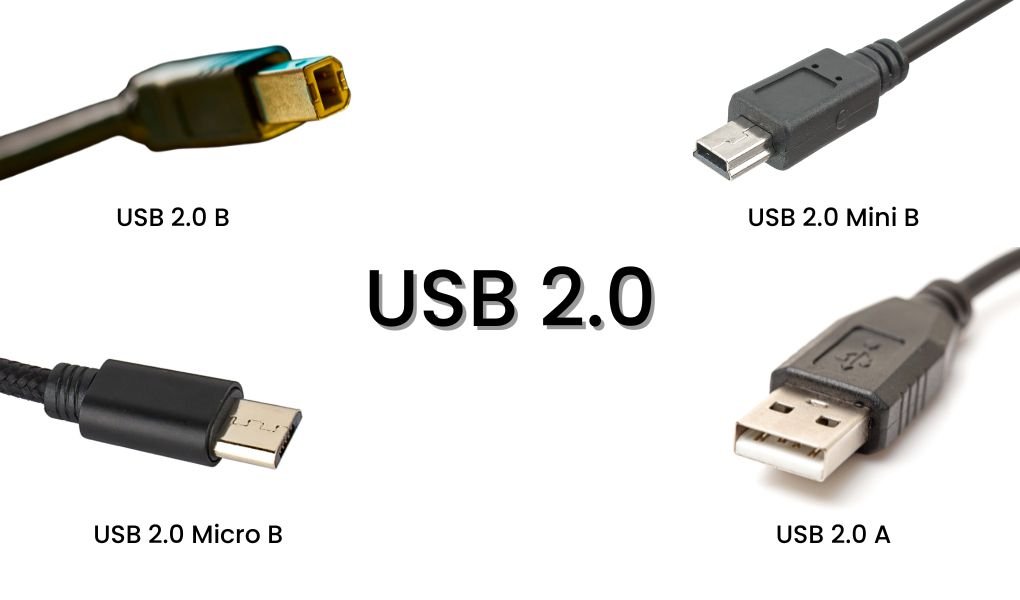
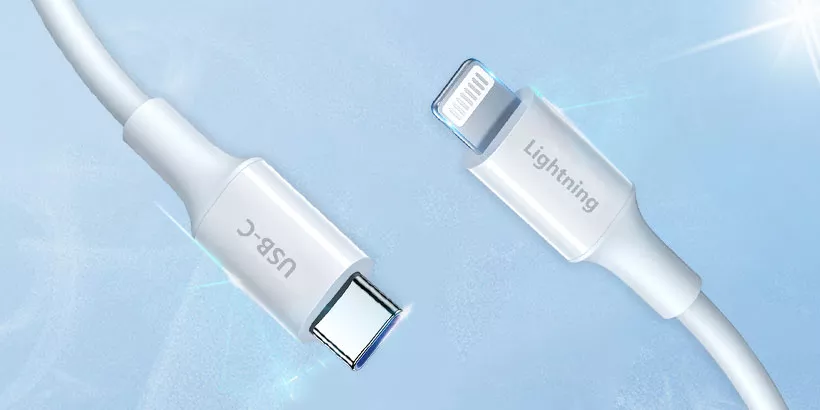
USB-C and Lightning are the two connector types most people handle every day. They are close in size, both plug in either way up, and both carry data and power — which is exactly why they get treated as interchangeable. They are not. USB-C was built as an industry-wide standard; Lightning exists to serve Apple devices. Below is a side-by-side look at how the two differ in practice.
1. What is USB-C?
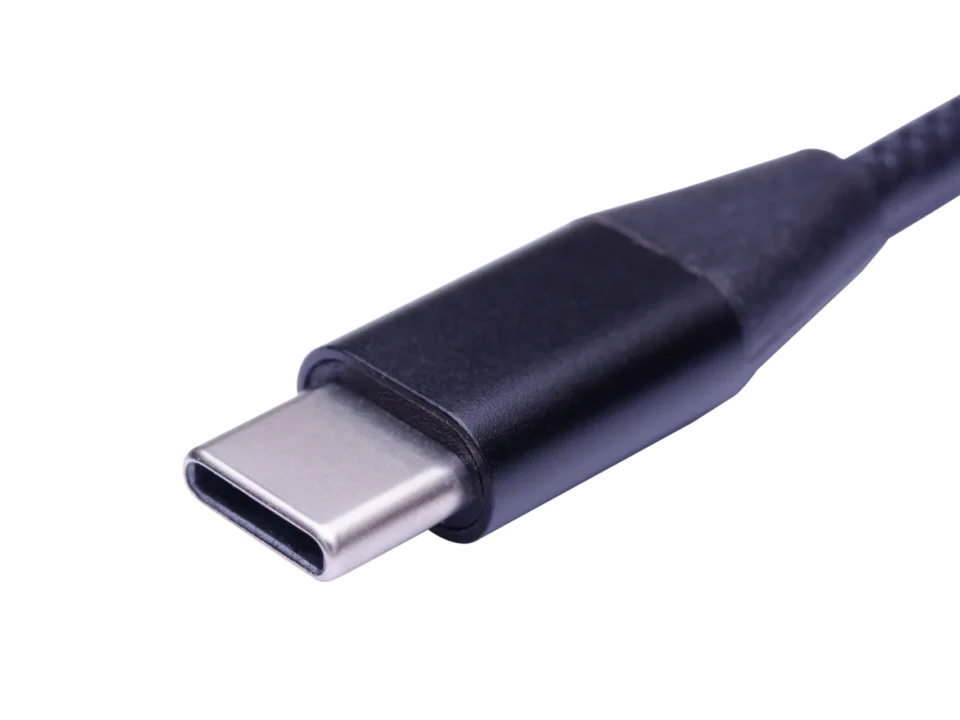
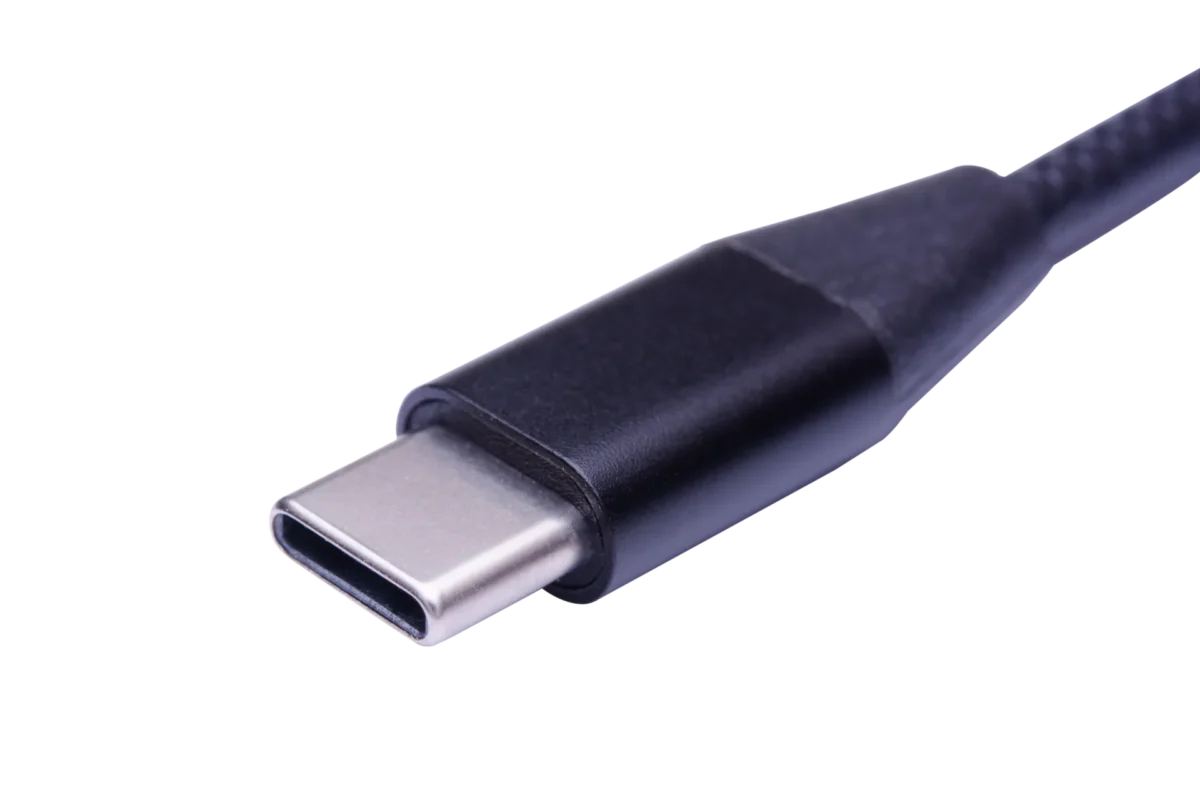
USB-C is a connector released in 2014 with a 24-pin configuration. It became the industry standard for charging and data because it does three things at once: it carries power in either direction, moves data in either direction, and its small footprint lets manufacturers build thinner devices.
Most current phones, tablets, laptops, monitors and accessories now ship with a USB-C port. The connector shape is fixed, but the capability behind it is not — a USB-C port can be wired for anything from 480Mbps to 40Gbps.
2. What is Lightning?
Lightning is a proprietary connector introduced by Apple with the iPhone 5. It has an 8-pin configuration and a slim body, and it replaced the much larger 30-pin connector.
Functionally the two are similar: both charge, both sync, both are reversible. The difference is scope. Lightning exists only for iPhone, iPad, iPod and Apple accessories. Apple licenses it to accessory makers rather than letting anyone build it.

3. USB-C vs. Lightning: What's the difference?
3.1 Data transfer rate
This is the widest gap between the two. A Lightning cable carries data at 480Mbps, the USB 2.0 rate. Apple has not raised that ceiling since the connector launched, so a Lightning cable bought today moves data at the same speed as one from 2012.
USB-C reaches 40Gbps under USB4, 20Gbps under USB 3.2 Gen 2×2 and 10Gbps under USB 3.2 Gen 2. That is roughly 80 times the Lightning rate at the top end, though the actual figure depends on the cable and the ports at both ends.
3.2 Power delivery
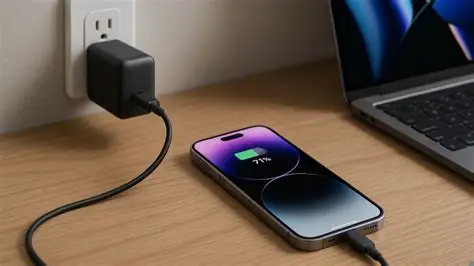
USB-C is specified to 100W at 20V/5A, and PD 3.1 EPR chargers push that to 240W at 48V/5A. That range is why USB-C can charge a phone, a tablet and a laptop from the same cable and charger.
Lightning is limited in a different way. A USB-A to Lightning cable cannot do PD at all — there is no CC line on the A end to negotiate with. Fast charging only works through a USB-C to Lightning cable, where the USB-C end runs the negotiation and the Lightning end passes the agreed voltage: iPhones take roughly 20–27W, and iPad Pro models up to about 30W. The Lightning plug carries nowhere near EPR-level power, and no Lightning cable is rated for 240W.
3.3 Durability
USB-C connectors are rated for about 10,000 insertion cycles. Lightning's cycle rating is rarely published, so the useful comparison is the failure pattern rather than the rated number.
USB-C has a weakness that shows up over years: the spring contacts in the receptacle lose tension, and the plug starts to fit loosely. Lightning has the opposite complaint — the exposed pins on the plug are fragile, and the cable fails at the strain relief or at the connector head rather than at the contact surface. Lightning tends to hold a tighter physical fit for longer.
In practice, cable life depends on how it is handled, how often it is bent at the plug, and the quality of the moulding, not on the connector type alone.
3.4 Cost
USB-C is an open standard maintained by USB-IF, so any qualified factory can produce it. Competition keeps prices low, and the spread between a good and a poor cable shows up in wire gauge, shielding and E-Marker quality rather than in the connector.
Lightning is licensed. Apple is the reference source, every legitimate cable carries MFi certification, and the royalty and certification cost sits in the price. Uncertified Lightning cables may work for charging but can be rejected by the device, and a badly made one can damage the port.
3.5 Compatibility
Lightning connects to Apple devices and nothing else. To use it with a non-Apple product you need an adapter, and the range of Lightning accessories is small because only licensees can build them.
USB-C connects across brands: Android phones, Windows laptops, monitors, docks, cameras, game consoles, power banks. It also carries Thunderbolt 3 and 4, DisplayPort and USB4 tunneling, which is why one port can replace several.
One update worth noting: from the iPhone 15 onward Apple moved its phones to USB-C, so Lightning now covers older iPhones, iPads and accessories rather than the current lineup.
4. Verdict
Technically, USB-C wins on speed, power and compatibility, and the margin is not close. Lightning's remaining advantages are a tighter physical fit and a closely controlled accessory ecosystem. The durability debate is genuinely open — both connectors fail, just in different places.
For B2B sourcing, the port on the product decides the cable, not the connector family. A USB-C project may call for 480Mbps charging wiring, a 10Gbps data build or a 40Gbps USB4 assembly, while a Lightning project still needs the MFi chip on one end and PD negotiation on the other.
WJW builds both, in OEM and ODM volumes. The target device, connector configuration and order quantity are enough to confirm the current rating, length and finish.
USB-C cables for charging and data builds