

Diagrama de pinos do USB Type-C: um guia detalhado para iniciantes
Introduction
What’s behind the USB Type-C pin layout? USB-C’s compact, reversible design powers modern devices with fast charging, data transfer, and more. This guide explains the USB Type-C pin layout, detailing each pin’s role and how it enables USB-C’s versatility. Whether you’re a tech enthusiast or developer, understanding this layout unlocks USB-C’s full potential.
What is USB-C?
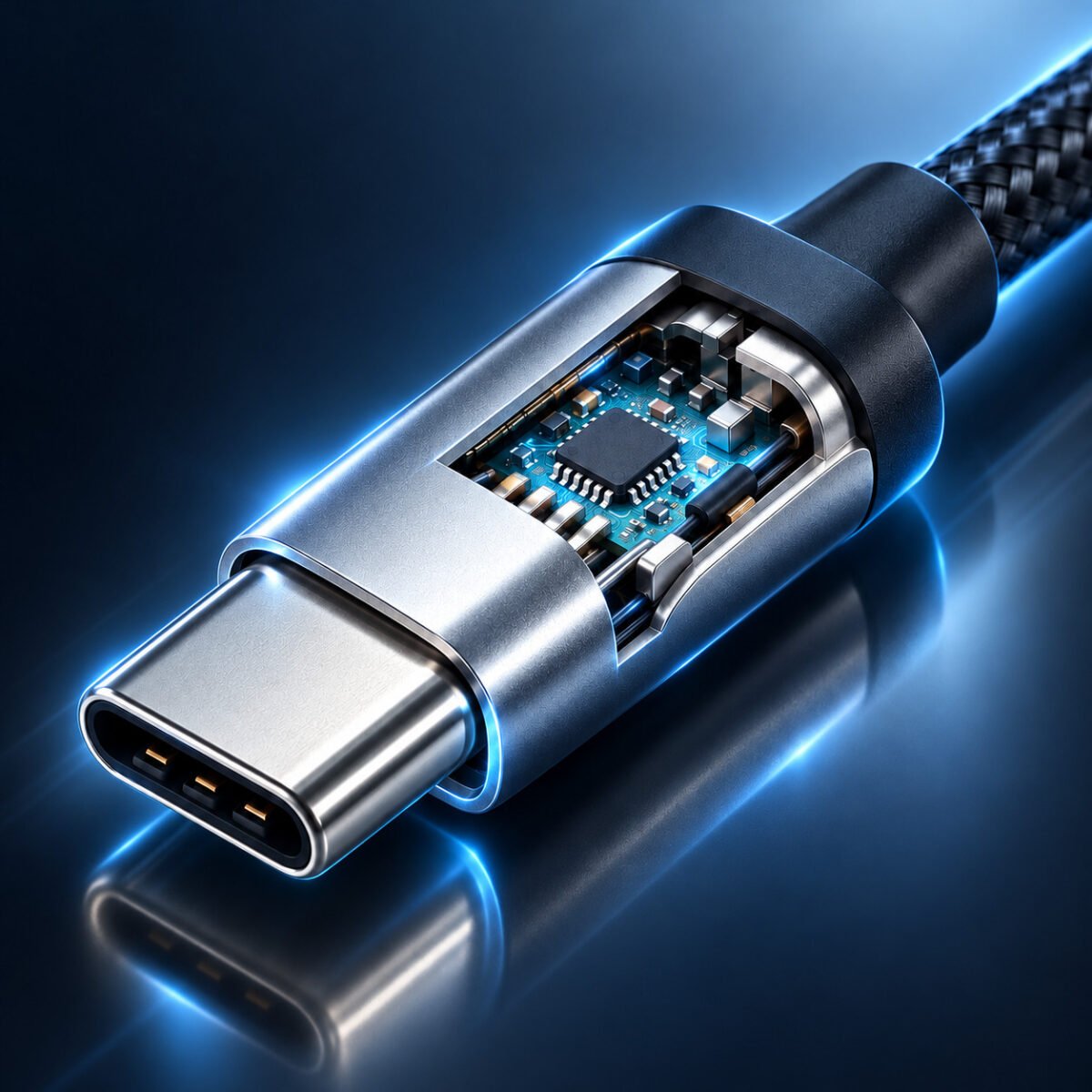
USB-C, or USB Type-C, is a 24-pin, reversible connector standard for smartphones, laptops, and tablets. It supports fast charging, high-speed data transfer (up to 40Gbps with USB4), and video output. The USB Type-C pin layout makes these features possible by assigning specific roles to each pin, creating a one-cable solution for multiple functions.
Internal Link: Explore USB-C’s features in our USB-C Guide.
Overview of the USB Type-C pin layout
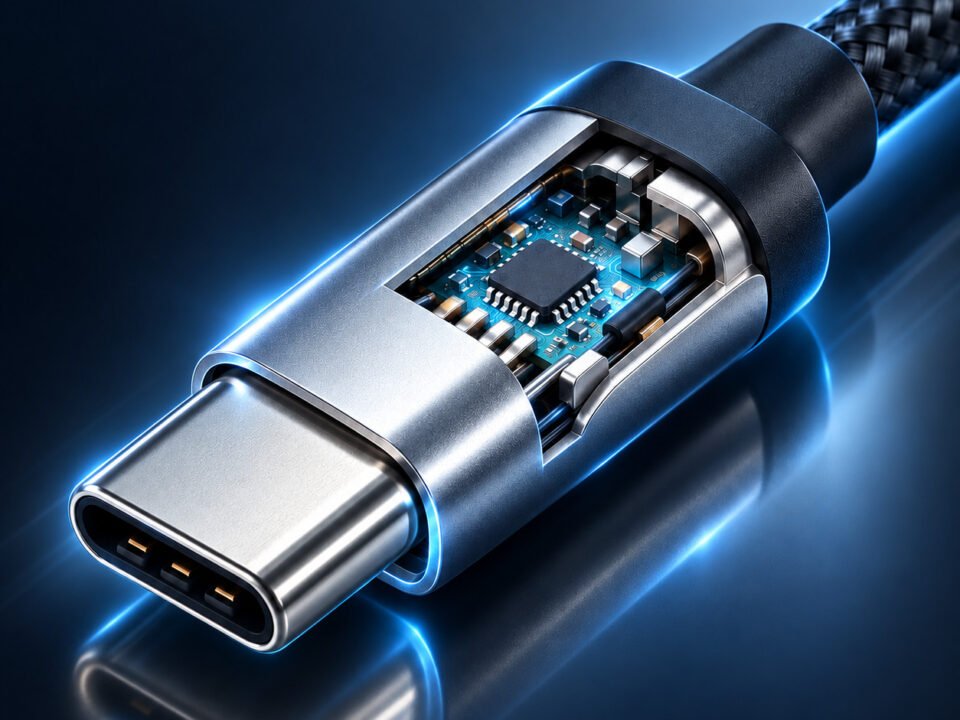
The USB-C connector features 24 pins, arranged in a 12×2 grid for its reversible design. These pins handle power, data, and configuration tasks. Here’s a quick look at the USB Type-C pin layout:
- Power Pins: Deliver electricity (VBUS, GND).
- Data Pins: Manage data transfer (D+, D-, SuperSpeed pairs).
- Configuration Pins: Enable communication (CC1, CC2).
- Additional Pins: Support video/audio modes (SBU, TX, RX).
Let’s break down each pin’s role in detail.
External Link: Check the official USB-C specs at USB.org.
Detailed Breakdown of the USB Type-C pin layout
The USB-C connector’s pins are labeled A1 to A12 and B1 to B12. Here’s a detailed overview of the USB Type-C pin layout:
Pin Layout Table
| Pin | Nome | Função |
|---|---|---|
| A1, B1, A12, B12 | GND | Ground pins for stable power and signals. |
| A4, B4, A9, B9 | VBUS | Power delivery pins (5V–20V, up to 100W with Power Delivery). |
| A5, B5 | CC1, CC2 | Configuration pins for cable orientation and power negotiation. |
| A6, B6 | D+ | USB 2.0 data pins (positive) for backward compatibility. |
| A7, B7 | D- | USB 2.0 data pins (negative) for backward compatibility. |
| A2, B2, A3, B3 | TX1+, TX1-, TX2+, TX2- | SuperSpeed transmit pairs for high-speed data (up to 40Gbps). |
| A10, B10, A11, B11 | RX1+, RX1-, RX2+, RX2- | SuperSpeed receive pairs for high-speed data. |
| A8, B8 | SBU1, SBU2 | Sideband Use pins for alternate modes (e.g., audio, DisplayPort). |
Key Pin Functions
- VBUS and GND: VBUS supplies power (up to 20V), while GND ensures stability. Multiple pins handle high currents safely.
- CC1 and CC2: Detect orientation and negotiate power delivery between devices.
- D+ and D-: Support USB 2.0 data transfer (up to 480Mbps) for older devices.
- TX and RX Pairs: Enable high-speed data transfer for USB 3.1, 3.2, or USB4.
- SBU Pins: Facilitate alternate modes like video or audio transmission.
The symmetrical USB Type-C pin layout ensures functionality regardless of how you plug it in.
How the USB Type-C pin layout Powers Key Features
The USB Type-C pin layout enables USB-C’s core functionalities:
1. Fast Charging
VBUS, GND, and CC pins deliver up to 100W via Power Delivery, making USB-C ideal for charging phones and laptops.
2. High-Speed Data Transfer
TX and RX pins support data speeds up to 40Gbps (with USB4), while D+/D- pins ensure USB 2.0 compatibility.
3. Alternate Modes
SBU and TX/RX pins allow USB-C to transmit video (DisplayPort, HDMI) or audio, reducing cable clutter.
4. Reversible Design
The layout’s symmetry, paired with CC pins, ensures seamless connectivity in any orientation.
Internal Link: Learn about USB-C charging in our article Does USB-C Charge Faster?.
Real-World Applications of the USB-C Pin Layout
The USB-C pin layout drives everyday tech scenarios:
- Smartphone Charging: VBUS and CC pins enable fast charging (e.g., 20W for an iPhone 15).
- Laptop Connectivity: TX/RX pins transfer data at 40Gbps while supporting 4K monitors via USB-C.
- Audio Devices: SBU pins power USB-C headphones, replacing the 3.5mm jack.
This makes USB-C a versatile, all-in-one connector.
External Link: See USB-C in action at TechRadar.
Common Misconceptions About the USB-C Pin Layout
Let’s clear up myths about the USB-C pin layout:
Myth 1: All Pins Are Always Active
Not true. Some pins (e.g., TX/RX) are unused in USB 2.0 cables.
Myth 2: The Layout Varies by Device
The USB-C pin layout is standardized for universal compatibility.
Myth 3: All USB-C Cables Support All Pins
Cheap cables may skip TX/RX or SBU pins, limiting functionality.
Internal Link: Choose the right cable with our USB-C Cable Guide.
Choosing a Quality USB-C Cable
A good USB-C cable leverages the full USB-C pin layout. Here’s how to pick one:
- Look for Certification: USB-IF certified cables support all pins, including TX/RX.
- Check Power Rating: Ensure 3A–5A support for Power Delivery.
- Inspect Build: Thicker cables handle high currents better.
A poor cable can limit USB-C’s potential, even with the correct pin layout.
External Link: Find top cables at Wirecutter.
Compatibility and the USB-C Pin Layout
The USB-C pin layout ensures compatibility with older standards:
- USB 2.0: Uses D+/D- and VBUS/GND pins.
- USB 3.0/3.1: Adds TX/RX for faster data.
- Adapters: USB-C to USB-A adapters map essential pins for legacy devices.
This future-proofs USB-C for all use cases.
Troubleshooting USB-C Issues
Use the USB-C pin layout to diagnose problems:
- Slow Charging: Check VBUS/CC pins or cable quality.
- Data Issues: Inspect TX/RX or D+/D- pins for damage.
- Video Failure: Ensure SBU pins and cable support alternate modes.
Cleaning the port or swapping cables often helps.
Internal Link: More tips in our USB-C Troubleshooting Guide.
Why the USB-C Pin Layout Matters
Understanding the USB-C pin layout is valuable for:
- Designing USB-C devices.
- Debugging connectivity issues.
- Choosing compatible accessories.
It empowers users to maximize USB-C’s capabilities.
External Link: Learn more at CNET.
Conclusion
O USB-C pin layout is the backbone of USB-C’s versatility, enabling fast charging, data transfer, and video output. By knowing each pin’s role, you can optimize your USB-C experience with the right cables and devices. Dive into USB-C’s potential today!
Questions about the USB-C pin layout? Share in the comments!