



The USB Puzzle: Why So Many Connectors?
From Cable Chaos to Clarity - Your Ultimate Reference Manual
Picture this: You're rummaging through a drawer filled with tangled cables - some with rectangular connectors, others with small trapezoidal ones, a few with the new reversible oval design. You need to charge your laptop, transfer photos from your camera, and connect an external monitor. Which cable does what? Why does something called a "Universal" Serial Bus require so many different connectors?
This frustration is shared by millions of users worldwide. The USB ecosystem, despite its name suggesting universality, has evolved through multiple generations of connectors, protocols, and capabilities. What began as a simple replacement for serial and parallel ports in 1996 has transformed into the digital backbone of modern computing - handling everything from data transfer and device charging to video transmission and network connectivity.
The confusion stems from the layered nature of USB technology. Unlike many standards that evolve linearly, USB has grown in three dimensions simultaneously: physical connectors (the shapes you see), data protocols (the invisible communication rules), and functional capabilities (what you can actually do with the connection). This guide will unravel these layers, transforming cable chaos into clarity.
Our mission is simple: to become your definitive reference for USB technology in 2025. Whether you're an IT manager responsible for enterprise infrastructure, a procurement specialist sourcing hardware, or a technology enthusiast seeking understanding, this guide will equip you with the knowledge to make informed decisions, avoid compatibility pitfalls, and future-proof your technology investments.

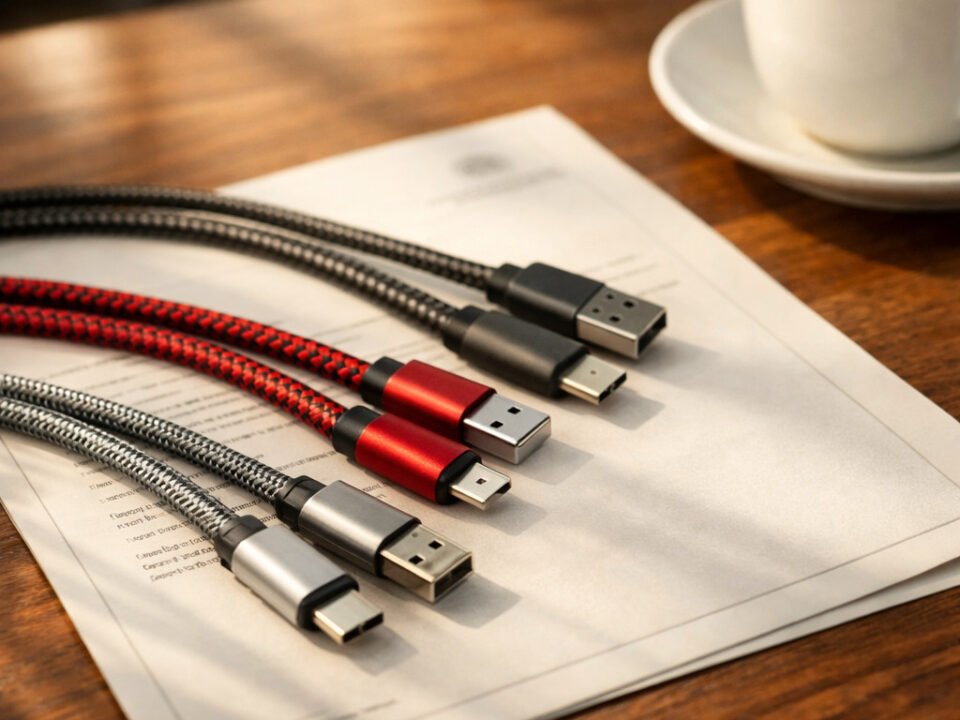
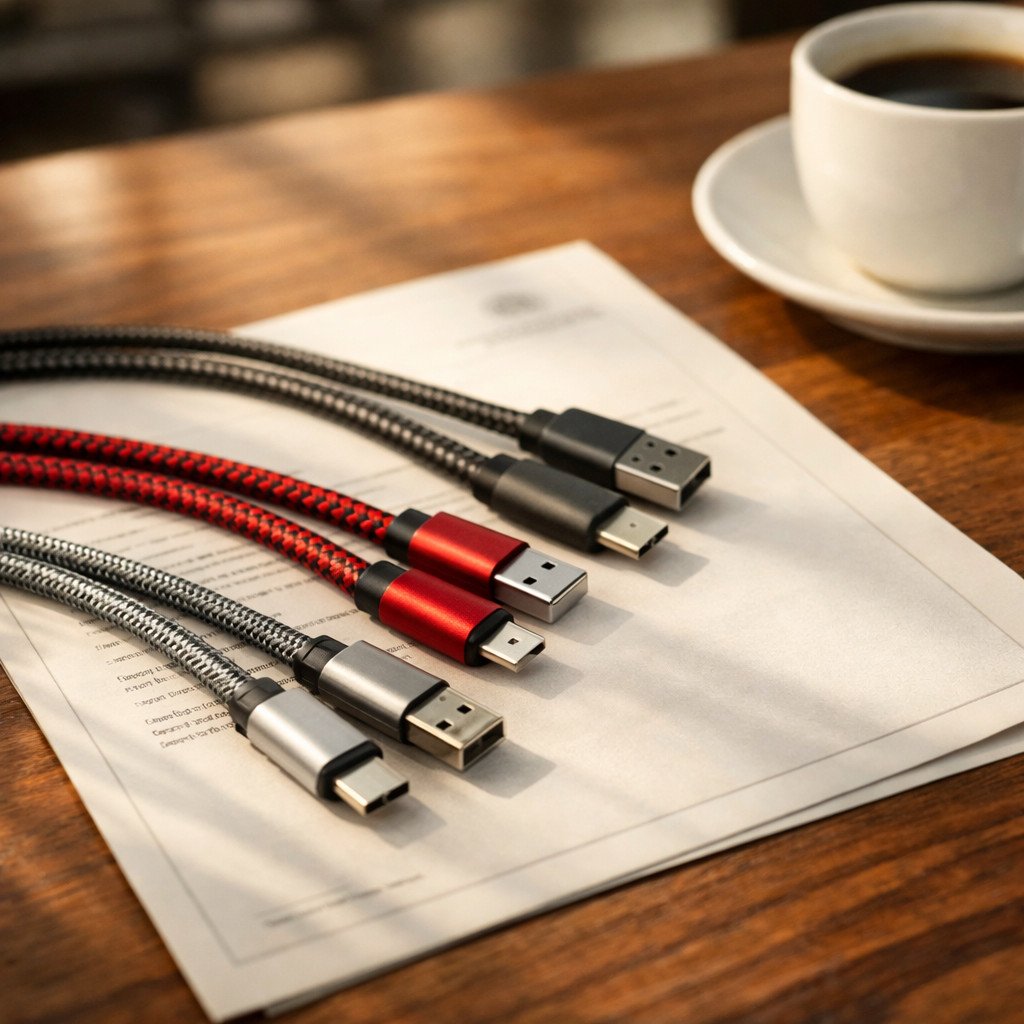
A well-organized collection showing various USB connector types - the goal is to understand what each one does
Guide Philosophy
This guide is designed as a reference manual. Bookmark it, share it with colleagues, and return to it whenever you encounter USB-related questions. The knowledge here will remain relevant for years as USB-C becomes the universal standard.
Anatomy of a USB Standard: Form Factor vs. Protocol
The Foundation of Understanding: Three Dimensions of USB Technology
To navigate the USB landscape confidently, you must first understand its three-dimensional architecture. Most confusion arises from conflating these distinct layers. Think of USB technology as a building: the form factor is the door shape, the protocol is the hallway size, and the functionality is what rooms you can access.
Form Factor (Connector Type)
The physical interface - the shape, size, and pin configuration you can see and touch. This determines what devices can physically connect to each other.
Protocol/Generation
The communication language - the invisible rules governing data transfer speed, encoding, and efficiency between connected devices.
The Perfect Analogy: USB as a Building
Form Factor = Door Shape (standard door, revolving door, sliding door) - determines what can physically enter. Protocol = Hallway Size (narrow corridor, wide hallway, express corridor) - determines traffic flow capacity. Functionality = Room Access (office, kitchen, theater, gym) - determines what activities are possible inside.
This three-layer model explains why a USB-C cable might only transfer data at USB 2.0 speeds (480 Mbps) despite its modern connector. The physical form (Type-C) supports high-speed protocols, but if the devices at both ends only implement USB 2.0 protocol, that becomes the functional limit. Always consider all three dimensions when evaluating USB capabilities.
The Form Factor Zoo: From Type-A to Type-C
A Complete Visual Guide to Physical USB Connectors
Over nearly three decades, USB has spawned numerous physical connectors, each serving specific market needs and technological constraints. This "connector zoo" reflects the technology's evolution from desktop-centric computing to mobile-first design.
USB Type-A (Standard-A)
The original rectangular connector that defined USB for two decades. From its introduction in 1996 until approximately 2015, Type-A was the universal host connector found on virtually every computer, charger, and hub worldwide.
USB Type-C
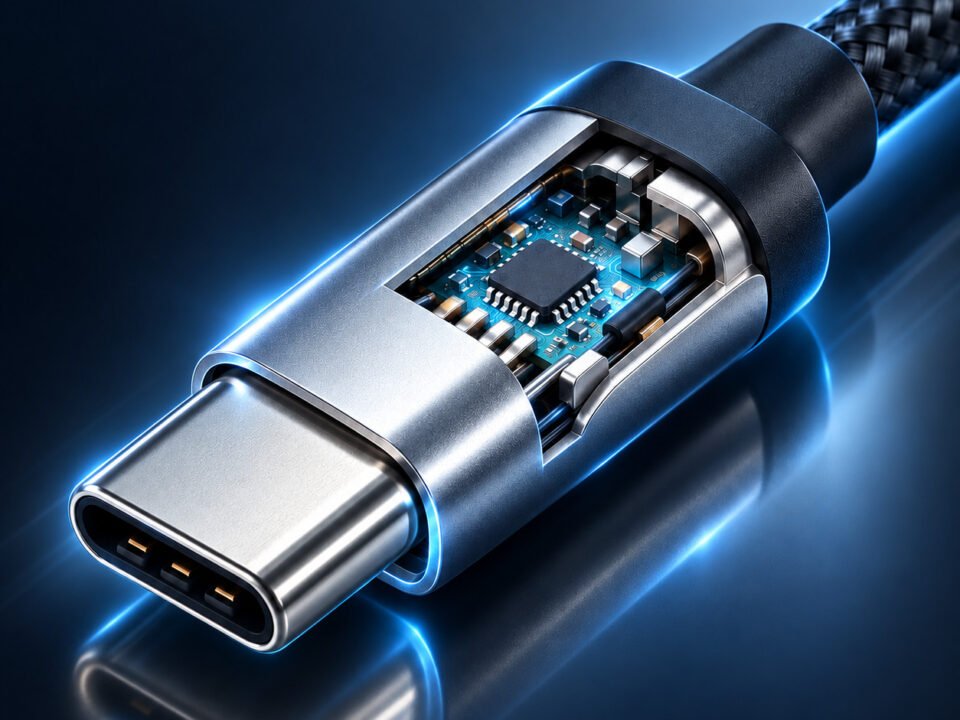
Introduced in 2014, USB-C represents a fundamental redesign based on user experience research. Its oval shape and symmetrical pin layout enable reversible insertion - a seemingly simple change that dramatically improves daily usability.
Micro-USB
Micro-USB dominated mobile devices from 2007-2018 as the standard charging and data port for Android smartphones, Bluetooth accessories, and power banks.
USB Type-B
Type-B connectors were designed specifically for peripheral devices to prevent host-device confusion. The square shape with beveled corners ensures cables cannot be incorrectly connected.

Size comparison of common USB connectors: Type-A (largest), Type-C (modern standard), Micro-USB (deprecated)
Migration Strategy: For enterprise environments, develop a phased transition plan. New purchases should prioritize USB-C compatibility. Maintain minimal legacy connector inventory with clear sunset schedules.
The Speed Race: USB Generations Explained
From 1.5 Mbps to 80 Gbps: A Journey Through USB Protocol Evolution
USB's protocol evolution represents one of technology's most impressive scaling stories. Starting with modest 1.5 Mbps transfers suitable for keyboards and mice, USB now supports 80 Gbps - enough bandwidth for multiple 8K video streams.
USB 1.0/1.1 - The Foundation
The original specification designed to replace serial and parallel ports. USB 1.0 (Low-Speed, 1.5 Mbps) addressed keyboards and mice. USB 1.1 (Full-Speed, 12 Mbps) enabled practical adoption for printers and early digital cameras.
USB 2.0 - The Mainstream Catalyst
USB 2.0 transformed computing by making external storage practical. At 40× faster than USB 1.1, it enabled affordable external hard drives, webcams for video calls, and the first generation of portable media players.
USB 3.x - The SuperSpeed Era
The USB 3.x generation introduced the "SuperSpeed" branding and blue-colored ports. USB 3.2 Gen 1 (originally USB 3.0) delivered 5 Gbps - 10× faster than USB 2.0. USB 3.2 Gen 2 doubled this to 10 Gbps in 2013.
USB4 - The Convergence Standard
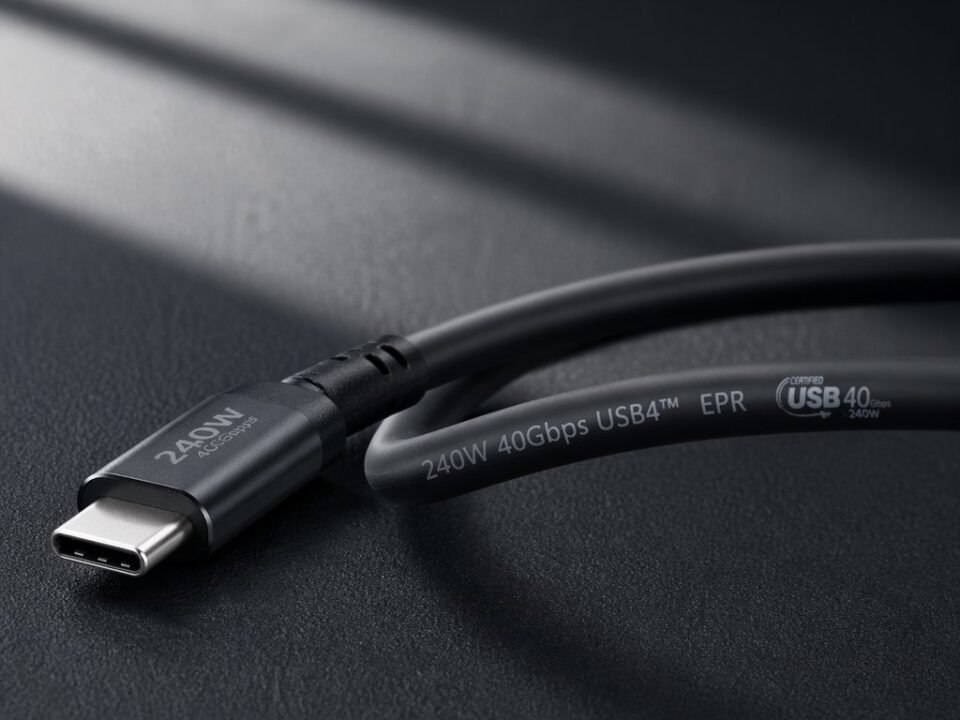
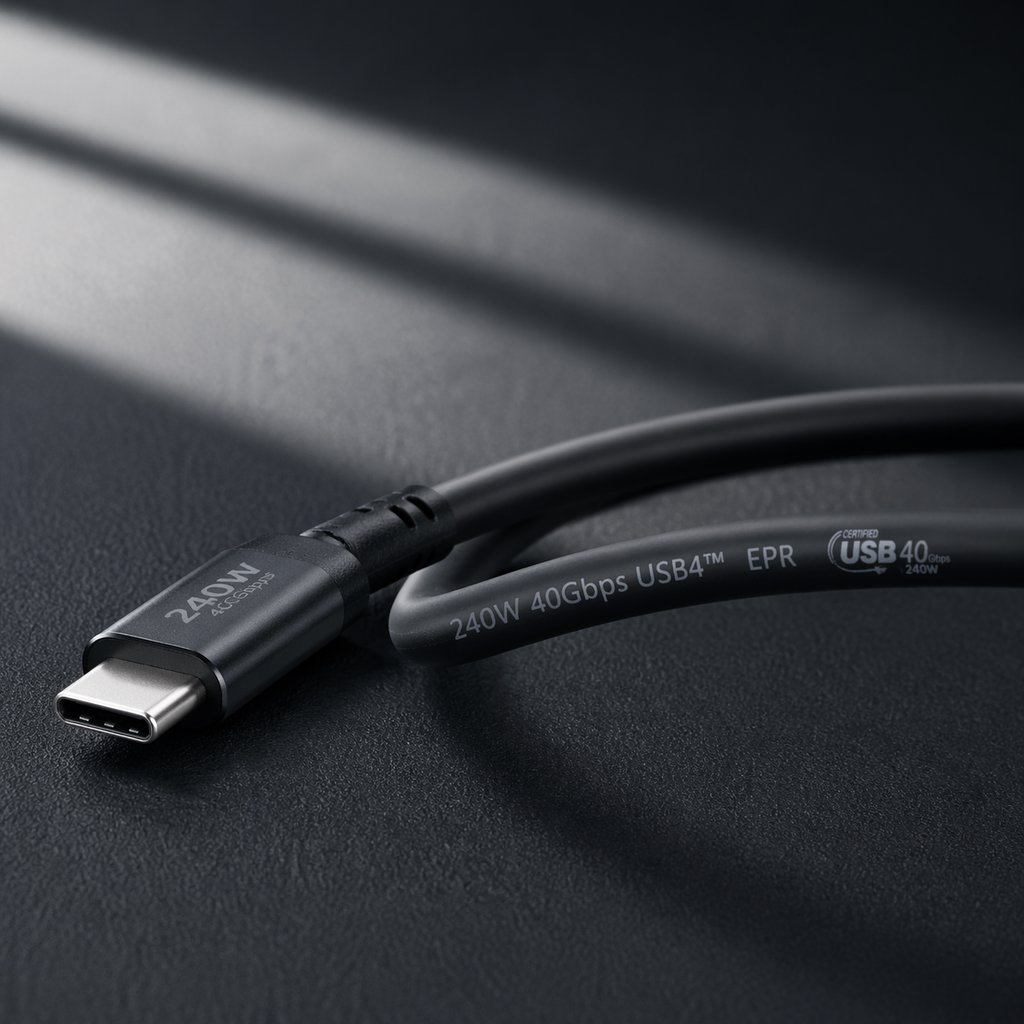
USB4 represents the most significant architectural shift since USB's inception. Based on Thunderbolt 3 protocol, USB4 mandates Type-C connectors and unifies data, power, and display protocols into a single specification.

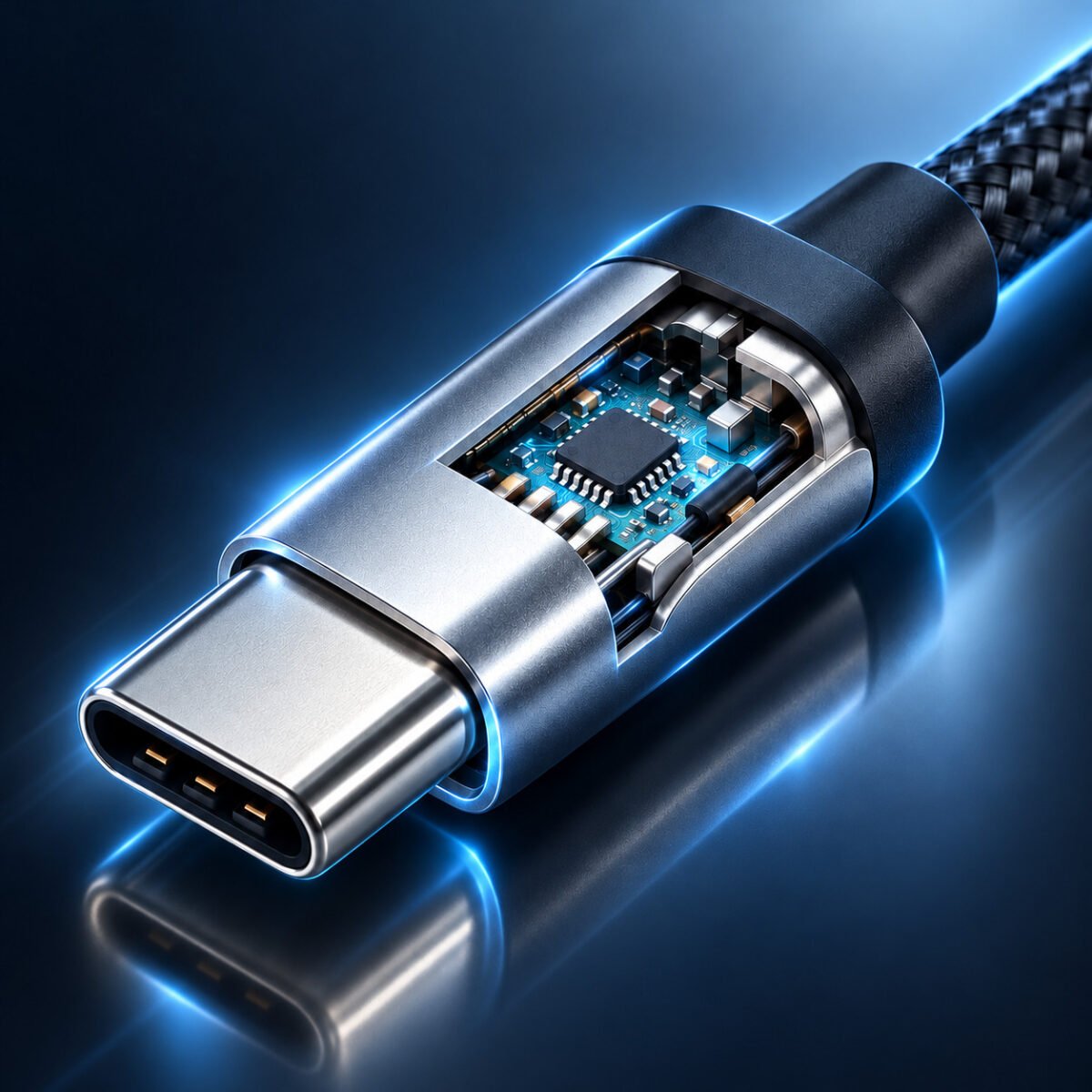
Modern data centers and creative professionals require the high-speed transfers that USB4 enables
Real-World Performance Comparison
Theoretical speeds don't always translate to real-world performance. This comparison illustrates practical differences between USB generations for common tasks.
File Transfer Examples
Video Bandwidth
Making Sense of USB 3.x Naming Confusion
The USB 3.x naming changes created significant confusion. This table clarifies the relationships between different naming conventions.
Historical Context Matters
Understanding USB's evolution explains why certain limitations exist. USB 2.0's 480 Mbps limit made sense in 2000 when broadband internet was 1-2 Mbps. Today's multi-gigabit needs drive USB4's development.