

How to Choose Cable and Charger for Mobile Phone Charging
How to Choose Cable and Charger for Mobile Phone Charging
When the original charger breaks or goes missing, buying a genuine replacement is the cleanest answer — but originals are often out of stock, discontinued with the model, or priced above what the part is worth. That is when a third-party charger becomes the practical route.
The one option to rule out first is the counterfeit: a look-alike adapter with a copied brand mark, a "same as original" imitation, or a market-stall unit with no manufacturer name. Those are the products most likely to skip protection circuitry and test reports. Everything below assumes a legitimate third-party product.
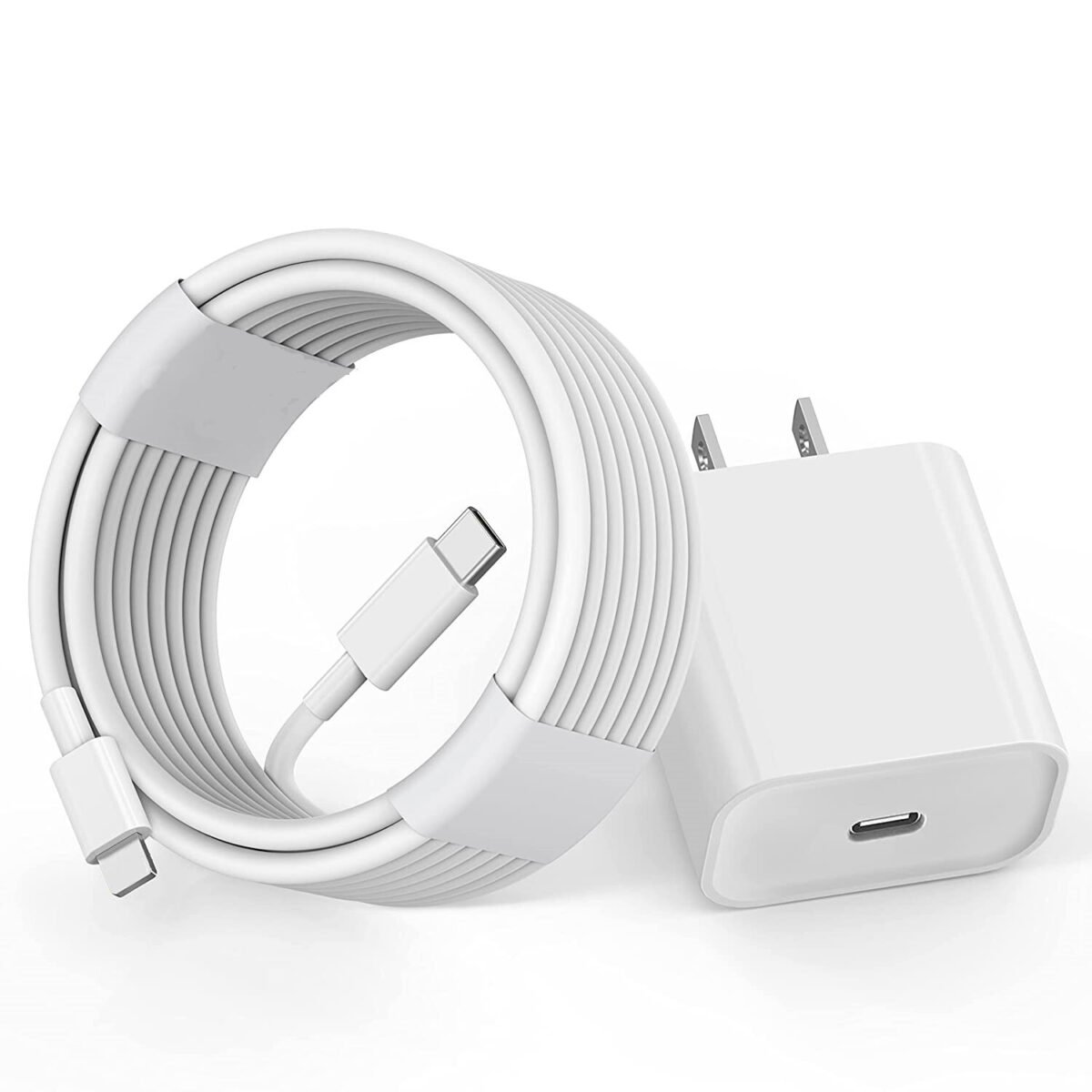
A charger is two parts: the cable and the charging head. The cable carries current to the phone and, in most designs, data as well. The head converts mains AC into the DC the phone accepts and sets the voltage and current the two devices agree on. They are bought together but they fail for different reasons, so they deserve separate checks.
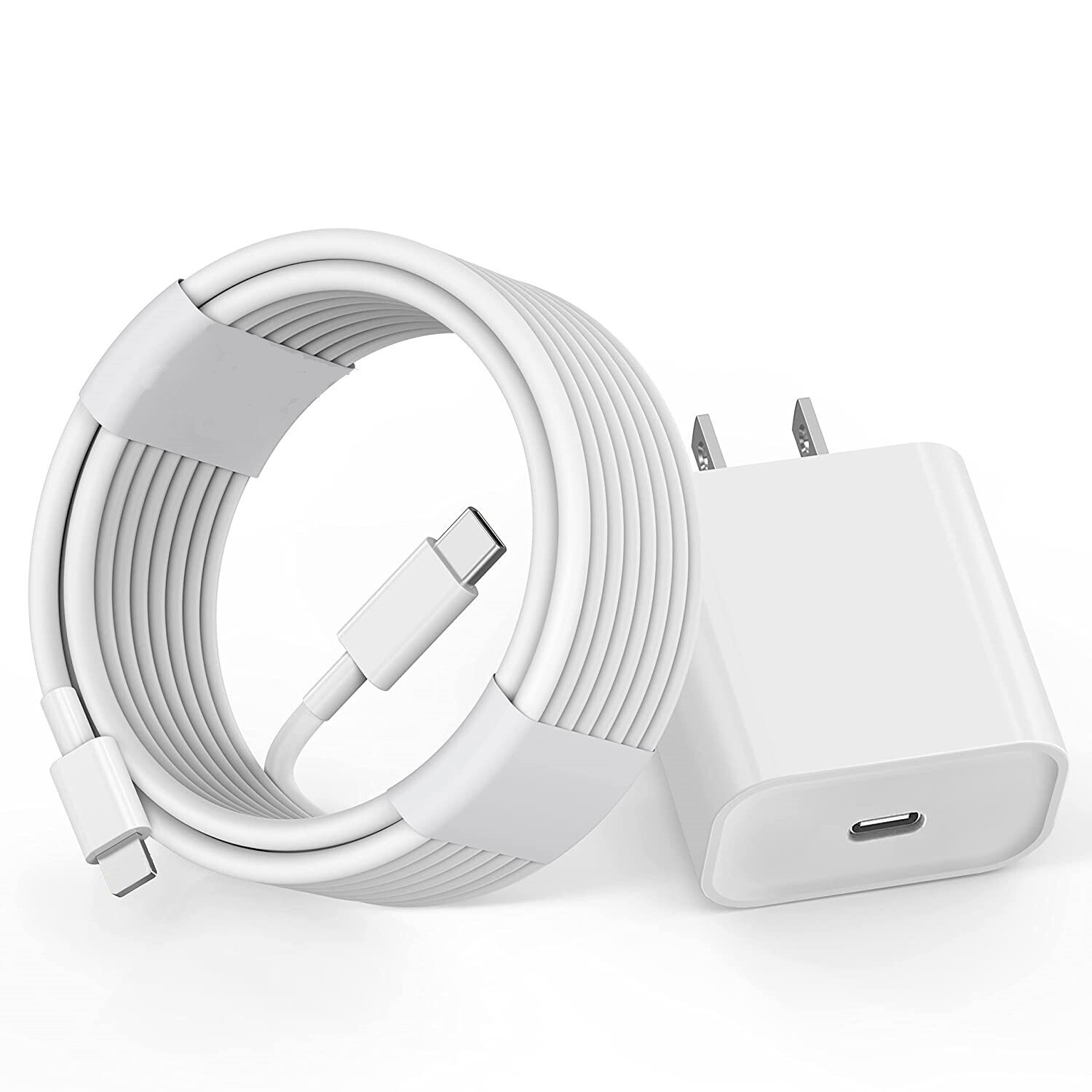
1. The cable: thicker is not the same as better
Many buyers squeeze the cable and assume the thicker one is the better one. Jacket thickness says almost nothing about the copper inside. A cable with a heavy PVC outer layer can still run thin conductors, and the outer layer contributes nothing to current capacity.
What decides a cable's behaviour:
- Conductor count. A minimal charge-only cable carries VBUS and ground, and a USB-C one also needs the CC wire so the two ends can sense each other and agree on current. Adding the D+ and D− pair makes it a USB 2.0 data cable; SuperSpeed cables add more pairs plus shielding. More conductors therefore buy function, not speed.
- Conductor gauge. Charging current runs on VBUS and ground, so their cross-section sets how much current the cable can carry and how much voltage it loses along the way.
- Current rating and E-Marker. A USB-C cable without an E-Marker is limited to 3A. A cable built to carry 5A has to declare it through an E-Marker chip; without one, the device and charger settle at the 3A level even if the copper could take more.
- Length. Resistance rises with length, so a very long cable drops more voltage and runs warmer at the same current.
That is why "how many wires" and "how fast it charges" are not the same question. Conductor count tells you whether the cable can carry data; copper area and the current rating tell you how much power it can move.
2. Judging cable quality without a datasheet
Sellers rarely publish conductor counts, so the practical check is physical.
- Packaging. A serious cable does not need a showy box, but it should not look rough either. Look for a brand name, a model number and the current rating printed somewhere on the pack or the cable.
- Feel. A good jacket is soft and pliable yet returns to shape, with some toughness under the fingers. Stiff, glossy or gummy jackets usually mean cheap compound.
- Do not yank it. Pulling hard to "test" a cable proves nothing. The jacket stretches, the copper inside does not, and a hard pull can break strands that were fine before. Flex the cable gently and check that the conductors are not exposed at either end.
- Connector finish. The plug and the strain relief should be smooth, with no burrs or mould lines sharp enough to catch a finger. A plug that wobbles in the port is a wear problem waiting to happen.
- Branding on the plug. A manufacturer confident in the part usually moulds its mark into the connector shell. It is a small detail, but it is seldom faked on a well-made cable.
A cable that becomes noticeably hot at the plug under load is a warning sign regardless of how it looks.
3. The charging head: why every household has a drawer of them
A new phone arrives with a matched cable and head. The cable takes the wear — it is plugged and unplugged several times a day, bent in a bag, and eventually develops a broken strand near the strain relief. The head mostly sits on a desk and rarely fails. Replace cables, keep heads, and the drawer fills up with 5V/1A and 5V/2A units from phones that are long gone.
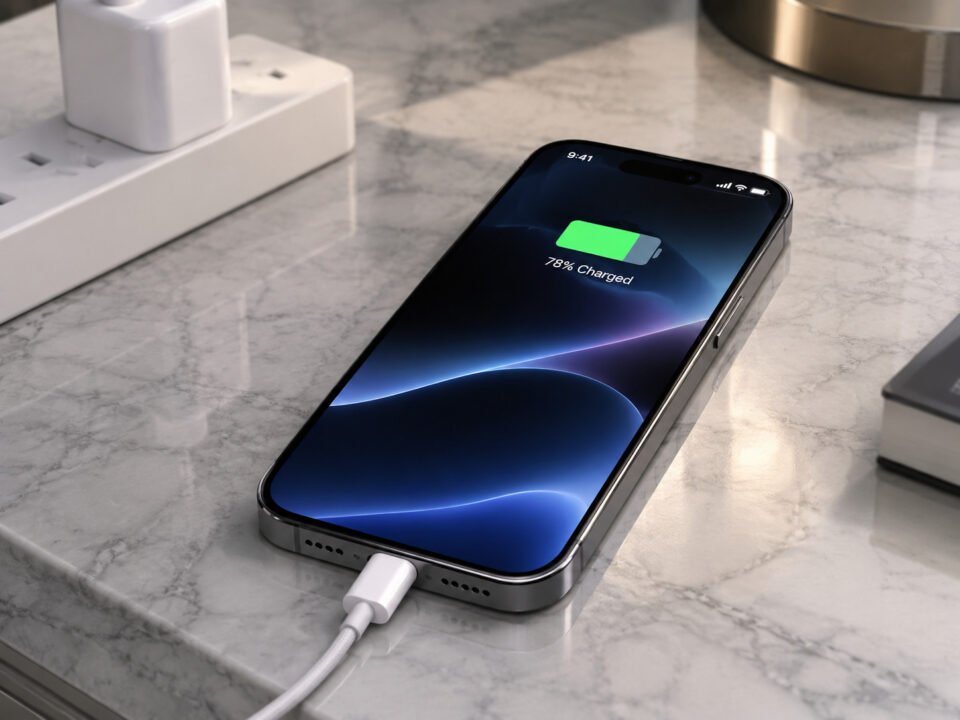
That drawer is also the source of a common complaint: the phone shows the charging icon, yet the battery percentage falls, and an hour later there is almost no gain to show for it.
The usual cause is that the head's output is smaller than what the phone consumes while it is in use. Navigation, gaming, a hotspot and a bright screen can push the draw past 8W; a 5W head has nothing left for the battery, so the net result is a slow drain. The old basket analogy still works: if water pours in more slowly than it leaks out, the basket never fills.
One correction to a common phrasing: a charger is not rated in mAh. Capacity is measured in mAh; a charger is rated in volts and amps, or in watts. A 5V/1A head is a 5W head, and a 5W head is simply too small for a modern phone under load.
4. Choosing the head: three checks that matter
Match the fast-charging protocol. The wattage on the label only reaches the phone if both sides speak the same protocol.
- USB-C Power Delivery is the baseline on current iPhones and most Android flagships, negotiated over the USB-C cable.
- PPS is the PD variant Samsung's 25W and 45W tiers rely on; a PD charger without a PPS range falls back to a lower tier.
- Quick Charge remains common on USB-A chargers and older Snapdragon devices.
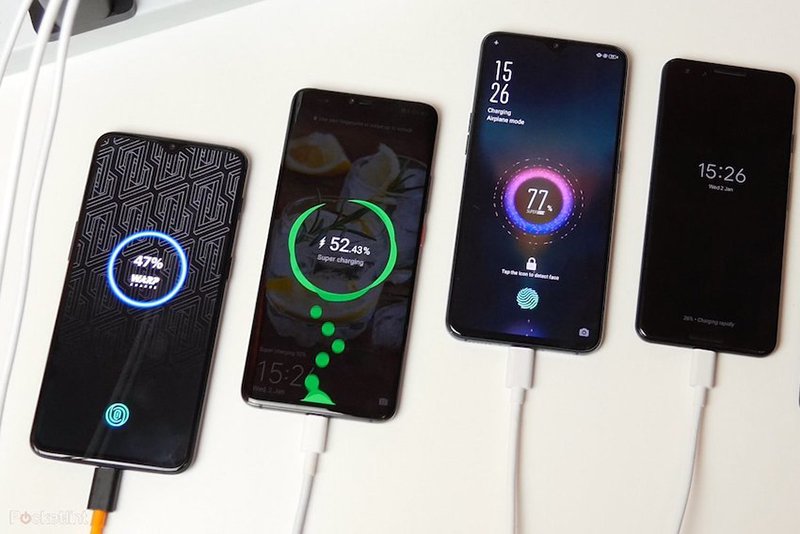
- Proprietary schemes — Huawei SCP, OPPO VOOC/SuperVOOC, vivo FlashCharge — generally need that brand's own charger or a licensed equivalent.
A charger that speaks none of these protocols still charges, but only at the 5V default, which is the slow result most buyers are trying to avoid.
Match or slightly exceed the phone's draw. An iPhone's wired ceiling sits around 20W, a little higher on Pro Max bodies, a Galaxy S-series phone at 25W or 45W depending on the model, and many Chinese flagships at 67W or more. A head below that ceiling becomes the bottleneck; a head above it is not wasted, because the phone simply stops asking for more.
Check the port and the cable class. A modern phone charges over USB-C, so a USB-C head with a C-to-C cable is the default. A USB-A head charges a modern phone only at 5V, or through Quick Charge where the phone supports it, and it cannot carry a PD contract. If the phone pulls more than 3A, the cable needs an E-Marker to match.
Two practical extras: a multi-port head splits its budget rather than adding to it — a 65W dual-port unit may give 45W to one port once a second device is attached — and a safety mark belongs with the test report behind it, not just printed on the box.
5. What this means when buying
For a single phone, choose the protocol first, then a wattage at or just above the phone's ceiling, then a cable rated for the current that head can deliver. For a family or a reseller kit, one multi-port PD head plus two or three USB-C cables rated for the ports they serve replaces the drawer and covers the devices that actually get charged.
WJW builds USB-C PD and GaN chargers in OEM and ODM volumes, and supplies the matching cables in the same order. The protocol the target phone uses, its maximum draw and the order quantity are enough to confirm the wattage, certification and packaging.