

Cargador USB Factory
Explore USB chargers for smartphones, tablets, laptops, portable devices and multi-device charging. Compare charger form factor, output power, USB-A or USB-C ports, fast-charging protocol, plug standard and power-sharing behavior to choose the right charging solution.
Cargadores USB
-
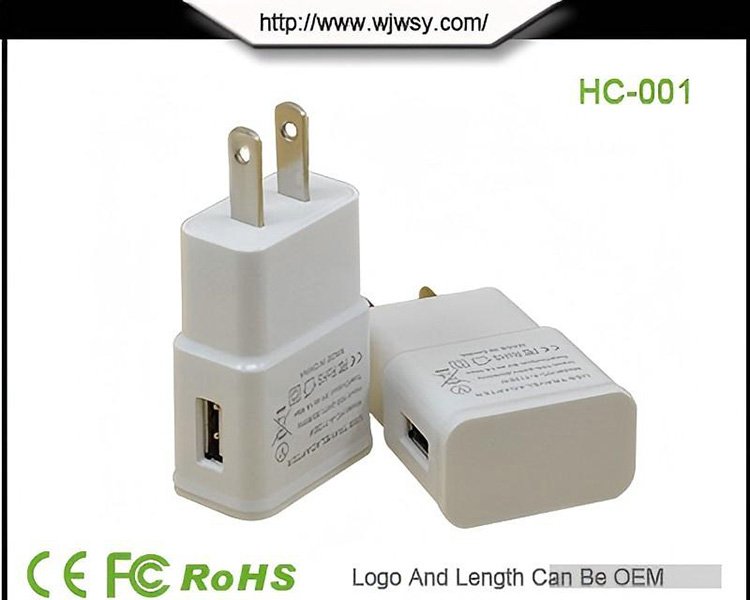 Universal de Viaje Adaptador de corriente – Multi-Cargador de Enchufe con Puertos USB Internacional Convertidor de OEM
 -
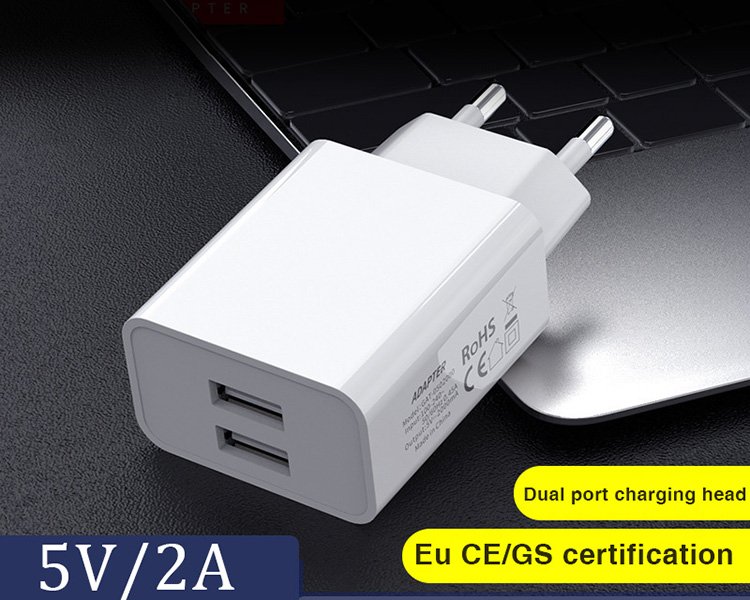 5V 2A de Enchufe de la UE Adaptador de corriente Europeo Cargador Estándar para Tiras de LED/Cámara CCTV de Proveedor OEM
 -
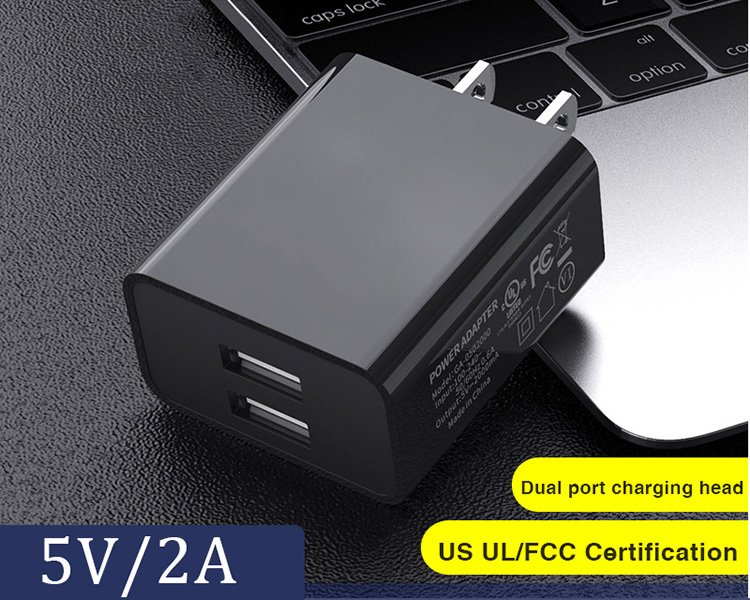 5V 2A NOS Conecte el Adaptador de Alimentación – Americana Estándar Cargador para el Router/Cámara IP/Altavoz Mayorista
 -
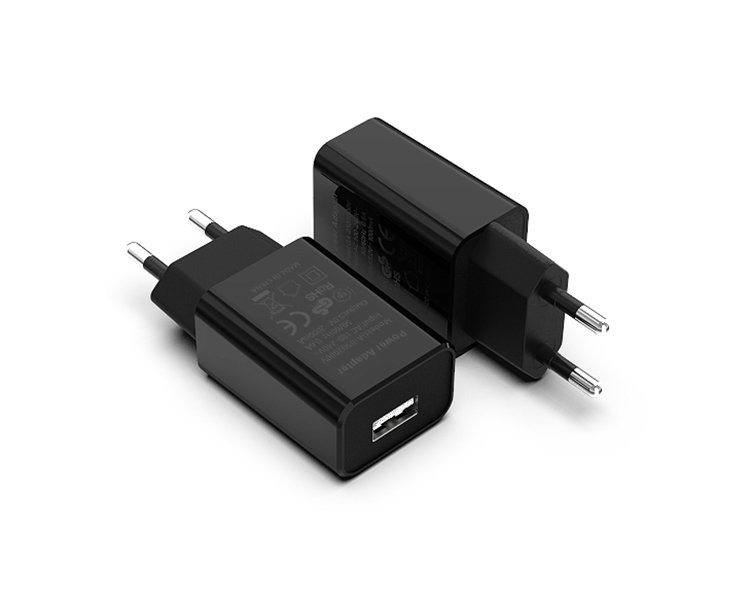 5V 1A Adaptador de Alimentación con Cable – Cargador de Enchufe de la Pared para las Luces LED/Tablet/IP de la Cámara del OEM
Choose the Charger Form Factor First
USB chargers can be grouped by how they are installed and how they are used. Power level, port count and fast-charging technology are separate specifications that can vary within each family.
Cargadores de pared
Compact chargers that plug directly into an AC outlet. Suitable for everyday phone, tablet and portable-device charging.
USB-C Fast Chargers
USB-C charging platforms designed for compatible PD, PPS or other fast-charging device requirements.
Multi-Port & Desktop Chargers
Charging solutions for several devices from one AC source, with total power shared between active output ports.
Cargadores de viaje
Travel-oriented charging products with regional or multi-plug designs for users who need charging across different outlet standards.
Choose Charger Power by Device Requirement
Charger wattage should be matched to the device category and charging protocol. Higher charger wattage does not mean every connected device will draw the full rated power.
Low-Power Charging
Suitable for many accessories, wearables, basic USB devices and lower-power charging applications.
Phones, Tablets & Portable Devices
A common range for fast-charging smartphones, tablets and selected USB-C portable computers.
Laptop Charging
Suitable for compatible USB-C laptops, tablets and higher-power single-device applications.
High-Power & Multi-Device
Higher total power can support demanding USB-C devices or several connected devices from one charger.
Port Type and Charging Protocol Are Different Specifications
USB-A or USB-C describes the physical output port. Charging speed also depends on the protocol, output profile, cable and connected device.
Standard USB Output
Used for conventional USB charging and selected fast-charging protocols, depending on the charger model.
Modern Charging Port
Commonly used for USB Power Delivery and higher-power charging applications.
Mixed-Port Charger
Combines USB-A and USB-C for users who need to charge different generations of devices.
Several Devices
Multiple outputs can charge several devices simultaneously, subject to the charger's total power budget.
Protocolos de tarificación
Protocol compatibility determines which voltage and current profiles can be negotiated with the connected device.
GaN for Compact High-Power Charger Designs
Gallium nitride charger platforms are used in selected higher-power models to support compact charger designs and efficient power conversion.
GaN is a charger technology, not a charging protocol. A GaN charger may also support USB PD, PPS, QC or multiple ports, depending on the individual design.
Smaller Housing
GaN platforms can enable more compact charger designs at selected power levels.
USB-C Applications
Suitable for charger designs serving phones, tablets, laptops and multi-device use.
Protocol Options
Selected GaN chargers can combine USB-C PD with additional fast-charge protocols.
Power Distribution
Higher-power GaN chargers can support several output ports with model-specific power allocation.
Match the Charger to the Destination Market
The AC plug configuration should be selected according to the destination market and the required charger form factor.
US Plug
Type A / compatible North American wall-charger designs.
EU Plug
European-style plug configuration for applicable markets.
UK Plug
Type G configuration for the United Kingdom and compatible markets.
AU Plug
Type I configuration for Australia and compatible markets.
Travel / Universal
Multi-plug or interchangeable travel-oriented charging configuration.
USB Charger Parameters
Do not select a charger only by wattage. Port type, output profile, protocol support and simultaneous charging behavior all affect real-world compatibility.
Universal-input designs are available on applicable charger models. Confirm the exact model specification.
Single-port and mixed-port charger configurations are available.
Select according to device requirement, port configuration and protocol.
Protocol support varies by charger model and target device.
Port count affects simultaneous charging and power allocation.
Technology choice influences charger structure, size and thermal design.
Choose according to destination market and installation requirements.
Selected designs include over-current, over-voltage, over-temperature and short-circuit protection.
Compare USB Charger Solutions
Compare charger families by how they are used, how power is delivered and how many devices they need to support.
| CHARGER | FUERZA | PORTS & PROTOCOL | DESIGN | APPLICATION | |||
|---|---|---|---|---|---|---|---|
| Charger Type | Typical Power Focus | Power Behavior | Configuración Del Puerto | Charging Function | Factor de forma | Key Selection Point | Uso típico |
| Standard Wall Charger | Low to medium power | Dedicated output | USB-A or USB-C | Standard / model-specific fast charge | Direct wall plug | Size + plug standard | Phones / Accessories / Bundled Devices |
| USB-C PD Fast Charger | Medium to high power | Negotiated power | USB-C | PD / PPS options | Compact wall charger | Power profile + cable | Smartphones / Tablets / Laptops |
| Multi-Port Charger | Shared total power | Dynamic allocation | USB-C / USB-A combinations | Multi-device charging | Wall or desktop | Per-port power distribution | Office / Home / Multi-Device |
| Desktop Charger | Medium to high total power | Shared across ports | Multiple outputs | PD / USB charging options | Desktop station | Total power + device count | Workstation / Commercial Counter |
| Travel Charger | Model dependent | Single / multi-device | USB-A / USB-C options | Charging / fast-charge options | Multi-plug / interchangeable | Destination plug compatibility | Travel / International Use |
Power ranges and protocol support depend on the individual charger model. For multi-port chargers, the total rated output may be divided between active ports, so per-port power can change when several devices are connected.
Choose a Charger by the Devices You Need to Power
The most useful charger specification depends on the connected device, required charging speed and number of devices that need power at the same time.
teléfonos inteligentes
Compact wall chargers and USB-C fast chargers for compatible smartphone charging.
Focus: PD / PPS / output wattagetabletas
Higher-output USB-C chargers for compatible tablets and portable productivity devices.
Focus: USB-C + suitable power profileUSB-C Laptops
Higher-power USB-C PD charging solutions for compatible notebook computers.
Focus: charger + cable + device capabilityWearables & Accessories
Lower-power USB charging for watches, earbuds, speakers and other accessories.
Focus: stable compatible USB outputEstaciones de trabajo multidispositivo
Multi-port chargers for phones, tablets, laptops and accessories sharing one AC outlet.
Focus: total wattage + port allocationViajar
Compact or multi-plug chargers for charging devices across different outlet standards.
Focus: AC plug + portabilityHow to Choose a USB Charger
Define the device requirement first, then match power, ports, protocol and AC plug configuration.
Device Type
Identify whether you are charging a phone, tablet, laptop or accessory.
Power Requirement
Confirm the charger wattage and output profile required by the device.
Tipo De Puerto
Choose USB-A, USB-C or a mixed-port configuration.
Protocolo
Confirm whether the device requires PD, PPS, QC or standard charging.
Device Count
For multi-port charging, check total power and simultaneous port allocation.
Target Market
Choose the correct US, EU, UK, AU or travel plug configuration.
USB Charger Selection Questions
Practical answers about choosing USB charger ports, regional plug configurations and multi-port power for different devices.
01 Should I choose a USB-A, USB-C or mixed-port charger?
Choose the output-port configuration according to the devices and charging cables your customers actually use.
- USB-A: Suitable for many existing USB charging cables, accessories and legacy devices.
- USB-C: Often preferred for modern phones, tablets and compatible laptops, particularly when USB PD charging is required.
- Mixed-port: Useful when customers need to charge both newer USB-C devices and equipment using USB-A charging cables.
Port shape does not independently determine charging speed. Confirm the supported charging protocols and output ratings for the exact model.
02 Which USB charger plug type should I choose for my market?
Select the AC plug according to the country where the charger will be used or sold. Common configurations include:
- US: North American plug configurations for applicable outlets.
- EU: European-style plugs, with the exact format chosen for the destination countries.
- UK: Type G plug configuration for compatible UK outlets.
- AU: Type I plug configuration for Australia and compatible markets.
Also verify the charger's rated AC input range, plug construction, electrical safety requirements and any applicable local regulations.
A charger with a wide AC input range does not automatically have the correct physical plug or regulatory approval for every market.
03 How do I choose a multi-port charger for a laptop and phone?
Start with the charging requirements of both devices and check how the charger distributes power when several output ports are occupied.
For example, if a laptop is intended to receive approximately 65W and a phone approximately 20W at the same time, choose a charger whose published simultaneous-output configuration can support those requirements.
Do not rely only on the advertised total wattage. A charger rated at 100W may offer different power combinations depending on which ports are used.
Check USB PD or other required charging protocols, per-port output ratings and cable current capability. Certain higher-current USB-C arrangements also require appropriately rated cables.
Need Help Selecting a USB Charger?
Tell us the target device, required output power, USB-A or USB-C port configuration, charging protocol, number of devices and destination plug standard. We can help match the application to a suitable charger configuration.