

AC/DC Power Adapter vs USB Charger: What’s the Difference?
COMPARISON · AC/DC ADAPTER / USB CHARGER
AC/DC Power Adapter vs USB Charger: What's the Difference?
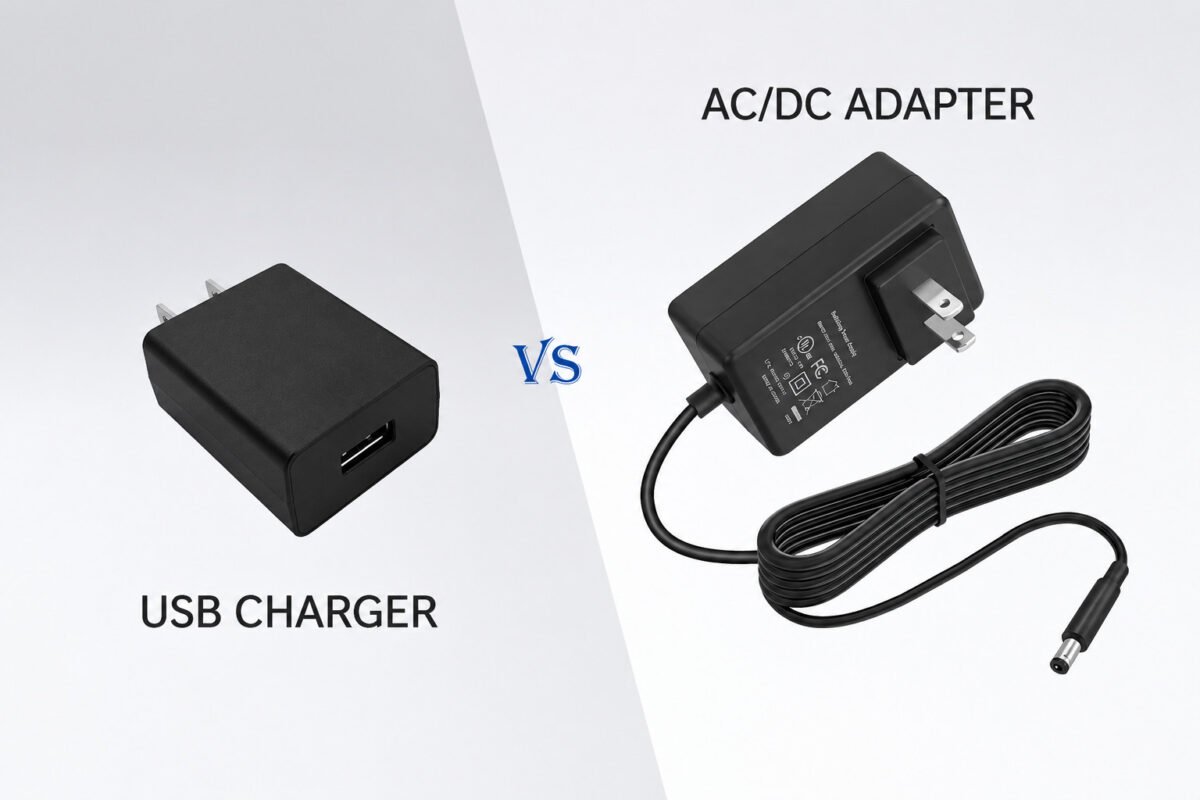
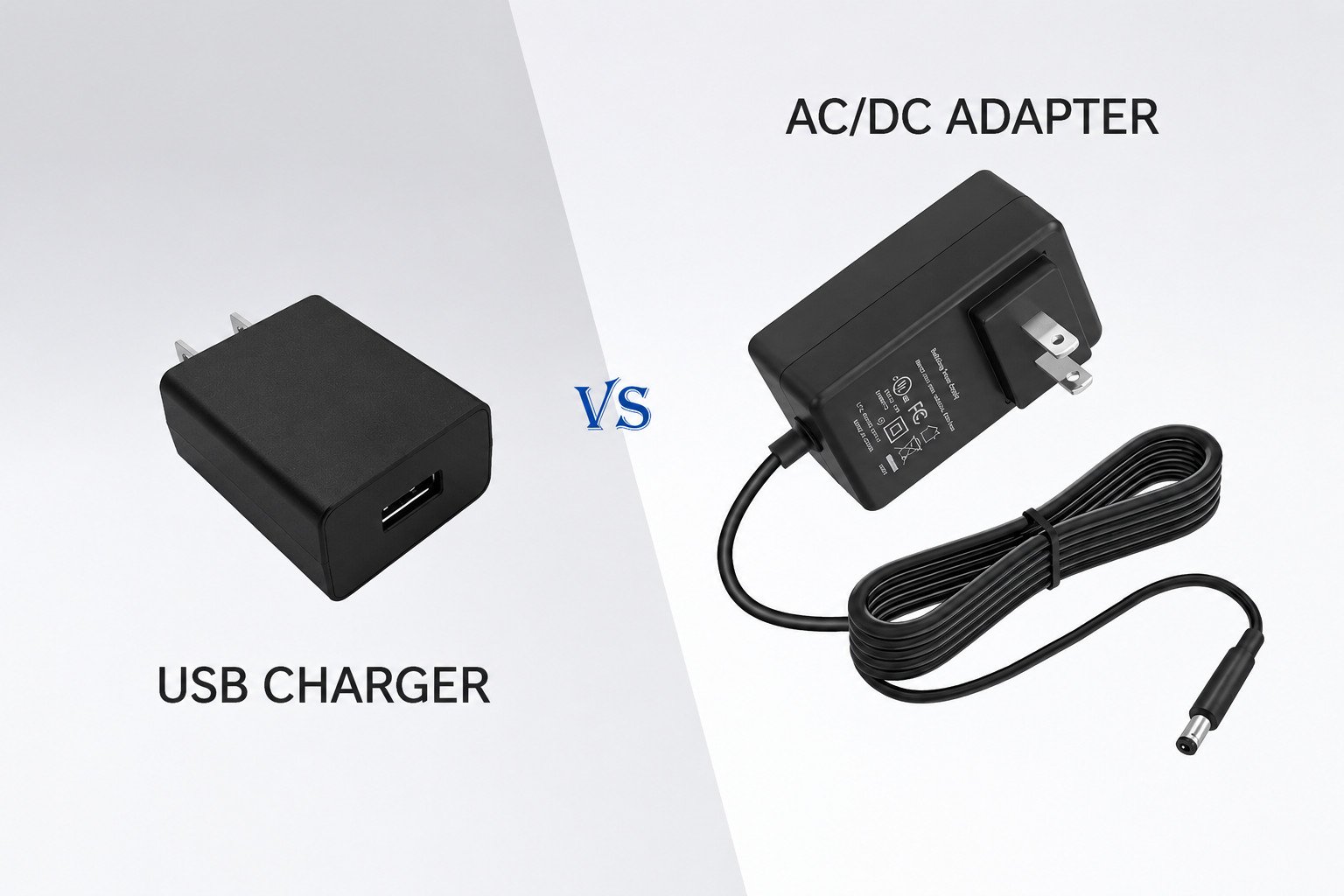
The two objects look similar, plug into the same wall, and often carry the same black plastic shell. One is an AC/DC power adapter, the other is a USB charger, and the difference decides whether a device works, charges slowly, or fails outright.
The confusion is understandable. Retail listings use the words interchangeably, and a USB-C phone charger is, electrically, a power supply with extra control logic inside. The distinction sits in what happens after the voltage is converted.
This guide separates the two by function, shows how to read the nameplate on an adapter, and covers the matching rules that determine whether a replacement unit is safe.
1. Key Takeaways
- An AC/DC power adapter converts 100–240V AC into a fixed DC output, and it holds that voltage steady across its rated load range.
- A USB charger adds a USB port and a control link, so the device can request the voltage it needs instead of accepting a fixed one.
- Replacing an adapter comes down to four numbers: voltage, current, polarity, and connector size, in that order of importance.
2. What Is an AC/DC Power Adapter?
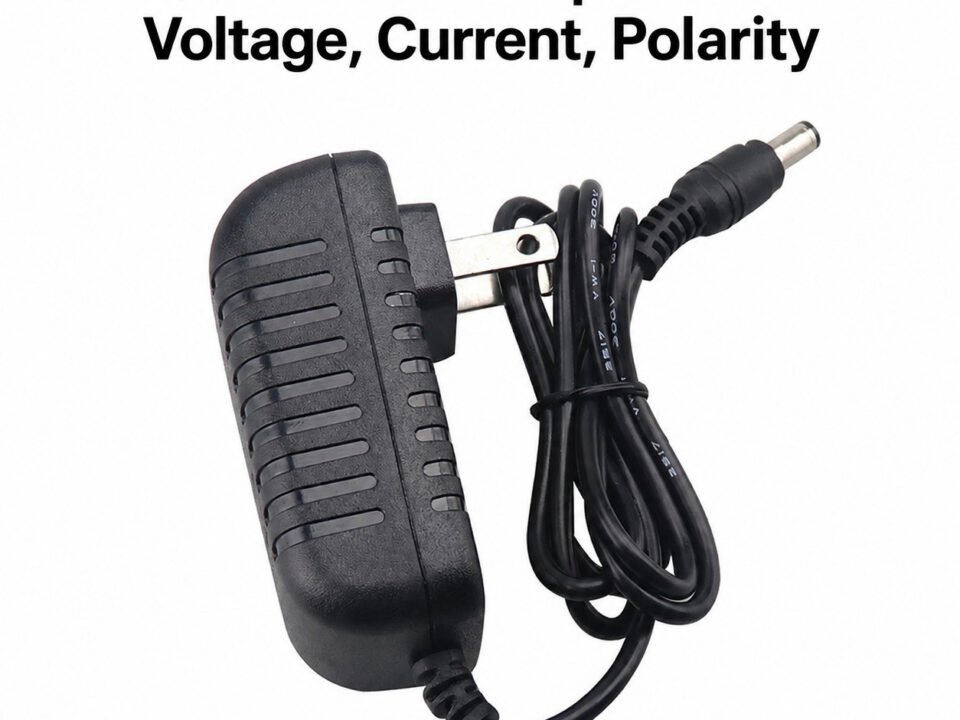
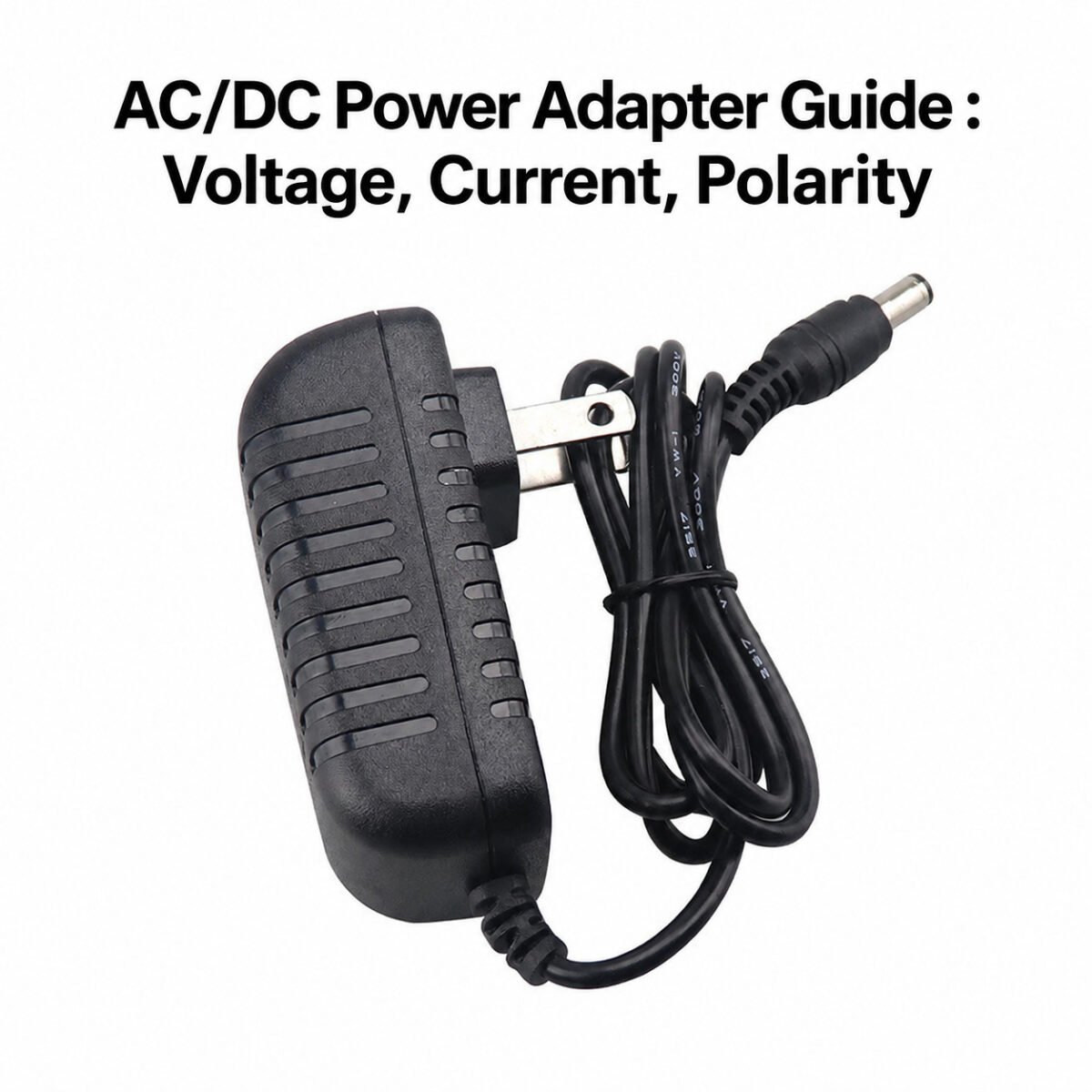
An AC/DC power adapter is an external power supply that takes mains AC and produces a regulated DC output. The nameplate states the result directly: 12V at 2A, 19V at 3.42A, or 24V at 2.5A. There is no wattage negotiation and no data channel, because the output connector is usually a two-conductor barrel jack with nothing to negotiate over.
The job is to hold one voltage steady while the current varies with whatever the device draws. A router rated at 12V 1A will pull 1A from a 12V 3A adapter when it needs it and less when it idles, and the adapter's output stays at 12V throughout.
These units power routers, switches, set-top boxes, LED strip lighting, point-of-sale terminals, cameras, audio gear, and industrial controllers. In most of those devices the adapter is not charging anything; it is simply replacing the internal power supply that would otherwise sit inside the enclosure.
2.1 The Stages Inside
A conventional adapter steps the mains voltage down through a transformer, rectifies the AC into pulsating DC, smooths it with capacitors, and regulates the result to a fixed output.
Most modern units are switching adapters rather than linear ones. They rectify the mains first, chop the result at a high frequency, and pass it through a much smaller transformer before regulating the output. Switching designs reach 85% to 90% efficiency in a body that fits in a hand, while a linear adapter of the same output is heavier, larger, and less efficient but electrically quieter.
3. What Makes a USB Charger Different?
A USB charger is a power supply with two additions: a USB port, and a control link that lets the device ask for a different voltage before power flows.
3.1 A USB Charger Follows a Charging Profile
Lithium-ion cells cannot be fed a fixed voltage from empty. The charging circuit applies a constant current until the cell reaches about 4.2V, then holds that voltage while the current tapers, and stops when the current falls below a set threshold. In a phone or a laptop, that circuit sits inside the device, and the USB charger's part is to hold the requested voltage and supply the current.
That sequence is the constant-current, constant-voltage profile, and it exists to protect the cell. An AC/DC adapter has no equivalent, because it cannot receive or follow a request.
3.2 A USB Charger Negotiates
A USB-C Power Delivery charger publishes a list of voltage and current pairs, and the device picks one. The charger adjusts its output to the agreed pair, which is how a single brick can serve a phone at 9V and a laptop at 20V.
An AC/DC adapter with a barrel jack has no such conversation. Its output is fixed before the device is connected, and the device has to accept what it is given.
4. AC/DC Adapter vs USB Charger at a Glance
| Property | AC/DC power adapter | USB charger |
|---|---|---|
| Output | Fixed DC voltage | Variable, set by negotiation or profile |
| Current control | Limited for protection only | Set by the device's charging circuit |
| Communication | None | USB PD, PPS, or a proprietary protocol |
| Connector | Barrel jack or terminal leads | USB-C or USB-A port, with the cable chosen separately |
| Typical load | Router, LED strip, POS terminal | Phone, tablet, laptop, power bank |
| Nameplate | Voltage and current | Wattage, plus protocol support |
The table also explains the practical difference in behavior. Plug a phone into a USB charger and the phone decides the voltage. Plug a router into an adapter and the adapter decides, which is why the adapter has to match the router exactly.
5. Can an AC/DC Adapter Charge a Device?
Often yes, with conditions. Most battery-powered devices contain their own charging circuit, so a matching adapter simply supplies the DC input that circuit expects, and the charging logic inside the device does the rest.
The exceptions matter. A bare lithium cell or a battery pack without a protection board should never be connected to a fixed-voltage adapter, because a constant-voltage source will keep feeding it after it is full, and the result ranges from a swollen cell to a fire.
A device that expects a charging protocol is a milder case. It will usually refuse to charge rather than fail, and a laptop or phone built around USB Power Delivery will fall back to a default 5V input at a low current even when the connector fits. No setting on the adapter changes either outcome.
6. How to Match an Adapter to a Device
Replacement adapters fail for predictable reasons, and five checks cover almost all of them. The order matters, because a mistake in the first two can damage the device before the rest are considered.
6.1 Match the Voltage
The output voltage has to match the device's rating. A 12V router needs 12V, and a 19V laptop needs 19V. A unit rated a few percent either side is usually tolerated by the device's own regulator, but that tolerance is a safety margin rather than an invitation to substitute.
Overvoltage is the damaging direction. Feeding 19V into a 12V device can destroy its regulator within seconds, and the adapter will not stop it, because a constant-voltage supply holds its output no matter what the load does.
6.2 Meet or Exceed the Current
The adapter's current rating has to be at least what the device draws. A device rated 12V 2A needs an adapter marked 2A or higher, and a 3A unit is a perfectly good substitute: the device takes the current it needs, and the adapter's extra capacity simply means it runs cooler.
Underrating is the failure mode. A 1A adapter on a device that wants 2A runs at its limit, its output voltage sags, and the device may reset or the adapter may shut down on over-temperature protection.
6.3 Get the Polarity and Connector Right
Most barrel jacks are center-positive, marked on the adapter with a symbol showing the inner contact connected to the plus sign. Center-negative units exist, mainly in older audio equipment, and connecting the wrong polarity can destroy the device because reverse-polarity protection is not universal.
The barrel also has to fit. Outer diameter and inner pin diameter both matter, and a plug that is loose or too tight makes intermittent contact that heats the joint. Where the original adapter is gone, the device's manual or the silkscreen next to the jack usually states both the voltage and the connector size.

6.4 Check the Input Range
An adapter marked 100–240V at 50/60Hz works on any mains supply in that range, which is what makes one stock unit usable across markets. A 120V-only unit plugged into a 230V outlet will fail immediately, and the label is the only warning before it does.
6.5 Look for Efficiency and Safety Marks
Efficiency is regulated for external power supplies. The US Department of Energy's Level VI mark and the EU's ecodesign requirements both set minimum efficiency at several load points, and a compliant unit runs cooler at part load.
Safety marks deserve a check as well. A recognized mark such as UL or ETL confirms testing by a nationally recognized laboratory, and CE indicates that the manufacturer has declared conformity with the applicable EU directives. Class II construction, shown by the double-square symbol, means the adapter relies on double insulation instead of a safety earth, which is the norm for two-pin wall units.
7. Common Mistakes
The most expensive mistake is matching by connector size alone. Two barrels can look identical and carry 12V and 19V respectively, and the device will not warn anyone before it fails.
The second is assuming a higher current rating pushes more current into a device. It does not. A constant-voltage adapter supplies what the load asks for, so a 5A unit on a 1A device delivers 1A.
The third is using a laptop power supply on networking gear because the plug fits. A 19V adapter on a 12V router is a common way to destroy a router.
The fourth is expecting an adapter to fast-charge. Without a protocol there is nothing to negotiate, and the device will accept a default input or refuse to charge at all.
The fifth is ignoring heat. An adapter that runs hot to the touch is either undersized, poorly ventilated, or failing, and in all three cases the fix is to stop using it rather than to keep going.
8. Conclusion
The difference between an AC/DC power adapter and a USB charger is control. An adapter converts mains power to a fixed DC voltage and holds it there. A USB charger adds a USB port and a negotiation layer, so the device can request the voltage it needs and its own charging circuit can run the right profile.
That is why the two are matched to devices in different ways. A USB charger is chosen by protocol and wattage, because the device will negotiate what it can use. An adapter is chosen by voltage, current, polarity, and connector size, because nothing negotiates on its behalf.
For anyone replacing an adapter, the nameplate is the specification. Reading the four values before buying takes a minute, and it is the difference between a unit that works for years and one that ends a device on first contact.
Volume buyers have a second set of questions beyond a single replacement: fixed cable or interchangeable tips, desktop or wall-mount case, Class II or Class I, and which safety marks the destination market requires. Those choices are usually settled at the specification stage, before a sample is built.
A supplier that publishes the full electrical and mechanical specification, and can show the test reports behind the marks, removes most of the risk from that process. Samples that match the production unit matter more than a catalog photo, particularly where the connector and cable length are custom.