

iPhone 17 Charging Cable: What You Need to Know
iPhone 17 Charging Cable: What You Need to Know
Choosing the right charging cable for the iPhone 17 is about more than finding a USB-C connector. Cable specifications, charging power, data-transfer capabilities, and build quality all affect how well a cable performs.
A USB-C to USB-C cable that supports USB Power Delivery (PD) is the practical choice for wired charging. However, the standard iPhone 17 and the Pro models have different data-transfer capabilities, so the right cable also depends on how you plan to use your phone.
Below, we explain the cable types, wireless charging options, data speeds, charger compatibility, and what to look for in a durable iPhone 17 charging cable.

What type of charging cable does the new iPhone 17 use?
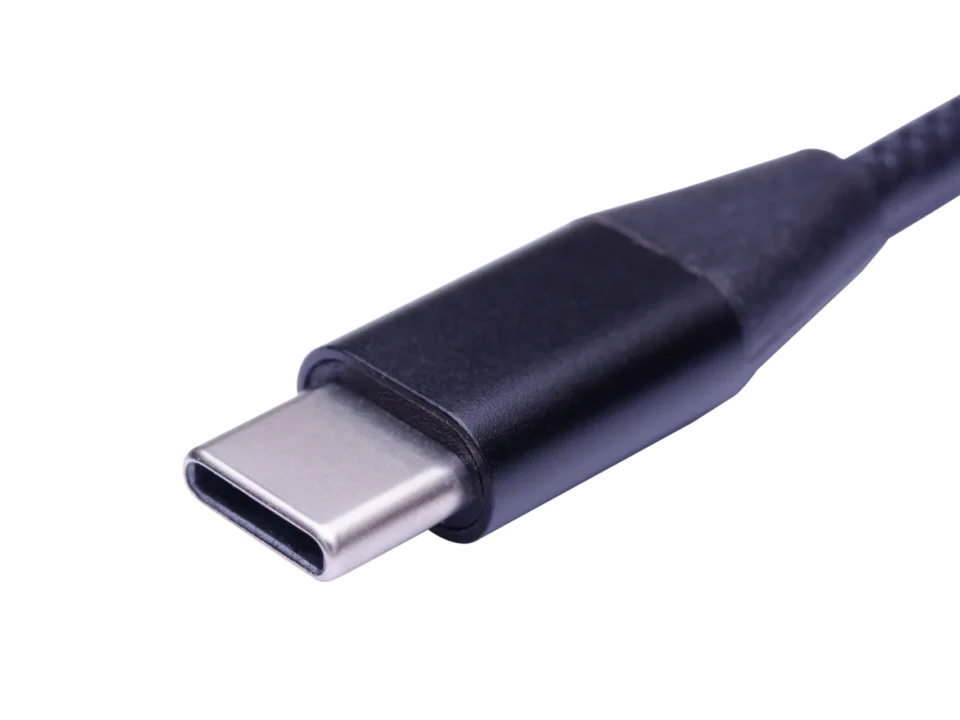
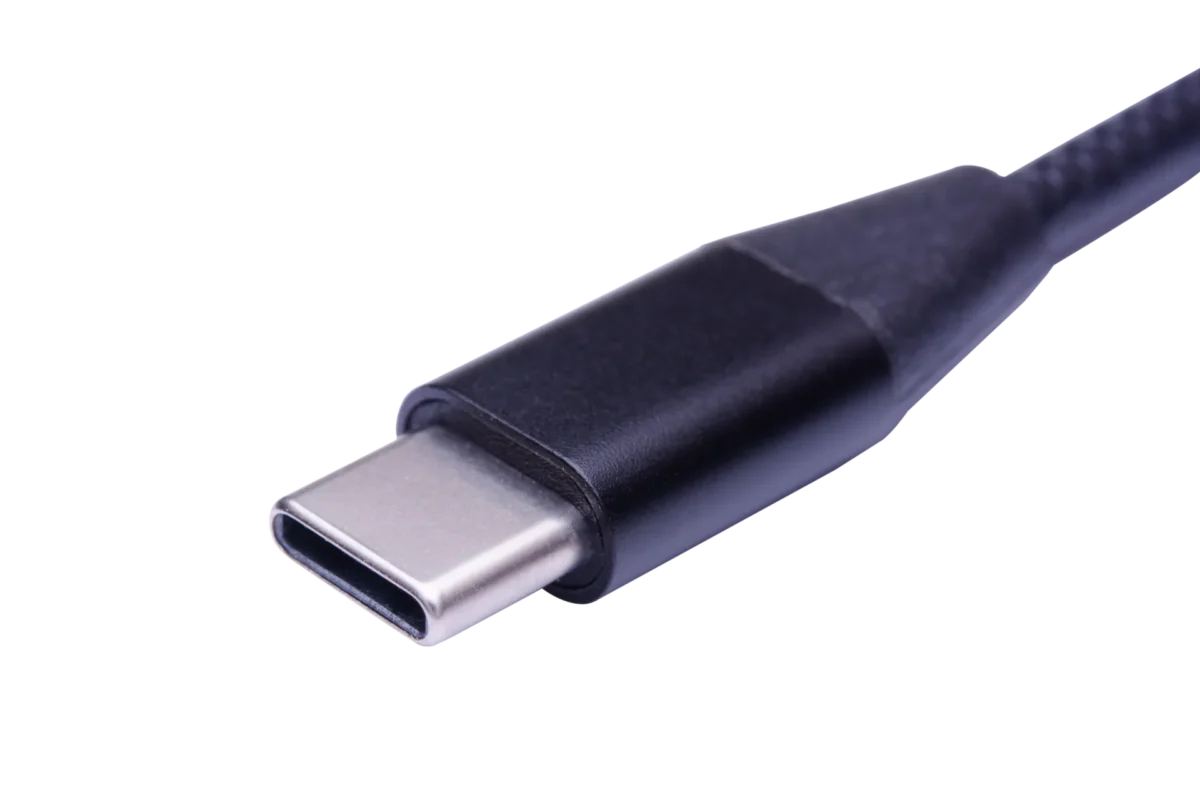
The iPhone 17 series uses a USB-C connector for wired charging. A USB-C to USB-C cable is the standard choice for connecting the phone to a compatible USB-C power adapter.
The included USB-C charging cable can be used for everyday charging. For replacement or additional cables, check the cable's charging and data specifications rather than relying on the connector type alone.
Why USB-C matters
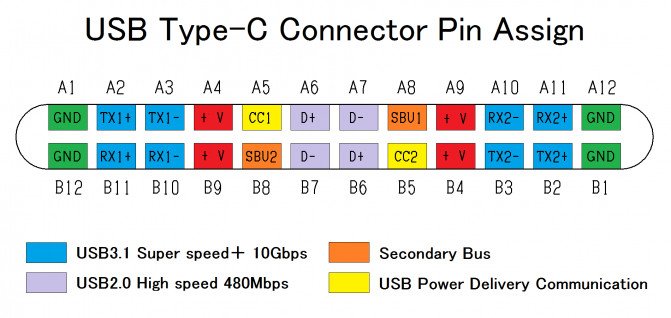
USB-C is a reversible connector used across smartphones, tablets, laptops, and chargers.
A USB-C to USB-C cable allows the phone and charger to communicate through USB Power Delivery (PD). They negotiate an appropriate voltage and current according to the device's charging requirements.
Its main advantages include:
- Reversible connector design.
- Compatibility with USB Power Delivery charging.
- Support for different USB data-transfer standards.
- Broad compatibility with modern electronic devices.
- Availability of cables with different power and data specifications.
However, USB-C describes the connector shape, not the complete performance of the cable. Two cables with identical connectors may support different charging power and data-transfer speeds.
Cable versions vs. real-world iPhone needs
USB-C cables are available with different data specifications, including USB 2.0, USB 3.x, USB4, and Thunderbolt.
These standards mainly determine data-transfer capabilities. Charging power is a separate specification.
For charging alone, a suitable 3A USB-C cable rated for up to 60W is sufficient for the iPhone 17 series. A higher data-transfer rating is not necessary unless you also need faster file transfers with a compatible device.
Quick comparison
| Cable Type | Maximum Data Rate | Typical Power Capability |
|---|---|---|
| USB-C (USB 2.0) | 480 Mbps | Up to 60W with a suitable 3A cable |
| USB-C (USB 3.x) | 5–20 Gbps, depending on version | Depends on cable rating |
| USB4 | 20–40 Gbps, depending on version | Depends on cable rating |
| Thunderbolt 4/5 | 40–80 Gbps | Depends on cable rating |
The standard iPhone 17 supports USB 2 data transfer at up to 480 Mbps. The iPhone 17 Pro and Pro Max support USB 3 data transfer at up to 10 Gbps.
In short, a well-made USB-C to USB-C PD cable is sufficient for everyday charging. There is no need to pay extra for a Thunderbolt cable just to charge a phone. If faster file transfers are also important, choose a compatible USB 3 cable for the Pro models.
Is the iPhone 17 compatible with wireless charging pads?
Yes. The iPhone 17 series supports wireless charging through compatible MagSafe and Qi2 charging accessories.
The iPhone 17 supports up to 25W MagSafe and up to 25W Qi2 wireless charging. Actual charging performance depends on the charging accessory and power adapter.
Wired vs. wireless: what to expect
- Speed: Wired USB-C charging supports fast charging with a compatible 40W or higher power adapter. Wireless charging offers convenience, with performance depending on the charging pad and power source.
- Heat: Wireless charging can generate additional heat during power transfer. Proper alignment and suitable charging accessories help maintain normal operation.
- Use case: Wireless charging is convenient for desks and bedside tables. Wired charging is a practical choice for travel and when a direct charging connection is preferred.
What to look for in a wireless charging pad
- Qi2 or MagSafe compatibility: Choose a charging pad that explicitly supports the required charging standard and power level.
- Magnetic alignment: Proper alignment helps position the phone correctly over the charging coils.
- Charger input: Check the pad's recommended USB-C power adapter requirements. A charging pad's maximum advertised output does not mean every adapter can provide that output.
Quick charging pairings
| Scenario | Suitable Option | Why |
|---|---|---|
| Desk charging | Compatible MagSafe or Qi2 pad | Convenient for regular top-ups |
| Bedside charging | Compatible wireless charging pad | Easy to position and use |
| Travel | USB-C cable and compatible PD charger | Direct wired charging |
| Fast wired charging | USB-C cable and 40W or higher adapter | Meets Apple's stated fast-charging power requirement |
Wireless charging is useful for convenience, while a USB-C cable remains an important accessory for wired charging and data transfer.
Does the iPhone 17 charging cable support fast data transfer?
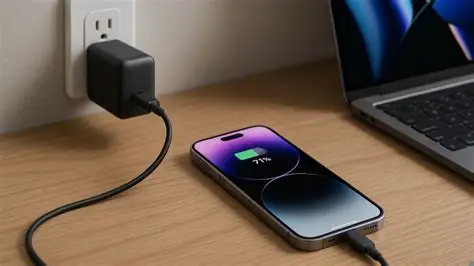
Data transfer is another factor to consider when choosing an iPhone 17 cable.
A standard USB-C 2.0 cable can charge the phone normally, but a higher-speed cable may be useful when transferring large files with a compatible iPhone model.
Charging speed and data speed are different
Charging speed depends on USB Power Delivery negotiation, charger output, cable current rating, and the phone's charging requirements.
Data-transfer speed depends on the USB data standard supported by both the cable and the device's port.
The standard iPhone 17 supports USB 2 data transfer at up to 480 Mbps. The iPhone 17 Pro and Pro Max support USB 3 at up to 10 Gbps.
This means that buying a USB4 or Thunderbolt cable will not increase the standard iPhone 17's native USB data-transfer speed.
When higher data rates help
A higher-speed USB-C cable is useful when transferring large video files, photos, and other media between compatible devices.
For the standard iPhone 17, USB 2 is the device-side limitation.
For iPhone 17 Pro and Pro Max, a compatible USB 3 cable can help take advantage of the higher data-transfer capability.
Simple decision map
| Need | Cable Choice | Notes |
|---|---|---|
| Daily charging and light file transfers | USB-C 2.0 PD cable | Suitable for everyday use |
| Large video and photo transfers | USB-C 3 cable | For compatible Pro models |
| Charging only | USB-C PD cable | No need to pay extra for Thunderbolt |
| Connecting compatible high-speed peripherals | USB-C 3 or Thunderbolt | Check device and cable specifications |
A practical approach is to use a reliable USB-C PD cable for daily charging and a compatible USB 3 cable when faster data transfer is needed.
Can I use an iPad or MacBook charger for my iPhone 17?
Yes. A compatible USB-C power adapter designed for an iPad or MacBook can also charge the iPhone 17.
USB Power Delivery allows the charger and phone to negotiate an appropriate output. The charger does not automatically force its maximum rated power into the phone.
Why a higher-wattage charger is safe
A USB PD charger advertises its supported power profiles. The receiving device communicates with the charger and requests an appropriate power configuration.
For example, connecting an iPhone 17 to a 65W USB-C charger does not mean the phone will continuously receive 65W. It draws power according to its own charging requirements.
Apple specifies that iPhone 17, iPhone 17 Pro, and iPhone 17 Pro Max can reach approximately 50% charge in around 20 minutes when used with a 40W adapter or higher under its testing conditions.
For third-party adapters, Apple also specifies recommended output configurations, including AVS profiles, 40W continuous output, and up to 60W maximum output.
Practical wattage guide
| Charger Wattage | Typical Use | Advantages | Considerations |
|---|---|---|---|
| 20W | Basic phone charging | Small and affordable | Below Apple's stated 40W fast-charging requirement |
| 30W | Everyday phone charging | Compact charging option | Below the specified 40W requirement |
| 35W | Phone and accessories | Useful for multiple devices | Check port power distribution |
| 40W | iPhone 17 fast charging | Meets Apple's stated adapter power requirement | Check output specifications |
| 45W | Phone, tablet, and compatible laptop | Additional power capacity | Check port and output configuration |
| 65W | Multiple USB-C devices | Useful for laptop and phone charging | Phone draws only the power it supports |
A higher-wattage charger can be useful when charging several devices, but the iPhone still operates within its own supported charging limits.
How do I choose a durable iPhone 17 cable?

A charging cable is connected, disconnected, bent, and transported repeatedly. Its construction and electrical specifications are therefore important.
Look for suitable strain relief, a durable outer jacket, secure connector molding, a clearly stated current rating, and appropriate quality testing.
What actually makes a cable last
- Strain relief: The flexible section behind the connector should reduce stress during repeated bending.
- Jacket: Braided nylon provides abrasion resistance, while TPE offers flexibility and a softer feel. The right choice depends on the intended application.
- Molding and shells: Consistent connector molding and secure housing help protect internal connections.
- Gauge and current: A suitable 3A cable is sufficient for standard iPhone charging requirements. Higher-power applications may require appropriately designed 5A cables.
- Testing: Bending and electrical test results help evaluate cable reliability when supported by actual quality-control procedures.
My durability scorecard
| Feature | What to Look For | Why It Matters |
|---|---|---|
| Strain relief | Flexible reinforced section | Helps prevent connector-end damage |
| Jacket | Braided nylon or suitable TPE | Resists wear and tangling |
| Connectors | Secure, consistent molding | Protects internal connections |
| Current rating | 3A for standard phone charging | Suitable for iPhone charging requirements |
| Quality testing | Electrical and bending tests | Helps verify product reliability |
Daily habits that add months to a cable
Avoid wrapping cables tightly around chargers or making sharp bends near the connector. Pull the connector housing rather than the wire itself, and keep cables away from excessive heat.
Using a suitable cable length and storing it without heavy objects pressing against it also helps reduce unnecessary wear.
Conclusion
For the iPhone 17, a quality USB-C to USB-C PD cable is a practical choice for everyday wired charging. A suitable 3A cable rated for up to 60W is sufficient for its standard charging requirements.
For fast charging, use a compatible 40W or higher USB-C power adapter that meets Apple's recommended specifications.
For data transfer, remember the difference between models: the standard iPhone 17 supports USB 2 at up to 480 Mbps, while the iPhone 17 Pro and Pro Max support USB 3 at up to 10 Gbps.
The series also supports up to 25W MagSafe and Qi2 wireless charging, providing another convenient charging option.
The right cable depends on whether your priority is everyday charging, faster file transfers, or long-term durability.
FAQ
Does fast charging harm the battery?
Using a compatible charger and cable within the phone's supported specifications is normal. Battery aging is affected by factors such as temperature, charging cycles, and usage conditions.
What cable length is best?
A 1-meter cable is practical for a desk, while a 2-meter cable offers more flexibility for a sofa or bedside setup. Cable quality and electrical specifications should also be considered.
Do I need a 240W cable for my phone?
No. A 240W-rated cable is intended for higher-power applications. A suitable 3A, 60W USB-C cable is sufficient for standard iPhone 17 charging.
Is USB-A to USB-C okay?
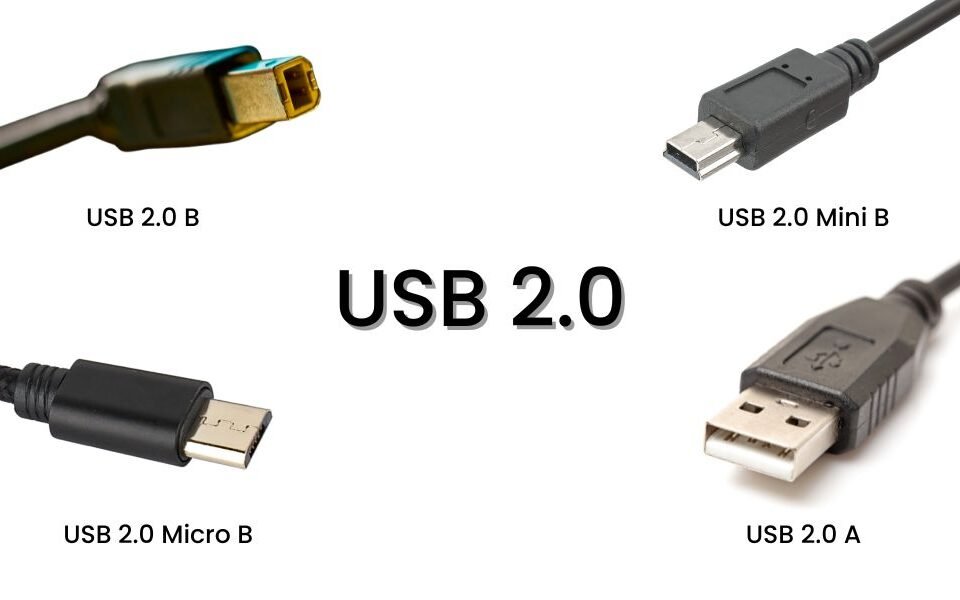
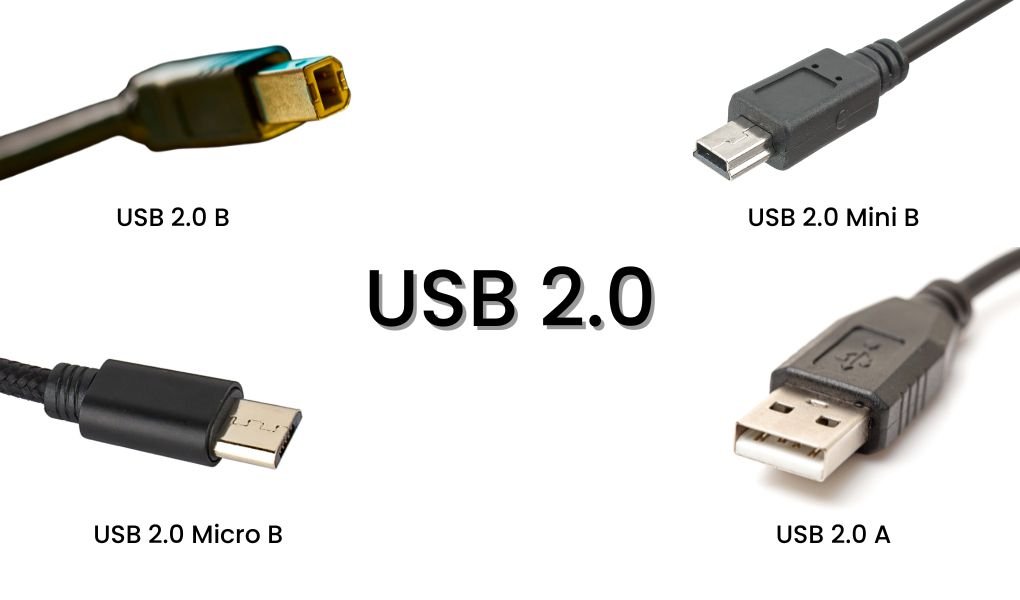
Yes. A USB-A to USB-C cable can charge the iPhone 17 when connected to a compatible USB-A power source. However, it does not provide the same USB Power Delivery charging configuration as a suitable USB-C to USB-C connection.
Should I buy bend-proof or armored cables?
Not necessarily. Check the strain relief, molding quality, outer jacket, electrical specifications, and actual durability testing rather than relying on the term "bend-proof."