


Can an Old Charger Charge the iPhone 18 Pro?
GUIDE · IPHONE 18 PRO CHARGING
Can an Old Charger Charge the iPhone 18 Pro?
A new phone usually arrives without a new adapter, and the drawer of old ones suddenly looks either useful or obsolete. The iPhone 18 Pro makes that question sharper than usual, because the power it can draw sits well above what most older bricks were built to deliver.
If you are coming from an iPhone 14 or earlier, the Lightning cable will not fit at all. If you already moved to USB-C, the plug fits, and whether the charge is fast or slow depends on what the adapter can negotiate.
This guide covers which old gear still works, which does not, and what it takes to reach the phone's peak rate without damaging anything.
1. Can an Old Charger Charge the iPhone 18 Pro?
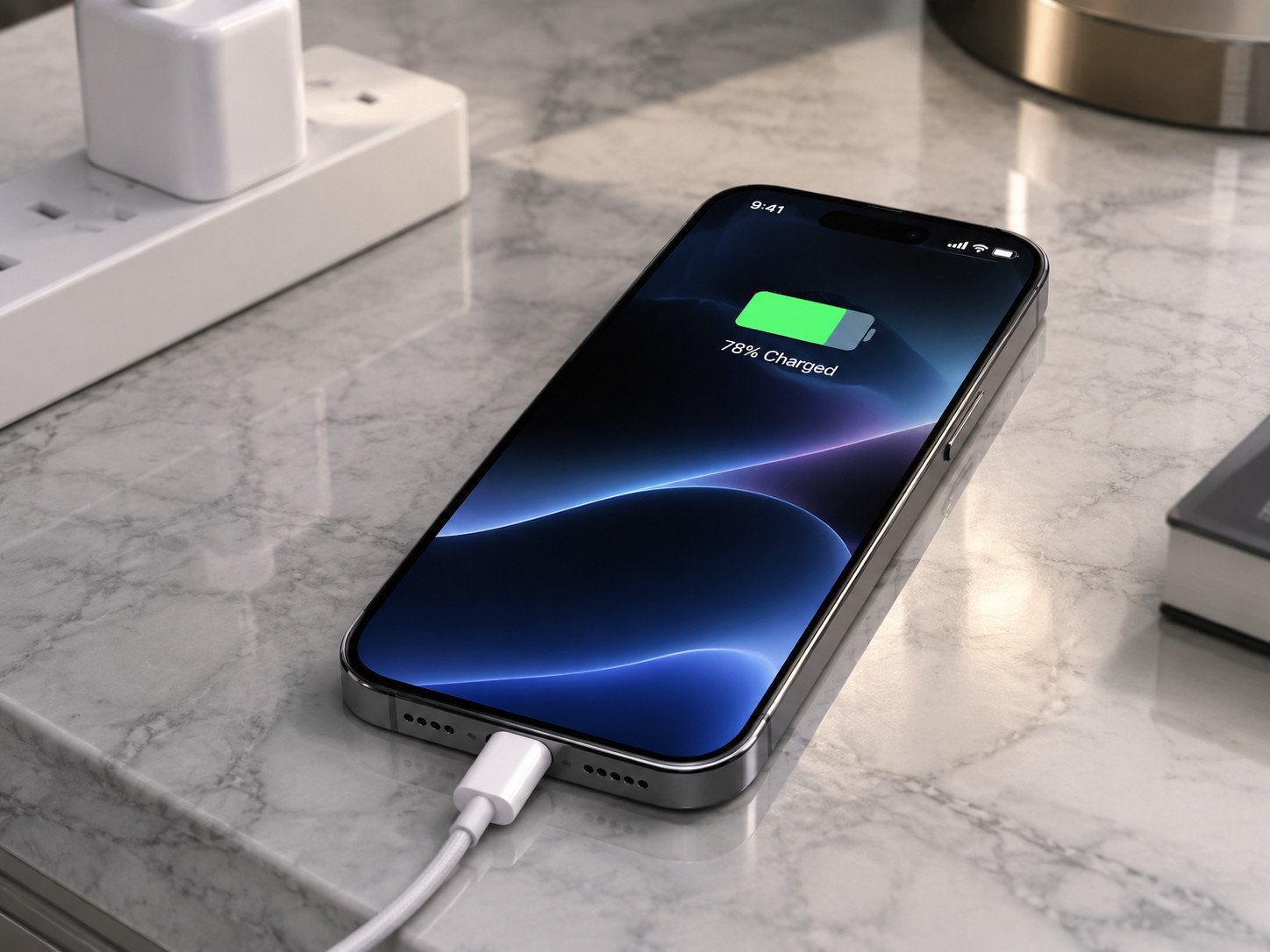
In most cases, yes. An old USB-C Power Delivery adapter will charge the phone safely, and the result depends on three things.
- Connector type: every iPhone from the iPhone 15 onward uses USB-C. A Lightning cable from an iPhone 14 or earlier will not plug in, so that part of the drawer is out of the running.
- Charging standard: the iPhone 18 Pro uses USB Power Delivery with AVS, the adjustable voltage extension that arrived with PD 3.1. Reports put the peak draw at roughly 46W on the Pro and about 52W on the Pro Max, held for around 12 minutes before the phone tapers to protect the battery. That produces a 0–50% charge in roughly 15 minutes, provided the adapter supports the same protocol.
- Charger wattage: reaching that peak takes a 60W or higher adapter with AVS support. A 30W or 45W charger still works reliably and simply charges more slowly in the first phase, which is fine for overnight or desk-side top-ups.
Wireless charging is simpler to reason about. The whole iPhone 18 Pro lineup supports MagSafe and Qi2.2 at up to 25W. A Qi2.2 pad delivers full wireless speed, while a Qi2 pad capped at 15W still charges the phone at the lower rate.
2. Which Old Chargers Still Work
Most households have a mix of adapters from several years of phones, tablets, and laptops. Some combinations work, some work slowly, and some no longer connect at all.
2.1 USB-A Adapter with a Lightning Cable
This is the combination to rule out first. The Lightning plug does not fit the iPhone 18 Pro, so the pair is unusable regardless of wattage.
A USB-A adapter with um cabo USB-A para USB-C will physically connect, but the ceiling is low. A USB-A port has no configuration channel, so the phone sees a default 5V source and Power Delivery never starts. The phone charges, and it charges slowly.
On the cable side, the phone ships with a USB-C to USB-C cable in the box, so nothing needs to be bought to start charging. A spare is worth having for travel, and any 3A-rated cable is enough for the phone's draw. An E-Marker becomes mandatory only above 3A, which is a laptop-class requirement rather than a phone one.
2.2 A 20W to 30W USB-C Adapter
If you owned an iPhone 12 through 14, or a recent iPad, you probably have a USB-C adapter that supports Power Delivery. The 20W brick Apple sold alongside those phones is the common example.
Paired with a USB-C to USB-C cable, these adapters charge the iPhone 18 Pro safely. The peak burst is off the table, but for daily use, including overnight charging and desk charging, the difference is smaller than the spec sheet suggests.
2.3 A 40W or Higher USB-C PD Charger
If you already own a charger for a laptop, a tablet, or a handheld console, it is likely to do better than a phone brick, even without AVS support.
A 45W single-port charger is the smallest step up that makes a noticeable difference. It will not hit the phone's ceiling, and it will still beat a 20W brick in the first half hour.
A 100W multi-port GaN charger is built for a desk with several devices. The phone draws what it asks for and leaves the rest of the budget for a laptop or a tablet, so a higher rating does not push more current into the phone.
A 140W four-port charger covers a laptop, a tablet, and the phone at the same time. On the phone alone it behaves like any other PD supply, and the extra headroom only matters when other ports are busy.
A 45W to 65W charger with AVS support is what unlocks the 0–50% in 15 minutes result. Without AVS, the same adapter still charges safely at its fixed voltage steps; the difference is the burst at the start, not the safety of the charge.

3. Wireless Charger Compatibility
Wireless charging comes down to one question: which standard the pad supports. A Qi2.2 charger delivers up to 25W to the iPhone 18 Pro. A Qi2 charger capped at 15W still works, at a lower rate, and older Qi pads at 7.5W or 5W charge the phone but feel slow in daily use.
If an upgrade is on the table, two shapes cover most situations.
3.1 A 3-in-1 Desktop Stand
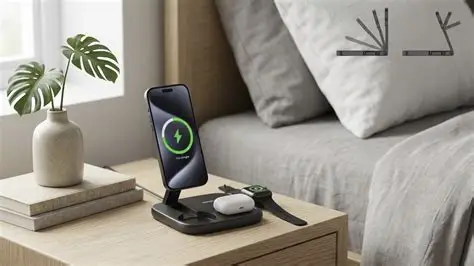
A stand with a magnetic Qi2.2 pad, a second spot for earbuds, and a third for a watch replaces three cables on a desk. The magnet holds the phone in place and keeps the coil aligned, and the stand angle makes the screen usable while the phone charges.
3.2 A Magnetic Power Bank
A magnetic pack rated for Qi2.2 at 25W attaches to the back of the phone and charges without a cable. A 10,000 mAh capacity covers roughly two charges, and a USB-C port on the pack adds wired charging when the phone needs it faster.

4. How to Charge the iPhone 18 Pro Safely
The phone manages its own charging, and a few habits keep that management effective.
- Use compliant accessories. For USB-C gear, the relevant mark is USB-IF compliance. MFi applies to Lightning accessories and does not cover USB-C cables. Unbranded cables can overheat or fail to negotiate properly.
- Keep the phone cool. Heat ages lithium-ion cells faster than any charging pattern. Avoid charging under a pillow, inside a closed case, or in direct sunlight, and unplug for a few minutes if the phone feels hot. Wireless charging runs warmer than wired, which is where active cooling on a pad helps.
- Leave optimized charging on. iOS learns a daily routine and holds the charge at 80% until the phone is needed, which shortens the time the battery spends at its highest voltage.
- Avoid deep discharges. Repeated runs to 0% stress the cell. Staying between roughly 20% and 80% for daily use is gentler without requiring careful management.
- Match the cable to the adapter. Um cabo 3A is enough for the phone, and a 5A EPR cable is only needed when the same cable also feeds a high-wattage laptop.
5. Conclusão
An old charger can charge the iPhone 18 Pro, as long as it is USB-C and supports Power Delivery. The fastest result needs a 60W or higher adapter with AVS, and everything below that still charges safely at a lower rate.
The gear that no longer fits is the Lightning cable, and the gear that fits but performs poorly is the USB-A supply. The first fails at the connector; the second fails at negotiation, because a USB-A port has no configuration channel and Power Delivery never starts.
For a household with several Apple devices, the practical setup is one 60W or higher multi-port charger on the desk and a magnetic pad for the nightstand, which keeps the phone near its peak without a dedicated brick for it.
A supplier that lists AVS support, port sharing behavior, and cable ratings together makes it possible to confirm a charger's real capability before it arrives, rather than after the first charge.