

Everything to Know About USB4
Everything to Know About USB4
The USB Implementers Forum released the USB4 specification on 29 August 2019. The headline was 40 Gbps, eight times the 5 Gbps of the SuperSpeed ports then common on laptops and four times the 10 Gbps of USB 3.2 Gen 2. The bigger change was structural: USB4 stops treating data and video as two arrangements competing for the same wires and carries them as tunnels inside a single link, with power negotiated separately over USB PD.
That shift is why a USB4 port behaves differently from a USB 3.2 port that happens to use the same connector, and why the label alone does not tell you how fast anything will run.
1. USB4 Runs on USB-C Only
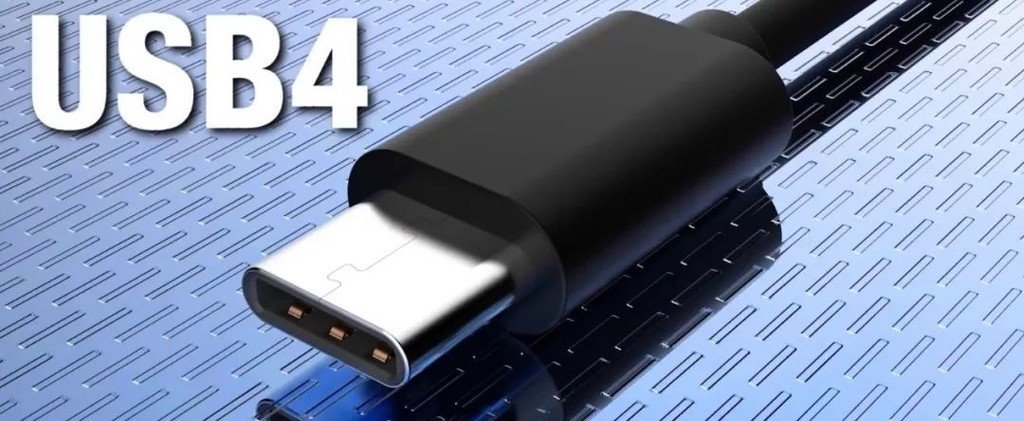
In USB 3.2, the older shapes survived alongside USB-C. USB-A, USB-B and the SuperSpeed Micro-B still carried Gen 1 and Gen 2 traffic, and only Gen 2x2 at 20 Gbps required the new connector. USB4 does not offer that choice: a C-to-C cable is required, because the specification is written around two high-speed pairs running in each direction, and the legacy shapes provide one.
The reason is physical rather than commercial. A USB-A port can therefore never be USB4, however the internals are designed.
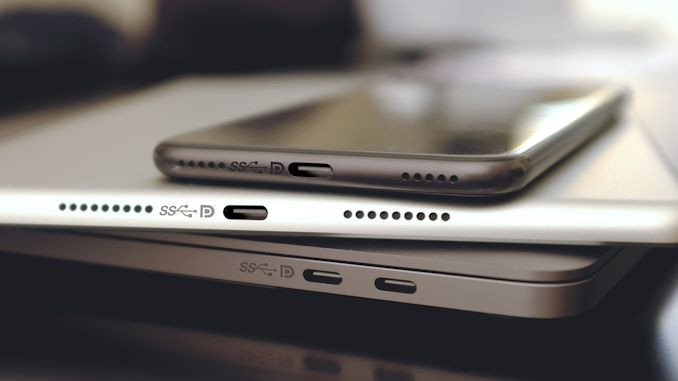
This does not make every USB-C port a USB4 port. The connector is shared with USB 3.2, USB 2.0 and plain charging ports, and the only reliable indication of what sits behind it is the port marking or the manufacturer's specification.
2. Data Rates: 10, 20, 40, 80 and 120 Gbps
USB4 Version 1.0 defines three rates, each one a speed per lane multiplied by how many lanes are used. Version 2.0 added two more at the top:
| Rate | Lane configuration | Uso tipico |
|---|---|---|
| 10 Gbps | Gen 2 x1, one lane | Devices and hubs only; no USB4 host runs this slow |
| 20 Gbps | Gen 2 x2, two lanes | The minimum a Version 1.0 host must provide |
| 40 Gbps | Gen 3 x2, two lanes at a higher signaling rate | Docks, RAID enclosures, high-end storage |
| 80 Gbps | Gen 4 x2 (Version 2.0) | High-end docks and external SSDs |
| 120 Gbps | Gen 4 x2, asymmetric (Version 2.0) | Video-heavy loads; one direction gains, the other drops |
Not every port and not every device reaches the top of that table. A Version 1.0 host must support at least 20 Gbps, while 40 Gbps was optional. A Version 2.0 host starts at 80 Gbps, and the 120 Gbps figure is not a symmetric rate — it is a mode that takes bandwidth from the return direction, which suits a display feed far better than a file copy. Devices can be slower again, and a 10 Gbps SSD enclosure on a 40 Gbps port moves files at 10 Gbps.
The practical consequence for buyers is that "USB4" on a product page describes a ceiling, not a measurement. The rate that matters is the one printed for that specific model, and the cable in between has to be rated for it as well.
3. Video and Data Share the Link Differently
Under DisplayPort Alt Mode, a USB-C port splits its four high-speed lanes between video and data in fixed ways. Two lanes for video leaves two for USB 3.2 data, an even split. Four lanes for video gives the display the whole link, and USB 3.x data stops entirely, with only USB 2.0 left running.
USB4 replaces that choice with allocation by need. DisplayPort is carried as a tunnel, and the bandwidth the display does not use stays available for the USB and PCIe tunnels running over the same link. A monitor that needs about 15 Gbps of a 40 Gbps link leaves the remaining 25 Gbps for a storage transfer, instead of forcing the drive down to whatever the fixed split left over.
Two limits are worth knowing. The split is set when the link comes up and renegotiated when a display is plugged in or removed, not rebalanced every second during a transfer. And the total is still shared: a dock driving two high-resolution displays leaves less for everything else, however the remainder is assigned.
4. Backward Compatibility
USB4 is backward compatible with USB 3.2 and USB 2.0. Older drives, keyboards, card readers and phones work on a USB4 port, and the port falls back to the rate the device supports.
The tunnels make this cleaner than older transitions. A USB 3.2 Gen 2 drive on a USB4 port runs at 10 Gbps through USB 3.2 tunneling rather than dropping to a legacy mode, and a USB 2.0 device runs at 480 Mbps. What changes is the ceiling, not the behavior of the device.
5. Thunderbolt 3 Compatibility
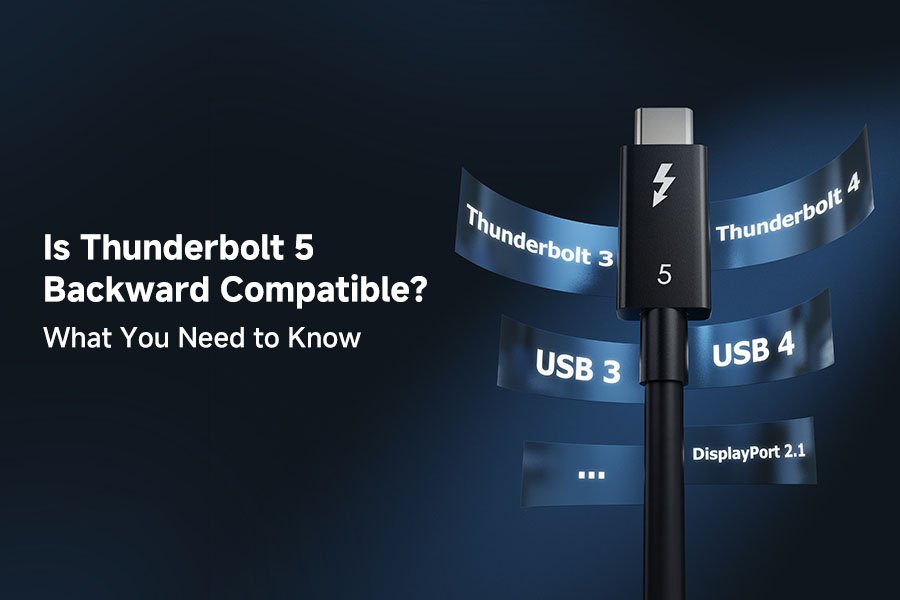
USB4 is built on the Thunderbolt 3 protocol that Intel contributed to the specification, which is why the two share so much. A Thunderbolt 3 device works on a USB4 host, and Thunderbolt 3 docks, storage and displays stop being exclusive to Intel-based machines. AMD laptops and desktops with USB4 can drive them as well.
Two clarifications on claims that circulate with this feature:
- USB4 is not faster because it accepts Thunderbolt 3 hardware. The 40 Gbps comes from the protocol design; Thunderbolt 3 devices simply run at their own rates on the same port.
- A USB4 port is not automatically a Thunderbolt-certified port. Compliance with the USB4 specification and Thunderbolt certification are separate tests, so a device described only as USB4 should not be expected to carry the Thunderbolt logo.

6. Cables and Power
Three requirements decide whether a USB4 link actually reaches its rated speed:
- Lunghezza del cavo. Passive copper cables hold 40 Gbps to about 0.8 m. Longer runs need active cables, which are directional and cost considerably more.
- E-Marker. Ogni cable carrying more than 3A has to be electronically marked. A Cavo 3A caps the power contract at 60W regardless of what the charger offers.
- Power Delivery. USB4 requires USB PD for power negotiation, and the original specification tops out at 100W. The 240W ceiling comes from PD 3.1 EPR instead, which is a power-delivery version rather than a data one. USB4 Version 2.0, released in 2022, changed the data side: 80 Gbps, with a 120 Gbps mode for workloads dominated by video.
A cable sold as "USB4" should therefore be read as a claim about data rate first. If the same cable also has to carry 240W, that is a separate rating, printed separately, and it needs the E-Marker to back it up.
7. What This Means for Cable Selection
USB4's contribution is less about the 40 Gbps figure than about the arrangement behind it: one connector, one cable, lanes assigned by what the workload needs. For buyers, the shape of the plug is settled — USB4 is USB-C by definition — so the specifications that matter are the rate, the power rating and the certification printed beside it.
If the data rate is the open question, start from the cable rather than the port. Where power is the constraint, the E-Marker rating decides what the link can carry before the data rate comes into it at all.