

What Is Thunderbolt 5? 80 Gbps, 240W and Certified Cables
What Is Thunderbolt 5? 80 Gbps, 240W and Certified Cables
Thunderbolt has sat at the front of wired data transfer and power delivery for years. Each generation has grown faster and more capable, and the standard now uses the reversible USB-C connector, which is why one port can serve a display, a drive, and a charger at once. USB4 narrowed the gap, but Thunderbolt 3 and Thunderbolt 4 have stayed ahead on the requirements a device has to meet. Thunderbolt 5 extends that position for another generation.
Thunderbolt 5 is the next iteration of the standard, and it draws on advances in USB, DisplayPort, and power delivery at the same time. The result is more bandwidth for data, better support for high resolutions and refresh rates on external monitors, and more power for charging. It also connects to current and future Thunderbolt, USB-C, and DisplayPort displays, including 4K, 5K, 6K, and multiple 8K panels.
What follows covers how the standard works, what changed against Thunderbolt 4, where the bandwidth boost comes from, and what it means in practice for external graphics, video work, and cable selection.
- 1. Introduction to Thunderbolt 5
- 2. Features & Benefits
- 3. Bi-Directional Bandwidth Boost
- 4. Thunderbolt 5 vs. Thunderbolt 4: External Graphics
- 5. Thunderbolt 5 for Video Intensive Usage
- 6. Devices that Support Thunderbolt 5
- 7. Choosing the Right Thunderbolt 5 Cable
- 8. Compatibility with USB-C Devices
- 9. Accelerating Pro Workflows
- 10. Release Date and Availability

1. Introduction to Thunderbolt 5
Thunderbolt 5 is the latest version of the Thunderbolt I/O standard, built to raise what an external port can do for demanding work. It runs over USB-C, delivers substantially more throughput than the previous generation, and supports high-resolution displays, fast external storage, and a broad set of accessories from the same connector. For anyone moving large files or driving several screens, that combination is what makes a single port practical rather than a compromise.
The generation before it set the baseline. Thunderbolt 4 codified most of what Thunderbolt 3 introduced and turned the standard into a guarantee: a certified device performs to a known level, regardless of who built it. Thunderbolt 5 keeps that guarantee and raises the ceiling above it.
The jump is a large one. Bandwidth for data doubles, the PCIe tunnel widens, power for charging rises, and compatibility with earlier Thunderbolt generations and with USB4 is preserved rather than traded away.
None of that required a new connector. Thunderbolt 5 is based on the same USB-C technology as Thunderbolt 3, Thunderbolt 4, and USB4, which is what makes it backward compatible with existing USB-C connections. In practice that lets one port type cover everything, delivering the best performance and feature set when both ends support Thunderbolt 5.
The port is the same; the way data moves through it is not. Earlier generations used non-return-to-zero encoding, where each symbol carries one bit. Thunderbolt 5 uses Pulse Amplitude Modulation with three levels, or PAM-3, which reads three voltage levels per symbol instead of two.
That change is what makes the higher rate reachable without doubling the clock. PAM-3 carries roughly 1.58 bits per symbol, so the link moves more data at a similar signaling rate and stays inside the same USB-C connector. On top of the encoding, Thunderbolt 5 supports USB4 version 2, DisplayPort 2.1 through Alt Mode, and PCIe Gen 4, and that combination is what turns the bandwidth into displays, storage, and charging.
2. Thunderbolt 5: Features & Benefits
Three areas account for most of the generational change: raw data rate, PCIe bandwidth, and power delivery. Together they decide how fast data moves to and from a device, how much resolution and refresh rate a monitor can receive, and how quickly a laptop charges. Video output reaches up to 120 Gbps in the boosted mode, which is what makes high-bandwidth display work practical.
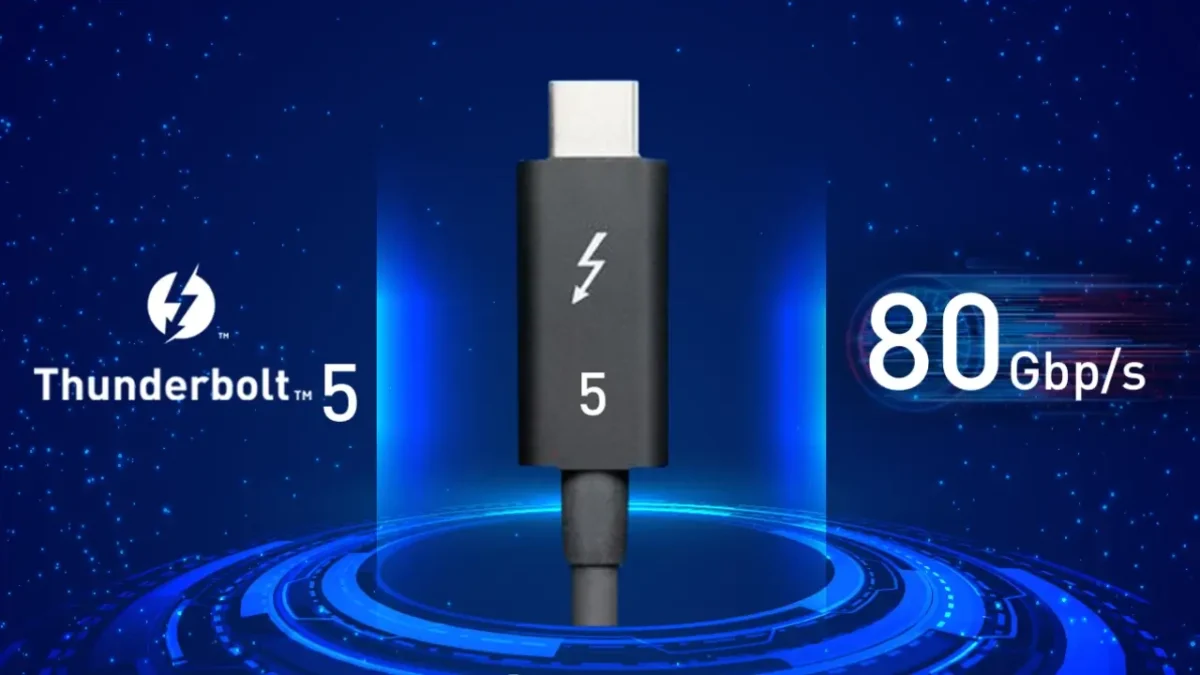
Raw bandwidth sits at 80 Gbps in both directions. For scale, that is roughly 1.7 times the 48 Gbps of an HDMI 2.1 link, and it matches the fastest USB4 configurations, which is what keeps Thunderbolt 5 at the top of the wired options. It also opens the door to a new generation of external SSDs that were previously limited by the interface rather than by the drive.
The increase does not stop at the bidirectional figure. PCIe bandwidth rose as well, and the link can be reallocated to deliver up to 120 Gbps in one direction when a workload is asymmetric, which is almost always the case with video.
3. What is Thunderbolt 5's Bi-Directional Bandwidth Boost?
Bandwidth Boost is the mechanism behind the 120 Gbps figure. It reallocates the link rather than widening it: three of the four data lanes are turned to run in one direction, dedicated to video and audio, while the fourth keeps bidirectional traffic moving.
The practical case is a Thunderbolt 5 laptop connected to a Thunderbolt 5 display. That pairing can use the full 120 Gbps for video and audio, because almost all of the traffic is going one way.
That is more video bandwidth than the most capable DisplayPort 2.1 connection provides on its own. It supports external monitors at very high resolution and refresh rate, including multiple 4K panels, dual 8K panels, and refresh rates up to 540Hz at lower resolutions such as 1080p. Monitors at that refresh rate are only beginning to appear, which makes the standard a specification for the next generation of gaming displays rather than a limit on the current one.
The wider PCIe tunnel may also revive external graphics. Enclosures once gave thin laptops access to desktop-class gaming without streaming, and the category stalled because modern cards output more than Thunderbolt 3 and Thunderbolt 4 could carry. A 64 Gbps tunnel changes that calculation.
What the lane allocation shows is flexibility. The boosted configuration maximizes display capability, and the remaining lane keeps data and power moving, so the port still behaves as the all-in-one connection Thunderbolt is known for rather than splitting into separate cables.

4. Thunderbolt 5 vs. Thunderbolt 4: External Graphics Performance
Thunderbolt 4 and Thunderbolt 5 are closely related standards. Where Thunderbolt 4 codified Thunderbolt 3 and enforced the strictest version of it in every certified device, Thunderbolt 5 moves the specification forward instead of tightening it.
The clearest difference is raw performance. Thunderbolt 4 mandates 40 Gbps bidirectional; Thunderbolt 5 doubles that to 80 Gbps. The boosted 120 Gbps mode has no equivalent on Thunderbolt 4, which stays at 40 Gbps in both directions.
That bandwidth changes what displays a single port can drive. Thunderbolt 4 handles dual 4K panels with limited headroom left for data. Thunderbolt 5 manages three 4K displays at up to 144Hz at the same time while still carrying tens of gigabits of data traffic, and it is rated for dual 8K output and refresh rates up to 540Hz at 1080p. Few monitors reach that refresh rate today, but 500Hz panels are shipping, which is where the standard starts to matter.
The extra bidirectional bandwidth also speeds up external SSDs and graphics cards. That benefits storage directly, and it makes external graphics viable for laptops that were not built with a discrete GPU: a current flagship card in an enclosure can run modern titles at high settings, and the laptop goes back to long battery life once the enclosure is unplugged.
Power delivery rises as well. Thunderbolt 4 tops out at 100 W. Thunderbolt 5 raises that to 240 W, with a mandated minimum of 140W on a compliant host, which is enough to charge most large laptops over the same cable that carries the display signal and the storage traffic. One cable from a dock or a monitor then handles charging, video, audio, and data together.
5. Thunderbolt 5 for Video Intensive Usage
Video work is where the boost mode matters most. Thunderbolt 5 offers up to 120 Gbps for video, drives dual 8K monitors or three 4K displays, and keeps 80 Gbps available in both directions the rest of the time. For video editors, 3D animators, and digital artists, that means 4K and 8K timelines scrub without waiting on storage, and asset access, backup, and render output stop competing with the display for the same bandwidth.
6. Devices that Support Thunderbolt 5
Thunderbolt 5 covers laptops, cables, docks, GPU enclosures, monitors, and accessories built and certified for the standard. Getting the full benefit depends on the whole chain: a certified Thunderbolt 5 cable, a host with a Thunderbolt 5 controller, and a device rated for the same link. A certified dock can carry dual 8K displays and 80 Gbps of bidirectional data, but only when the cable and the host support it as well.
7. Choosing the Right Thunderbolt 5 Cable
Cable choice decides whether the link runs at 80 Gbps or falls back. A certified Thunderbolt 5 cable is tested for the full rate, and passive versions hold it only over short runs; longer runs and the 120 Gbps boosted mode need an active cable. An uncertified or older cable may still work, but it will hold the connection to 40 Gbps, which removes most of the reason to buy the newer hardware.
8. Compatibility with USB-C Devices and Other Technologies
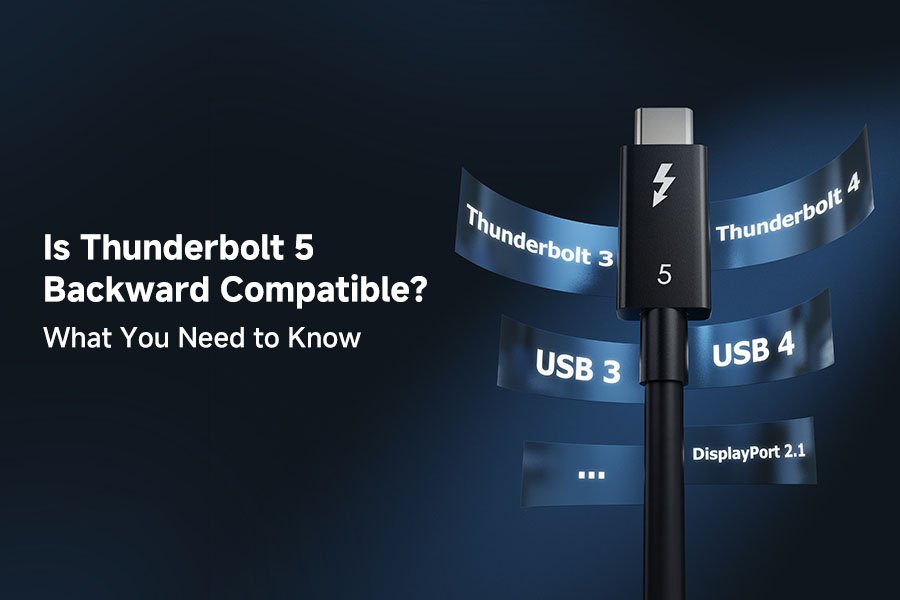
Thunderbolt 5 is effectively USB4 with the optional features turned on, which makes it interchangeable with USB4 ports and USB4 cables. The one rule is that a connection runs at the slowest maximum supported speed, so a Thunderbolt 5 device attached to a USB4 port limited to 20 Gbps operates at 20 Gbps.
That compatibility extends across USB-C generally. It covers USB-C links running at USB 2.0 speeds, USB 3.2 Gen 2, Gen 2x2, and USB4 at its supported rates. Thunderbolt 5 works with any of them, and it delivers its own performance only when both ends and the cable are Thunderbolt 5.
Where Thunderbolt 4 read as a direct competitor to USB4, Thunderbolt 5 separates itself by keeping the features USB4 leaves optional. For the near term, that makes it the premium option among USB-C connections.
Adoption will likely follow the pattern of earlier generations and center on the platforms that certify first, with wider support possible but dependent on those vendors investing in certification. Certification has stayed inside a single chip vendor's program, so extending it to other platforms is a business decision as much as a technical one.
9. Accelerating Pro Workflows with Thunderbolt 5
For professional work, the gain shows up as waiting time removed. Bandwidth Boost reaches 120 Gbps, which lets a workstation manipulate large files across several displays and external devices at once. External SSDs run close to internal speeds, network and remote media access proceed at line rate, and dual 8K or triple 4K layouts stay at full refresh while data moves. For video-heavy work, that is the difference between a desk that keeps up and one that queues.
10. Thunderbolt 5 Release Date and Availability
Thunderbolt 5 was formally announced in September 2023, and hardware followed through 2024 as controllers, docks, and certified cables reached the market. The first wave covered cables and docks, with laptops and high-end monitors arriving alongside them.
Availability now spans external SSDs, docking stations, and displays, so the practical question is no longer whether the standard exists but whether a given machine exposes it. A Thunderbolt 5 port is usually marked on the chassis, and the specification sheet confirms the controller generation.
For anyone buying now, the useful check is the whole chain rather than the port alone: a Thunderbolt 5 host, a certified Thunderbolt 5 cable of the right length and type, and a device rated for the rate you intend to run.
Matching a cable to the link means checking the rated data rate against the tunnel the host will negotiate, and checking the conductor gauge against the current the device will draw.
Passive assemblies cover the short runs where 80 Gbps stays reliable, while active designs carry the bandwidth over the longer runs a desk or a studio rack needs.